How to Zoom on Chrome
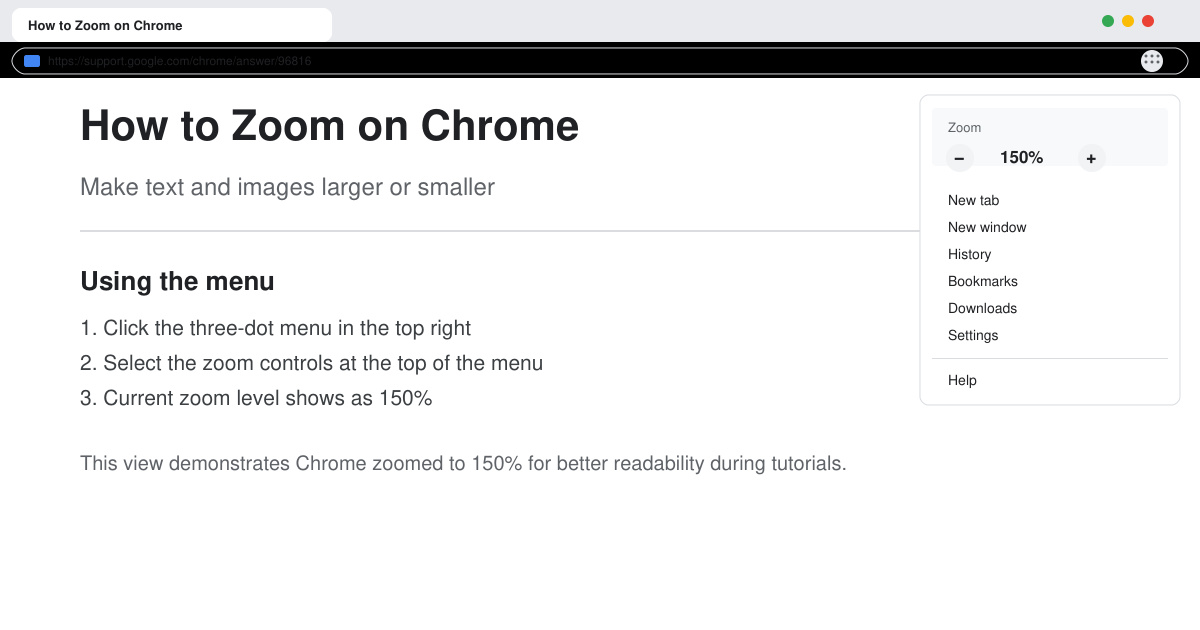
Learn how to zoom on Chrome with keyboard shortcuts, menu options, and touch gestures to improve readability on any webpage in seconds.
AI-generated content is everywhere today. Students use it for assignments. Marketers use it for blogs. Businesses use it for emails and reports. As AI writing tools become more advanced, many people want a reliable way to identify machine-written text. This is where an AI checker comes into the picture.
Many users think an AI checker scans content and instantly knows if a machine wrote it. The actual process is more detailed than that. Let us break it down for you.
An AI checker does not search for hidden labels inside the text. AI models do not leave a watermark in every sentence. Instead, the tool studies writing patterns.
It examines things such as:
Sentence structure
Writing flow
Predictability
Vocabulary usage
Repetition levels
Probability scores
Human writers naturally mix sentence lengths and writing styles. AI systems tend to follow patterns learned from huge amounts of training data. An AI detector compares these patterns and estimates the likelihood that AI generated the content.
One major signal is predictability. Large language models generate text by predicting the next likely word in a sentence. Because of this process, AI content can follow patterns that appear more calculated than natural human writing.
For example, humans may jump between ideas, add personal experiences, or change tone unexpectedly. AI-generated content tends to follow smoother transitions. Modern detection systems measure these differences through statistical analysis.
Many advanced tools use concepts called perplexity and burstiness. Perplexity measures how predictable a piece of writing is. Lower perplexity may suggest AI involvement because machine-generated text frequently follows expected language patterns.
Burstiness measures variation. Human writers naturally alternate between shorter and longer sentences. They also switch pacing throughout an article.
AI systems have improved significantly during the last two years. Still, many detection platforms continue using burstiness analysis because it provides useful clues. Neither metric works alone. Detection platforms combine multiple signals before generating a score.
Many people expect an AI detector to provide 100% accurate results. Current technology cannot guarantee that level of precision.
Several factors affect accuracy:
Edited AI content
Human-written technical documents
Academic writing
Translated content
Collaborative writing
A highly edited article may appear human even if AI helped draft it. Meanwhile, a research paper written by a person can sometimes trigger false positives because of its formal structure.
This explains why reputable detection platforms present probability estimates instead of absolute conclusions.
Many users run content through a paraphrasing tool before publishing. These tools rewrite sentences while preserving the original meaning. Some modifications can reduce detectable AI patterns.
A summarizer can also change content structure by shortening paragraphs and removing supporting details. However, modern detection systems analyze deeper writing characteristics. Simple rewriting no longer guarantees a different result.
Several AI checkers released during 2025 and 2026 introduced advanced language modeling techniques that:
evaluate context
sentence relationships
content consistency
As a result, detection methods continue evolving alongside writing technology.
Many platforms now offer more than detection. Some include a grammar checker that helps improve readability and correct writing mistakes before publication. Others provide plagiarism scanning and content scoring features.
A growing number of productivity platforms combine multiple tools in one dashboard - making content review faster for people.
AI technology extends beyond writing. Many content creators also use tools such as remove background software for product photos, marketing visuals, and social media graphics.
Just as AI checkers analyze text patterns, image-processing tools analyze visual elements to separate subjects from backgrounds automatically. Both technologies rely on machine learning, though they solve very different problems.
An AI checker does far more than scan for robotic phrases. Modern systems analyze writing behavior, statistical patterns, sentence variation, and language predictability.
Detection technology continues advancing every year. At the same time, AI writing systems continue improving.
Because of this ongoing race, the most reliable approach is using AI responsibly, editing content carefully, and focusing on genuine value for readers rather than trying to bypass detection systems.
Learn how to zoom on Chrome with keyboard shortcuts, menu options, and touch gestures to improve readability on any webpage in seconds.
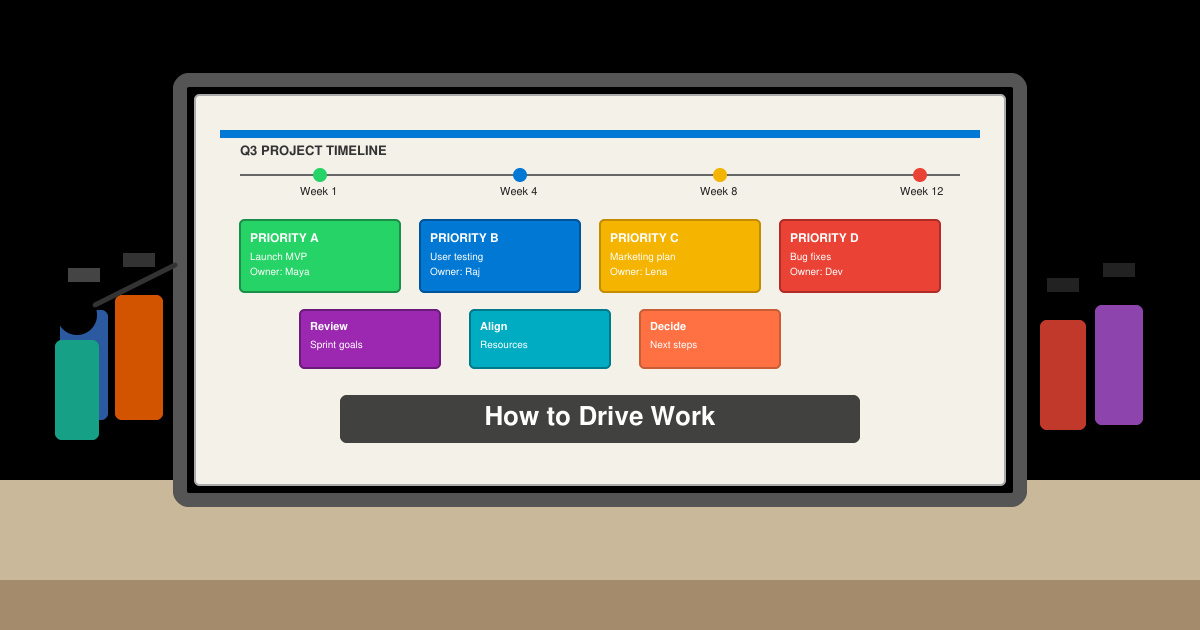
Discover how to drive work with clear processes that keep projects moving and teams aligned. This guide covers practical steps to improve output and reduce delays across any workplace.
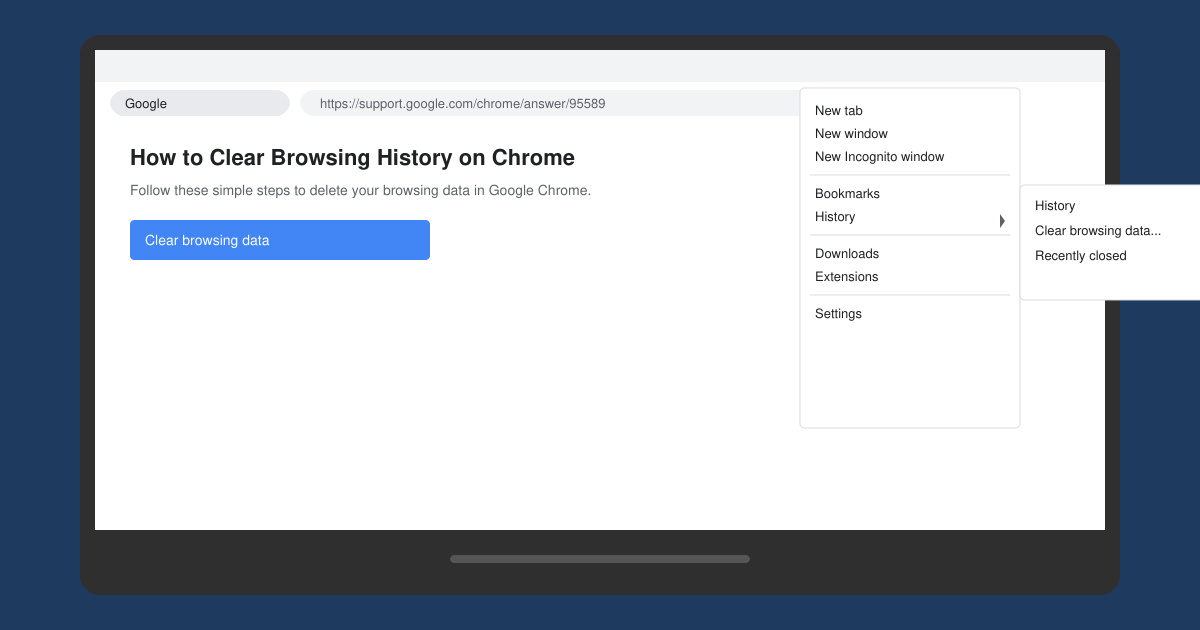
Learn exactly how to clear browsing history on Chrome in under a minute. Follow these precise steps to remove data from your desktop or mobile browser and improve privacy.
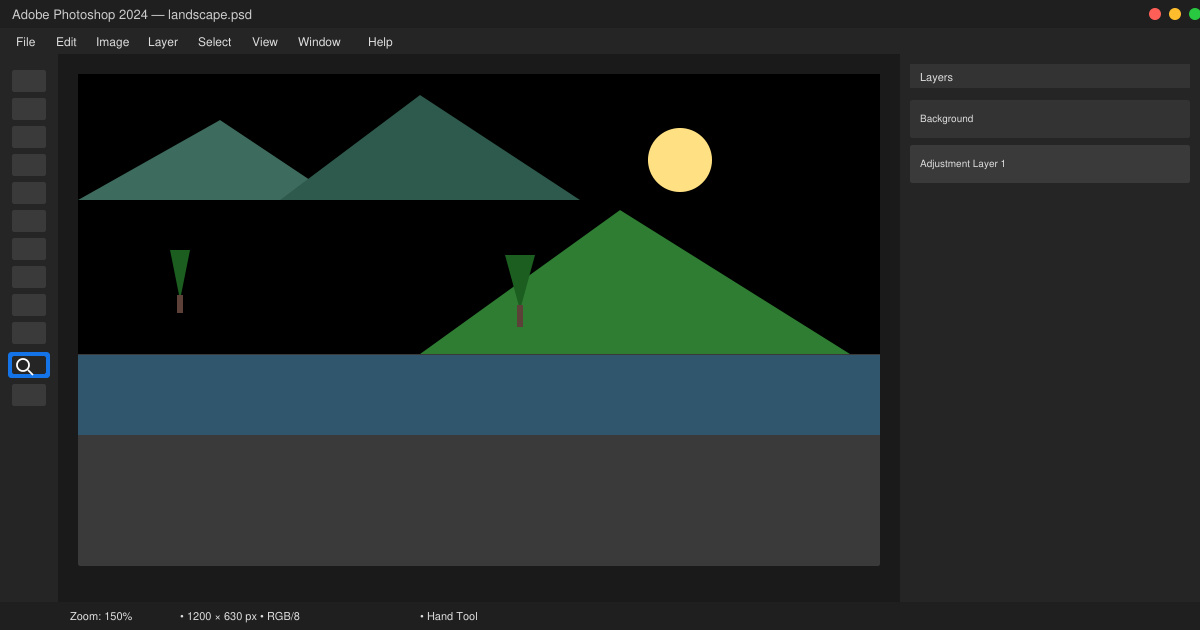
Learn how to zoom in on Photoshop with precise methods for detailed photo editing and design work. Follow these steps to master zooming quickly in Adobe Photoshop.
How to Use Discord starts with creating an account and joining servers. This guide shows exactly how to set up voice chats, manage channels, and connect with communities quickly.
Master how to boil broccoli perfectly every time with this step-by-step guide. Learn exact timing and techniques for tender, vibrant, nutrient-rich results.
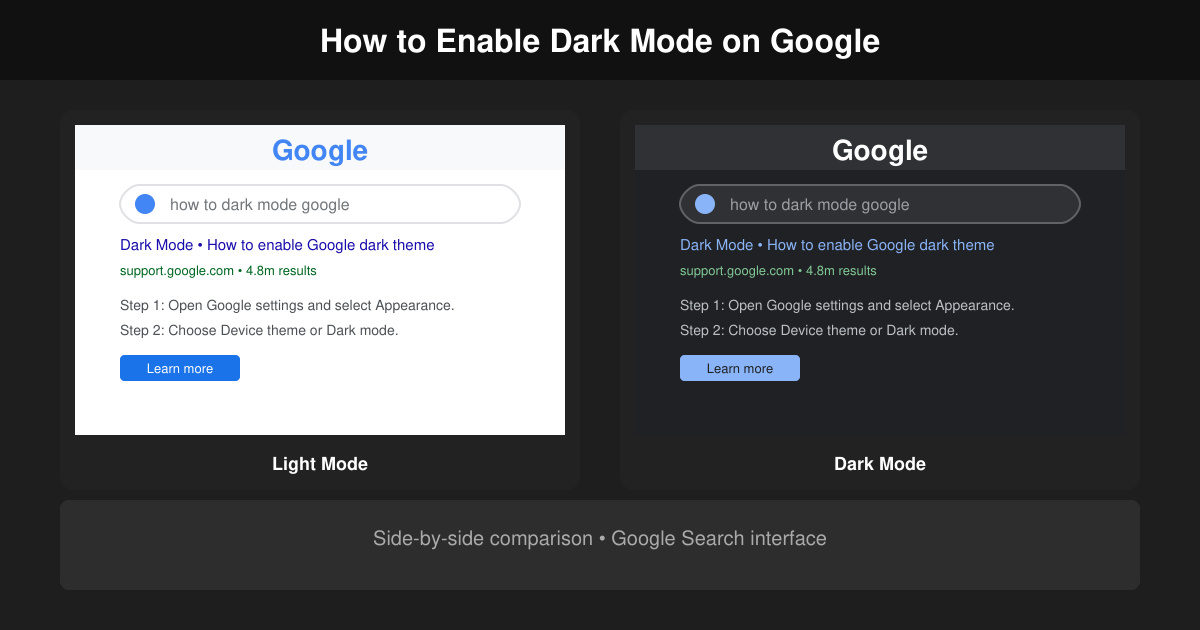
Learn how to dark mode on Google across Search, Chrome and apps to cut eye strain at night. This guide shows the exact settings to enable Google dark theme in under a minute.
Learn exactly how to add font to Canva with this step-by-step guide. Upload custom fonts through Brand Kit to use them across all your designs in minutes.
How to Use Skype for free video calls, messaging, and screen sharing. Follow this complete guide to install the app, set up your account, and start communicating in minutes.
Learn how to clear Google history quickly to protect your privacy. This step-by-step guide shows you how to delete search activity from your Google account on any device.