Get LibreOffice to Recognize Your Java Runtime

Install a compatible Java runtime, enable it in LibreOffice, and troubleshoot an empty JRE list without changing unrelated settings.
If your Outlook email feels less secure or you simply want to update credentials after a potential breach, knowing how to change a password on Outlook email keeps your messages and linked services safe. The process routes through your Microsoft account because Outlook uses the same login as other Microsoft products. This guide walks through the exact steps using the web dashboard so you finish in under five minutes.
Outlook email passwords are managed at the Microsoft account level rather than inside the Outlook app itself. Any change you make at account.microsoft.com instantly applies to Outlook on the web, the desktop app, and mobile versions. Before you begin, confirm you can receive verification codes at your phone number or alternate email listed on the account. You will also need access to the current password to complete the update.
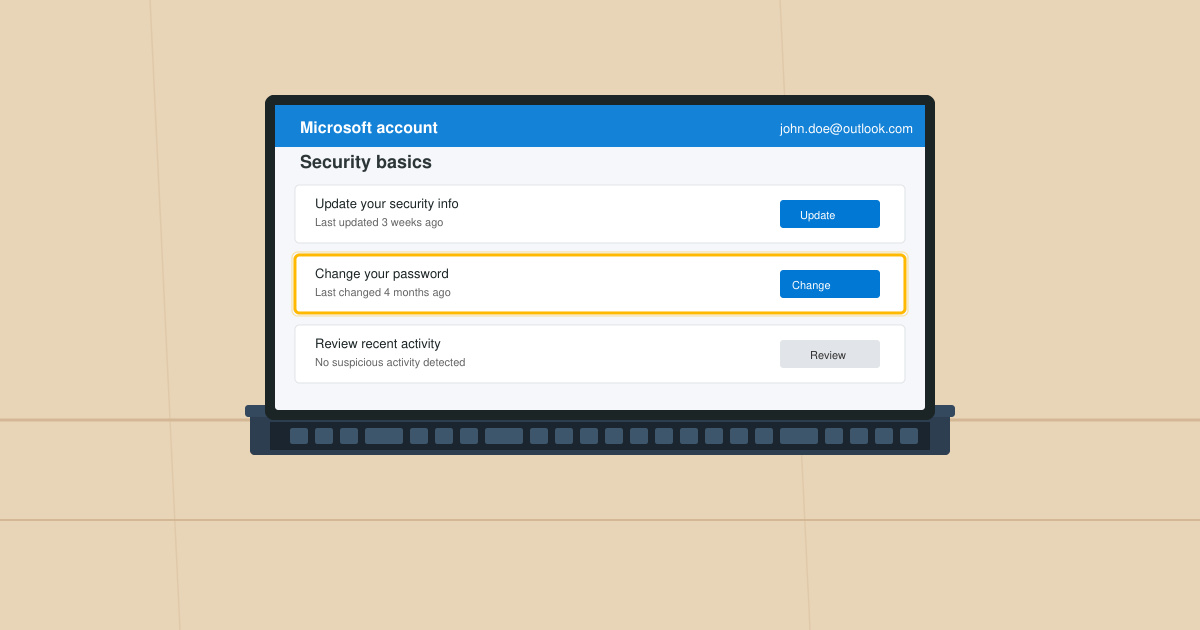
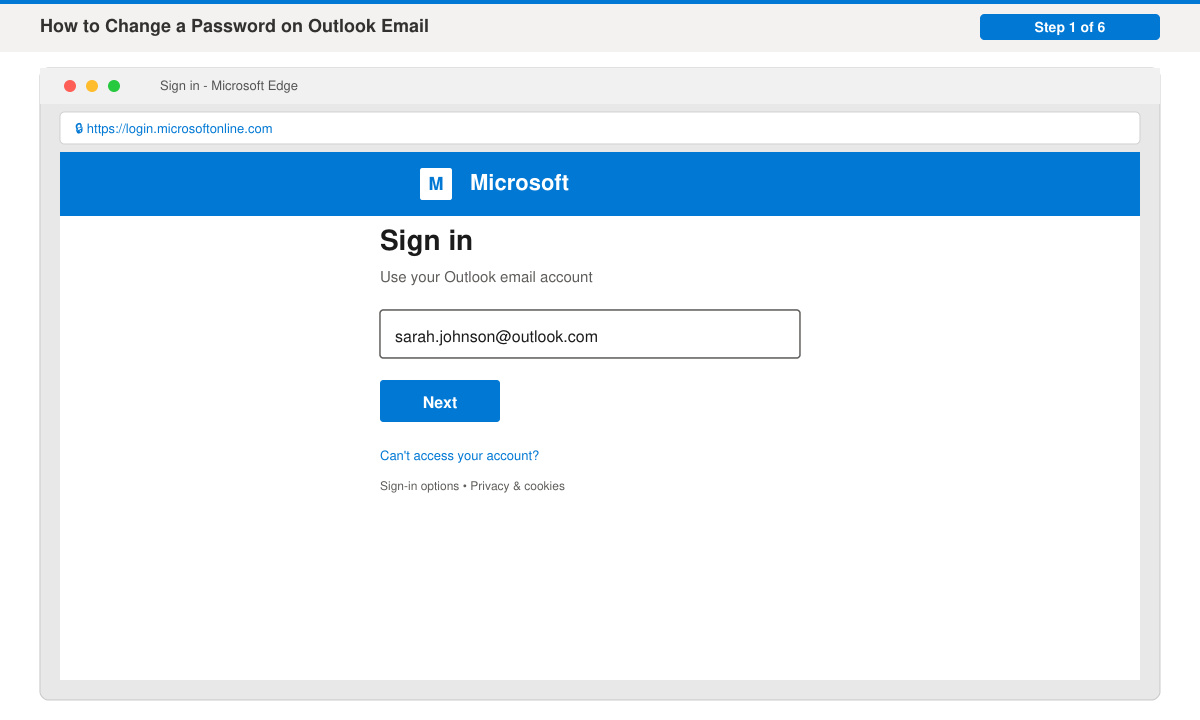
Open any browser and go directly to account.microsoft.com. Enter your full Outlook email address, then type your current password and click Sign in. If two-factor authentication is enabled, approve the prompt on your phone or enter the code sent by text.
Once inside the dashboard, locate the Security tile on the main overview page and click it. On the next screen, scroll down and select the option labeled Change password under the Password section.
Type your existing password in the first field. Create and confirm a new strong password in the remaining two fields. Microsoft requires at least eight characters including uppercase, lowercase, a number, and a symbol. Click Next to save the change.
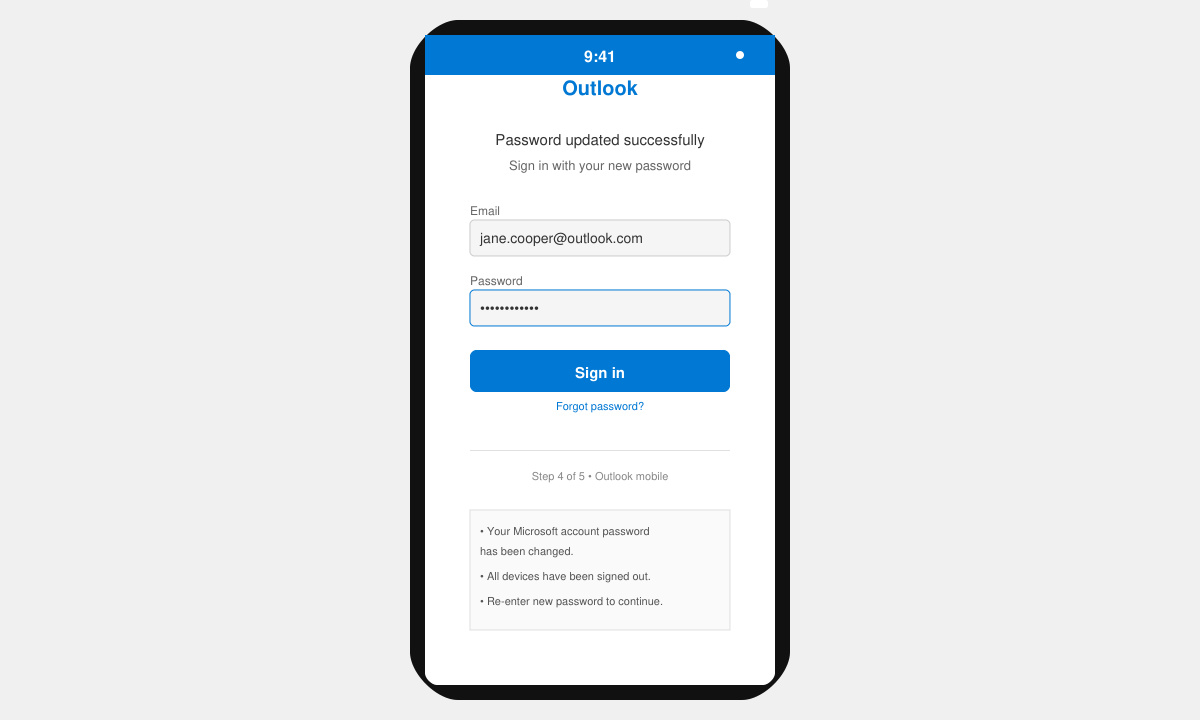
After the web change succeeds, open Outlook on your computer or phone. When prompted for credentials, enter the new password. On the desktop version, go to File > Account Settings > Account Settings, select your Outlook account, and choose Repair to force a fresh login.
No. The Outlook desktop and mobile apps do not contain a password change option. You must visit account.microsoft.com on any browser to update the Microsoft account password.
Security experts recommend changing your password every three to six months or immediately after any suspected account compromise. Enable two-factor authentication for stronger ongoing protection.
Yes. After the update you will need to sign in again on every device and app where Outlook is installed. This is normal behavior and helps confirm the new password is working everywhere.
Updating your Outlook email password through the Microsoft account portal is the only official method and takes just a few minutes when you follow the steps above.
Install a compatible Java runtime, enable it in LibreOffice, and troubleshoot an empty JRE list without changing unrelated settings.
Build a small LibreOffice container, convert office documents without a GUI, and verify PDF output while limiting host-file access.
Reduce oversized LibreOffice presentation files by compressing embedded photos, choosing sensible image settings, and checking slide quality before sharing.
Match LibreOffice’s page dimensions to your printer, check printable margins, and correct scaling before printing a custom-size document.
Replace repeated cell access with bulk range reads and writes, then benchmark the result and protect formulas in large Calc workbooks.
Split a long manuscript into chapters, assemble them in Writer, and keep styles, contents, and export checks consistent.
Use Base’s direct PostgreSQL option to enter your server details, sign in, save an ODB connection file, and troubleshoot common access errors.
Install a font in your Linux user font folder, restart LibreOffice Flatpak, and confirm it appears in Writer without weakening the app sandbox.
Protect your work and isolate network-drive save crashes in LibreOffice on macOS Sonoma with a local-first workflow, permission checks, and targeted tests.
Preserve leading zeros in Calc by setting ID columns to Text during CSV import, checking the preview, and verifying the saved data.








