Configure Reliable Ethernet Failover with SLES 15 Bonding
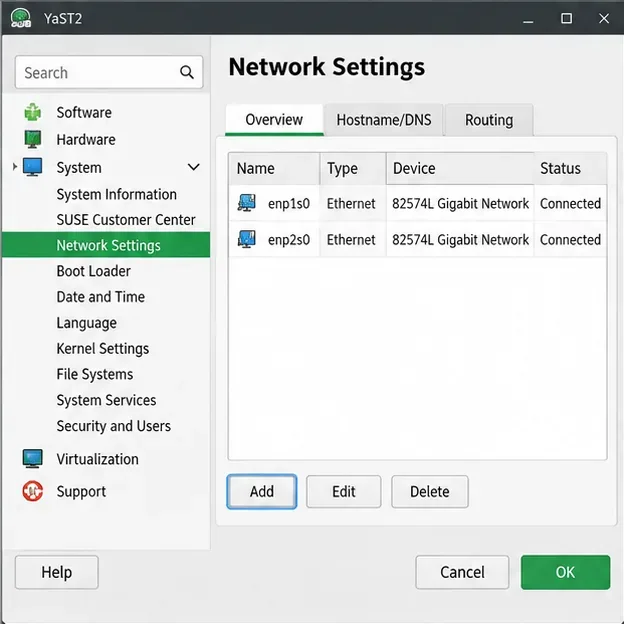
Create a redundant Ethernet connection on SLES 15 with YaST and Wicked, configure active-backup bonding, and verify both ports and failover.
Want to make your browsing experience more vibrant and personal? Changing the Microsoft Edge browser theme and background is a quick way to refresh your daily surf sessions. Whether you prefer sleek dark modes, stunning wallpapers, or custom designs from the store, Edge makes it super easy. In this guide, we'll walk you through every step with crystal-clear instructions, so you can transform your browser in minutes. Let's dive in and give your Edge a stylish makeover! 🚀
Customizing your Microsoft Edge theme isn't just cosmetic—it's about comfort and productivity. A dark theme reduces eye strain during late-night browsing, while a personalized Microsoft Edge background adds inspiration to your new tabs. Edge's latest updates make these changes seamless across Windows, Mac, and mobile. Ready to start? Follow these foolproof methods.
Edge's built-in appearance settings let you toggle themes instantly. No downloads needed!
This simple tweak affects your entire browser. Pro tip: Match it to your system's theme for harmony.
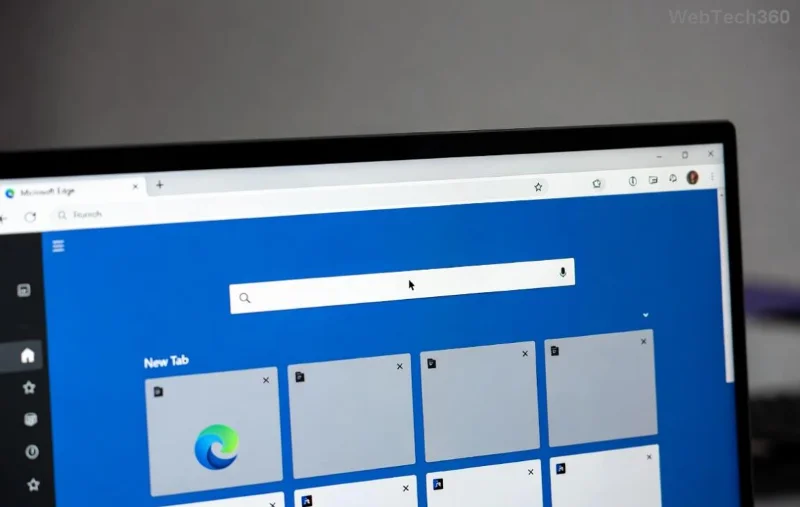
The new tab page is your browser's homepage—make it pop with custom Microsoft Edge backgrounds!
| Option | Description |
|---|---|
| Solid Color | Pick from vibrant hues or pastels. |
| Daily Images | Curated scenic wallpapers that rotate automatically. |
| Custom Image | Upload your own photo—ideal for personal touches! 📸 |
| Featured Art | Artistic collections from Microsoft partners. |
For endless variety, browse thousands of user-created Microsoft Edge themes.
Popular picks include gradient masterpieces and nature-inspired designs. Uninstall anytime via edge://extensions/.
edge://settings/appearance in the address bar.For official details, check Microsoft's guide: Customize Microsoft Edge.
Congratulations—you're now a pro at changing Microsoft Edge browser theme and background! These tweaks not only look amazing but boost your mood every time you open a tab. Experiment with combinations, share your favorites in the comments, and keep your Edge evolving. What's your go-to theme? Drop it below! 👏
Stay tuned for more Edge hacks—happy browsing!
Create a redundant Ethernet connection on SLES 15 with YaST and Wicked, configure active-backup bonding, and verify both ports and failover.
Turn an existing SLES 15 system into a reviewed AutoYaST profile, validate it, and use it to deploy a test server with fewer manual steps.
Install the SLES 15 KVM and libvirt tools, enable the right host service, and configure selected virtual machines to start after a reboot.
Use systemd jobs and the previous boot journal to locate a slow service, mount, or storage dependency, then correct it without masking the cause.
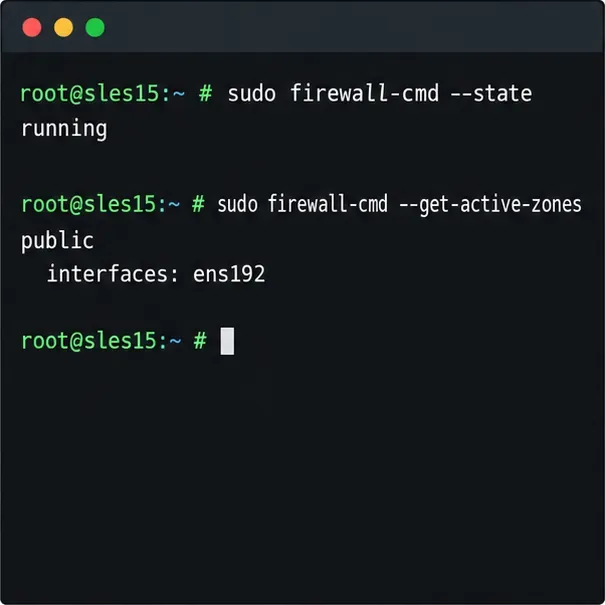
Use firewall-cmd to inspect the active zone, allow HTTP safely, preserve SSH access, and verify that the rule survives a reload on SLES 15.
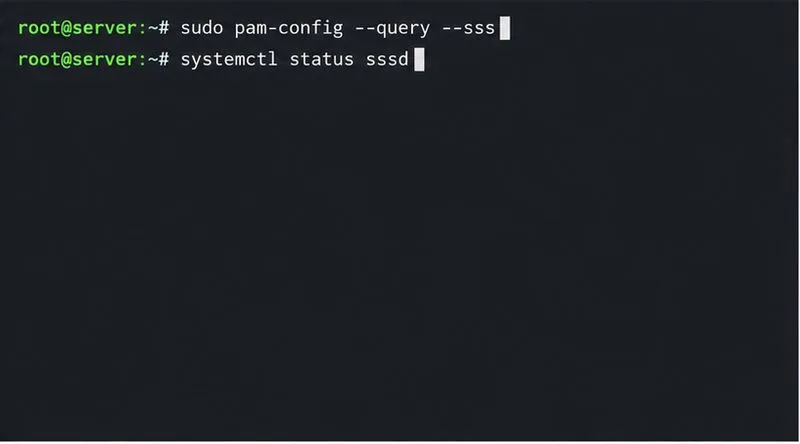
Trace a PAM failure to its service, account policy, or identity provider, then repair the right SLES configuration while preserving a working admin session.
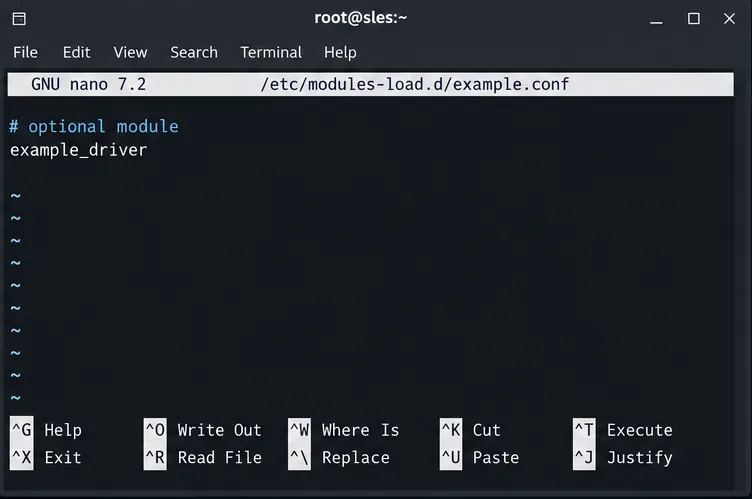
Trace a failed kernel module at SLES startup, correct an obsolete boot entry or repair the required driver, and verify the next boot.
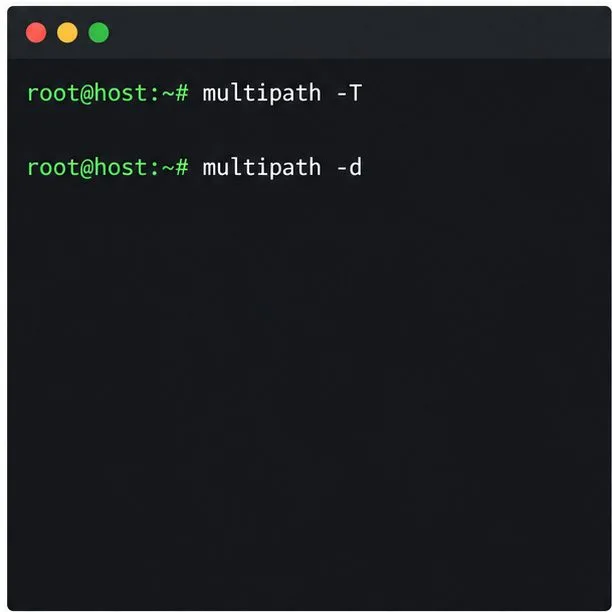
Prepare SCSI SAN paths, enable multipathd, inspect SUSE’s hardware defaults, and verify stable device maps without guessing array settings.
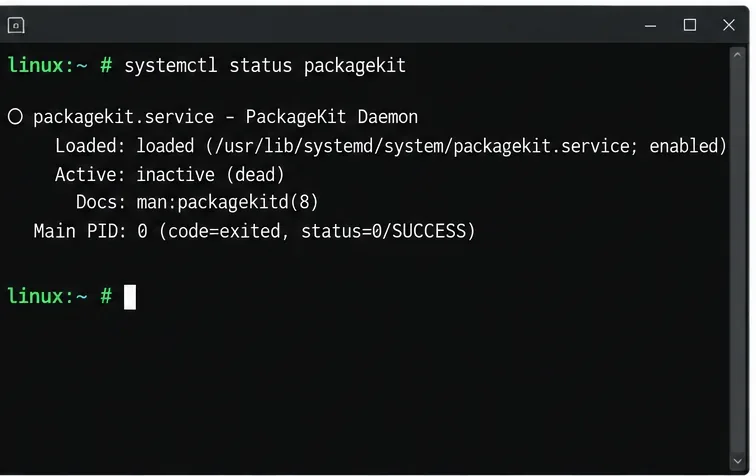
Find the process holding Zypper’s package lock, distinguish process conflicts from package locks, and retry updates without deleting lock files blindly.
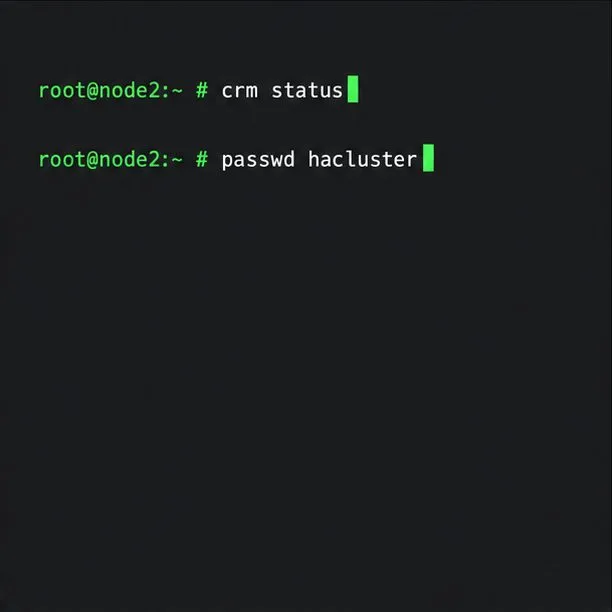
Register SLE HA, bootstrap SLES 15 nodes, then add fencing, quorum, and tested service resources before relying on failover.