Stop Unwanted Printing and Downloads in ONLYOFFICE
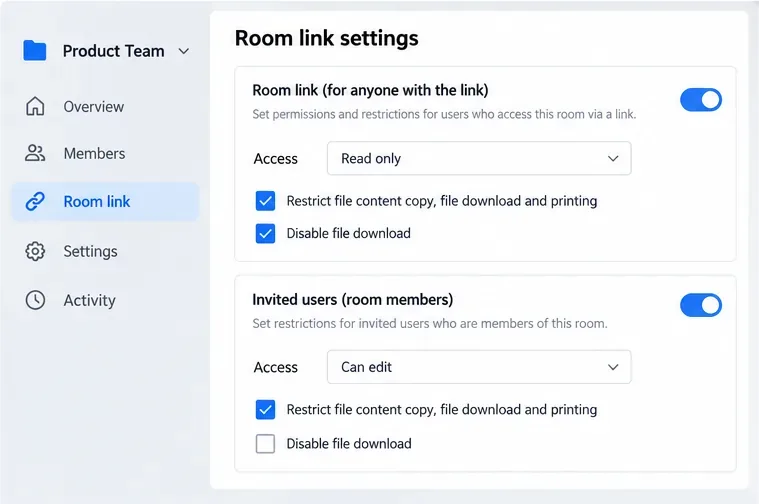
Set print and download limits for ONLYOFFICE links, room members, or Docs API sessions, then verify the restrictions from a recipient account.
The safest way to clean a dehumidifier filter is to turn the unit off and unplug it, remove the filter according to the owner’s manual, remove loose dust, and then wash or rinse the filter only if that specific filter is designed to be washable. Let it dry completely before reinstalling it. That last qualification matters: manufacturer instructions are not identical. GE directs owners of many models to use warm, soapy water; a current Midea manual specifies clean water; Honeywell allows rinsing or vacuuming on the washable dust filters covered by its manual.
In other words, “dehumidifier filter” does not describe one universal filter construction. The procedure below gives you a safe decision path, while the manual for your exact model remains the final authority.
| Question | What the manufacturer guidance supports | What you should do |
|---|---|---|
| Should you unplug first? | Yes. GE, Midea, and Honeywell all instruct users to disconnect power before cleaning or maintenance. | Switch the unit off, unplug it, and wait until the fan stops before removing the filter. |
| Can every filter be washed with soap? | No universal rule is supported. GE allows warm, soapy water on its air filters; Midea’s current manual says to wash its filter with clean water; Honeywell says to rinse or vacuum its washable dust filter. | Check the manual before adding soap or putting the filter under water. |
| Can the dehumidifier run without its filter while the filter dries? | Not safely as a general rule. Midea explicitly warns not to operate its dehumidifier without the filter because dirt and lint can clog the unit and reduce performance. | Leave the appliance off until the filter is dry and reinstalled unless your manual clearly says otherwise. |
| Does a “Clean Filter” light measure how dirty the filter actually is? | Often it is an operating-time reminder. GE cites 250 hours on newer models, while LG cites 350 hours on one support page, so the threshold varies by product. | Use the light as a reminder, but also inspect the filter sooner in dusty rooms or when airflow seems restricted. |
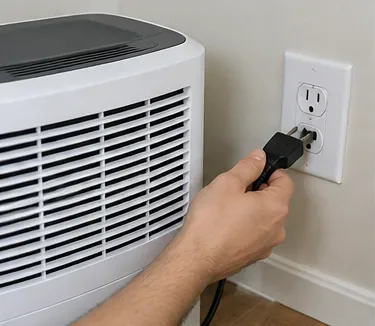
Do not clean around an energized appliance, especially when water may be involved. GE’s cleaning guidance says to unplug before maintenance, and Midea’s manual says to disconnect the plug from the power source before cleaning.
Action: Power the unit down, unplug it by the plug rather than pulling the cord, and move it only if you can keep it upright.
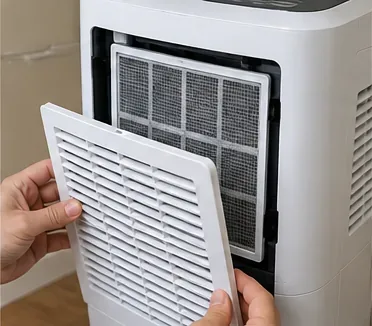
Filter access varies. GE notes that some filters are behind a front grille, while newer designs may place the filter behind a rear grille. Other models pull a filter upward or outward. Forcing a grille in the wrong direction can crack tabs or distort the filter frame.
Action: Look up the model number on the rating label, then follow that model’s filter-removal diagram. If the bucket must come out first, remove it carefully and set it aside.
Dry cleaning is useful when the filter has a visible layer of lint or dust. Honeywell’s manual explicitly gives owners the choice to vacuum away dust or rinse the washable dust filter. A soft brush attachment is gentler than pressing a bare vacuum nozzle against fine mesh.
Action: Support the filter with one hand and make light passes across both sides. Stop if the mesh flexes sharply or the vacuum begins pulling it out of shape.
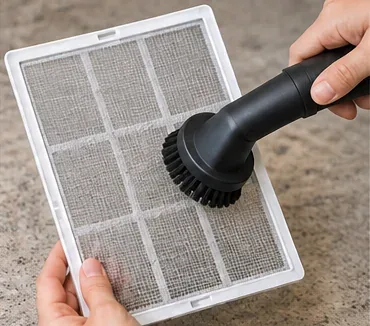
This is where a common shortcut causes trouble: “washable” does not automatically mean “use detergent.” GE says to clean its dehumidifier air filter with warm, soapy water and rinse well. By contrast, the Midea MAD22S1CWWT user guide says to wash the air filter with clean water and dry it. Honeywell’s DH-series manual says to rinse under running water or vacuum.
Action: If your manual says water only, use water only. If it specifically permits mild soap, use a small amount and avoid harsh cleaners. GE also says not to put its air filter in a dishwasher.
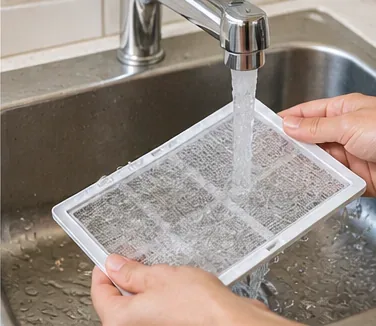
If you used mild soap because the manufacturer allows it, residual detergent should not remain in the mesh. GE instructs users to rinse the filter well after washing. There is no benefit to leaving suds behind, and residue can attract more dust.
Action: Rinse until the water runs clear. Do not twist, wring, or aggressively scrub a thin mesh filter.

Reinstalling a wet filter is one of the easiest mistakes to avoid. GE says the filter should dry completely before replacement. Honeywell says to dry the cleaned dust filter in a cool, shaded place before reinstalling it.
Action: Set the filter in a well-ventilated spot out of direct heat. Do not rush drying with a hot hair dryer unless your exact manual permits it; heat can deform some plastic frames and mesh materials.
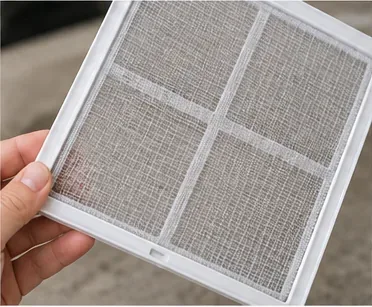
Cleaning cannot repair a torn mesh, broken frame, or badly warped filter. Once dry, inspect the edges and mesh before putting it back. Then align it with the original tracks or clips. A filter that is not seated correctly can allow dust to bypass it or prevent a cover from closing properly.
Action: If the filter is physically damaged, use the manufacturer’s model-specific parts information rather than improvising a substitute. GE specifically advises using the filter intended for the appliance rather than substituting a MERV-rated HVAC filter.
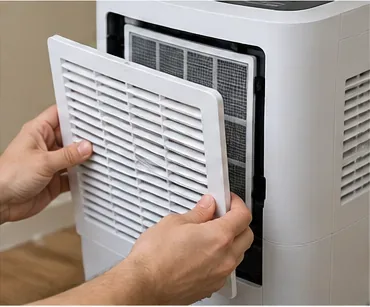
Some dehumidifiers need a manual reset after cleaning. GE says newer models may illuminate the filter indicator after 250 operating hours and instructs users to hold the Filter button for three seconds after cleaning. LG’s support guidance for some dehumidifiers describes a 350-hour reminder and a three-second Filter Reset hold. Other models use a different button sequence or no reminder at all.
Action: Reinstall every removed part, plug the unit back in, reset the reminder only as your manual specifies, and listen for normal fan operation. If airflow remains weak after a clean filter is installed, check the intake and outlet for obstructions and consult the troubleshooting section.
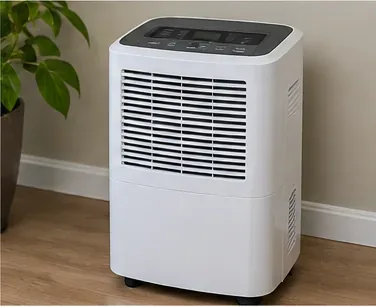
There is no single interval that fits every dehumidifier. Midea’s current MAD22S1CWWT manual calls for removing and cleaning the air filter every two weeks under normal operating conditions. Honeywell gives the same two-week recommendation for the washable dust filter in the DH-series manual. GE says older models should be checked every two to three weeks, while newer models may use a 250-hour reminder instead.
Those differences are useful evidence that a calendar rule such as “once a month” is not universal. A basement with construction dust, pet hair, or a nearby laundry area may dirty a filter faster than a low-dust bedroom.
Action: Start with the interval in your manual. Between scheduled cleanings, take a quick look at the filter if the unit runs longer than usual, sounds more strained, or seems to move less air. A dirty filter is one possible cause of reduced performance, but it is not the only one.
Not supported. Some manufacturers specify only water, while others permit mild soap. Stronger cleaners are not automatically better and may be outside the product instructions.
Action: Use the least aggressive method your manual authorizes.
Not necessarily. On the GE and LG examples above, the reminder is tied to accumulated operating hours rather than a direct measurement of dust loading.
Action: Inspect the filter when the light appears, clean it if needed, then reset the timer as directed.
Manufacturer guidance says otherwise for the washable filters cited here. GE and Honeywell both require drying before reinstallation.
Action: Give the filter enough air-drying time that the mesh and frame are fully dry to the touch.
That is not a safe assumption. GE states that the filter supplied for the dehumidifier is designed to keep the appliance clean and specifically says not to substitute a MERV-rated filter intended for air-quality filtration.
Action: If replacement is necessary, match the model number and manufacturer part guidance rather than choosing by physical size alone.
A clean filter can restore airflow when dust was the restriction, but it cannot fix every dehumidifier problem. If the filter is clean and dry yet the unit still removes little water, check whether the room is within the appliance’s operating-temperature range, doors and windows are closed, the inlet and outlet are unobstructed, and the humidity setting is appropriate. GE’s troubleshooting guidance specifically lists a clogged filter as one possible reason a unit struggles to reach the selected humidity level, not the only reason.
Action: If the machine still performs poorly after the filter and airflow path are clear, move on to the model-specific troubleshooting steps instead of repeatedly washing the filter.
The recommendations above were cross-checked against current or manufacturer-hosted documentation, including GE Appliances’ dehumidifier air-filter guidance, GE Appliances’ cleaning and maintenance guidance, the Midea MAD22S1CWWT user guide, the Honeywell DH-series dehumidifier manual, and LG’s dehumidifier usage and filter-reset guidance.
The practical rule is simple: clean the removable air filter gently, keep water away from the appliance itself, let the filter dry fully, and let your exact model manual decide whether the filter should be vacuumed, rinsed with water, or washed with mild soap.
Set print and download limits for ONLYOFFICE links, room members, or Docs API sessions, then verify the restrictions from a recipient account.
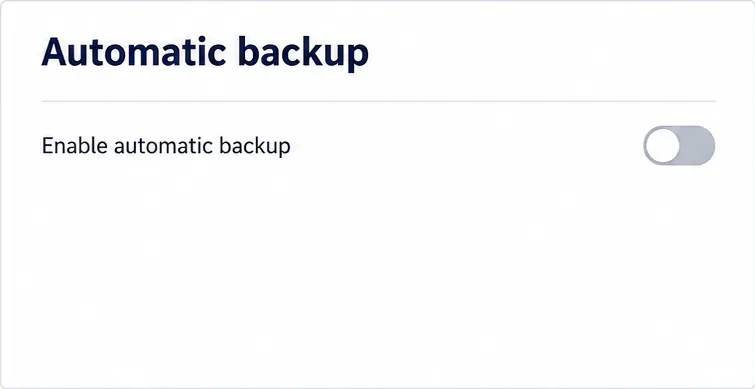
Set a backup destination, schedule, Mail coverage, and retention limit in ONLYOFFICE Workspace, then verify the archive is ready to restore.
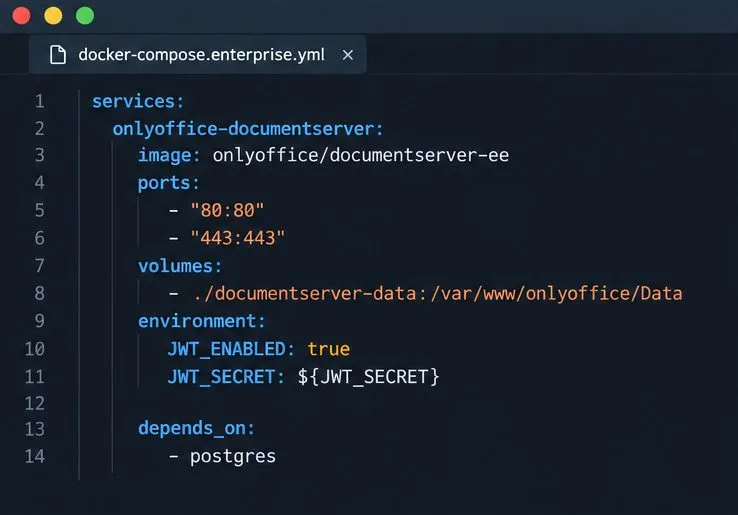
Start the Enterprise Docker Compose stack, persist its license and data, configure JWT safely, and confirm the editors are ready to integrate.
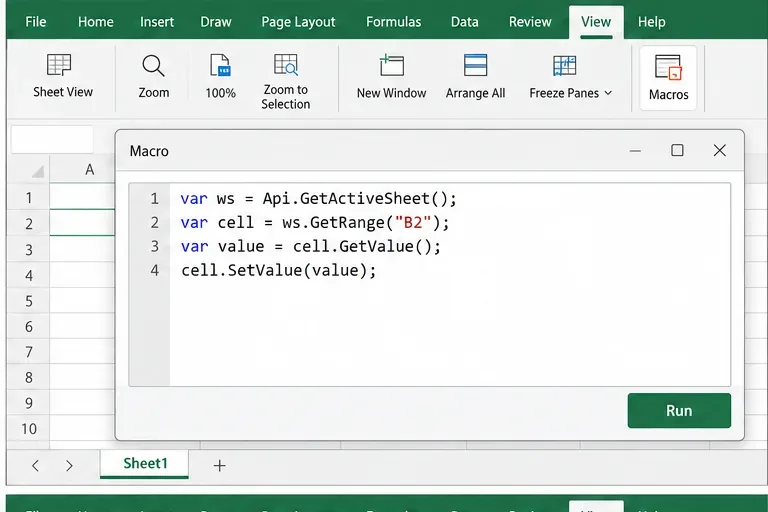
Use an ONLYOFFICE JavaScript macro to remove nonprinting characters and trim extra spaces from a defined spreadsheet range, with a safe review workflow.
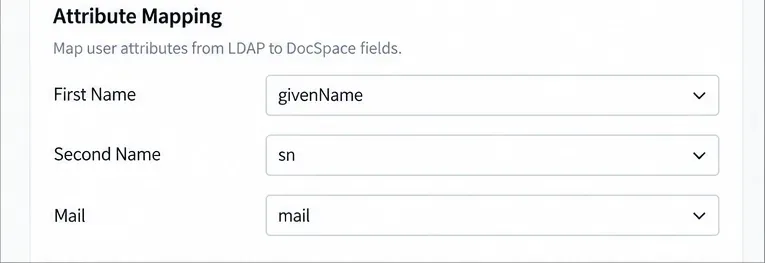
Connect ONLYOFFICE DocSpace to Active Directory or OpenLDAP, import users and groups safely, map account fields, and schedule reliable synchronization.
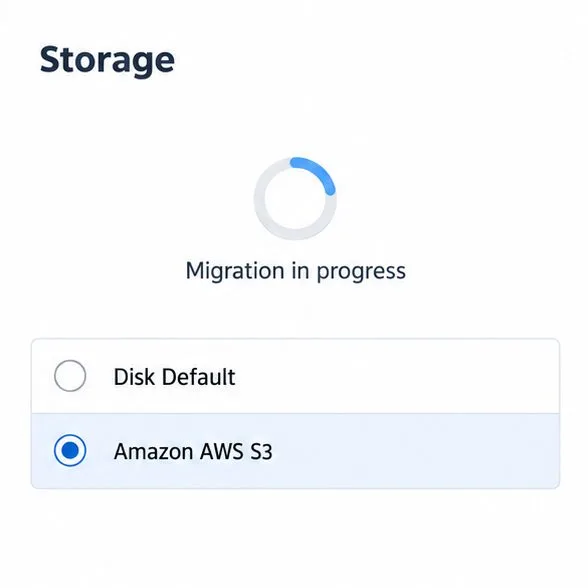
Move portal data from Disk Default to a supported cloud storage provider, or relocate Docker data safely by changing its host volume mapping.
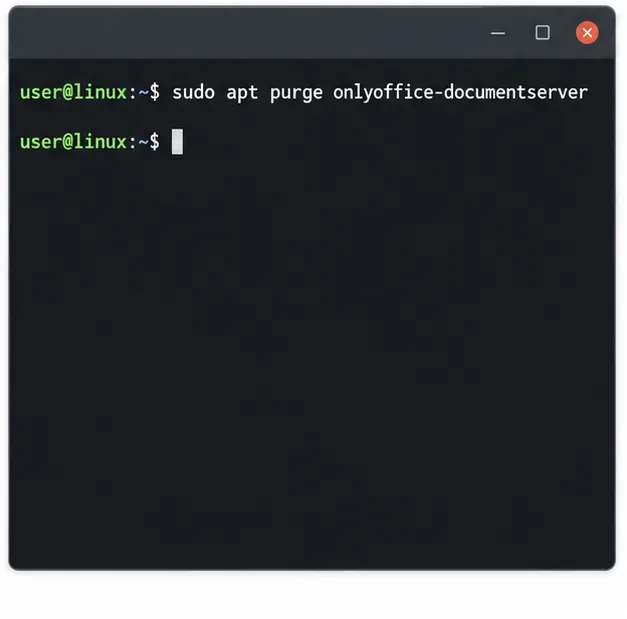
Identify whether Document Server uses a Linux package or Docker, remove only its components, and check remaining data without deleting shared services by mistake.
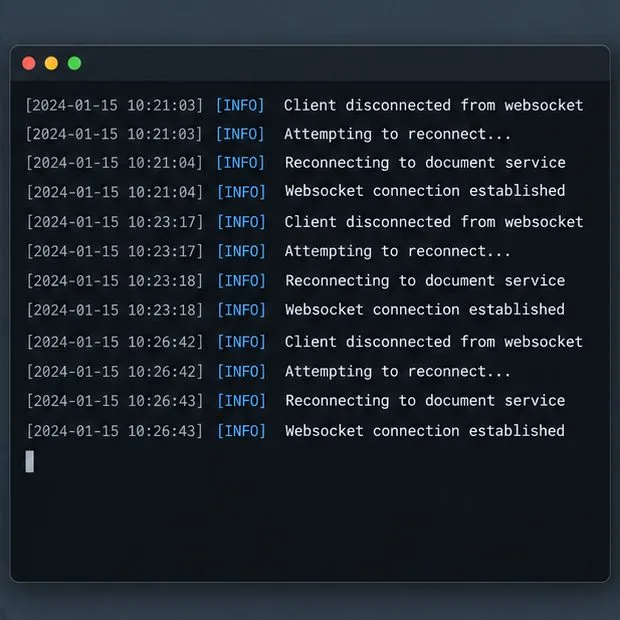
Trace slow collaborative editing to Docker resource pressure, proxy connections, or document load, then choose the fix that matches your measurements.
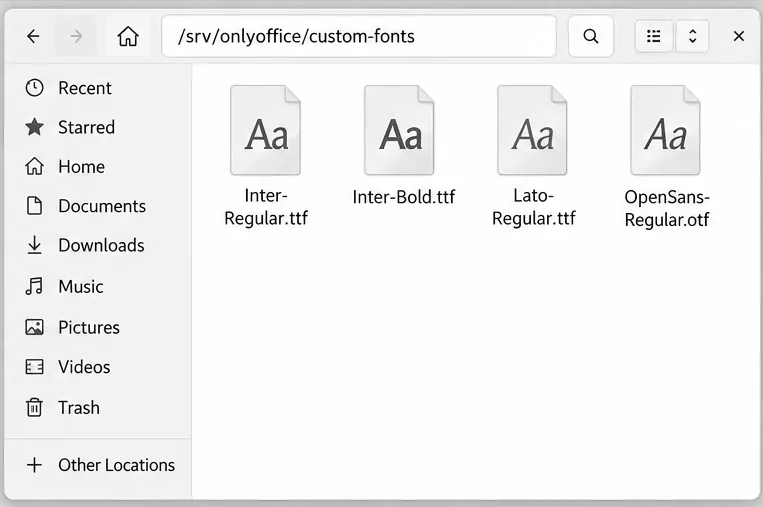
Install custom fonts in ONLYOFFICE Document Server, compare persistent Docker mounts with direct copies, rebuild the font list, and verify the result.
Choose where TLS should terminate, mount a trusted certificate and private key safely, and verify HTTPS access to a Dockerized ONLYOFFICE Docs server.