Stop Unwanted Printing and Downloads in ONLYOFFICE
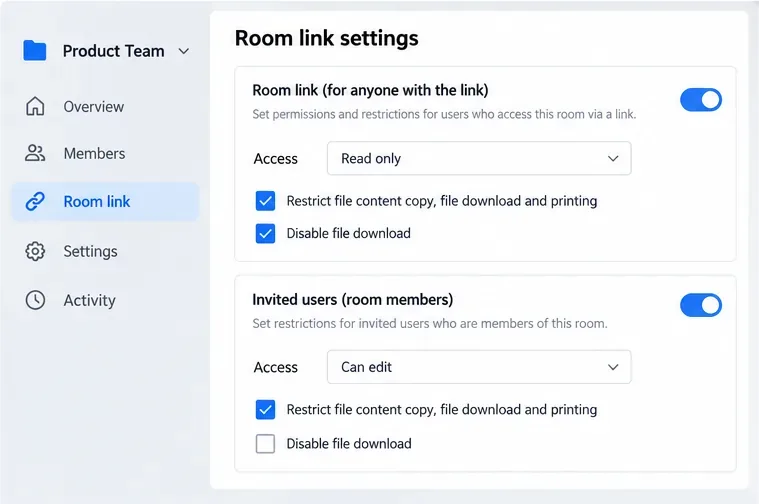
Set print and download limits for ONLYOFFICE links, room members, or Docs API sessions, then verify the restrictions from a recipient account.
If your GE dishwasher has started leaving gritty residue on glasses or food particles on otherwise clean dishes, the filter is a sensible place to check. The important first step, however, is confirming that your specific dishwasher actually has a removable filter. GE Appliances says most newer models use Fine and Ultra Fine Filters that need periodic cleaning, while older GE dishwashers and some current models use self-cleaning filtration with no removable filter for routine owner maintenance.
This guide follows GE Appliances' current support guidance, checked in September 2026, and is written for beginners. It explains what the filter parts are, what to prepare, how to remove and wash them, how to reinstall them correctly, and which common mistakes can turn a simple cleaning job into a damaged filter or an unnecessary service call.
Do not assume every GE dishwasher has the same filter assembly. GE's support documentation specifically notes that many newer models have removable Fine and Ultra Fine Filters, but older models and some current models have self-cleaning filtration. On those machines, there is usually no removable filter to clean.
If you are unsure, find the model number and check the owner's manual for that exact model. GE says dishwasher model/serial tags may be located on the left front inside edge, right front inside edge, or right side edge of the door. You can use the official GE dishwasher model and serial number locator to identify the label location, then use GE support to open the manual for your machine.
Beginner action: If you cannot clearly identify a removable filter from the manual, stop before twisting or prying anything in the bottom of the tub. A part that looks like a filter cover may not be designed for routine removal.
On models covered by GE's removable-filter instructions, the filtration system can include two parts:
| Part | What it looks like | How GE says it is removed |
|---|---|---|
| Ultra Fine Filter | A removable filter assembly in the bottom of the dishwasher | Twist counterclockwise, then lift out |
| Fine Filter | A mesh plate beneath/around the Ultra Fine Filter | Remove the Ultra Fine Filter first, then turn the two retaining posts counterclockwise |
GE's terminology matters because the two pieces are removed differently. The Ultra Fine Filter twists out as a unit. The Fine Filter is the mesh plate and may be held by two retaining posts toward the back of the dishwasher tub.
Beginner action: Before removing anything, look at the layout and note which way each piece is seated. If your dishwasher does not match the description, use the model-specific manual rather than forcing the generic procedure.
GE specifically recommends warm soapy water and a sponge for the Ultra Fine Filter. For the Fine Filter, GE says a soft brush or sponge may be needed for stubborn soils or calcium deposits caused by hard water. GE also warns that scouring pads or abrasive brushes can damage or scratch the filter surfaces.
Beginner action: Set abrasive scrubbers aside before you begin. If a tool feels suitable for scrubbing a pan, it is probably more aggressive than you need for a dishwasher filter.
Pull the bottom rack all the way out so you have unobstructed access to the floor of the dishwasher tub. GE's filter-cleaning instructions begin with removal of the bottom rack.
Take a quick look for broken glass, bones, labels, or other debris before reaching around the filter area. If you see sharp material, remove it carefully rather than sweeping your hand across the tub floor.
Locate the Ultra Fine Filter. On the GE designs covered by the support instructions, turn it counterclockwise and lift it straight up to remove it.
If it does not move with normal hand pressure, do not immediately reach for pliers or another gripping tool. A stuck part can mean mineral buildup, a different filter design, or simply that your model uses different instructions.
Beginner action: If normal hand pressure does not release the filter, verify the model-specific manual before applying more force.
Rinse the Ultra Fine Filter with warm soapy water. Use a sponge to loosen food particles and residue. GE cautions against scouring pads and brushes on this filter because they can damage it.
Pay attention to the openings rather than trying to make the plastic look cosmetically new. The practical goal is to remove debris that can interfere with water flow and filtration without deforming or abrading the filter media.
After the Ultra Fine Filter is out, the Fine Filter may be visible as a mesh plate. GE's current general instructions say to turn the two retaining posts near the back of the dishwasher tub counterclockwise, then remove the Fine Filter.
Do not treat this as universal across every GE dishwasher. If you do not see the two retaining posts or the plate does not match GE's description, consult the manual for your model.
Rinse the Fine Filter with warm soapy water. A sponge is the safest starting point. GE says a soft brush may also be used when necessary for stubborn soil or calcium deposits from hard water, but abrasive scouring pads or brushes can scratch the filter surface.
This is a useful distinction for beginners: "more scrubbing" is not automatically "more cleaning." The filter needs open mesh and an undamaged surface, not aggressive abrasion.
Place the Fine Filter back in its original position. Turn the two retaining posts clockwise to lock it in place, following GE's instructions for this filter design.
Make sure the plate lies where it belongs rather than sitting crooked or riding on top of an edge. If it does not seat naturally, remove it and check the orientation instead of pressing harder.
Put the Ultra Fine Filter back into its opening and turn it clockwise to lock it. GE notes that an arrow embossed in the Fine Filter can be used as a guide when aligning the Ultra Fine Filter during reinstallation.
Beginner action: Confirm that the filter is seated and locked before replacing the lower rack. A loose or incorrectly seated filter defeats the point of cleaning it.
Slide the lower rack back into place. GE's filter-cleaning article ends with reinstalling and locking the filters; it does not require a special cleaning cycle afterward.
On your next normal load, watch for the symptoms that prompted the cleaning. GE lists decreased wash performance and dishes that feel gritty as signs that the filters may need attention. If those symptoms continue after the filters are clean and correctly installed, the cause may lie elsewhere in the dishwasher and model-specific troubleshooting is the better next step.
GE recommends inspecting and cleaning the Fine and Ultra Fine Filters every other month, or more often depending on usage. The company also recommends checking them when wash performance decreases or dishes feel gritty.
That schedule is a maintenance guideline, not a promise that every household will need cleaning at exactly the same interval. A dishwasher used several times a day may collect debris more quickly than one used a few times per week.
Beginner action: Use every other month as your starting reminder, then shorten the interval if you repeatedly find visible debris or notice gritty dishes sooner.
This is the biggest model-related mistake. GE states that older dishwashers and some current models use self-cleaning filtration and usually do not have a removable filter for you to clean. The safest fix is simple: check the owner's manual before disassembly.
GE warns that scouring pads and brushes can damage the Ultra Fine Filter, and that scouring pads or abrasive brushes can scratch the Fine Filter. Cosmetic staining is less important than preserving the filter surface and openings.
The general GE procedure uses counterclockwise motion for removal and clockwise motion for locking. If the part does not behave as described, forcing it can create a new problem. Verify the model instructions first.
On designs with both parts, the Fine Filter mesh plate also needs periodic attention. If your manual shows both filters, inspect both rather than assuming the Ultra Fine Filter is the entire system.
GE's instructions specifically tell users to twist the Ultra Fine Filter clockwise to lock it and to lock the Fine Filter retaining posts. Before the rack goes back in, confirm those parts are seated securely.
A clean filter eliminates one common maintenance issue, but it does not prove that the filter caused the wash problem. If dishes remain gritty, first verify that both filters are installed correctly and that the spray arms can move freely. Then consult the troubleshooting section of the owner's manual for your exact model rather than repeatedly scrubbing the filter.
If you need GE's model-specific help, start at the official GE dishwasher support page. GE also maintains its official Fine and Ultra Fine Filter cleaning instructions, which are the primary source for the removal, washing, and reinstallation procedure described here.
For a beginner, the best rule is not "scrub harder." It is "identify the correct filter design, clean it gently, and reinstall it exactly as intended." That approach follows GE's own maintenance guidance and reduces the chance of damaging a part that was only dirty to begin with.
Set print and download limits for ONLYOFFICE links, room members, or Docs API sessions, then verify the restrictions from a recipient account.
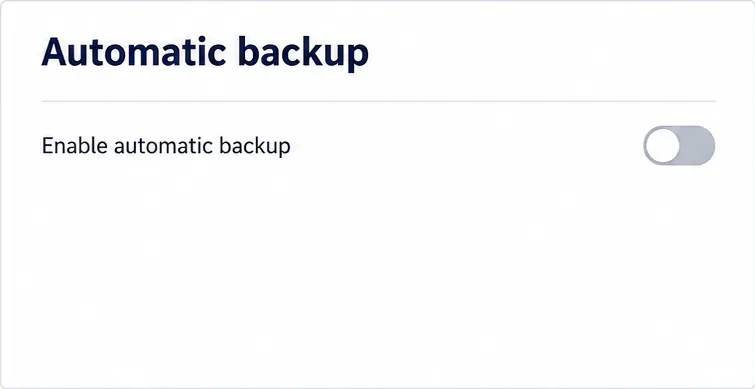
Set a backup destination, schedule, Mail coverage, and retention limit in ONLYOFFICE Workspace, then verify the archive is ready to restore.
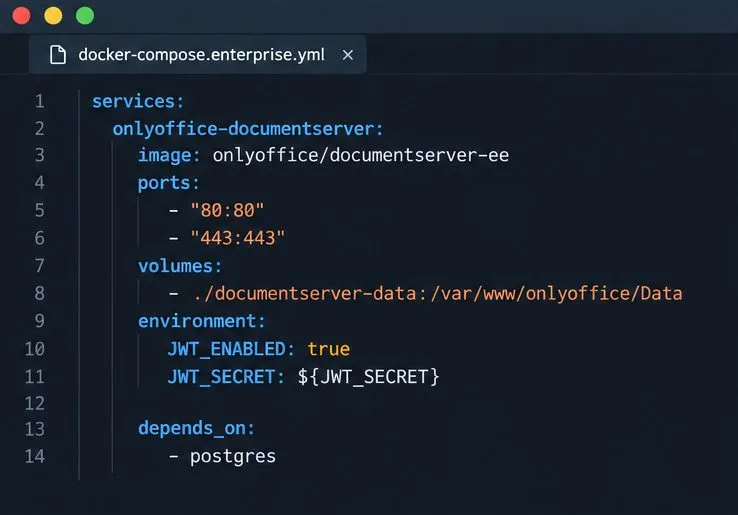
Start the Enterprise Docker Compose stack, persist its license and data, configure JWT safely, and confirm the editors are ready to integrate.
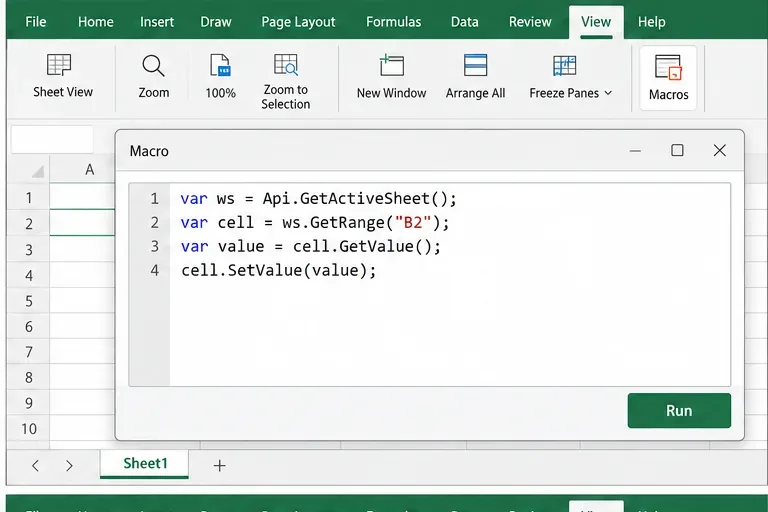
Use an ONLYOFFICE JavaScript macro to remove nonprinting characters and trim extra spaces from a defined spreadsheet range, with a safe review workflow.
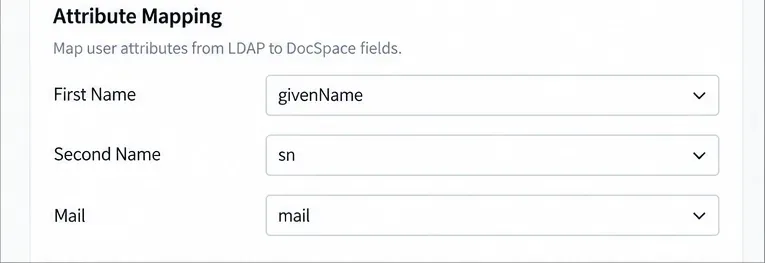
Connect ONLYOFFICE DocSpace to Active Directory or OpenLDAP, import users and groups safely, map account fields, and schedule reliable synchronization.
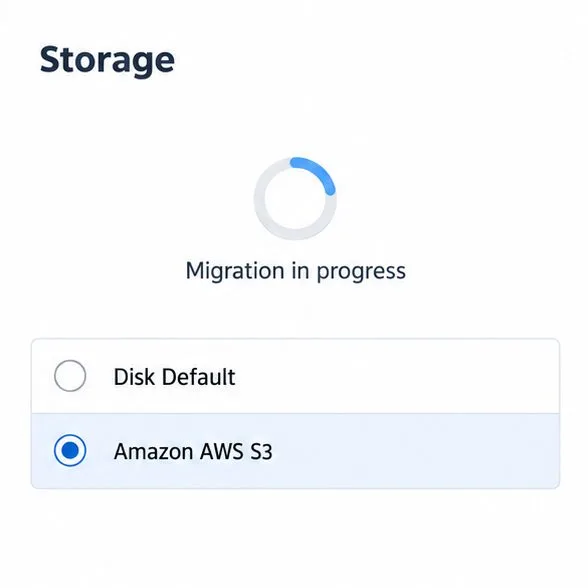
Move portal data from Disk Default to a supported cloud storage provider, or relocate Docker data safely by changing its host volume mapping.
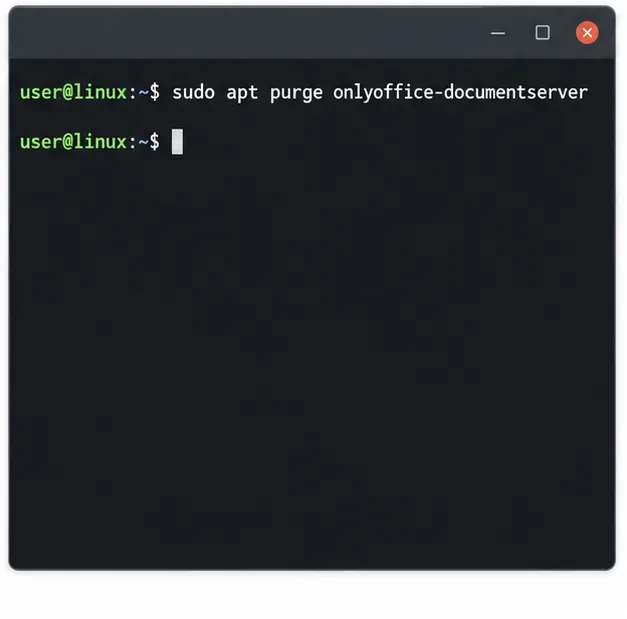
Identify whether Document Server uses a Linux package or Docker, remove only its components, and check remaining data without deleting shared services by mistake.
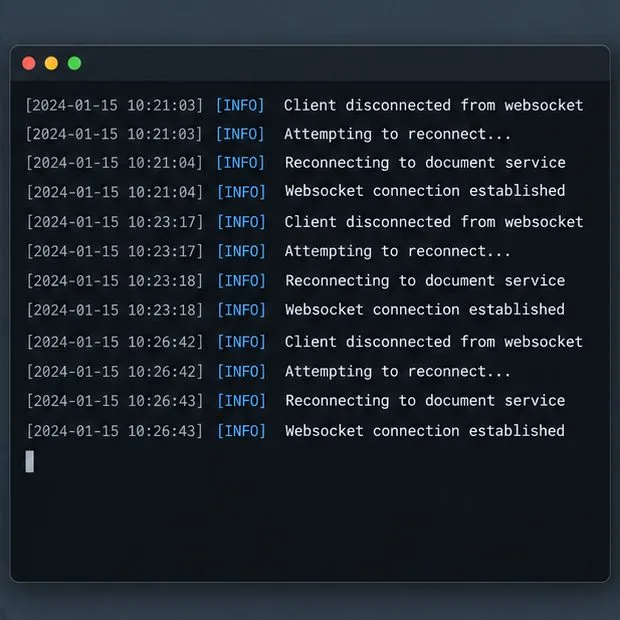
Trace slow collaborative editing to Docker resource pressure, proxy connections, or document load, then choose the fix that matches your measurements.
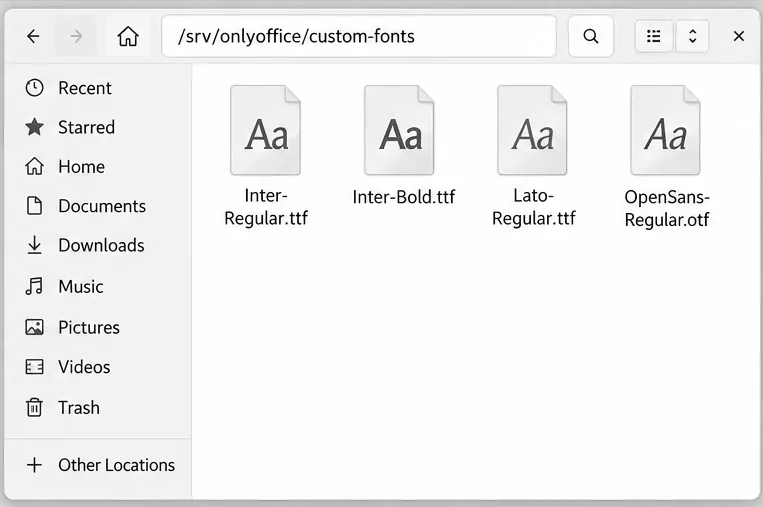
Install custom fonts in ONLYOFFICE Document Server, compare persistent Docker mounts with direct copies, rebuild the font list, and verify the result.
Choose where TLS should terminate, mount a trusted certificate and private key safely, and verify HTTPS access to a Dockerized ONLYOFFICE Docs server.