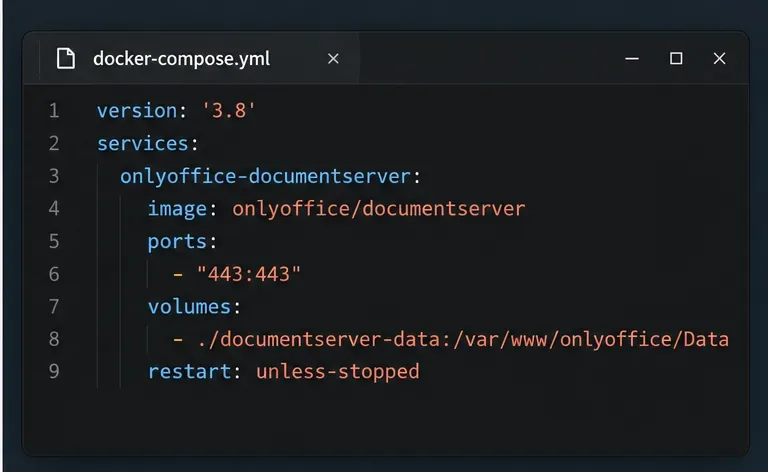
Stop Unwanted Printing and Downloads in ONLYOFFICE
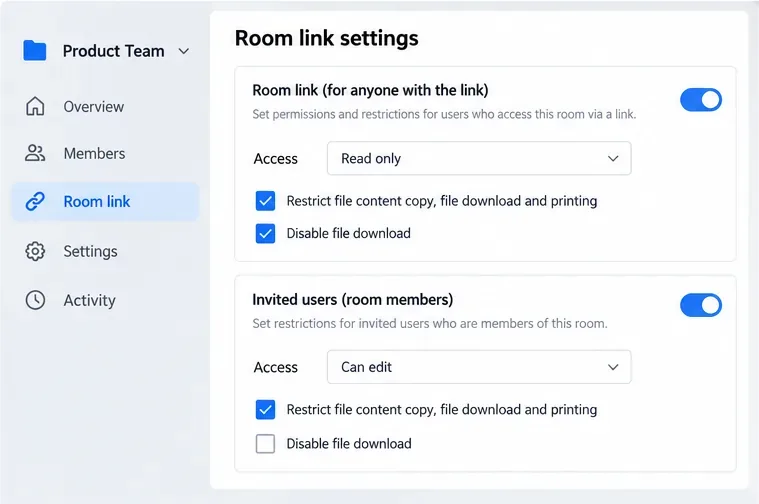
Set print and download limits for ONLYOFFICE links, room members, or Docs API sessions, then verify the restrictions from a recipient account.
Cleaning a Nespresso Vertuo is easier once you separate two jobs that are often confused: routine cleaning and descaling. Routine cleaning removes coffee residue and rinses the internal coffee path with fresh water. Descaling removes mineral buildup, or limescale, from the water system with a dedicated descaling solution.
This beginner-friendly guide focuses first on routine cleaning, then explains when to descale. Nespresso instructions vary slightly by model, so identify whether you have a Vertuo Next, Vertuo Pop, Vertuo Plus, Vertuo, Vertuo Up, or another Vertuo-family machine before pressing maintenance controls. The official support pages reviewed in September 2026 show that the classic three-press cleaning start applies to several Vertuo models, while newer models such as Vertuo Up use a separate maintenance workflow.
| Situation | What to do | What it addresses |
|---|---|---|
| Normal upkeep, coffee grounds in the cup, or the machine has sat unused | Run the cleaning/rinsing cycle | Coffee residue and stale water in the coffee path |
| Descaling alert, slower flow, or mineral buildup is due | Run the model-specific descaling procedure | Limescale from water minerals |
| Dirty capsule bin, drip tray, tank, or cup support | Hand-wash removable parts | Spills, residue, and odors on removable components |
Nespresso's Vertuo Next support page specifically recommends performing the cleaning procedure when coffee grounds appear in the cup, and it directs users to clean when flow or leakage issues occur before moving on to descaling if needed.
For Vertuo Next and Vertuo Pop, Nespresso calls for a container of at least 34 fl oz (1 L) under the coffee outlet during the cleaning cycle. Vertuo Plus guidance uses at least 0.8 L. If you are unsure which model you own, check the label on the machine and use its official manual rather than guessing.
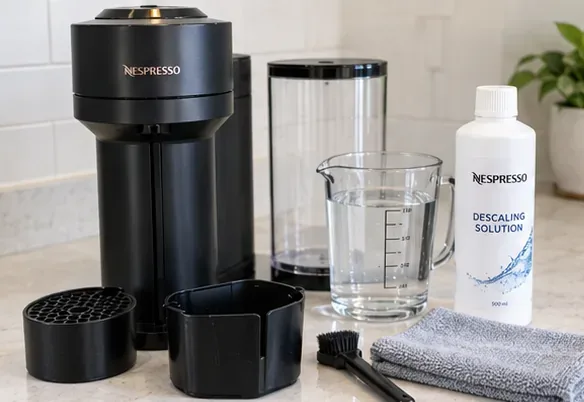
Open the head so any used capsule can eject into the capsule container. Before starting a cleaning cycle, there must be no capsule in the brewing chamber. Do not reach deep into the machine head with your fingers. Nespresso warns that metal areas inside the head can have sharp edges.
If the machine is hot from recent use, give the removable parts a moment to cool before handling them.
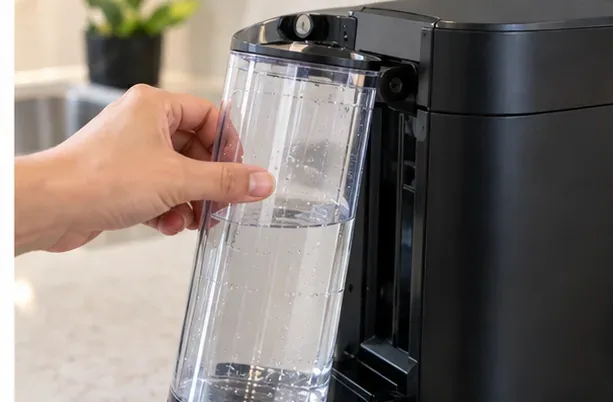
Remove the tank and lid, rinse them, and refill with fresh drinking water. Refit the tank firmly so the machine can draw water without pulling air. Routine cleaning uses water only in the tank; do not add dish soap to the machine's internal water path.
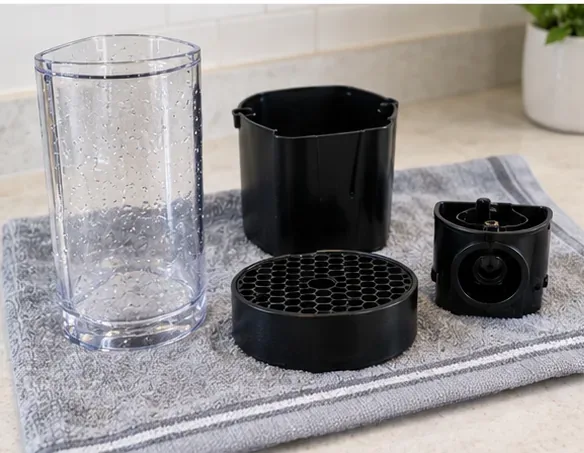
Empty the used-capsule container and drip tray. Wash the capsule container, drip tray, and cup support with warm or hot water and a mild, odorless detergent, then rinse well. Nespresso's official Vertuo manual calls for hot water and mild odorless detergent for removable components and recommends drying with a clean towel.
Avoid putting removable Vertuo parts in the dishwasher unless the manual for your exact model explicitly says otherwise. Nespresso regional product support states that Vertuo removable parts are intended for hand washing.
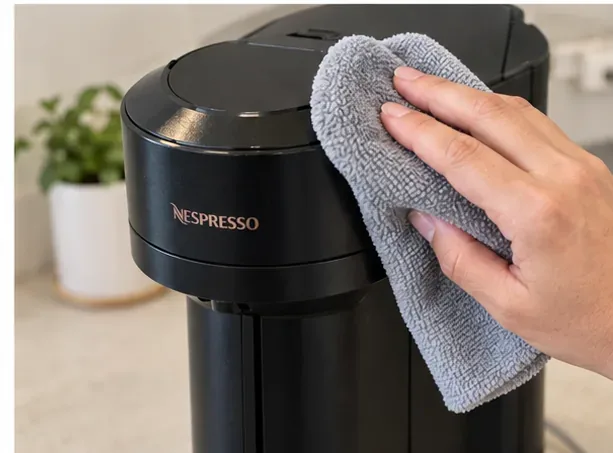
Use a clean damp cloth to wipe the coffee outlet and exterior surfaces. Do not use abrasive pads, solvent cleaners, scouring powders, or strong cleaners. Never immerse the main appliance in water.
Keep this step gentle. The goal is to remove splashes and coffee film, not to scrub inside the brewing mechanism.
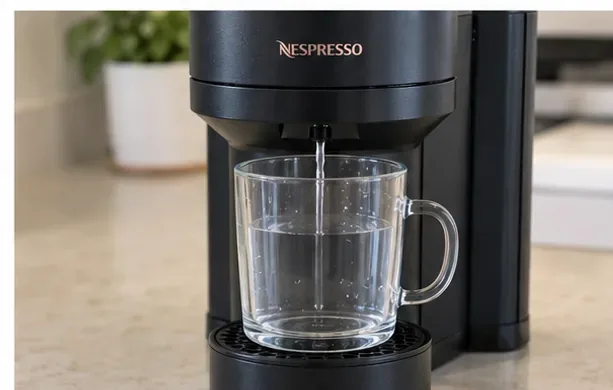
Reinstall the required removable parts and place a large container under the spout. For Vertuo Next and Vertuo Pop, use at least 34 fl oz (1 L). For Vertuo Plus, Nespresso specifies at least 0.8 L. A small coffee cup can overflow during the automatic rinse.
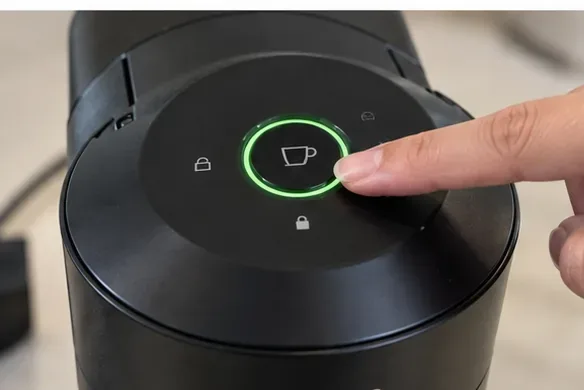
For Vertuo Next and Vertuo Pop, close the head, turn the handle to the locked position, wait until the machine is ready, and press the coffee button three times within two seconds. Nespresso says the flow can take up to about two minutes to begin and the full cleaning operation can take up to about seven minutes.
Vertuo Plus also starts its cleaning cycle with three button presses in two seconds after the head is closed, but its official guidance describes a cycle of about five minutes. See the Vertuo Plus machine-assistance page for model-specific guidance.
Important: Vertuo Up is different. Its official support page uses a maintenance button and color-coded maintenance mode. Do not assume the three-press procedure applies to it.
Allow the automatic cycle to complete unless you need to stop it for a problem such as an overflowing container. Do not open the machine head while the cycle is actively running. The discharged water may contain fine coffee particles or discoloration at first.
When the cycle ends, empty the catch container. If the machine has been unused for a long period or you still see coffee grounds, the model's support guide may call for another cleaning cycle. The standard Vertuo support page, for example, tells users with grounds in the cup to perform the cleaning procedure twice.
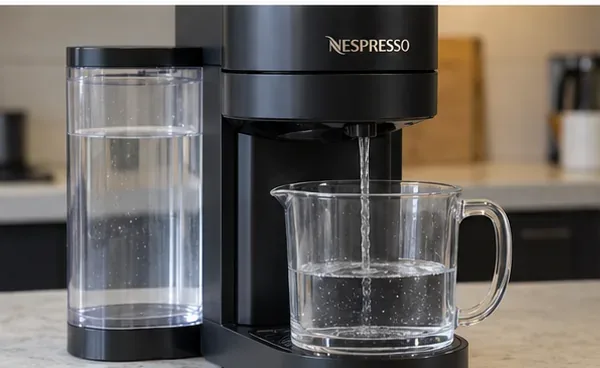
Dry the removable parts with a clean towel and reinstall them. Refill the tank with fresh drinking water if needed. Your machine is now ready for normal use if the issue was routine residue.
If a descaling alert remains, routine cleaning is not a substitute for descaling. Nespresso's current Vertuo Next instructions describe descaling as a separate roughly 20-minute process using one unit of Nespresso descaling liquid plus 17 fl oz (0.5 L) of water, followed by a fresh-water rinse. The exact control sequence varies by model, so follow the descaling section for your machine rather than improvising.
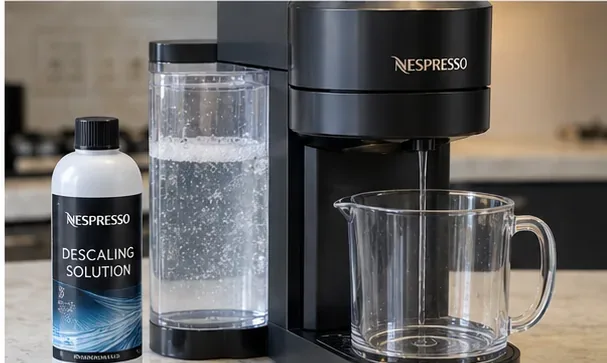
Cleaning is mainly about coffee residue, stale water, the outlet, and removable parts. Descaling is about mineral deposits left by water as it is heated. You can have a visually clean machine that still needs descaling.
Nespresso's U.S. VertuoLine descaling guide says to use the Nespresso Descaling Kit and warns that alternatives such as vinegar or store-bought descalers may damage the machine. For a Vertuo Next, the current machine-assistance instructions likewise say not to use a product other than the Nespresso descaling kit.
| Model | Routine cleaning start | Large container | Typical automatic cleaning duration |
|---|---|---|---|
| Vertuo Next | Press coffee button 3 times within 2 seconds after closing and locking | At least 1 L / 34 fl oz | Up to about 7 minutes |
| Vertuo Pop | Press coffee button 3 times within 2 seconds after closing and locking | At least 1 L / 34 fl oz | About 7 minutes |
| Vertuo Plus | Close head with lever, then press button 3 times in 2 seconds | At least 0.8 L | About 5 minutes |
| Vertuo Up | Use the maintenance-button menu | Follow the current model guide | Follow the current model guide |
For Vertuo Pop, the current official quick-start and cleaning guide dated June 13, 2025 shows the first rinsing/cleaning cycle taking about seven minutes.
For a beginner, the safest rule is simple: use water for the automatic cleaning cycle, mild odorless detergent only on appropriate removable parts, and the approved descaling solution when the machine is actually asking for scale removal. Once you know your exact Vertuo model, the maintenance routine becomes straightforward and repeatable.
Set print and download limits for ONLYOFFICE links, room members, or Docs API sessions, then verify the restrictions from a recipient account.
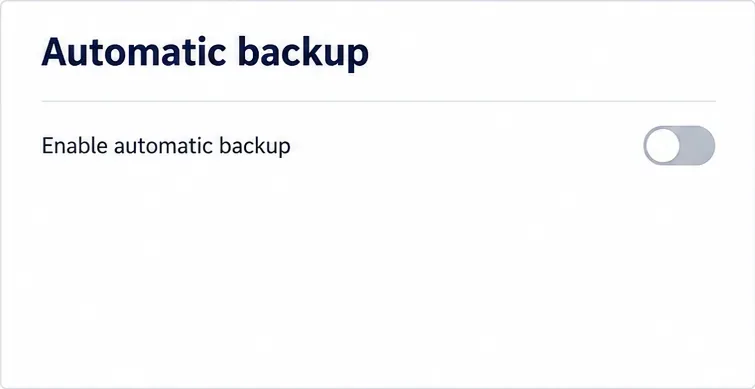
Set a backup destination, schedule, Mail coverage, and retention limit in ONLYOFFICE Workspace, then verify the archive is ready to restore.
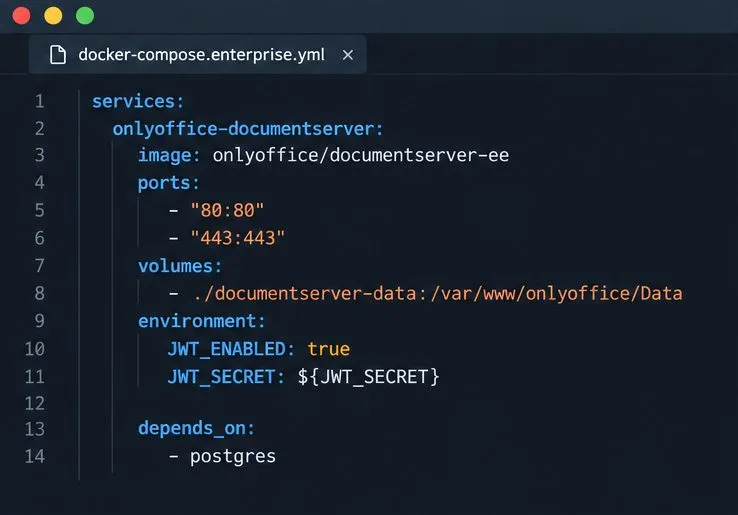
Start the Enterprise Docker Compose stack, persist its license and data, configure JWT safely, and confirm the editors are ready to integrate.
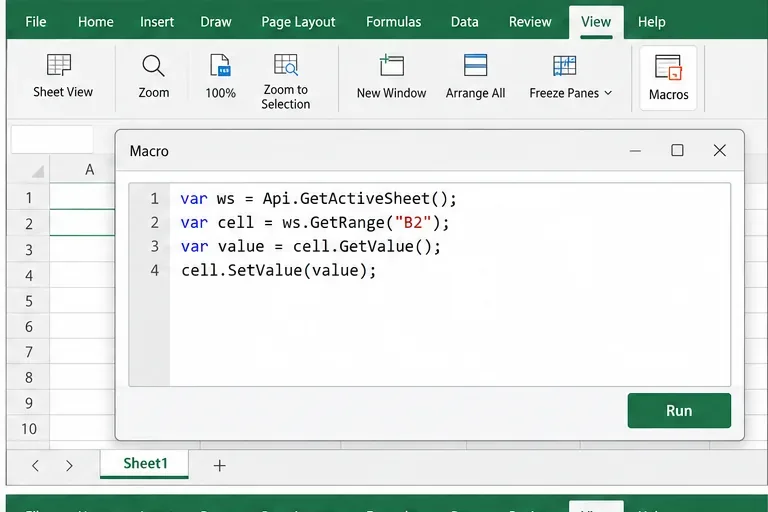
Use an ONLYOFFICE JavaScript macro to remove nonprinting characters and trim extra spaces from a defined spreadsheet range, with a safe review workflow.
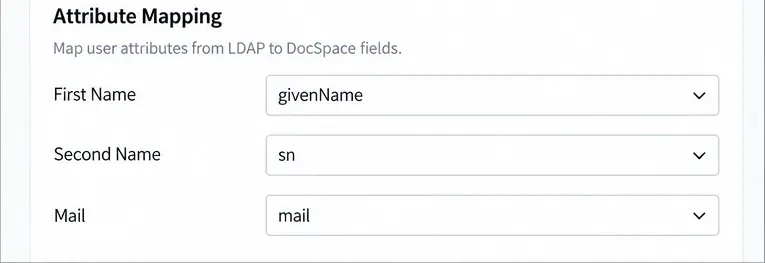
Connect ONLYOFFICE DocSpace to Active Directory or OpenLDAP, import users and groups safely, map account fields, and schedule reliable synchronization.
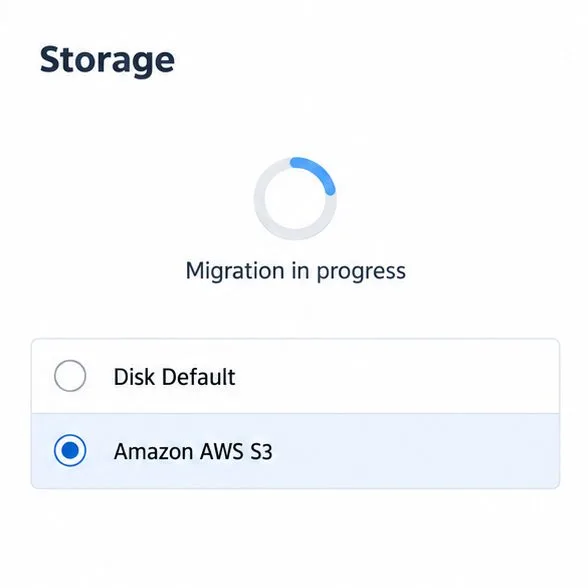
Move portal data from Disk Default to a supported cloud storage provider, or relocate Docker data safely by changing its host volume mapping.
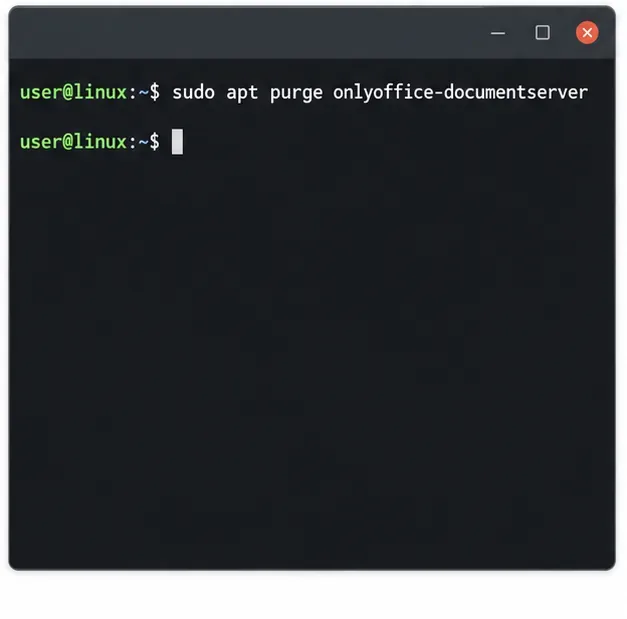
Identify whether Document Server uses a Linux package or Docker, remove only its components, and check remaining data without deleting shared services by mistake.
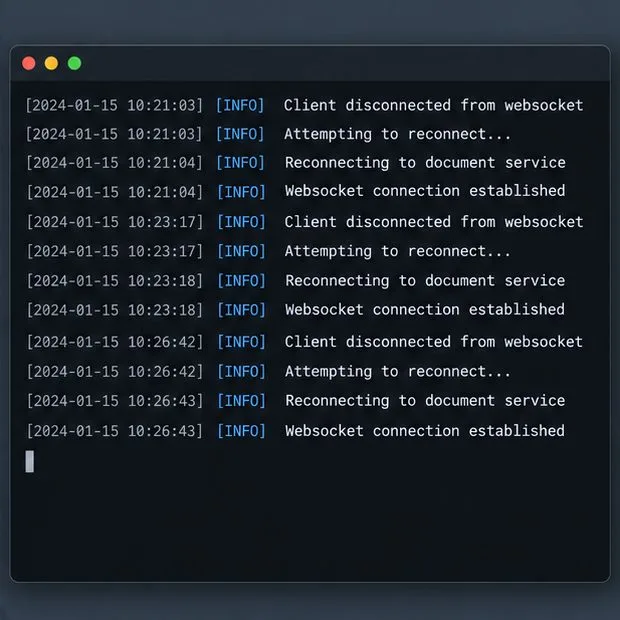
Trace slow collaborative editing to Docker resource pressure, proxy connections, or document load, then choose the fix that matches your measurements.
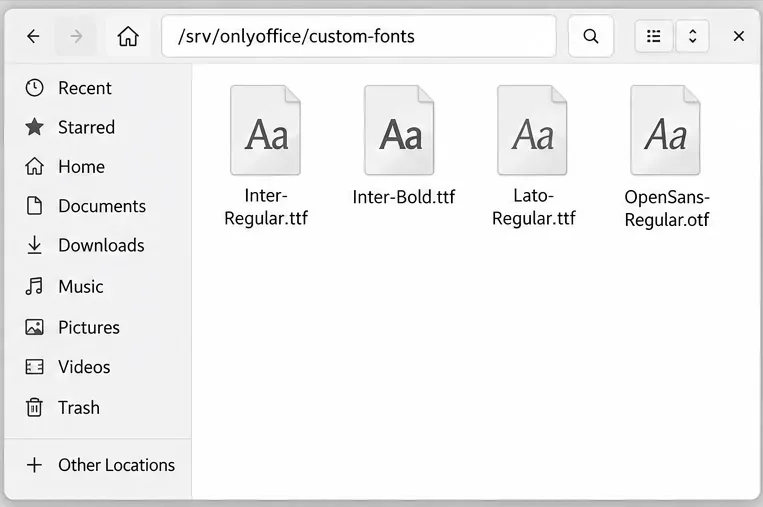
Install custom fonts in ONLYOFFICE Document Server, compare persistent Docker mounts with direct copies, rebuild the font list, and verify the result.
Choose where TLS should terminate, mount a trusted certificate and private key safely, and verify HTTPS access to a Dockerized ONLYOFFICE Docs server.