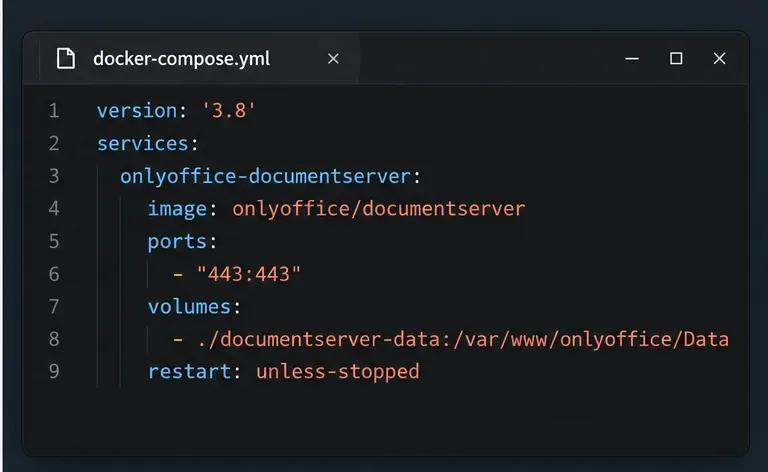
Stop Unwanted Printing and Downloads in ONLYOFFICE
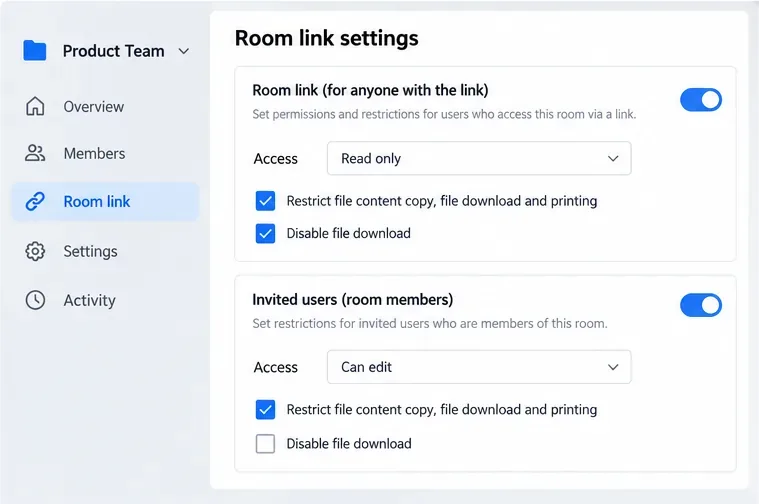
Set print and download limits for ONLYOFFICE links, room members, or Docs API sessions, then verify the restrictions from a recipient account.
The most important answer: if you do not want to remove any PS5 covers, you cannot directly wipe or vacuum the fan blades themselves. What you can safely do from the outside is clean dust from the console’s air vents with a low-powered vacuum. That is the method PlayStation currently tells owners to use for dust that has accumulated in and around the vents. For mild dust buildup, this is the right first step and may improve airflow without taking the console apart.
This distinction matters because “clean the fan” is often used loosely online. External vent cleaning helps the cooling system breathe, but it does not prove that the fan blades, heatsink, or internal air channels are clean. PlayStation’s current support guidance, checked in September 2026, also notes that the cooling fan may temporarily run louder during some games and applications because it is working faster to cool the system. A louder fan by itself is therefore not proof of a dust problem. See PlayStation’s PS5 console noise and vent-cleaning guidance.
| What you observe | What it means | Best next action |
|---|---|---|
| Visible dust around the exterior vents, but the console otherwise works normally | External cleaning is a reasonable first step | Use the low-powered vacuum method below |
| The fan is louder mainly in demanding games | This can be normal according to PlayStation | Check ventilation and dust before assuming a fault |
| The console is in a tight shelf, on long-fiber carpet, or close to a wall | Airflow may be restricted even if the fan is clean | Restore open space around the console |
| Noise, overheating warnings, shutdowns, or airflow problems continue after exterior cleaning | Dust may be deeper inside, or another issue may be involved | Consider PlayStation support or the manufacturer-documented deeper cleaning path |
Verified: PlayStation says to keep the vents unobstructed, prevent dust buildup, and use a low-powered vacuum cleaner on accumulated vent dust. Its current PS5 manuals also recommend at least 10 cm (4 in) of clearance from a wall and advise against cramped spaces and long-fiber carpet. Action: if your console is dusty but still operating normally, start with the outside-only procedure here.
Situation-dependent: whether this makes your PS5 quieter depends on why it is noisy. Dust at the vents can contribute to poor airflow, but fan speed also changes with workload and room conditions. Action: compare the console before and after cleaning under the same game or application rather than expecting it to become silent.
Not knowable from the outside: you cannot confirm how much dust is on the internal fan blades or heatsink without gaining internal access. Action: if symptoms remain after vent cleaning and airflow corrections, do not keep escalating with improvised tools through the vents.
You do not need to remove the PS5 covers for the procedure below. You also do not need liquid cleaner. The current PS5 instruction manual says the plastic cabinet should be wiped with a soft, dry cloth and specifically warns against volatile substances including alcohol. The same manual recommends a handheld vacuum for vent dust. See the current CFI-21XX PS5 instruction manual.
Use the control center and choose Power > Turn Off PS5. Wait until the power indicator has stopped blinking and is off, then disconnect the AC power cord and other cables. Do not treat Rest Mode as “off” for cleaning. PlayStation also instructs users to unplug the console before care or cleaning.
Action: leave the console unplugged and allow it to cool before moving or cleaning it.
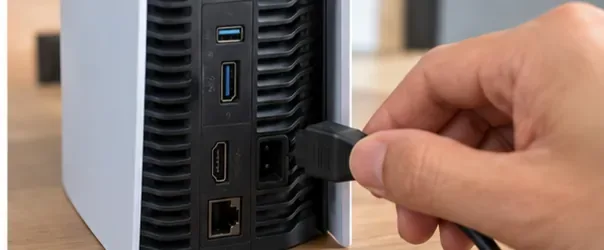
Move the PS5 to a flat table where you can reach the vents without removing the covers. Handle the console carefully and keep any stand or feet installed as appropriate for your model. Exact vent shapes differ across the CFI-1000, CFI-2000/2100, and CFI-7000 model groups, so do not rely on one photo to locate every opening on every PS5.
Action: identify the vent openings on the sides and rear of your own console while leaving the covers attached.
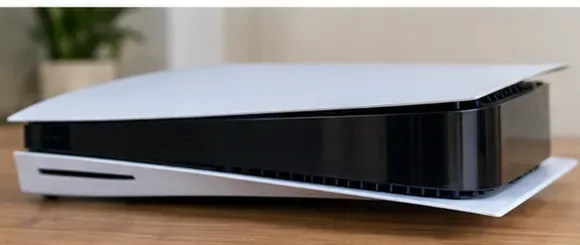
Look closely at the rear ventilation openings. Dust often collects along grille edges where room air and exhaust flow pass through. The goal is not to reach the fan with an object; it is to remove loose buildup that is accessible at the exterior openings.
Action: note where dust is most visible so you can focus the low-powered vacuum on those exterior areas.
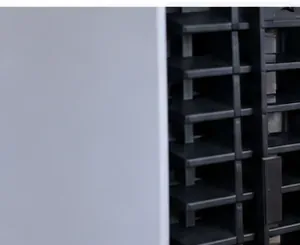
Use low suction and move the vacuum nozzle slowly along the outside of the rear vents. PlayStation’s published wording is to use a low-powered vacuum cleaner to remove dust accumulated “in and around” the air vents. A practical way to stay within that guidance is to keep the nozzle outside the grille rather than pushing attachments into the console.
Action: make several gentle passes instead of trying to pull all the dust out in one high-suction pass.
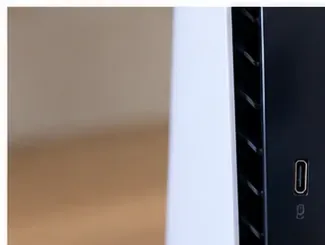
Work around the other visible ventilation openings on your model. The exact layout varies, but PlayStation’s noise guidance specifically tells owners to keep the side and rear vents unobstructed. Move the console only while it is fully off and unplugged, and support it securely as you change orientation.
Action: vacuum each accessible vent section from the exterior, then visually check whether loose dust remains around the grille edges.
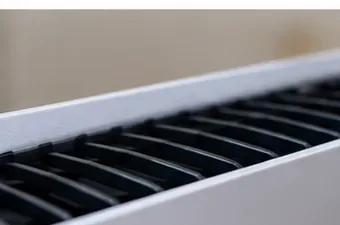
After vacuuming, wipe the plastic exterior to remove settled dust. Current PlayStation manuals say to use a soft, dry cloth on the plastic cabinet and warn against paint thinner, benzene, alcohol, and chemically treated cloths because they can affect the surface.
Action: keep the cloth dry and use light pressure. This step cleans the housing; it is not a substitute for vacuuming the vents.

Cleaning is less useful if the PS5 returns to an airflow-restricted location. PlayStation says to leave at least 10 cm (4 in) from a wall, avoid long-fiber carpet, avoid cramped spaces, and do not cover the console with cloth. Dust on the shelf or cabinet around the PS5 can also be vacuumed separately so it is less likely to be drawn back toward the vents.
Action: return the PS5 to an open setup with clear space around its ventilation areas.
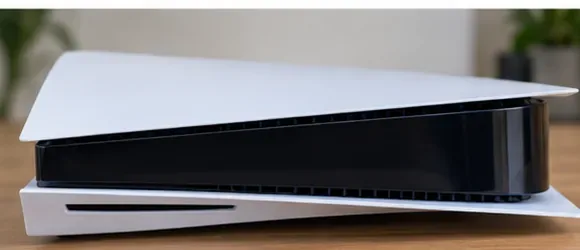
Reconnect the cables, start the PS5, and use the same game or application that previously made the fan noticeable. Listen for changes only after the console has been running long enough to reach a comparable workload. A temporarily faster fan can still be normal during demanding software, so the goal is not absolute silence.
Action: if the console now has clear airflow and no unusual symptoms, the exterior clean has done what it can. If overheating warnings, shutdowns, persistent abnormal noise, or weak airflow remain, move to PlayStation troubleshooting or professional service rather than forcing tools through the vents.
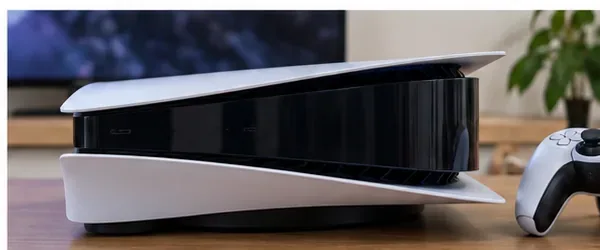
What is verified: PlayStation states that the cooling fan may operate louder than usual during some games and applications because it is temporarily running faster to cool the system. What depends on circumstances: dust can still matter if the vents are visibly dirty or the console is poorly ventilated. Action: check vent dust and placement before assuming the fan itself is defective or clogged.
What is verified: the current PlayStation support instructions we found specify a low-powered vacuum cleaner for dust in and around the vents. They do not prescribe compressed air in that procedure. What is unknown: PlayStation does not quantify which third-party air-duster methods are safe for every PS5 model in the cited guidance. Action: if you want to stay within the manufacturer-documented method, use low-powered vacuum suction instead of improvising with compressed air.
What is verified: PlayStation distinguishes vent cleaning from the deeper recommendation to remove the covers and vacuum dust trapped underneath. What follows from that: a no-disassembly clean is an external vent clean, not direct fan-blade service. Action: stop at the vents if you do not want to remove covers; if that is insufficient, seek the next official maintenance option rather than inserting objects through the grille.
What is verified: the current PS5 instruction manual says not to apply volatile substances including alcohol to the plastic cabinet and recommends a soft, dry cloth. Action: keep liquid cleaners away from the console housing in this procedure.
This method is best for routine maintenance, visible vent dust, and situations where you specifically do not want to remove the console covers. It is also a sensible first check when the fan seems louder than before but the console has no overheating warnings or shutdowns.
It may not be enough when dust is trapped deeper inside. PlayStation’s current manual explicitly says it is also recommended to remove the covers and use a handheld vacuum to remove dust trapped underneath. That is beyond this no-disassembly guide. If you are not comfortable removing covers, use PlayStation Hardware & Repairs support instead of attempting a deeper improvised clean.
The practical takeaway is simple: if you want to clean a PS5 fan without taking the console apart, treat the task as external ventilation maintenance. Fully power down and unplug the console, use a low-powered vacuum on the vents, wipe the plastic with a soft dry cloth, restore proper clearance, and then retest. That approach stays aligned with PlayStation’s published care guidance while avoiding unnecessary disassembly.
Set print and download limits for ONLYOFFICE links, room members, or Docs API sessions, then verify the restrictions from a recipient account.
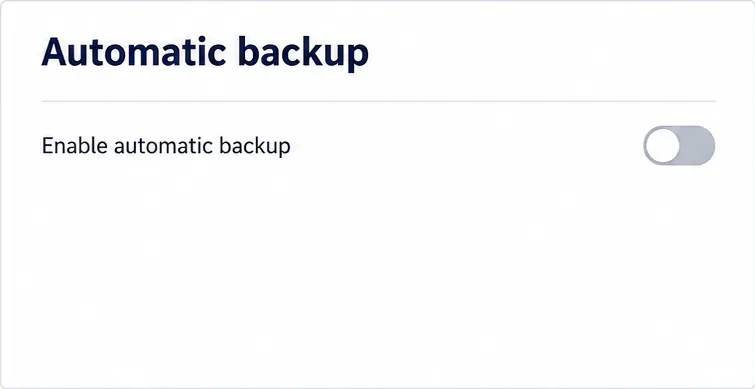
Set a backup destination, schedule, Mail coverage, and retention limit in ONLYOFFICE Workspace, then verify the archive is ready to restore.
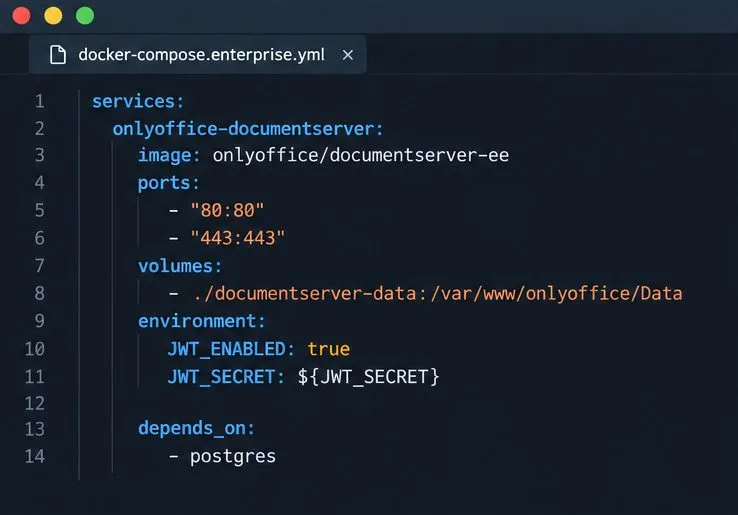
Start the Enterprise Docker Compose stack, persist its license and data, configure JWT safely, and confirm the editors are ready to integrate.
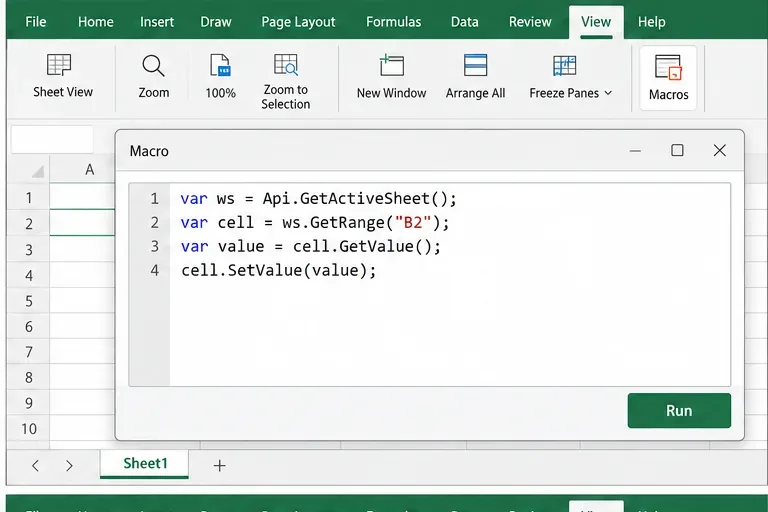
Use an ONLYOFFICE JavaScript macro to remove nonprinting characters and trim extra spaces from a defined spreadsheet range, with a safe review workflow.
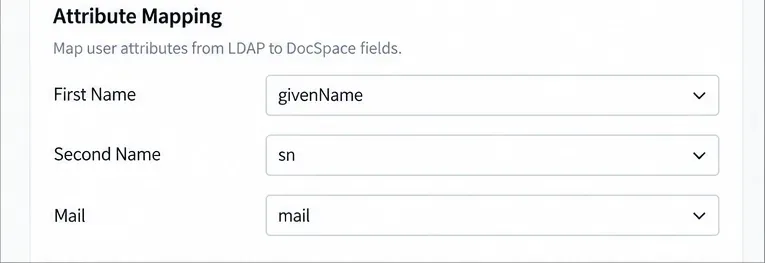
Connect ONLYOFFICE DocSpace to Active Directory or OpenLDAP, import users and groups safely, map account fields, and schedule reliable synchronization.
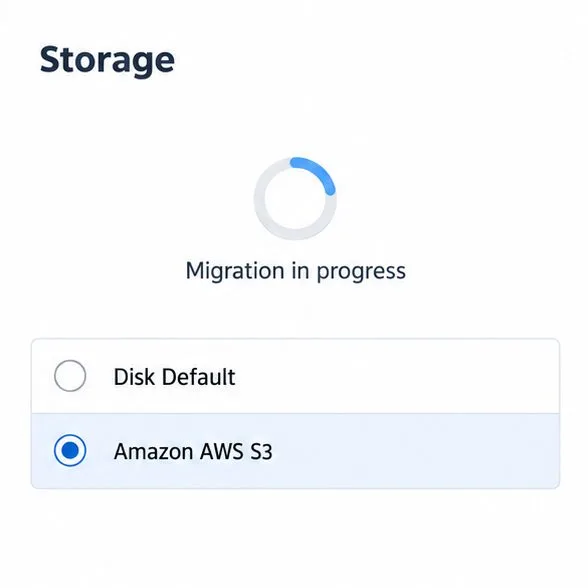
Move portal data from Disk Default to a supported cloud storage provider, or relocate Docker data safely by changing its host volume mapping.
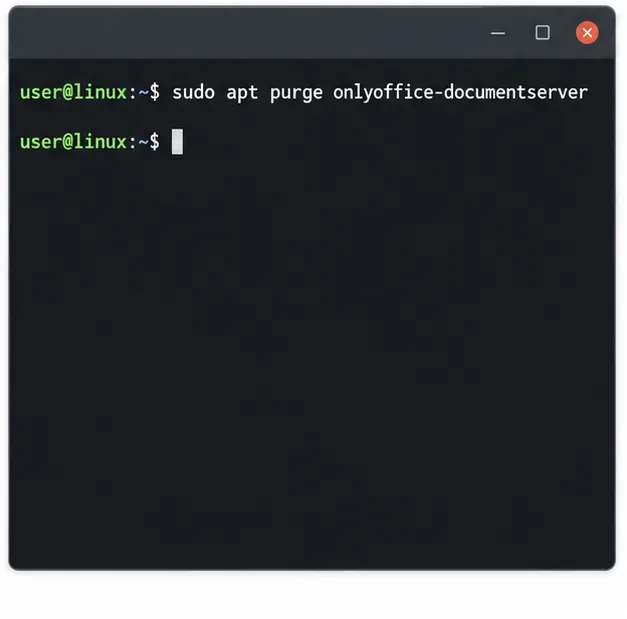
Identify whether Document Server uses a Linux package or Docker, remove only its components, and check remaining data without deleting shared services by mistake.
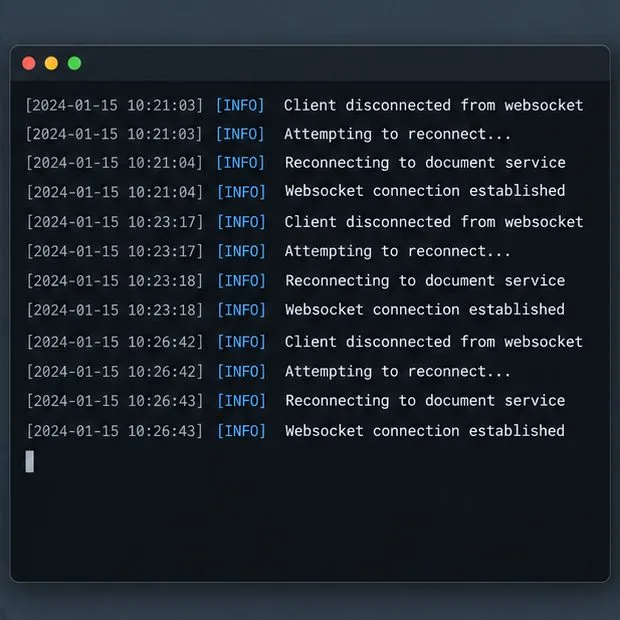
Trace slow collaborative editing to Docker resource pressure, proxy connections, or document load, then choose the fix that matches your measurements.
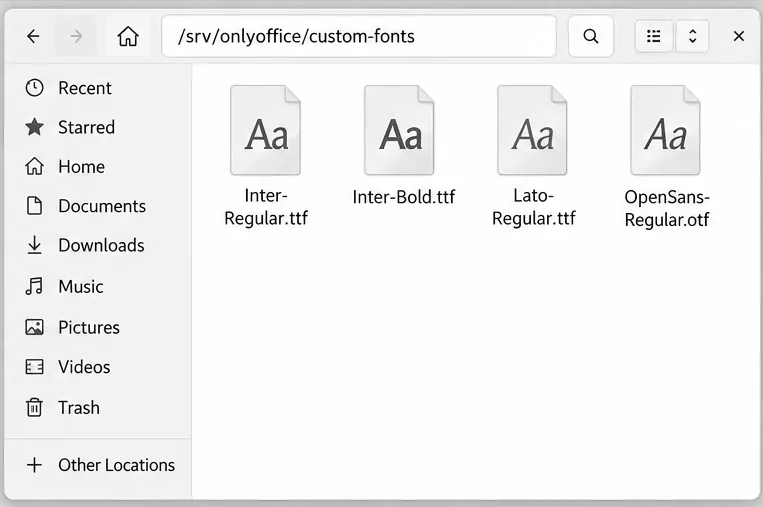
Install custom fonts in ONLYOFFICE Document Server, compare persistent Docker mounts with direct copies, rebuild the font list, and verify the result.
Choose where TLS should terminate, mount a trusted certificate and private key safely, and verify HTTPS access to a Dockerized ONLYOFFICE Docs server.