Stop Unwanted Printing and Downloads in ONLYOFFICE
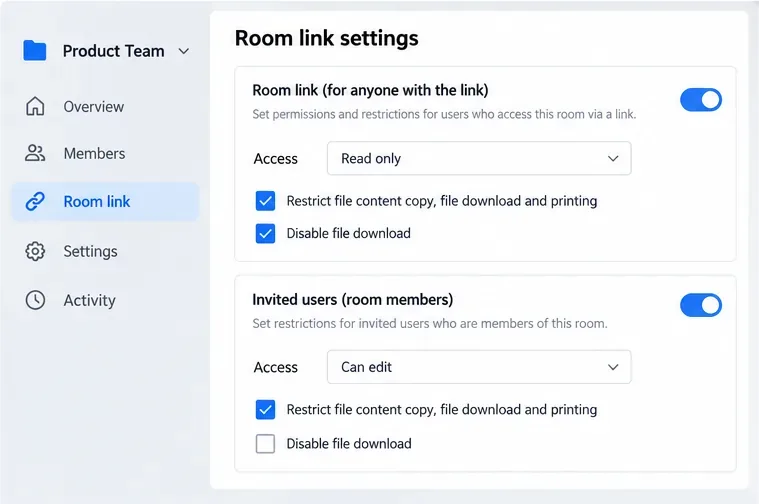
Set print and download limits for ONLYOFFICE links, room members, or Docs API sessions, then verify the restrictions from a recipient account.
If your AirPods Max cushions look dull, feel grimy, or have picked up sweat and skin oils, the safest fix is not to soak them or scrub them aggressively. Apple provides a specific cleaning method: remove the cushions, use a lightly wrung lint-free cloth with a dilute laundry-detergent solution, wipe again with a separate cloth slightly dampened with fresh water, remove excess moisture, and let everything dry for at least a day before reassembly.
This guide follows that manufacturer guidance and explains each term and step for a first-time cleaner. The AirPods Max cushion is the removable fabric-covered ear pad that sits against your head. A lint-free cloth is a soft cloth that does not shed fibers onto the fabric or into the ear cup.
AirPods Max and their Smart Case are not waterproof or water resistant. That means the goal is controlled moisture, not washing under a faucet or immersing the headphones. Apple also says not to use sharp objects or abrasive materials, and not to let liquid enter openings.
Disinfecting wipes need special caution. Apple permits certain disinfecting wipes on the exterior surfaces of AirPods Max, but specifically says not to use them on the knit mesh canopy or ear cushions. Products containing bleach or hydrogen peroxide are also off-limits. For the cushions themselves, stick to the detergent-and-water method below.
Apple's current manufacturer instructions are available on the official Apple Support page for cleaning AirPods Max. The page lists a published date of September 13, 2024 and was still Apple’s active cleaning reference when this article was checked.
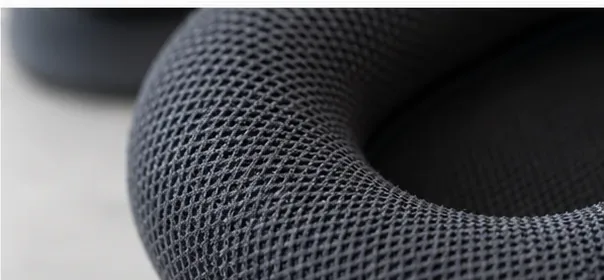
You do not need a specialty electronics-cleaning kit. Gather the items Apple specifies or directly supports in its method:
A microfiber cloth is usually suitable if it is clean, soft, and lint-free. Avoid brushes with stiff bristles, abrasive sponges, paper towels that shed fibers, and cleaning sprays applied directly to the cushions.
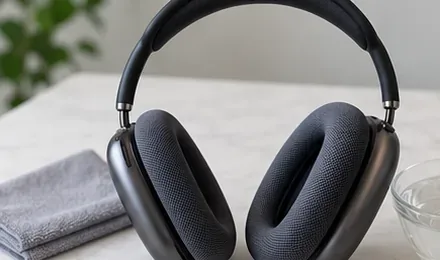
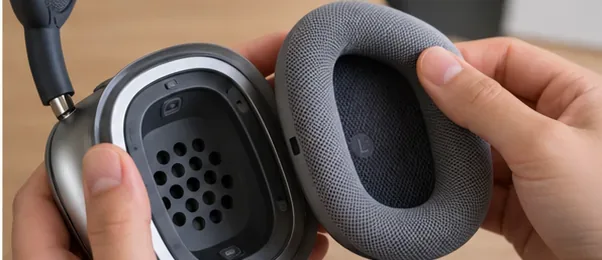
Hold one ear cup securely and lift the cushion away from it. Apple instructs users to remove the cushions before cleaning. Once removed, set the headphones on a clean, dry surface where the exposed ear cups will not collect dust or moisture.
In the clean container, mix 1 teaspoon (5 mL) of liquid laundry detergent with 1 cup (250 mL) of water. More detergent is not better: excess soap can be harder to remove from the woven cushion fabric and may encourage over-wetting as you try to rinse it away.
Do not pour this solution directly onto a cushion. The solution is for moistening a cloth, not for soaking the ear pad.
Dip a lint-free cloth into the detergent solution, then wring it out slightly. It should be damp enough to transfer the cleaning solution but not dripping. Keeping moisture controlled is especially important around headphones because liquid can migrate into openings if too much is used.
Use the damp, soapy cloth to rub the fabric gently. Apple specifies one minute for each cushion. Work around the outer face, the inner opening, and the surfaces that contact your skin. Use light, even pressure instead of scrubbing hard.
If one area is visibly dirty, make additional gentle passes with the same cloth rather than switching to a harsher cleaner. The purpose is to loosen residue while keeping the fabric and internal cushion structure from becoming saturated.
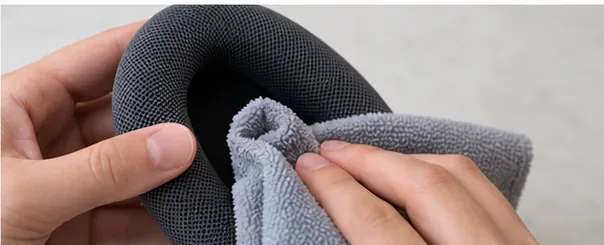
Take a second clean cloth and dampen it slightly with fresh water. Use it to wipe the cushion and remove remaining detergent. This is a wipe-down step, not a rinse under running water.
Using a separate cloth matters because it prevents you from simply spreading the detergent solution back over the cushion. Re-dampen and wring the cloth as needed, but keep it only slightly moist.
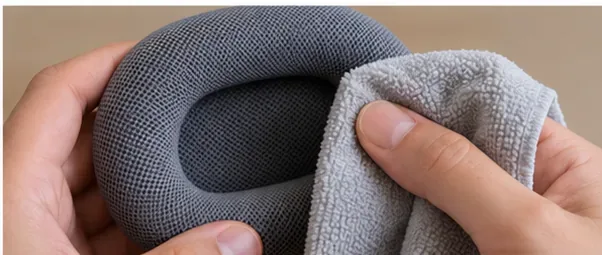
Use a third soft, dry, lint-free cloth to blot and wipe the cushions. Apple says to make sure you remove excess moisture. Pressing gently is preferable to twisting, wringing, or deforming the ear pads.
At this stage the cushions may still feel slightly damp. That is normal; the next step is a long air-drying period, not an attempt to speed-dry them with heat.
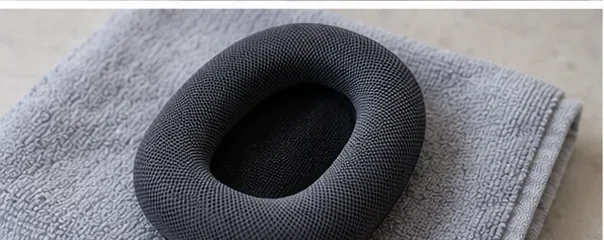
Apple instructs users to lay the AirPods Max flat to dry for at least a day before reattaching the cushions and using the headphones again. Do not shorten this period just because the outer fabric feels dry to the touch; moisture can remain inside the cushion material longer than it remains on the surface.
Leave the cushions and headphones in a clean, dry location at normal room conditions. Avoid hair dryers, space heaters, radiators, direct high heat, or other attempts to accelerate drying. Apple does not recommend those methods in its cleaning instructions.
When the cushions and headphones are fully dry, position each cushion over its matching ear cup and let it seat evenly. Check that the cushion lies flat around the perimeter and is not pinched or misaligned.
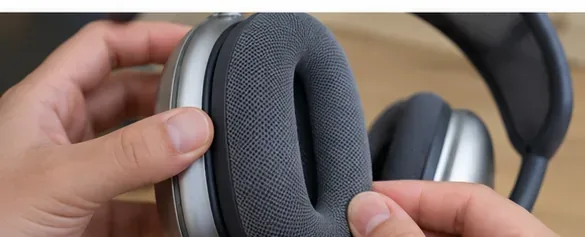
After the drying period, do a quick visual and touch check before putting the headphones back into service:
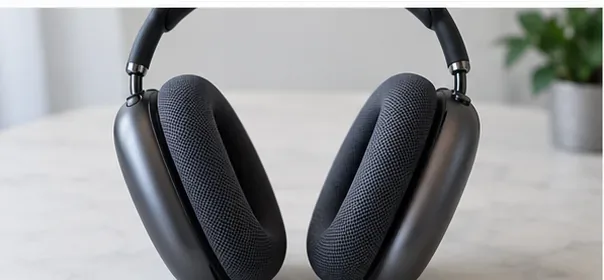
Cleaning can remove normal surface buildup, but it cannot repair torn fabric, collapsed foam, deformation, or other physical damage. If a cushion is structurally worn or damaged, replacement may be more appropriate than repeated cleaning. Apple sells replacement AirPods Max ear cushions; check compatibility with your specific model before ordering from the official Apple AirPods cushion accessories page.
For routine care, the simplest preventive habit is to keep both your skin and the headphones clean and dry and to clean the cushions before heavy buildup becomes difficult to remove. That keeps the maintenance process gentle, predictable, and aligned with Apple's instructions.
Set print and download limits for ONLYOFFICE links, room members, or Docs API sessions, then verify the restrictions from a recipient account.
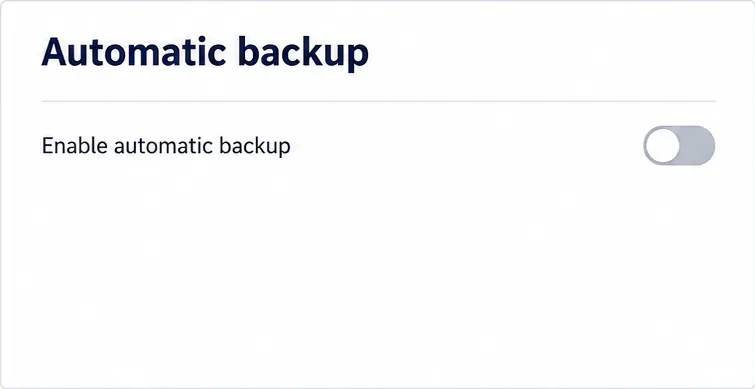
Set a backup destination, schedule, Mail coverage, and retention limit in ONLYOFFICE Workspace, then verify the archive is ready to restore.
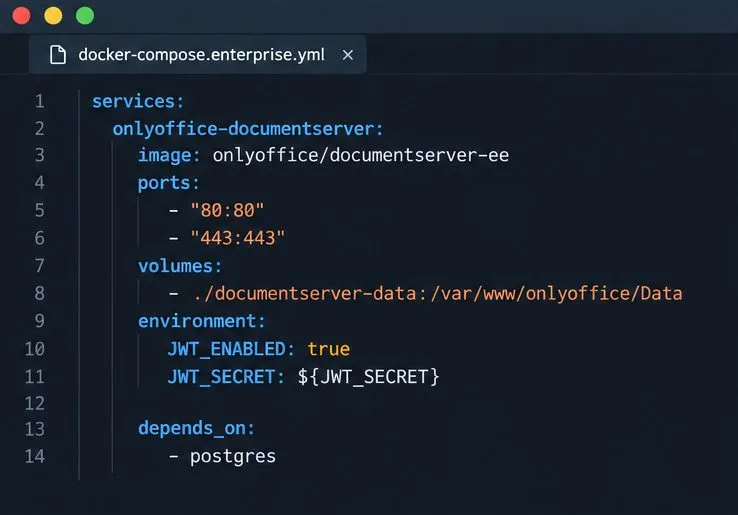
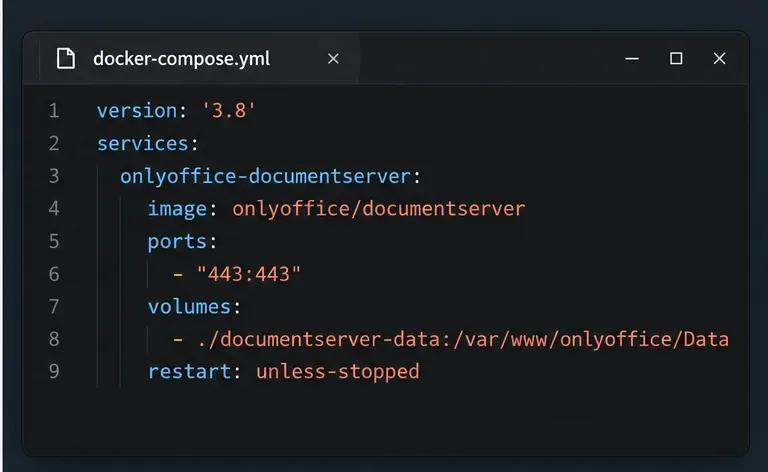
Start the Enterprise Docker Compose stack, persist its license and data, configure JWT safely, and confirm the editors are ready to integrate.
Use an ONLYOFFICE JavaScript macro to remove nonprinting characters and trim extra spaces from a defined spreadsheet range, with a safe review workflow.
Connect ONLYOFFICE DocSpace to Active Directory or OpenLDAP, import users and groups safely, map account fields, and schedule reliable synchronization.
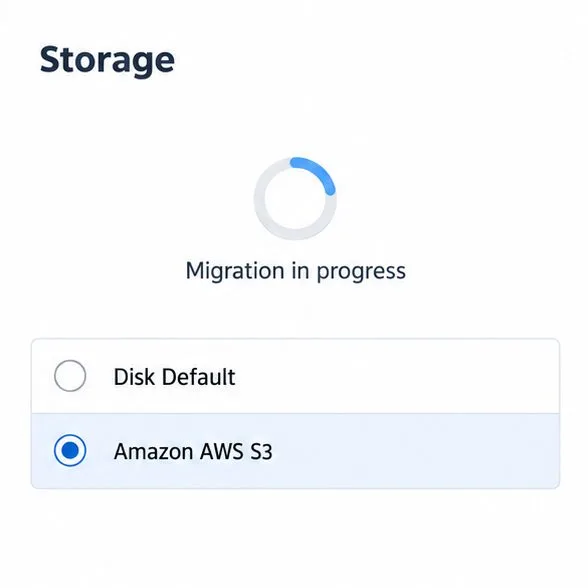
Move portal data from Disk Default to a supported cloud storage provider, or relocate Docker data safely by changing its host volume mapping.
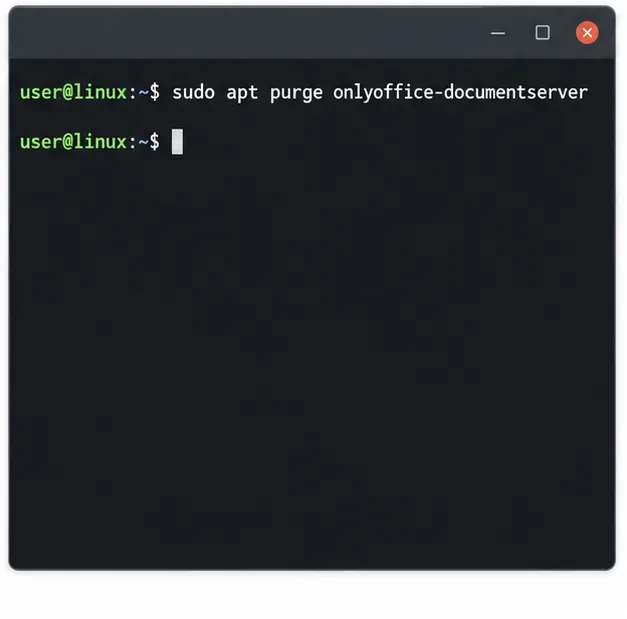
Identify whether Document Server uses a Linux package or Docker, remove only its components, and check remaining data without deleting shared services by mistake.
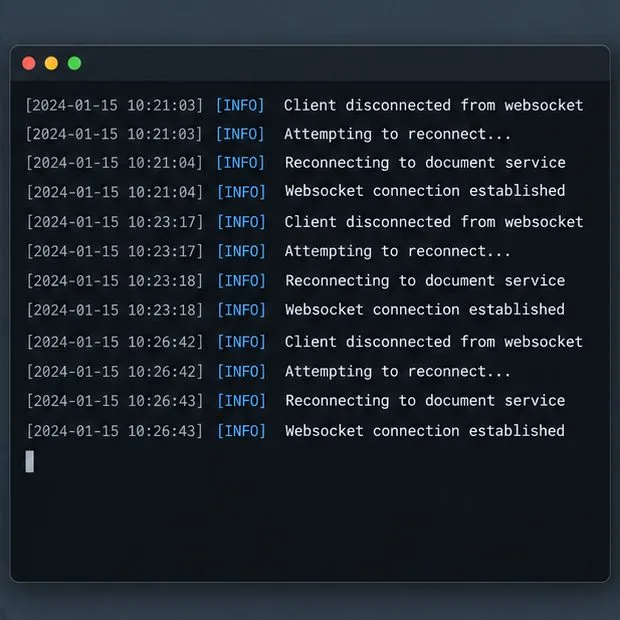
Trace slow collaborative editing to Docker resource pressure, proxy connections, or document load, then choose the fix that matches your measurements.
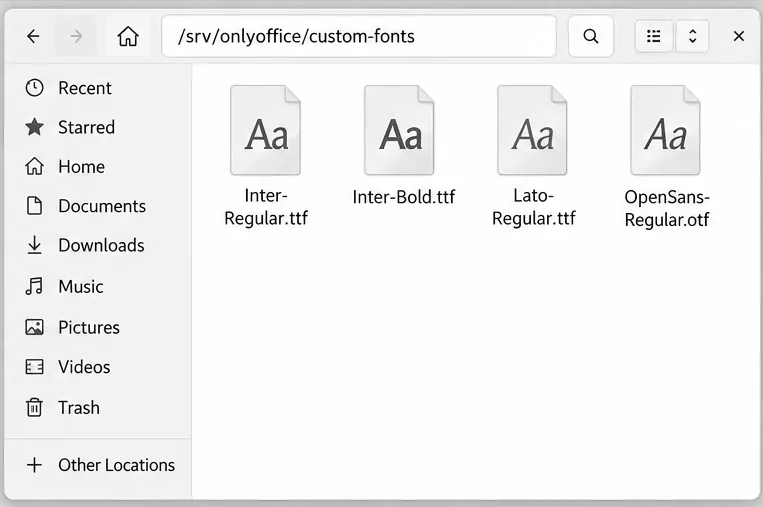
Install custom fonts in ONLYOFFICE Document Server, compare persistent Docker mounts with direct copies, rebuild the font list, and verify the result.
Choose where TLS should terminate, mount a trusted certificate and private key safely, and verify HTTPS access to a Dockerized ONLYOFFICE Docs server.