Stop Unwanted Printing and Downloads in ONLYOFFICE
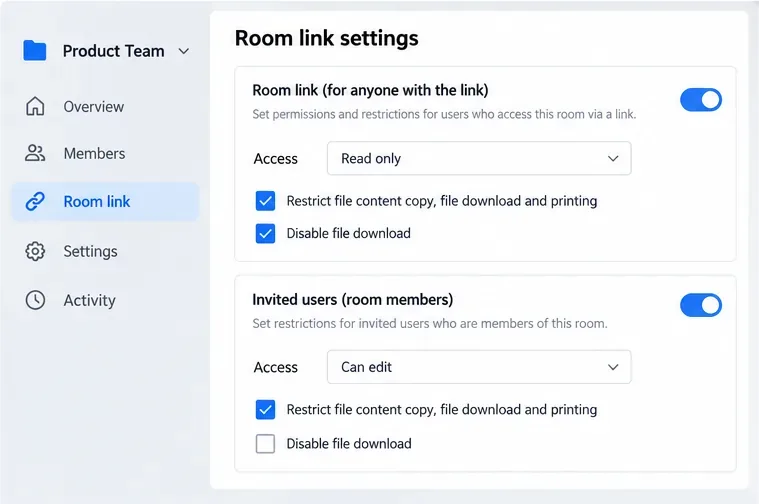
Set print and download limits for ONLYOFFICE links, room members, or Docs API sessions, then verify the restrictions from a recipient account.
The safest way to clean AirPods Pro ear tips is simple: remove the tips from the earbuds, rinse the detached tips with plain water, wipe them with a soft lint-free cloth, let them dry completely, and click them back on. Apple specifically says not to use soap or other household cleaners on the ear tips. That is the key answer, and it matters because the ear tips can be rinsed while the AirPods Pro themselves generally should not be placed under running water.
Apple's current AirPods Pro cleaning guidance was published February 2, 2026. The ear-tip instructions remain straightforward even though Apple now has additional model-specific cleaning guidance for other parts of AirPods Pro 2 and AirPods Pro 3. For the silicone or silicone-foam ear tips, stick to the detached-tip method described below. See Apple's current AirPods Pro cleaning instructions.
You do not need dish soap, hand soap, alcohol, peroxide, a cleaning spray, or a toothbrush for the ear tips. Apple does describe a toothbrush-and-micellar-water process for certain AirPods Pro meshes, but that is a separate procedure for the earbuds' mesh areas, not the ear-tip washing method.
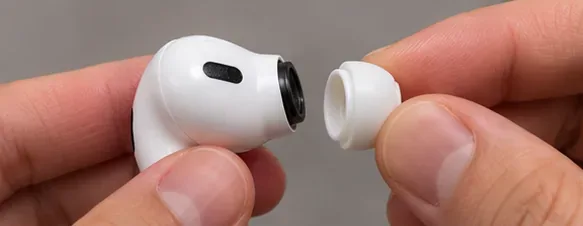
Hold the AirPod securely. Grip the ear tip close to the point where it connects to the earbud, then pull straight outward with steady pressure. If the soft outer edge makes the tip hard to grip, Apple says you can roll that edge inside out or use a clean lint-free cloth for better traction.
When this applies: This removal method is appropriate for AirPods Pro ear tips. Do not yank from the thinnest outer edge, because that gives you less control over the attachment point.
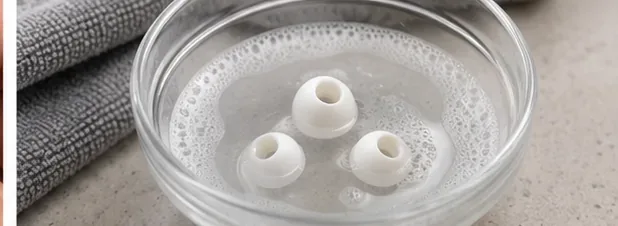
Rinse the detached ear tips with water. Apple's instruction is explicit: do not use soap or other household cleaners on the ear tips. That means a bowl of soapy water may look like a thorough cleaning method, but it is not the manufacturer-recommended one.
Example: If you just finished a workout and the tips have sweat and skin oils on them, remove them and rinse them with water instead of adding dish soap. If residue remains, repeat the plain-water rinse and wipe rather than escalating to an unapproved cleaner.
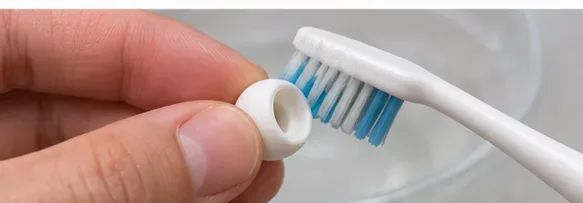
A common source of confusion is Apple's separate mesh-cleaning procedure. For AirPods Pro 2 and AirPods Pro 3 mesh areas, Apple may call for a soft-bristled children's toothbrush and specific liquid steps. That does not mean a toothbrush is part of the ear-tip procedure. For the detachable tips, Apple's published method is rinse, wipe, dry, and reattach.
Action: If your problem is wax on the removable tip, stay with the ear-tip instructions. If the problem is reduced sound caused by debris in an earbud mesh, use the model-specific mesh instructions instead of improvising.
Once the tip is off the AirPod, rinse it with water so the water can pass over the silicone surfaces and opening. Keep the AirPod itself out of the running water. Apple's general instruction says not to run AirPods Pro under water; there is a specific optional immersion step for AirPods Pro 3 in Apple's current body-cleaning guidance, but that is a different procedure and is not needed to clean the removable ear tips.
Best choice for most people: Separate the tip first, rinse only the tip, and keep the electronics dry. This removes the ambiguity between a washable removable part and the earbud body.
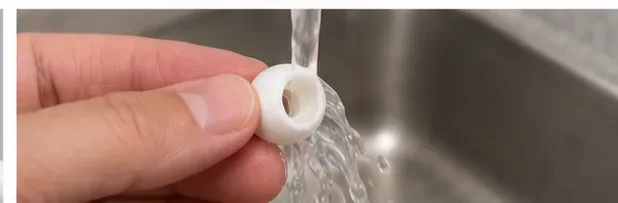
After rinsing, wipe each ear tip with a soft, dry, lint-free cloth. Apple says the tips must be completely dry before they are reattached. There is no official fixed drying time for detached ear tips in the ear-tip section, so use the condition of the part rather than guessing a universal number of minutes.
Practical check: Look inside the opening and around the base. If you can see moisture or the surface still feels damp, keep drying. The goal is not just a dry exterior; the part should be fully dry before it goes back onto the AirPod.
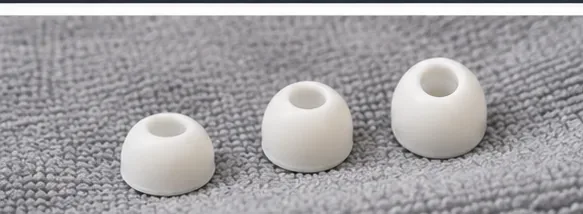
AirPods Pro ear tips use an oval-shaped connection. Align the tip with that oval connector, then press it on from the base until it clicks into place. Apple's fit guidance also recommends a gentle tug afterward to confirm that the ear tip is secure.
If it will not click: Stop and check the alignment instead of forcing it. Also make sure the replacement tip is made for your exact AirPods Pro model.
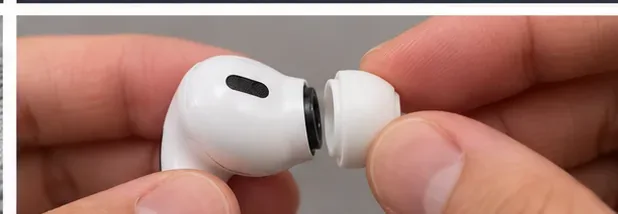
If water had accumulated in an ear tip while it was still attached, Apple says to tap the AirPod on a soft, dry, lint-free cloth with the tip opening facing downward to help remove the water. After cleaning, do not rush wet parts back into use. Moisture around the earbud or charging case is a different risk from moisture on a detached, washable tip.
Use this rule: Ear tips can be rinsed after removal; the AirPods and charging case should stay dry during this process. If the earbud body itself got wet, follow Apple's model-specific instructions before placing it in the case.
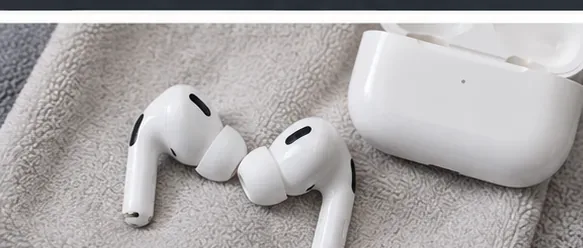
Once the tips are dry and secure, put the AirPods Pro in your ears and check comfort, bass response, and noise cancellation. If the fit seems different after cleaning, it may be a seating or size issue rather than a cleaning problem. Apple notes that ear-tip fit affects the acoustic seal.
For AirPods Pro 1 and AirPods Pro 2, Apple provides an Ear Tip Fit Test. AirPods Pro 3 uses an Acoustic Seal Test. See Apple's ear-tip fit and seal guidance for the current model-specific instructions.
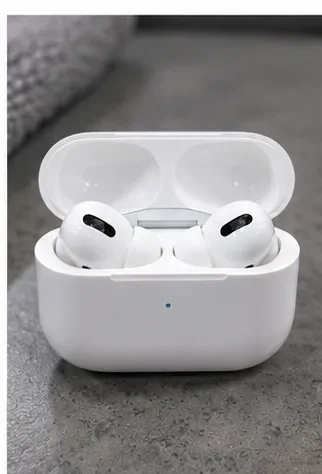
For the removable ear tips, Apple's published cleaning method says to rinse them with water and specifically says not to use soap or other household cleaners. Apple has separate guidance for cleaning other AirPods surfaces and the charging case, but that should not be generalized to the tips.
Recommendation: If your goal is to clean the ear tips, use water only unless Apple publishes different instructions for your exact part and model. This avoids turning a simple washable component into a chemistry experiment.
Start with removal, plain-water rinsing, and wiping with a lint-free cloth. Apple's ear-tip instructions do not prescribe scraping with a pick, using a solvent, or soaking in a household cleaner. Sharp tools also create an unnecessary risk around the fine internal mesh and the attachment structure.
If residue will not come off with the approved method, inspect the tip for tears, deformation, or a blocked internal area. Replacing the tip can be more sensible than aggressive cleaning, especially when the part no longer seals well.
No. Apple's January 9, 2026 ear-tip guidance says ear tips are designed for specific AirPods Pro models and are not interchangeable across models. AirPods Pro 1, AirPods Pro 2, and AirPods Pro 3 also differ in the tip materials and available sizes.
| Model | Apple-listed tip sizes | What to remember |
|---|---|---|
| AirPods Pro 1 | S, M, L | Use tips made for AirPods Pro 1. |
| AirPods Pro 2 | XS, S, M, L | Do not assume Pro 1 or Pro 3 tips are interchangeable. |
| AirPods Pro 3 | XXS, XS, S, M, L | Use Pro 3-specific tips; Apple describes them as silicone foam ear tips. |
Action: If you replace a worn or damaged tip, verify your AirPods Pro generation before buying replacements.
Apple does not publish a universal weekly or monthly schedule for ear tips. The useful interval depends on how often you wear them, how much earwax you produce, and whether they are exposed to sweat, skin products, sunscreen, or other residue. Apple specifically recommends cleaning and drying AirPods Pro after workouts or exposure to substances that can cause irritation.
A practical trigger is visible buildup, reduced comfort, a slippery feel, or use after heavy sweating. Clean sooner if you share a device between uses, although personal ear tips are preferable for hygiene and fit.
| Situation | Best next step | Avoid |
|---|---|---|
| Normal earwax or sweat on the tip | Remove, rinse with water, wipe, dry fully | Soap and household cleaners |
| Water trapped in an attached tip | Tap the AirPod on a dry lint-free cloth with the opening downward, then remove the tip | Putting the whole AirPod under the faucet |
| Sound still seems muffled after tip cleaning | Inspect the earbud mesh and follow Apple's model-specific mesh procedure | Assuming the removable tip is the only possible cause |
| Tip is torn, stretched, or will not seal | Replace it with a tip made for your AirPods Pro model | Forcing an incompatible tip onto the connector |
| Noise cancellation or bass seems weaker | Confirm the tip clicked on correctly and run the appropriate fit/seal test | Immediately switching to stronger cleaning chemicals |
For AirPods Pro ear tips, simpler is better: detach them, rinse them with plain water, wipe them with a lint-free cloth, dry them completely, and reinstall them by aligning the oval connector until they click. Keep soap, household cleaners, and running water away from the earbud body unless Apple gives a specific model-level instruction that says otherwise.
If cleaning does not restore comfort, seal, or sound, check the tip size, model compatibility, and the earbud mesh. That separates a washable ear-tip issue from a fit problem or a mesh-cleaning problem—and keeps you within the procedures Apple actually documents.
Set print and download limits for ONLYOFFICE links, room members, or Docs API sessions, then verify the restrictions from a recipient account.
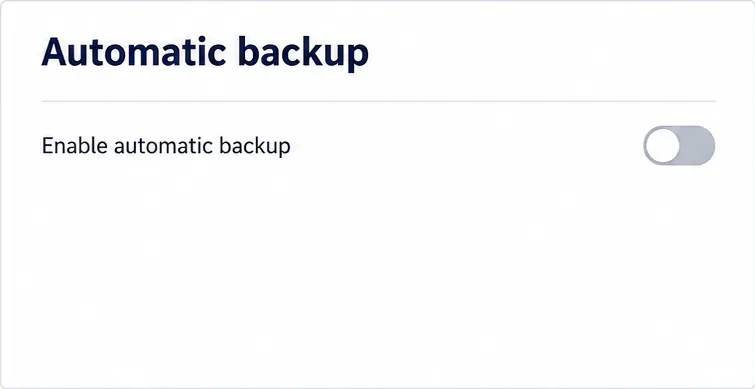
Set a backup destination, schedule, Mail coverage, and retention limit in ONLYOFFICE Workspace, then verify the archive is ready to restore.
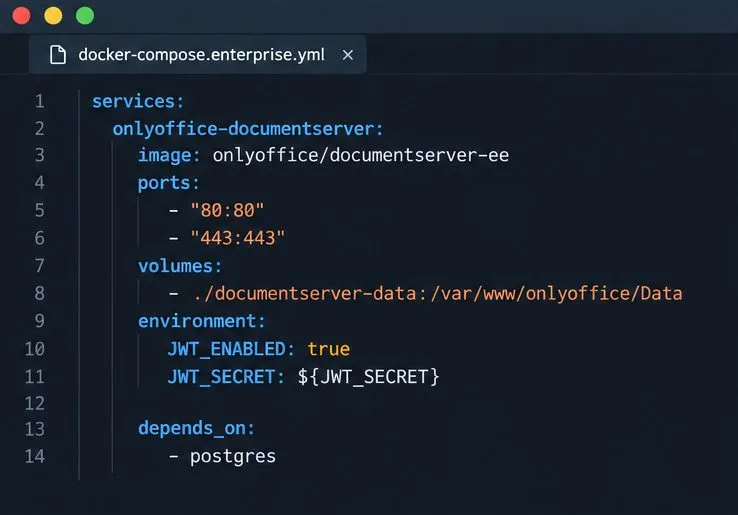
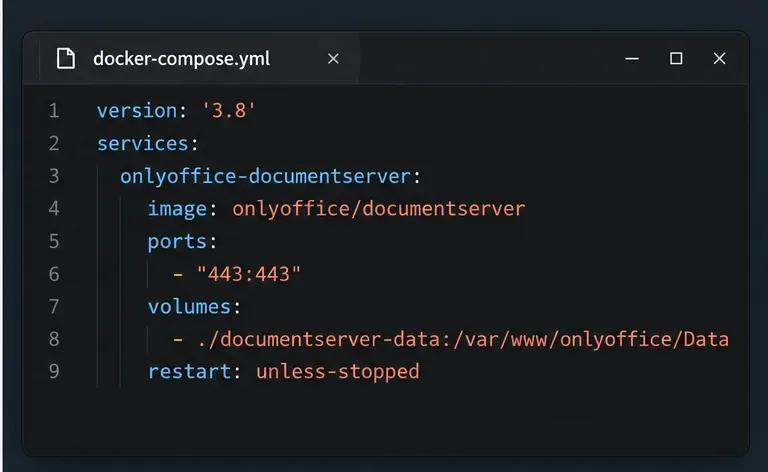
Start the Enterprise Docker Compose stack, persist its license and data, configure JWT safely, and confirm the editors are ready to integrate.
Use an ONLYOFFICE JavaScript macro to remove nonprinting characters and trim extra spaces from a defined spreadsheet range, with a safe review workflow.
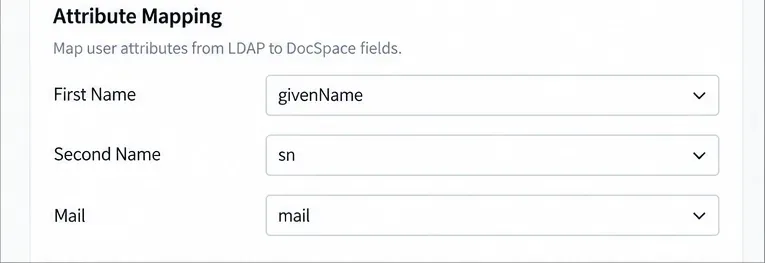
Connect ONLYOFFICE DocSpace to Active Directory or OpenLDAP, import users and groups safely, map account fields, and schedule reliable synchronization.
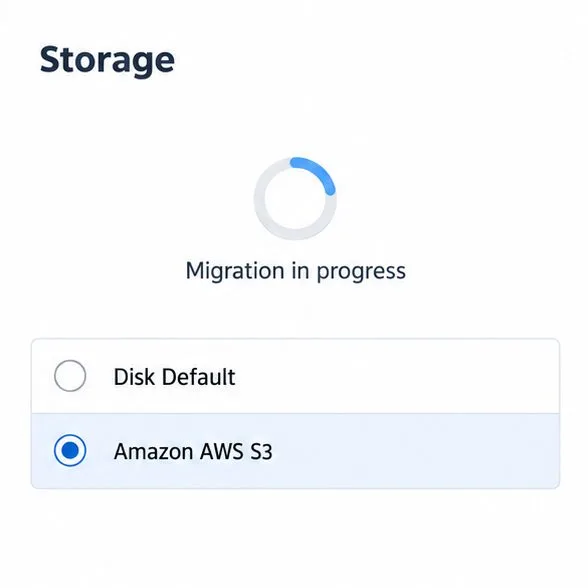
Move portal data from Disk Default to a supported cloud storage provider, or relocate Docker data safely by changing its host volume mapping.
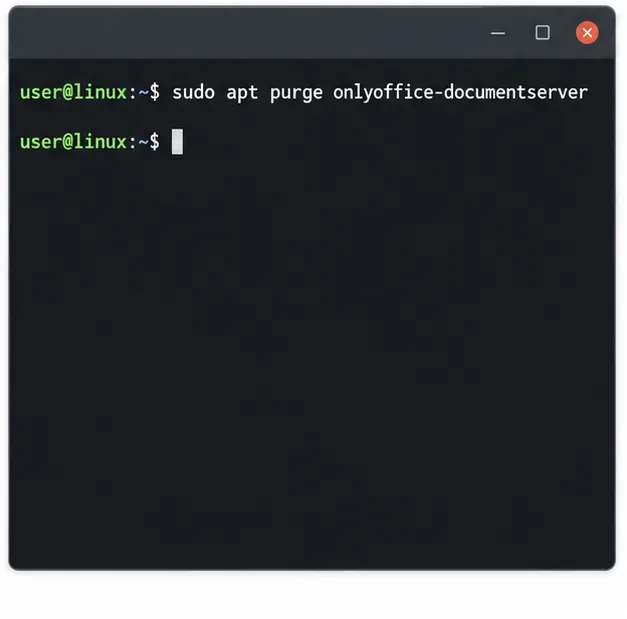
Identify whether Document Server uses a Linux package or Docker, remove only its components, and check remaining data without deleting shared services by mistake.
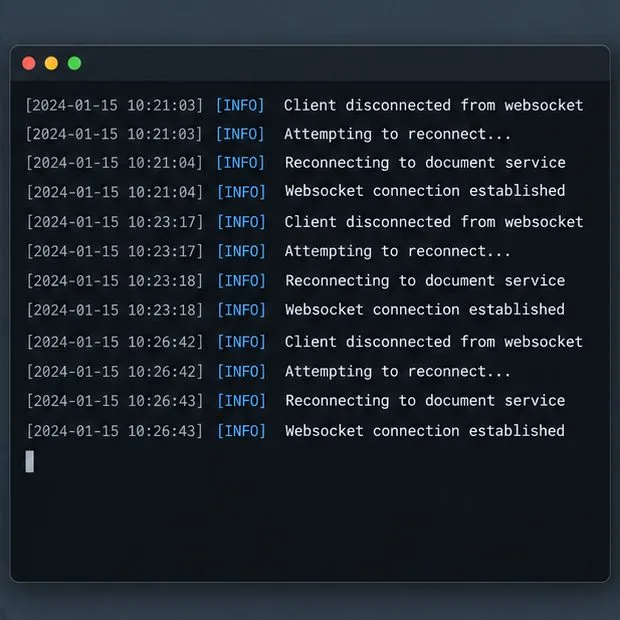
Trace slow collaborative editing to Docker resource pressure, proxy connections, or document load, then choose the fix that matches your measurements.
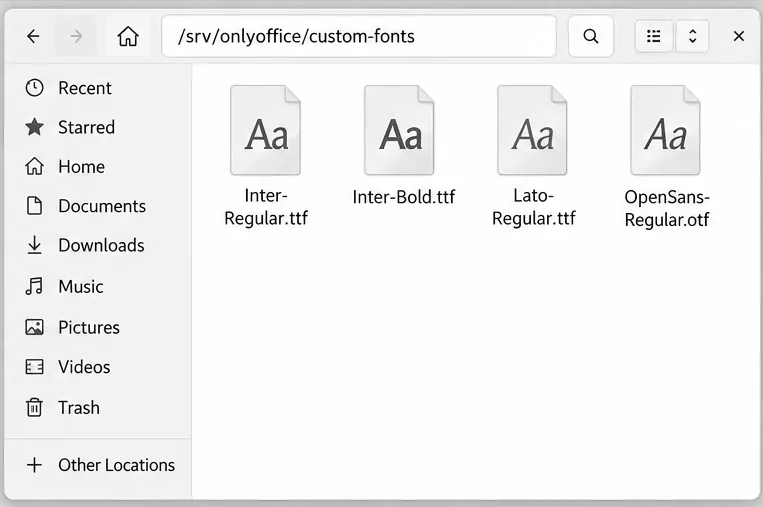
Install custom fonts in ONLYOFFICE Document Server, compare persistent Docker mounts with direct copies, rebuild the font list, and verify the result.
Choose where TLS should terminate, mount a trusted certificate and private key safely, and verify HTTPS access to a Dockerized ONLYOFFICE Docs server.