Get LibreOffice to Recognize Your Java Runtime

Install a compatible Java runtime, enable it in LibreOffice, and troubleshoot an empty JRE list without changing unrelated settings.
Need to remove an email from your Sent Items folder after sending it? Knowing how to delete sent mail in Outlook keeps your mailbox organized without affecting the recipient. This guide covers the exact steps for desktop, web, and mobile versions so you can complete the task in under a minute.
Deleting a sent email in Outlook only removes it from your own account. The recipient still keeps their copy unless they also delete it. Outlook stores sent messages in the Sent Items folder by default, and you can delete individual messages or multiple emails at once. Make sure you have the correct Outlook version open before starting.
No special permissions are required for basic deletion. The process works the same in Microsoft 365, Outlook 2021, and older desktop versions.
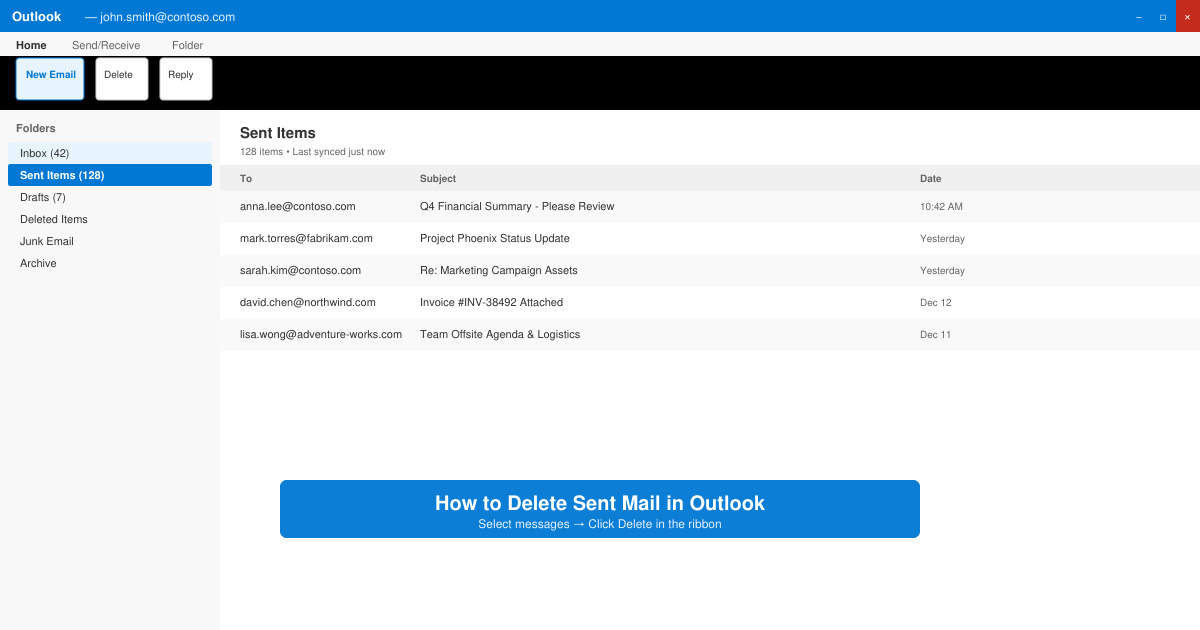
Launch the Outlook desktop app and look at the left sidebar. Click the folder labeled Sent Items. If you use multiple accounts, select the correct email address first.
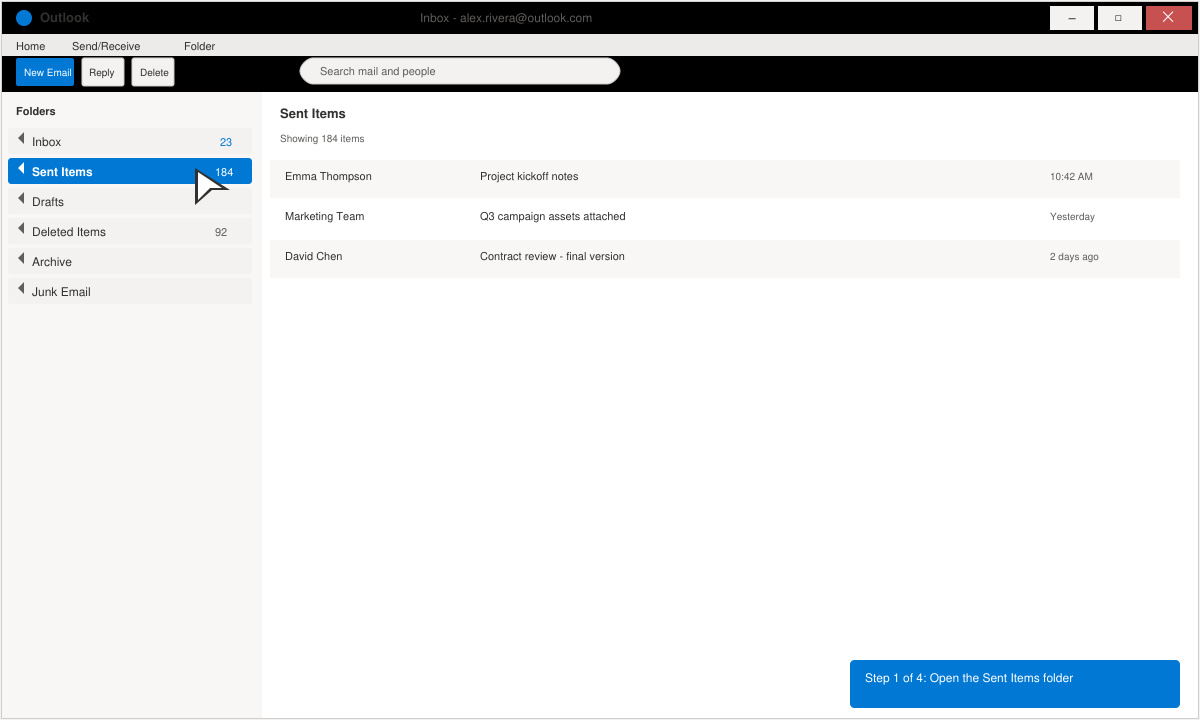
Browse or use the search bar at the top to locate the email. Click once to select a single message. Hold the Ctrl key and click additional messages if you want to delete several at the same time.
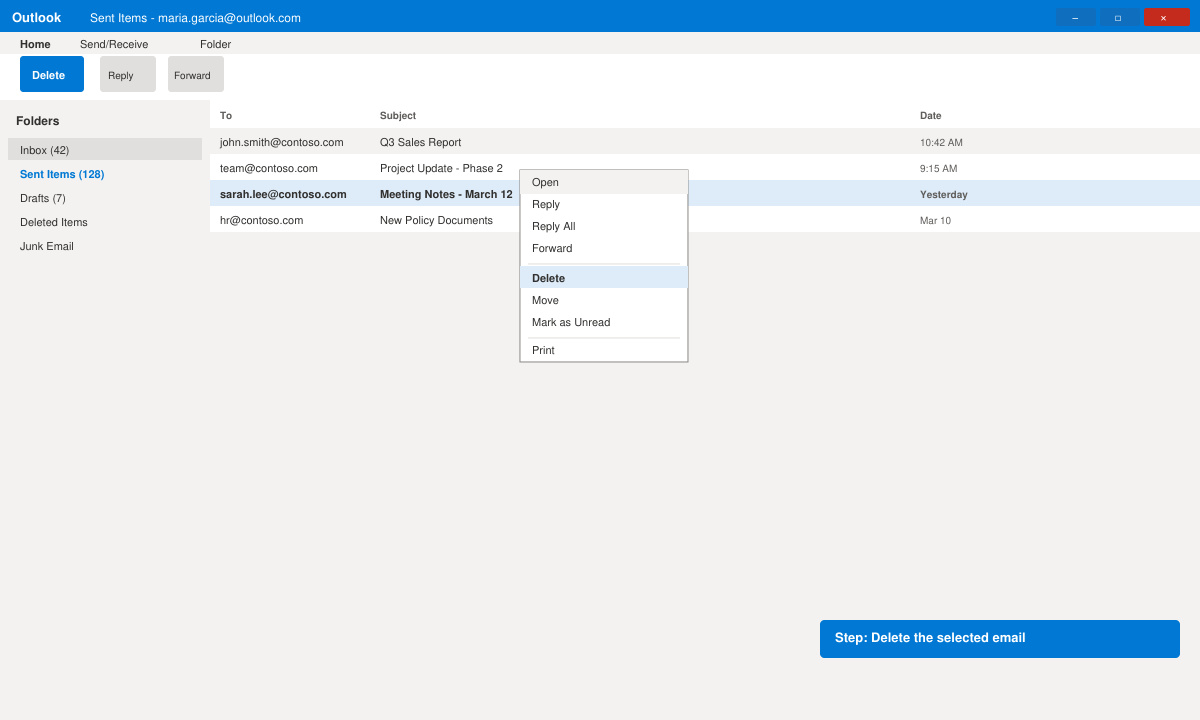
Press the Delete key on your keyboard or right-click the selection and choose Delete. The email moves to the Deleted Items folder immediately.
Right-click Deleted Items in the sidebar and select Empty Folder to permanently remove the email from your mailbox.
Open Outlook in any browser and sign in. Click the Sent Items folder on the left. Select the email you want to remove, then click the Delete button in the toolbar. The message moves to Deleted Items the same way it does in the desktop app.
No. The recipient already received the email. Deletion only removes it from your Sent Items folder.
Yes, as long as you have not emptied the Deleted Items folder. Open that folder and move the message back to Sent Items or any other folder.
Select the first message, scroll to the bottom, hold Shift, and click the last message to select everything. Then press Delete. Use this method carefully to avoid removing messages you still need.
Mastering how to delete sent mail in Outlook helps maintain a clean mailbox across all your devices. Follow the steps above whenever you need to remove unwanted sent messages quickly.
Install a compatible Java runtime, enable it in LibreOffice, and troubleshoot an empty JRE list without changing unrelated settings.
Build a small LibreOffice container, convert office documents without a GUI, and verify PDF output while limiting host-file access.
Reduce oversized LibreOffice presentation files by compressing embedded photos, choosing sensible image settings, and checking slide quality before sharing.
Match LibreOffice’s page dimensions to your printer, check printable margins, and correct scaling before printing a custom-size document.
Replace repeated cell access with bulk range reads and writes, then benchmark the result and protect formulas in large Calc workbooks.
Split a long manuscript into chapters, assemble them in Writer, and keep styles, contents, and export checks consistent.
Use Base’s direct PostgreSQL option to enter your server details, sign in, save an ODB connection file, and troubleshoot common access errors.
Install a font in your Linux user font folder, restart LibreOffice Flatpak, and confirm it appears in Writer without weakening the app sandbox.
Protect your work and isolate network-drive save crashes in LibreOffice on macOS Sonoma with a local-first workflow, permission checks, and targeted tests.
Preserve leading zeros in Calc by setting ID columns to Text during CSV import, checking the preview, and verifying the saved data.








