Configure Reliable Ethernet Failover with SLES 15 Bonding
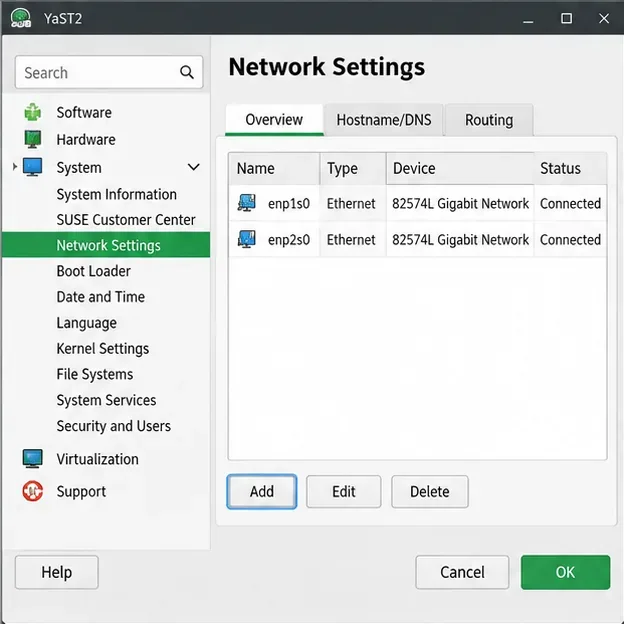
Create a redundant Ethernet connection on SLES 15 with YaST and Wicked, configure active-backup bonding, and verify both ports and failover.
Need to access the contents inside a RAR archive on your computer? Knowing how to extract files from a RAR file lets you pull out documents, images, or software quickly and safely. This guide walks through the process using the free 7-Zip program, which works on Windows without any paid software required.
RAR is a compressed format that packs multiple files into one smaller package, often used for large downloads or backups. Unlike ZIP files, RAR archives require dedicated software because Windows does not open them natively. Before starting, download and install 7-Zip from its official site if you do not already have it. The program adds right-click options that make extraction simple and fast.
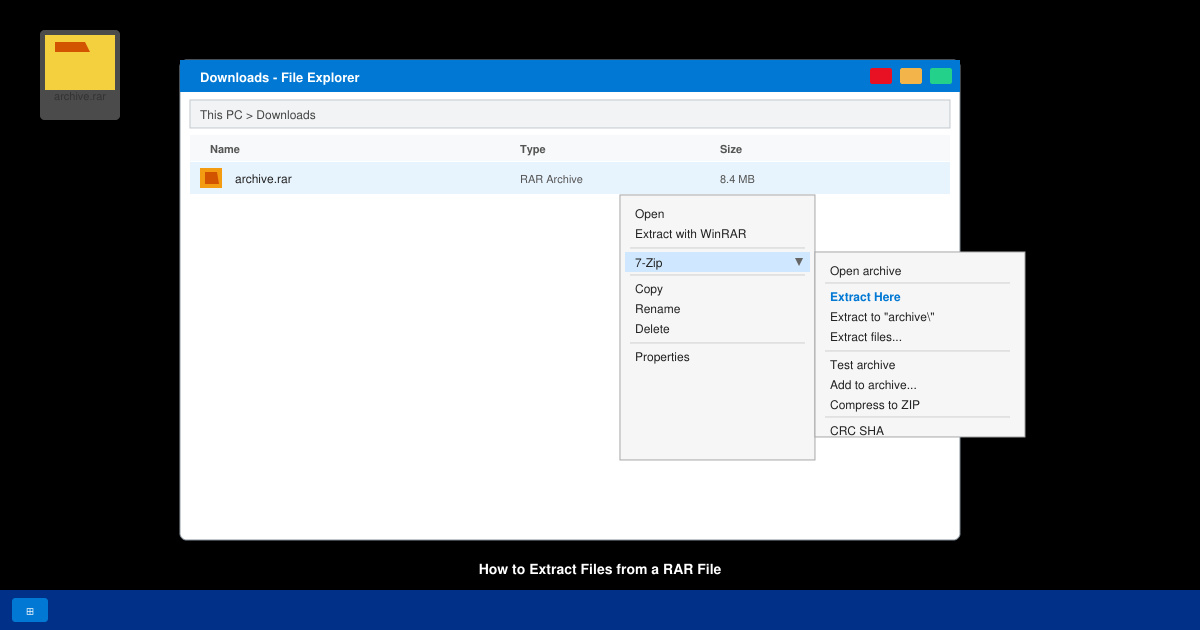
Open File Explorer and navigate to the folder containing your RAR archive. The file will show a .rar extension. Double-check the file name to confirm it is the correct archive before proceeding.
Right-click the RAR file. In the context menu, hover over 7-Zip, then select “Extract to [folder name]\”. This creates a new folder with the same name as the RAR file and places all contents inside it automatically.
A progress window appears showing the files being unpacked. Extraction speed depends on file size and your computer’s speed. When the window closes, open the new folder to view the extracted files.
Check that all expected files are present and open correctly. If any files appear corrupted, re-download the original RAR archive and repeat the steps.
Yes. Install The Unarchiver from the Mac App Store, right-click the RAR file, and choose Open With The Unarchiver to complete the process in seconds.
Windows 11 does not include native RAR support. Online extractors exist but are not recommended for private or large files due to upload requirements and security risks.
No. The original RAR archive stays untouched unless you manually delete it after confirming the extracted files work correctly.
Following the steps above gives you reliable access to any RAR archive using only free tools. Practice once on a test file to become comfortable with the right-click workflow.
Create a redundant Ethernet connection on SLES 15 with YaST and Wicked, configure active-backup bonding, and verify both ports and failover.
Turn an existing SLES 15 system into a reviewed AutoYaST profile, validate it, and use it to deploy a test server with fewer manual steps.
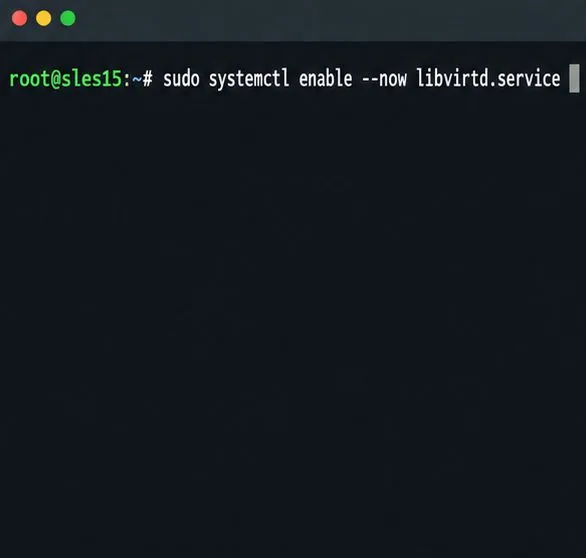
Install the SLES 15 KVM and libvirt tools, enable the right host service, and configure selected virtual machines to start after a reboot.
Use systemd jobs and the previous boot journal to locate a slow service, mount, or storage dependency, then correct it without masking the cause.
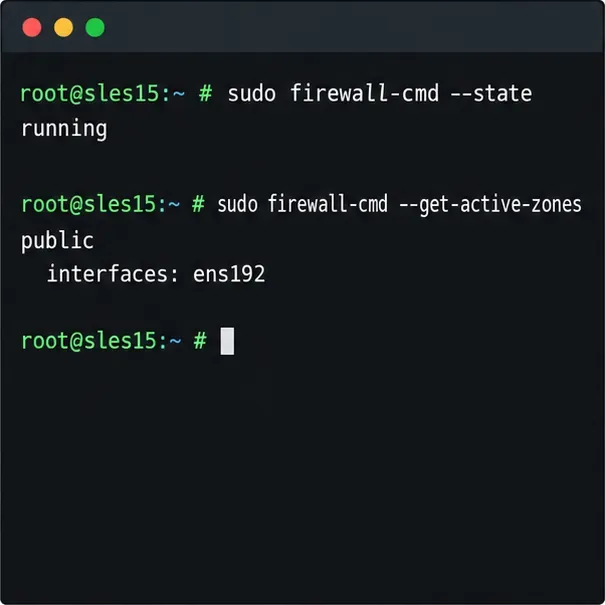
Use firewall-cmd to inspect the active zone, allow HTTP safely, preserve SSH access, and verify that the rule survives a reload on SLES 15.
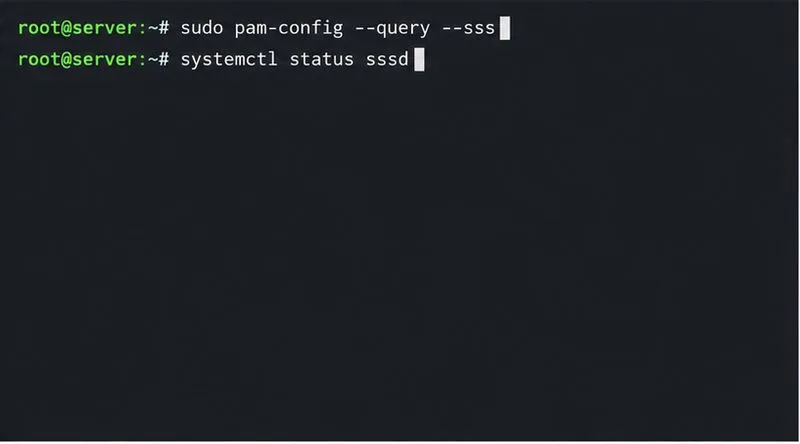
Trace a PAM failure to its service, account policy, or identity provider, then repair the right SLES configuration while preserving a working admin session.
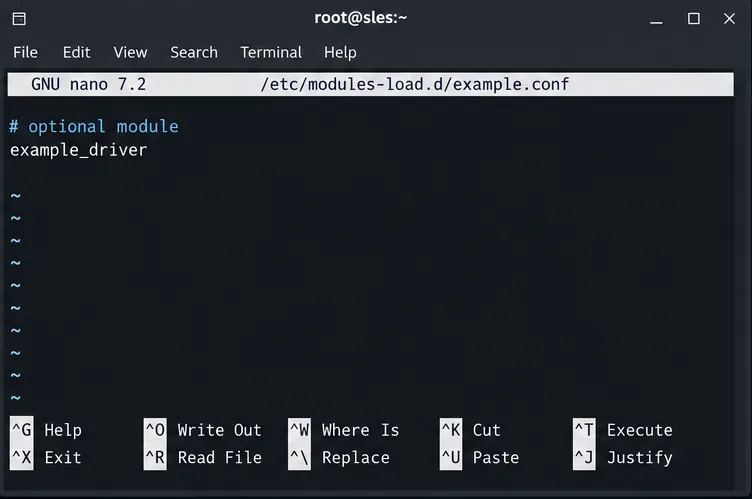
Trace a failed kernel module at SLES startup, correct an obsolete boot entry or repair the required driver, and verify the next boot.
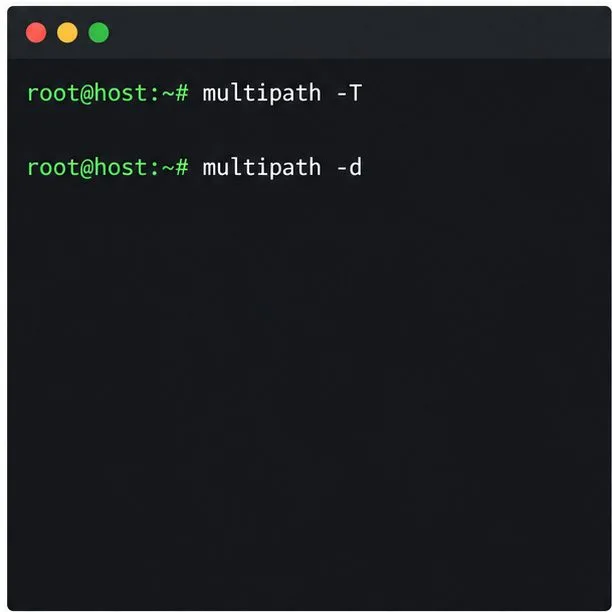
Prepare SCSI SAN paths, enable multipathd, inspect SUSE’s hardware defaults, and verify stable device maps without guessing array settings.
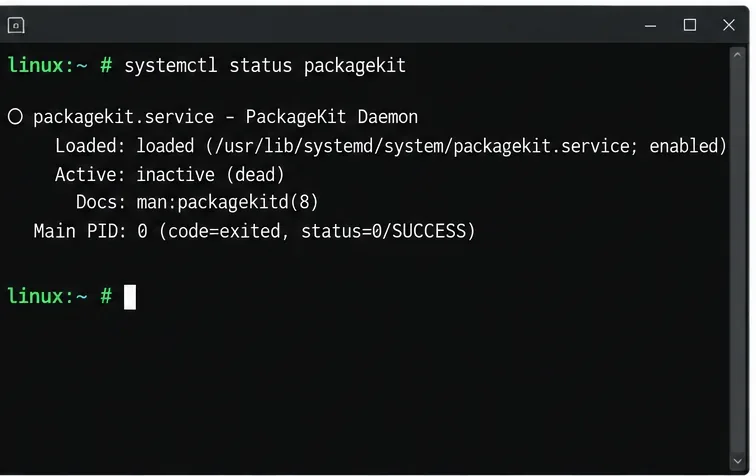
Find the process holding Zypper’s package lock, distinguish process conflicts from package locks, and retry updates without deleting lock files blindly.
Register SLE HA, bootstrap SLES 15 nodes, then add fencing, quorum, and tested service resources before relying on failover.