Set Arabic and Hebrew Paragraphs to Right-to-Left in Writer
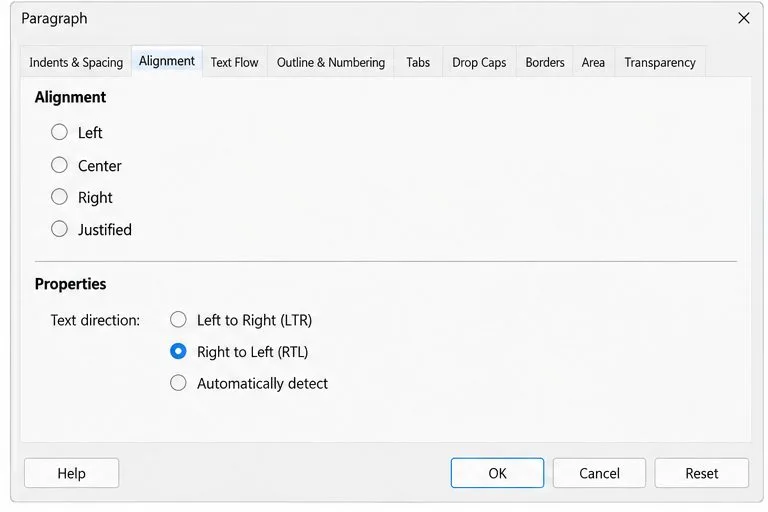
Enable Writer’s bidirectional controls, set RTL paragraph flow, and check mixed Arabic or Hebrew text without disrupting English words and numbers.
Imagine this: You're diving into your workday, but every few minutes, Outlook on your Windows 11 PC pops up that nagging password prompt. You enter your credentials, only for it to ask again—and again. It's like a bad dream looping endlessly, stealing your focus and productivity. 😩 Don't worry; you're not alone. This Outlook password prompt loop is a common headache for many users, often triggered by credential glitches, network hiccups, or outdated settings. The good news? We've got your back with straightforward, effective fixes to break the cycle and get you back to inbox zero. Stick around as we walk through proven solutions, starting with the simplest ones to advanced tweaks. By the end, you'll feel empowered and relieved—let's fix this together!
Before we jump into fixes, a quick understanding of the root causes can make troubleshooting feel less like guesswork. The Outlook password prompt loop typically stems from authentication failures where Outlook can't securely store or verify your login details. Common culprits include:
Recognizing these helps you target the right fix. Now, let's roll up our sleeves and tackle it step by step. We'll prioritize easy wins first, building confidence as we go. Ready? 👆

The fastest way to stop the Outlook password prompt loop is often a credential refresh. Windows stores login info in its Credential Manager, and a simple clear can resolve mismatches. This method works for about 70% of users, based on community reports—it's like hitting the reset button on your email auth without losing data.
control, and hit Enter to open Control Panel.Pro Tip: If you're using a Microsoft account, ensure your password is up-to-date across all devices. This fix is a game-changer for Windows 11 users hitting this snag after updates. Feeling that relief already? Great—let's check if it's network-related next. 🌟
Outdated software is a sneaky villain in the Outlook password prompt loop saga. Microsoft rolls out patches regularly to squash auth bugs, so staying current is key. In the latest Windows 11 builds, updates have specifically addressed credential persistence issues in Outlook.
Why this works: Recent Outlook updates (like those enhancing OAuth 2.0 support) fix loops caused by legacy authentication. Users report smoother sailing post-update—imagine ditching those pop-ups for good! If updates don't cut it, antivirus interference might be the issue. Keep reading for more. 👍
Sometimes, the account setup itself is glitched. Re-adding your email forces a fresh authentication, breaking the Outlook password prompt loop on Windows 11. This is especially handy for IMAP/POP accounts or if MFA is enabled.
This method rebuilds the connection from scratch, often resolving server-side mismatches. One user shared how this turned their frustrating mornings into productive ones—high five! 🙌 If you're still looping, let's dive into advanced tools.
For stubborn cases, create a new Outlook profile or scan for system corruption. These are reliable Windows 11 fixes that target deeper issues without reinstalling everything.
control mlcfg32.cpl, and hit Enter.Open Command Prompt as admin (search for cmd, right-click > Run as administrator). Type:
| Command | Purpose |
|---|---|
| sfc /scannow | Scans and repairs corrupted system files that might affect Outlook auth. |
| DISM /Online /Cleanup-Image /RestoreHealth | Fixes the Windows image if SFC finds issues (run before SFC if needed). |
Restart after running these. This combo has saved many from the Outlook password prompt loop, restoring stability. If network woes are suspected, toggle your VPN or firewall temporarily to test.
If basics fail, try these pro-level steps. Warning: Back up your registry first (via regedit > File > Export).
regedit).HKEY_CURRENT_USER\Software\Microsoft\Office\16.0\Outlook\AutoDiscover (adjust for your Outlook version).For persistent issues, especially with enterprise setups, reach out to Microsoft Support. Visit their official troubleshooter at support.microsoft.com for tailored guidance. No more loops—just smooth emailing!
Congrats on breaking the cycle! To keep it that way:
These habits ensure your Windows 11 Outlook runs like a dream. If you tried these and still face issues, drop a comment below—we're here to help refine the fix. You've got this; enjoy your frustration-free inbox! 🎉
Enable Writer’s bidirectional controls, set RTL paragraph flow, and check mixed Arabic or Hebrew text without disrupting English words and numbers.
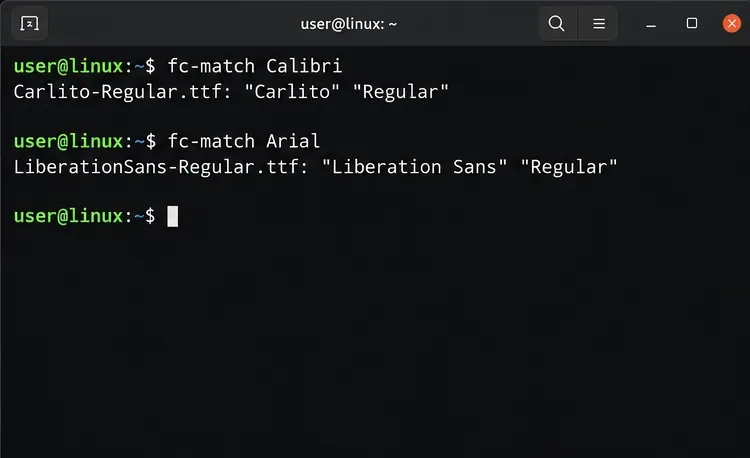
Install metric-compatible Linux fonts or map LibreOffice fallbacks, while keeping Microsoft font licensing and layout differences in view.
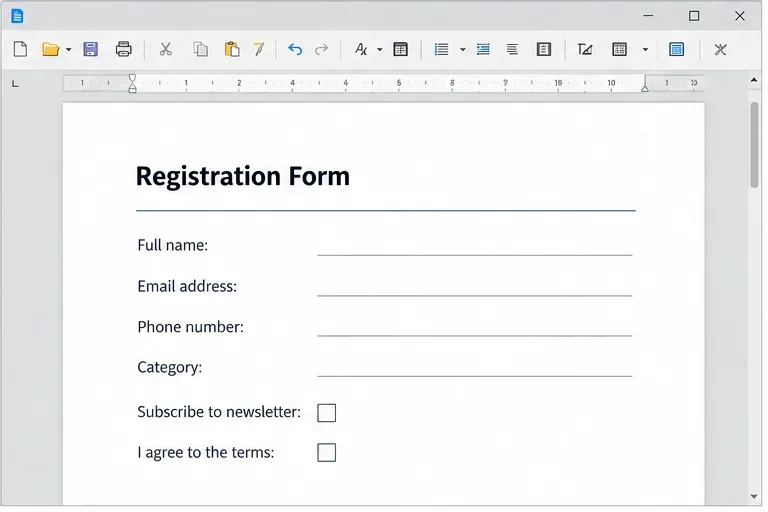
Add usable text fields, check boxes, and drop-downs in Writer, then export a PDF recipients can complete and save.
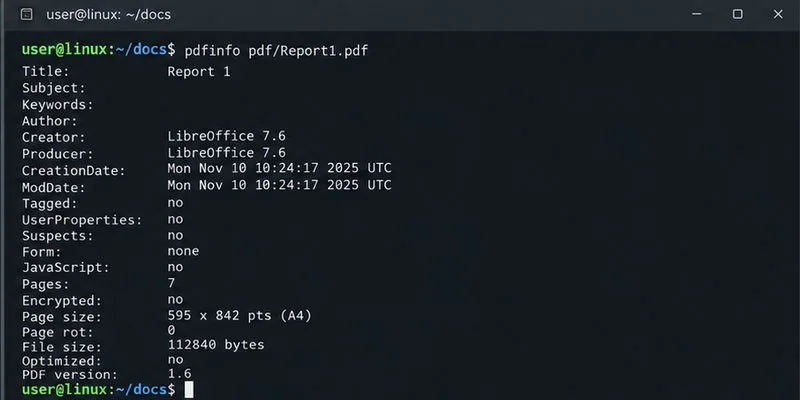
Fix missing or substituted fonts in LibreOffice Writer PDFs, choose the right export profile, and verify which fonts are embedded before sharing.
Convert a folder of Word documents to PDF with LibreOffice commands, handle nested folders safely, and verify the output before sharing.
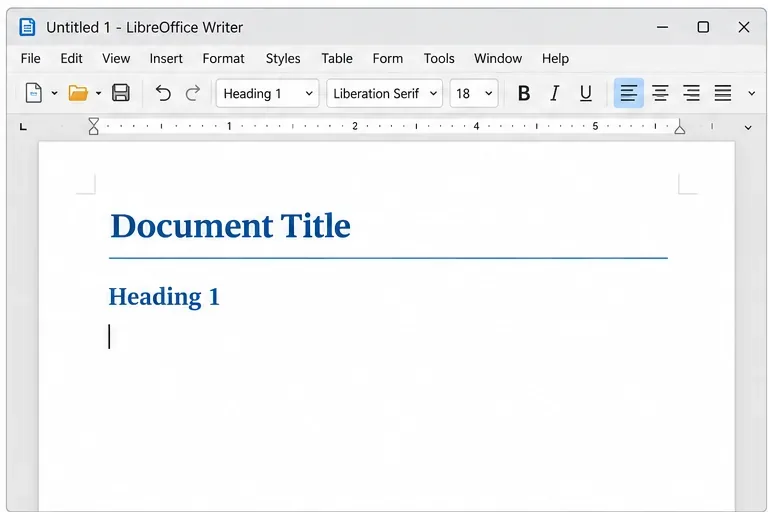
Set a custom LibreOffice Writer template as the default so new documents open with your preferred styles and page layout.
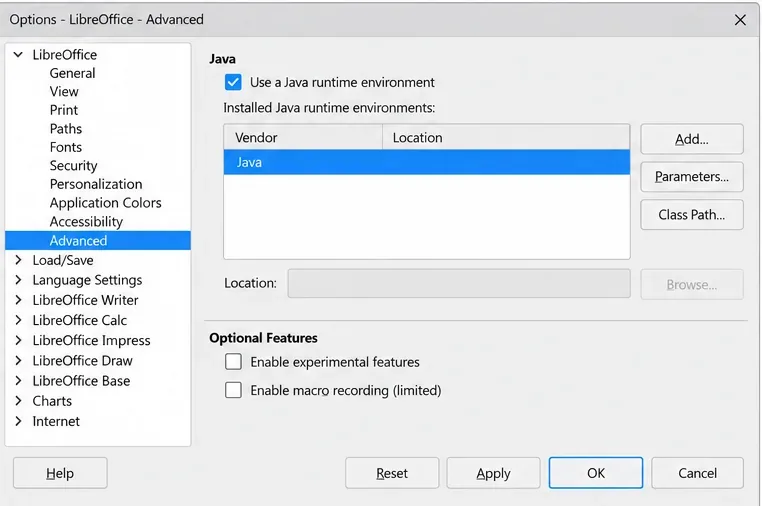
Install a compatible Java runtime, enable it in LibreOffice, and troubleshoot an empty JRE list without changing unrelated settings.
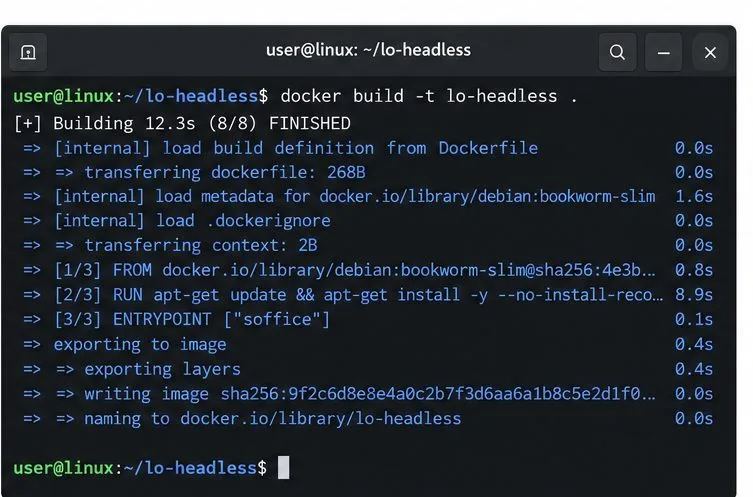
Build a small LibreOffice container, convert office documents without a GUI, and verify PDF output while limiting host-file access.
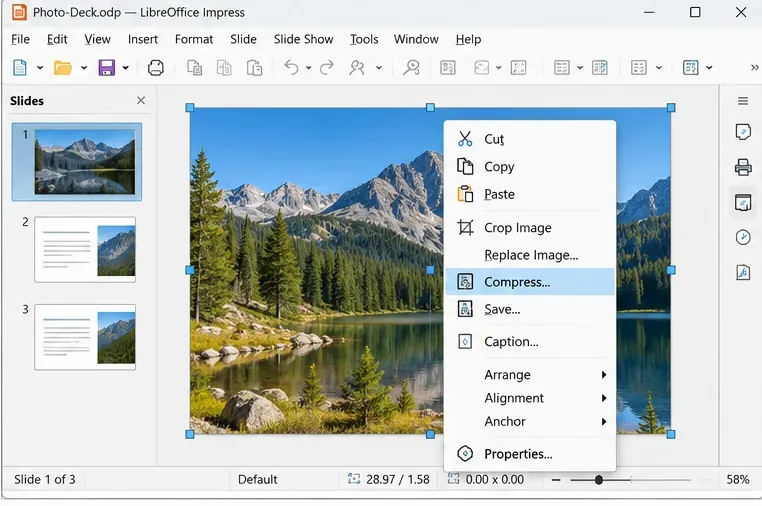
Reduce oversized LibreOffice presentation files by compressing embedded photos, choosing sensible image settings, and checking slide quality before sharing.
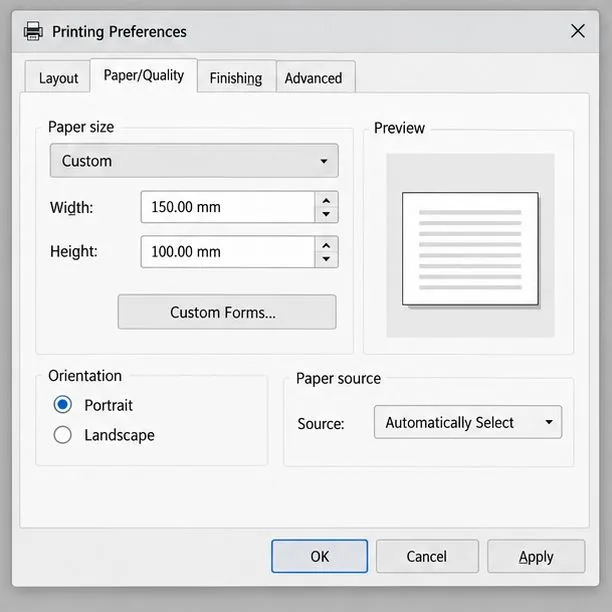
Match LibreOffice’s page dimensions to your printer, check printable margins, and correct scaling before printing a custom-size document.