Get LibreOffice to Recognize Your Java Runtime

Install a compatible Java runtime, enable it in LibreOffice, and troubleshoot an empty JRE list without changing unrelated settings.
Changing your browser settings so Google becomes the default search engine delivers more relevant results and direct access to tools like Google Maps and Scholar. The process varies slightly by browser but remains quick once you know the exact menus. This guide explains how to make Google your default search engine on the three most common browsers.
Confirm you have the latest version of your chosen browser installed, as older versions may hide or move the search engine options. You also need a stable internet connection to verify the change takes effect immediately after saving the new default. No additional software or extensions are required.
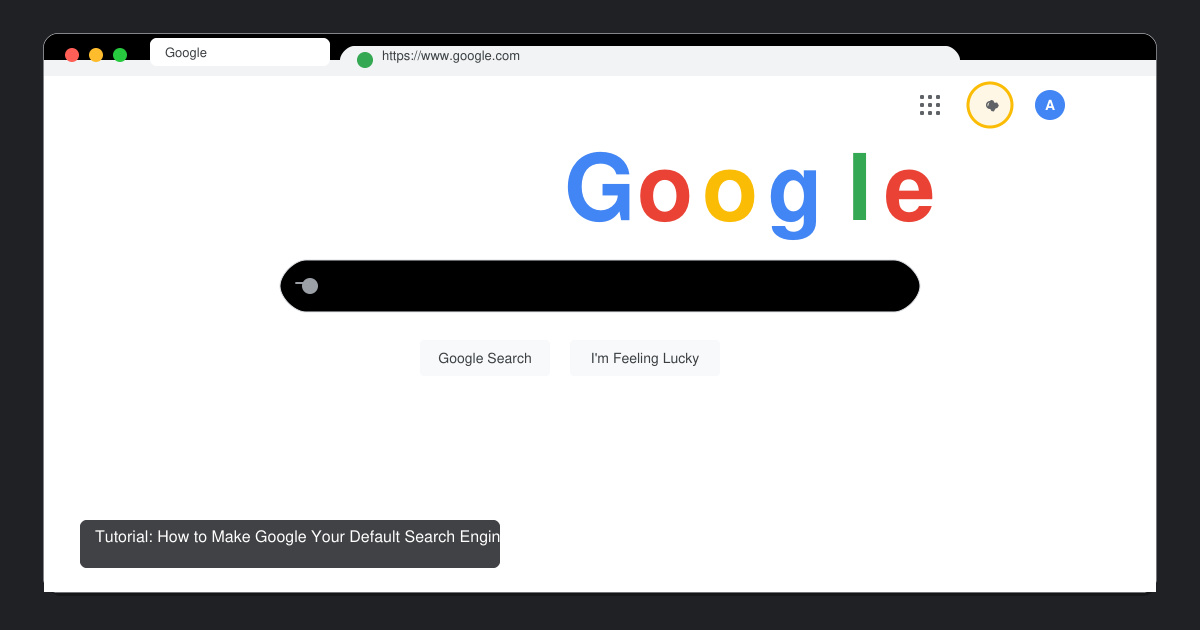
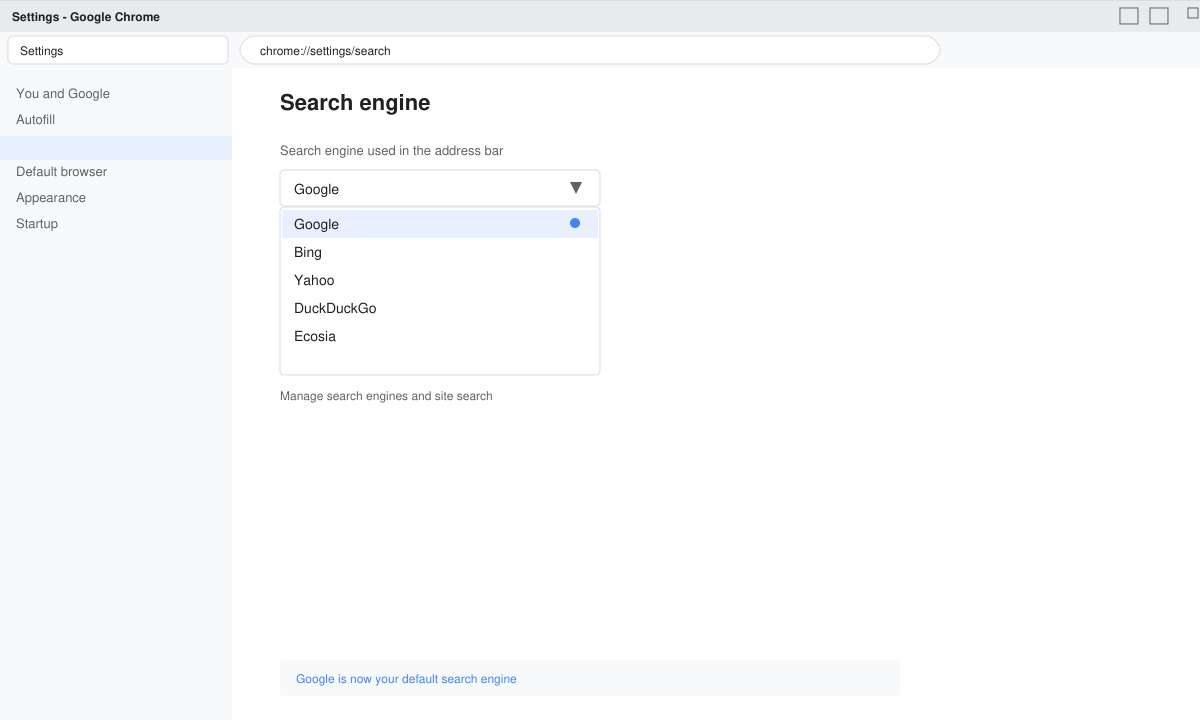
Open Chrome and click the three-dot menu in the top right. Select Settings, then click Search engine on the left sidebar. Open the drop-down menu labeled Search engine used in the address bar and choose Google. Close the tab and test by typing a query directly into the address bar.
Launch Firefox and click the three-line menu, then choose Settings. Scroll to the Search section on the left. Under Default Search Engine, select Google from the list. If Google does not appear, click Find more search engines and install it from the official add-on page before setting it as default.
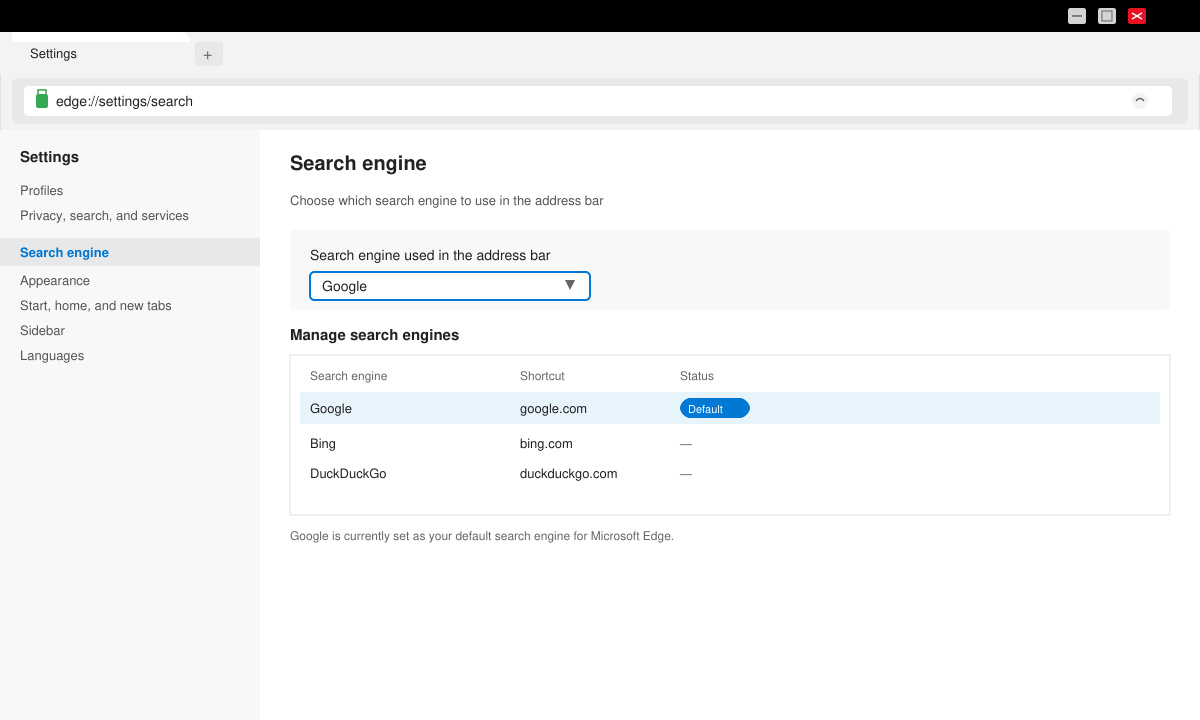
Open Edge and click the three-dot menu followed by Settings. Select Privacy, search, and services from the left menu. Scroll down to Services and click Address bar and search. In the Search engine used in the address bar drop-down, pick Google and confirm the change.
If the change does not stick, restart the browser completely and check that no conflicting extensions are forcing another search provider. On managed devices at work or school, contact your administrator because group policies can lock the default search engine. Mobile browsers follow similar paths inside their settings menus but require you to long-press the address bar on some Android versions to reach the search engine list.
No, bookmarks and saved passwords remain unchanged. Only the address bar query behavior updates.
Yes. In Chrome for Android or iOS, go to Settings > Search engine and select Google. The same option exists inside the Firefox and Edge mobile apps.
It improves integration with Google services but does not alter your existing Google account sign-ins or Drive access.
Following the exact menu paths above ensures Google becomes your default search engine across browsers without extra tools or extensions.
Install a compatible Java runtime, enable it in LibreOffice, and troubleshoot an empty JRE list without changing unrelated settings.
Build a small LibreOffice container, convert office documents without a GUI, and verify PDF output while limiting host-file access.
Reduce oversized LibreOffice presentation files by compressing embedded photos, choosing sensible image settings, and checking slide quality before sharing.
Match LibreOffice’s page dimensions to your printer, check printable margins, and correct scaling before printing a custom-size document.
Replace repeated cell access with bulk range reads and writes, then benchmark the result and protect formulas in large Calc workbooks.
Split a long manuscript into chapters, assemble them in Writer, and keep styles, contents, and export checks consistent.
Use Base’s direct PostgreSQL option to enter your server details, sign in, save an ODB connection file, and troubleshoot common access errors.
Install a font in your Linux user font folder, restart LibreOffice Flatpak, and confirm it appears in Writer without weakening the app sandbox.
Protect your work and isolate network-drive save crashes in LibreOffice on macOS Sonoma with a local-first workflow, permission checks, and targeted tests.
Preserve leading zeros in Calc by setting ID columns to Text during CSV import, checking the preview, and verifying the saved data.








