Build a Reusable AutoYaST Profile for SLES 15 Installs

Turn an existing SLES 15 system into a reviewed AutoYaST profile, validate it, and use it to deploy a test server with fewer manual steps.
Samsung Galaxy phones support direct call translation, including calls on other applications. For example, you can translate calls directly on Messenger, through the AI call translation feature on Samsung Galaxy phones . Users can then understand the content of the conversation on Messenger. Below are instructions for translating Messenger calls directly.
How to translate Messenger calls directly
Step 1:
First, users access Settings on the phone, then click on the Galaxy AI feature and then click on Calls to adjust.
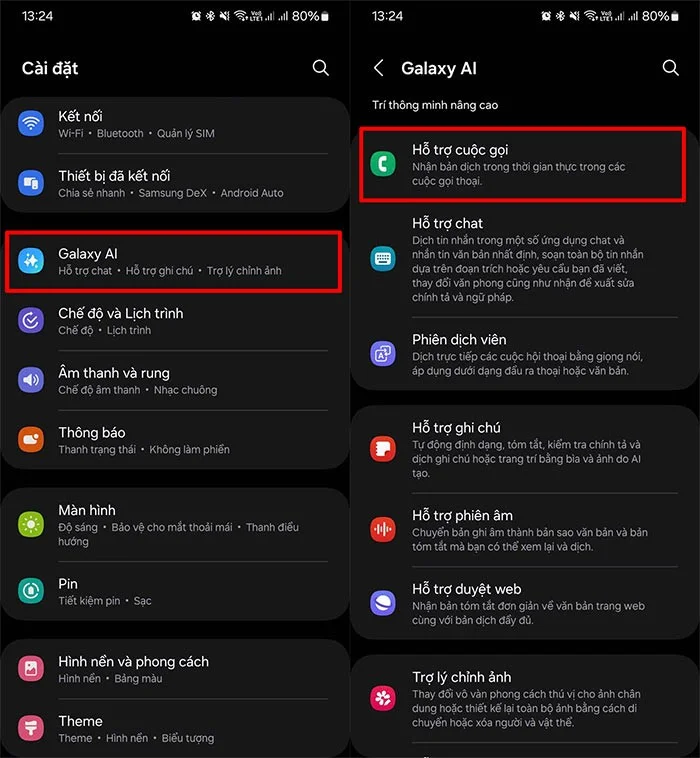
Step 2:
Next, you need to activate the direct translation feature on your phone, then scroll down and click on Direct translation in other applications.
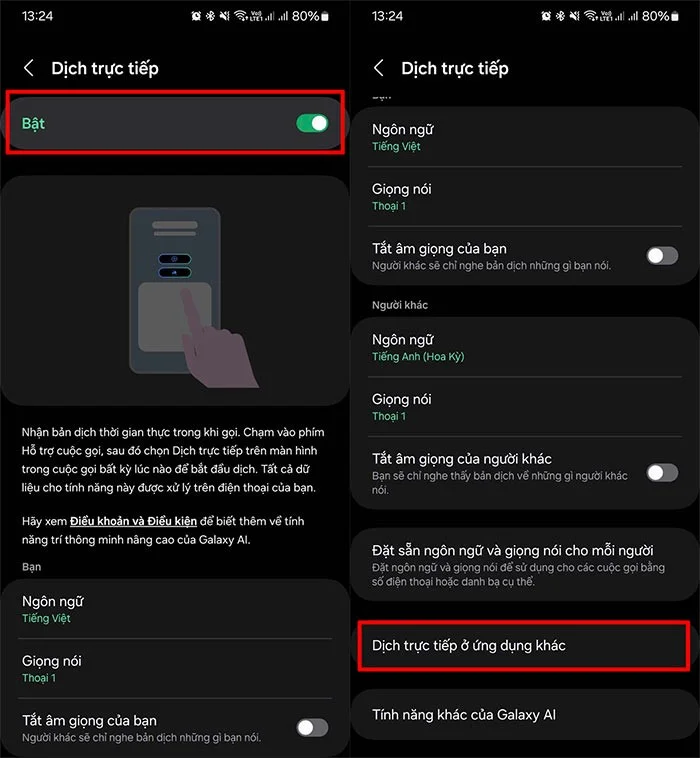
Step 3:
At this time, users will see applications that support direct call translation, we activate the Messenger application to use on this application.
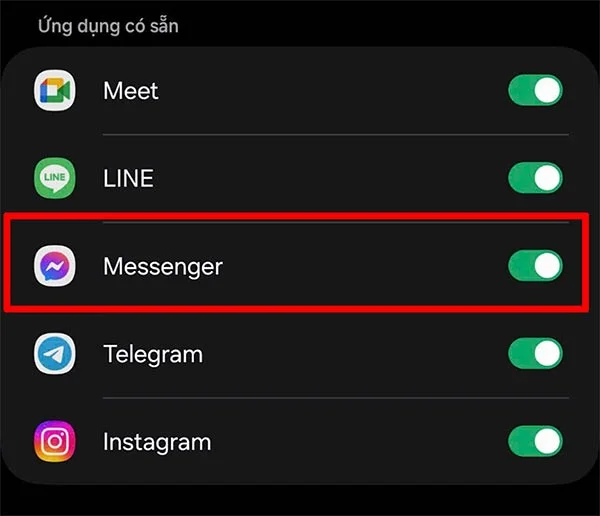
Step 4:
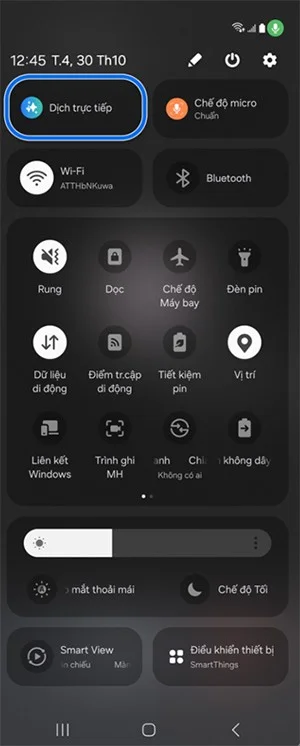
When making a call on Messenger , users swipe down from the top of the screen and then select the Live Translate feature for the Messenger call they are making.
The user will see the translation displayed on the screen so we can follow the call content.
Turn an existing SLES 15 system into a reviewed AutoYaST profile, validate it, and use it to deploy a test server with fewer manual steps.
Install the SLES 15 KVM and libvirt tools, enable the right host service, and configure selected virtual machines to start after a reboot.
Use systemd jobs and the previous boot journal to locate a slow service, mount, or storage dependency, then correct it without masking the cause.
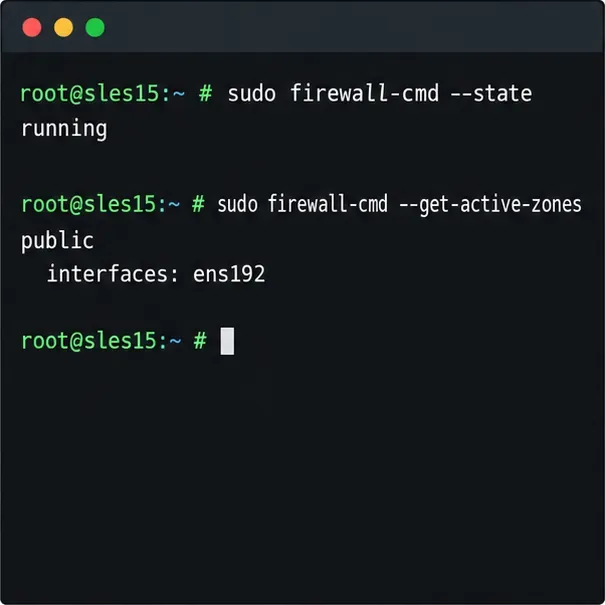
Use firewall-cmd to inspect the active zone, allow HTTP safely, preserve SSH access, and verify that the rule survives a reload on SLES 15.
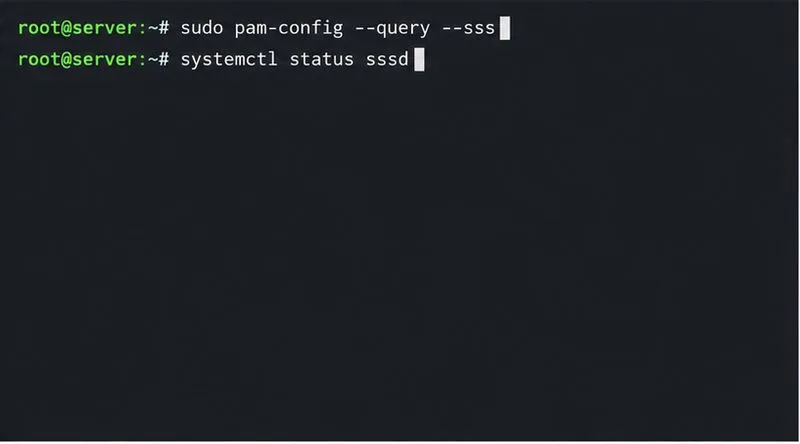
Trace a PAM failure to its service, account policy, or identity provider, then repair the right SLES configuration while preserving a working admin session.
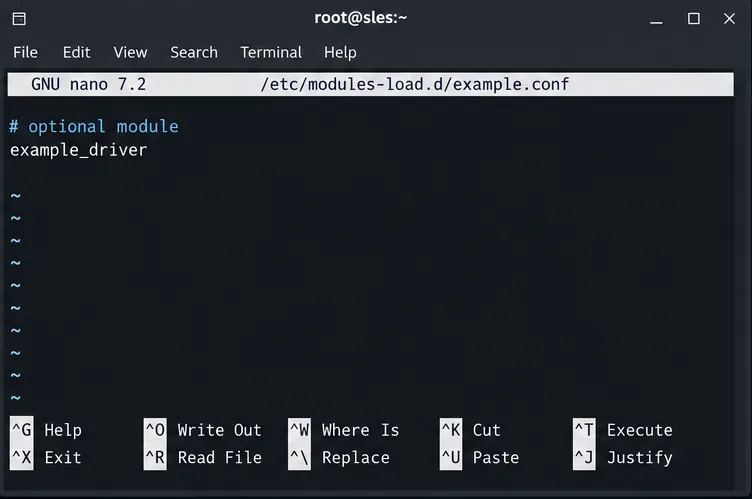
Trace a failed kernel module at SLES startup, correct an obsolete boot entry or repair the required driver, and verify the next boot.
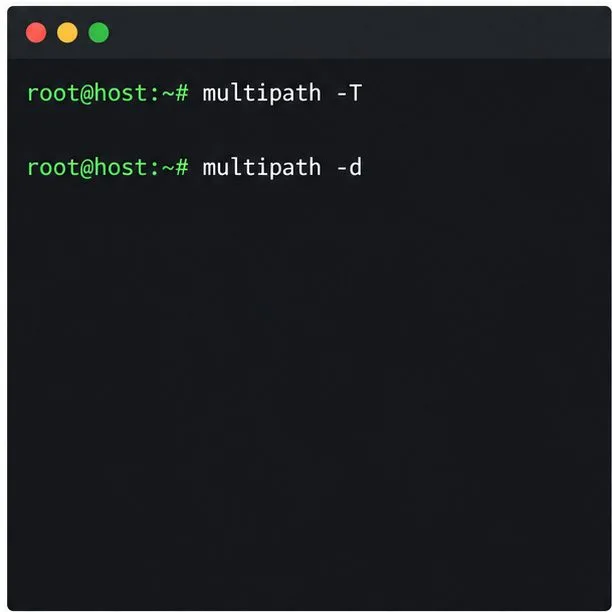
Prepare SCSI SAN paths, enable multipathd, inspect SUSE’s hardware defaults, and verify stable device maps without guessing array settings.
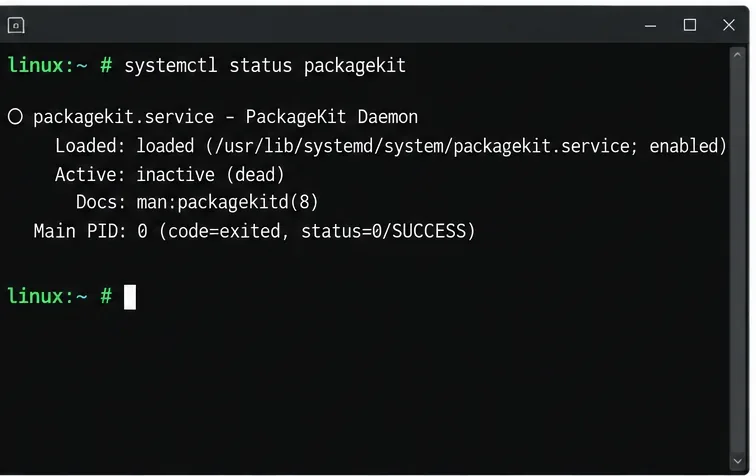
Find the process holding Zypper’s package lock, distinguish process conflicts from package locks, and retry updates without deleting lock files blindly.
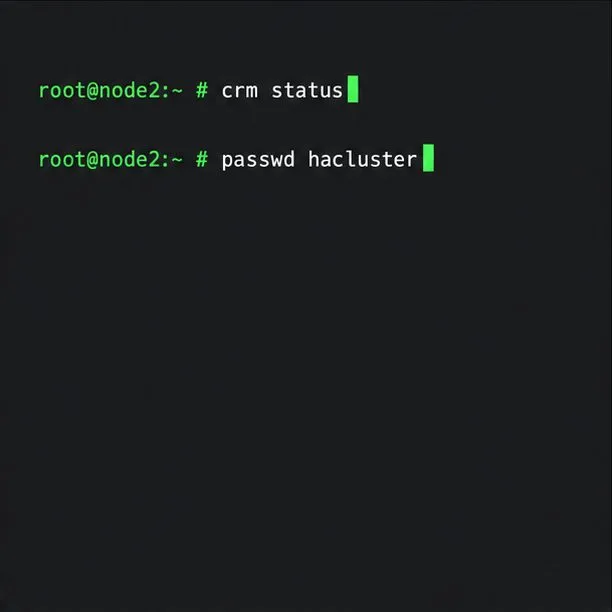
Register SLE HA, bootstrap SLES 15 nodes, then add fencing, quorum, and tested service resources before relying on failover.
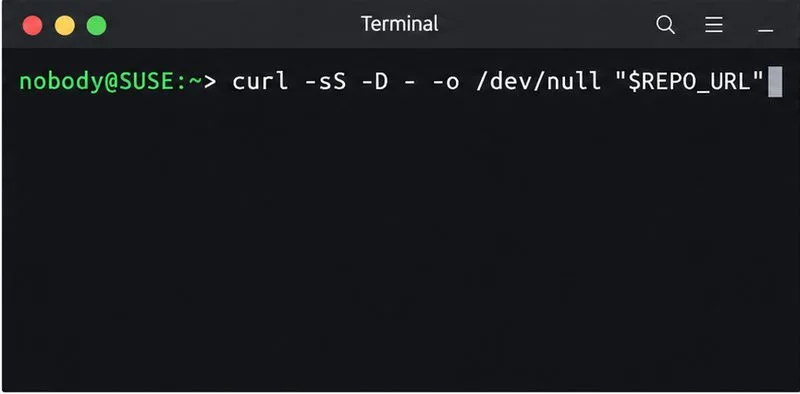
Trace a Zypper refresh error to SUSE, RMT, or a third-party endpoint, then apply the right server-side or cache fix without disabling essential updates.