Apply the SLES 15 STIG Safely with OpenSCAP

Use SUSE’s supported STIG profile to scan SLES 15, test remediation, review remaining findings, and retain assessment evidence.
Notification summaries are a feature of Apple Intelligence that summarizes long notification previews, so you can understand the content of the notification better. However, many people find this feature not useful, because most people just tap on the notification to view it or view the summary notification from the app. If you don't like this feature, you can turn off Apple Intelligence notification summaries according to the instructions below.
How to turn off Apple Intelligence iPhone notification summary
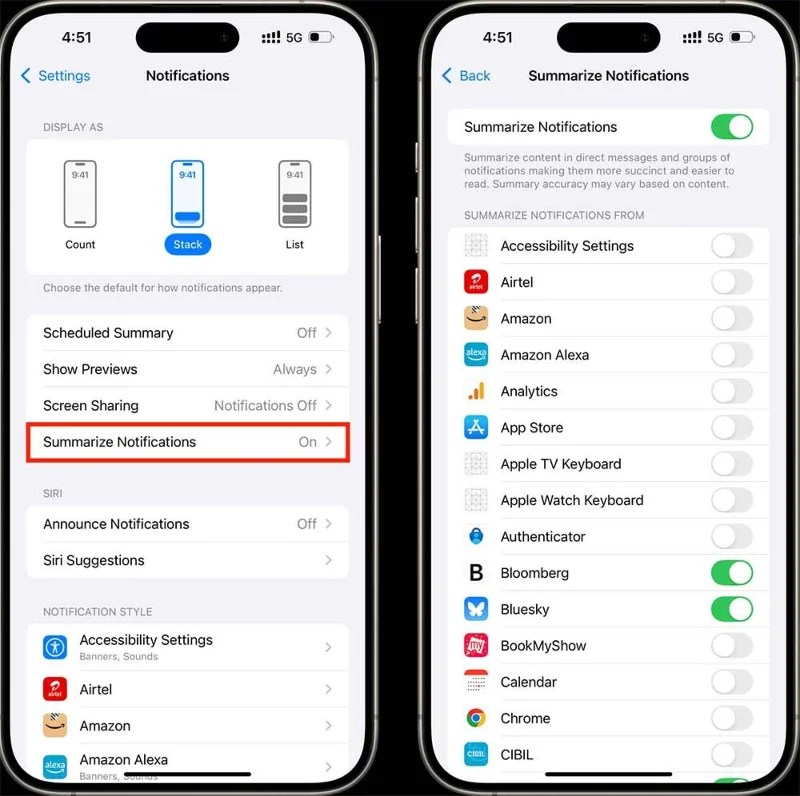
Go to Settings then tap Notifications to adjust notifications. Next, tap Summarize Notifications to adjust notification summary on iPhone.
If you want to turn off all Apple Intelligence notification summaries, just turn off Summarize Notifications .
You can also choose to turn off summary notifications for the apps you want, and leave general summary notifications on.
How to summarize Apple Intelligence notifications on Mac
First you also need to click on System Settings to adjust, then you select Notifications to change notifications on Mac.
Then look to the side and turn off Summarize Notifications to turn off Apple Intelligence summary notifications.
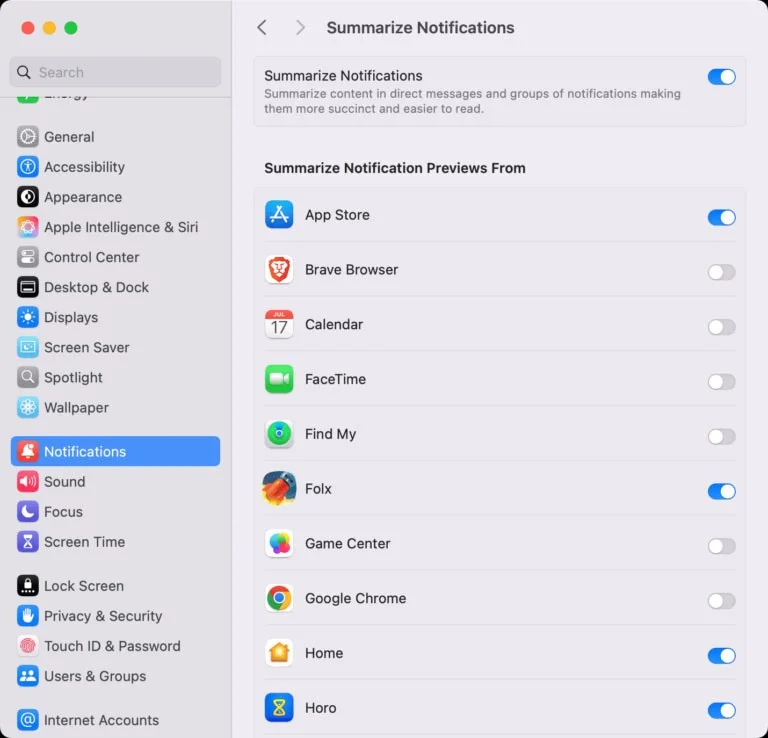
This will stop Apple Intelligence notifications from being sent to your device.
Use SUSE’s supported STIG profile to scan SLES 15, test remediation, review remaining findings, and retain assessment evidence.
Trace a failed Cockpit connection through DNS, port 9090, the systemd socket, firewalld, TLS, and login settings using current SUSE guidance.
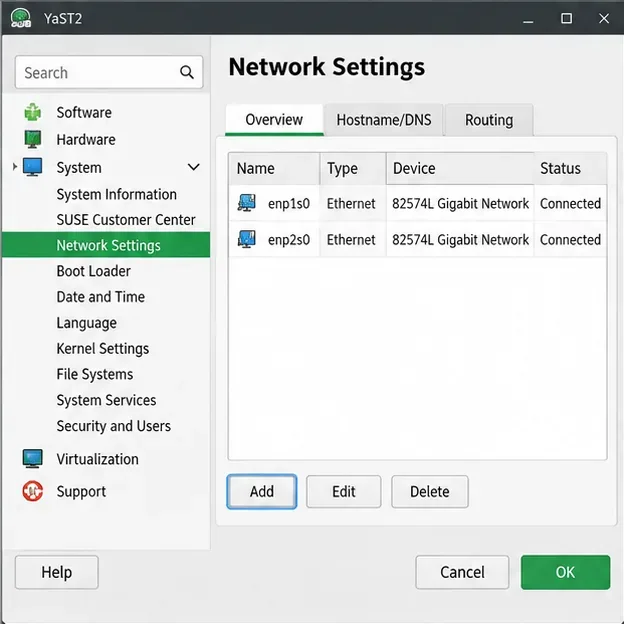
Create a redundant Ethernet connection on SLES 15 with YaST and Wicked, configure active-backup bonding, and verify both ports and failover.
Turn an existing SLES 15 system into a reviewed AutoYaST profile, validate it, and use it to deploy a test server with fewer manual steps.
Install the SLES 15 KVM and libvirt tools, enable the right host service, and configure selected virtual machines to start after a reboot.
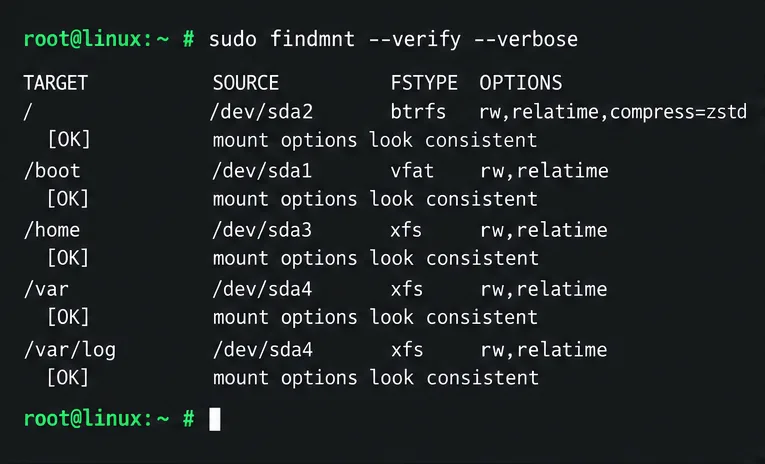
Use systemd jobs and the previous boot journal to locate a slow service, mount, or storage dependency, then correct it without masking the cause.
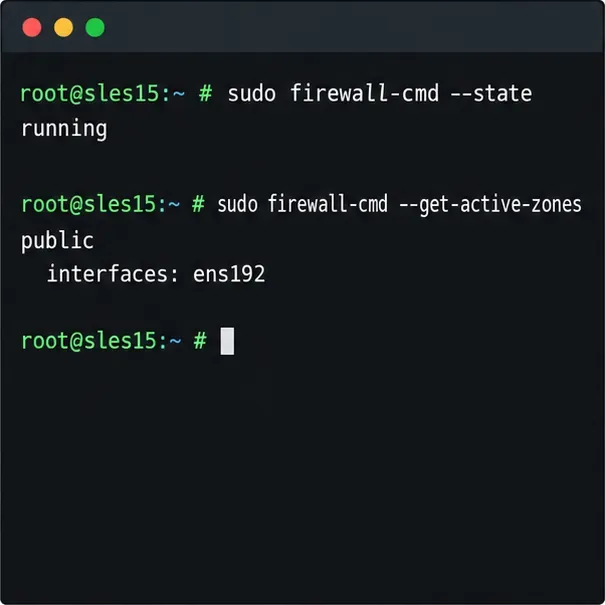
Use firewall-cmd to inspect the active zone, allow HTTP safely, preserve SSH access, and verify that the rule survives a reload on SLES 15.
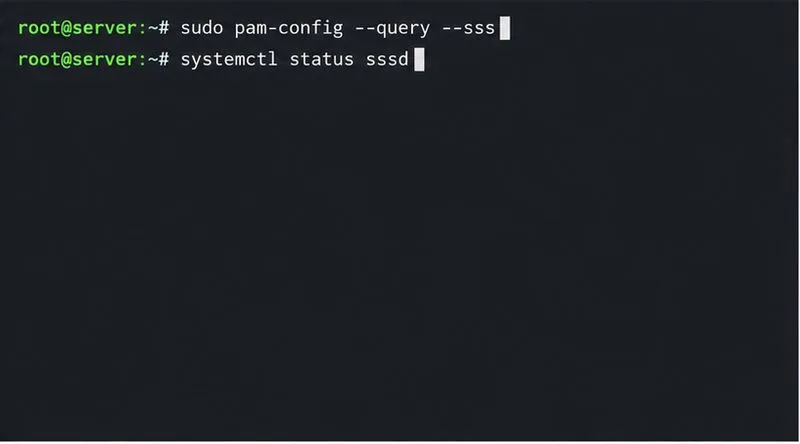
Trace a PAM failure to its service, account policy, or identity provider, then repair the right SLES configuration while preserving a working admin session.
Trace a failed kernel module at SLES startup, correct an obsolete boot entry or repair the required driver, and verify the next boot.
Prepare SCSI SAN paths, enable multipathd, inspect SUSE’s hardware defaults, and verify stable device maps without guessing array settings.