Make Every New Writer Document Use Your Template
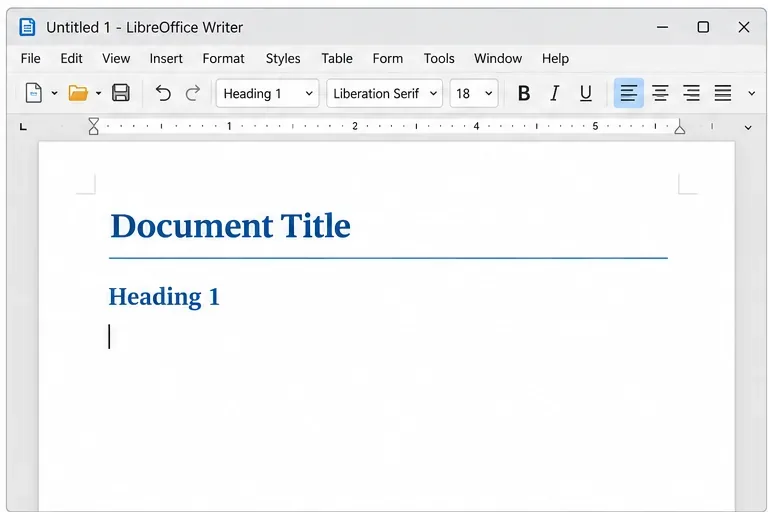
Set a custom LibreOffice Writer template as the default so new documents open with your preferred styles and page layout.
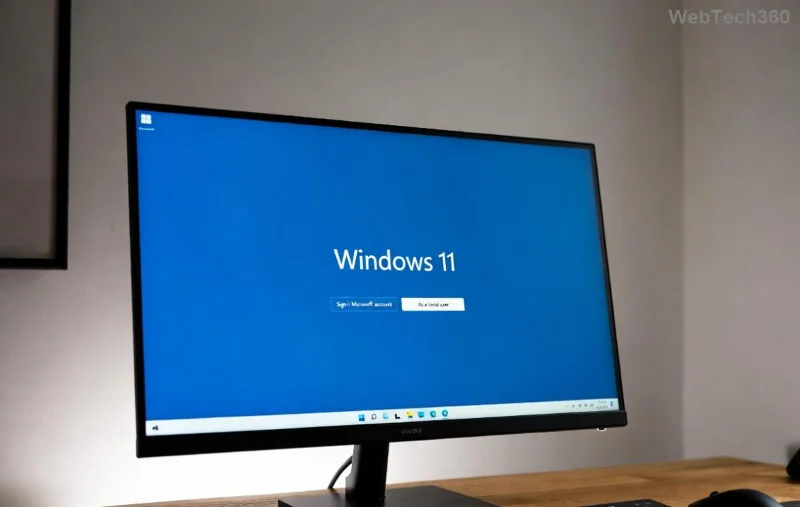
Imagine effortlessly recording your screen to create stunning tutorials, share gaming highlights, or document presentations without needing extra software. With Windows 11 screen recorder features, this is now simpler than ever. Built right into the operating system, these tools empower you to capture every detail with ease and precision. Whether you're a content creator, teacher, or casual user, mastering how to use screen recorder on Windows 11 will unlock a world of creative possibilities. Let's dive in and get you recording like a pro! 🚀
Windows 11 comes packed with native screen recording options that are free, secure, and integrated seamlessly. No more hunting for third-party apps that could compromise your privacy or slow down your PC. The latest updates in Windows 11 have refined these tools, making them faster and more intuitive. You'll save time, storage space, and frustration while producing high-quality videos. Plus, it's incredibly satisfying to nail that perfect capture on your first try—let's explore how!
The Snipping Tool in Windows 11 isn't just for screenshots anymore—it's evolved into a powerful Windows 11 screen recorder. This built-in app lets you record short clips, annotate them, and share instantly. Ideal for quick demos or highlighting issues. Here's how to get started:
This method shines for concise clips under 10 minutes. For longer sessions, keep reading to discover the Xbox Game Bar—it's a game-changer! 📹
For full-featured screen recording on Windows 11, the Xbox Game Bar is your go-to. Originally for gamers, it's now versatile for any user, supporting audio from mic, system, or both. Capture your entire desktop, apps, or games with crystal-clear quality up to 4K. Excited? Follow these steps to unleash its power.
Bonus: Xbox Game Bar supports background recording, so you can capture without interrupting your workflow. If you're into gaming, it even records FPS and overlays—pure magic for highlight reels.
To make your Windows 11 screen recorder outputs shine, focus on quality and efficiency. Here's a handy table of tips:
| Tip | How to Implement | Benefit |
|---|---|---|
| Optimize Audio | Use a external mic or adjust levels in Settings > Sound before recording. | Clear voiceovers make tutorials engaging—no muffled sounds! 🎤 |
| Choose Resolution | Set to 1080p or higher in Xbox Game Bar settings for crisp videos. | Professional look that impresses viewers and boosts shares. |
| Manage Storage | Record in short bursts and delete unused clips from Captures folder. | Keeps your drive free, so you can record more without worry. |
| Add Annotations | Use Snipping Tool's editor for text, arrows, or highlights post-recording. | Guides viewers' attention, making complex demos easy to follow. ⭐ |
These tweaks turn basic recordings into standout content. Feeling inspired? Experiment with them on your next project and watch your skills soar.
Even the best tools have hiccups. If screen recording isn't working, don't fret—most fixes are quick:
For deeper issues, Microsoft Support has your back. Visit their official page for tailored advice: Microsoft Snipping Tool Guide.
Once you're comfortable with the basics, level up! Use how to use screen recorder on Windows 11 for remote work demos, YouTube tutorials, or even software testing. Combine with PowerPoint for narrated slides or OBS Studio for multi-source streams (if you need more power). The possibilities are endless—start small, and soon you'll be creating content that captivates audiences worldwide. What's your first recording project? Share in the comments below!
With these steps, Windows 11 screen recorder is at your fingertips, ready to capture your ideas brilliantly. From quick snips to full sessions, you've got the tools to succeed. Dive in, experiment, and enjoy the thrill of seeing your screen come alive in video form. Happy recording—your audience awaits! 👏
Set a custom LibreOffice Writer template as the default so new documents open with your preferred styles and page layout.
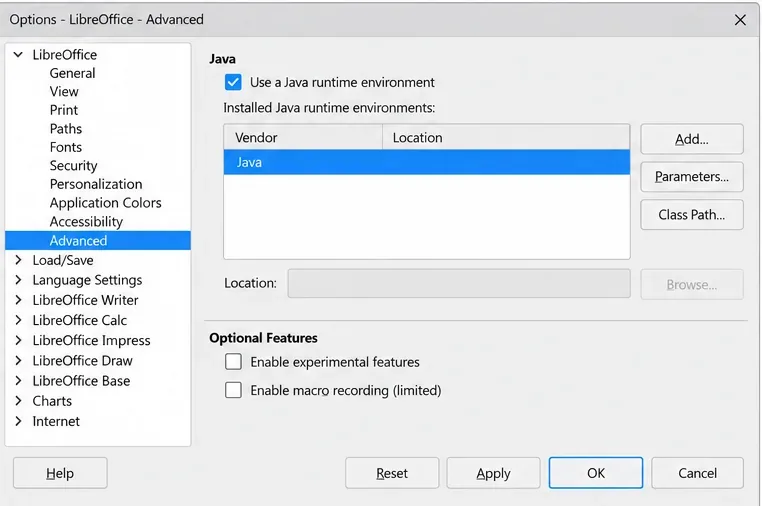
Install a compatible Java runtime, enable it in LibreOffice, and troubleshoot an empty JRE list without changing unrelated settings.
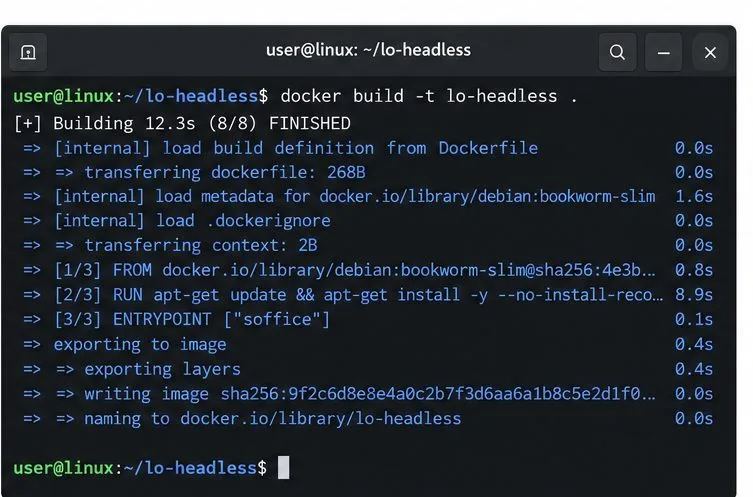
Build a small LibreOffice container, convert office documents without a GUI, and verify PDF output while limiting host-file access.
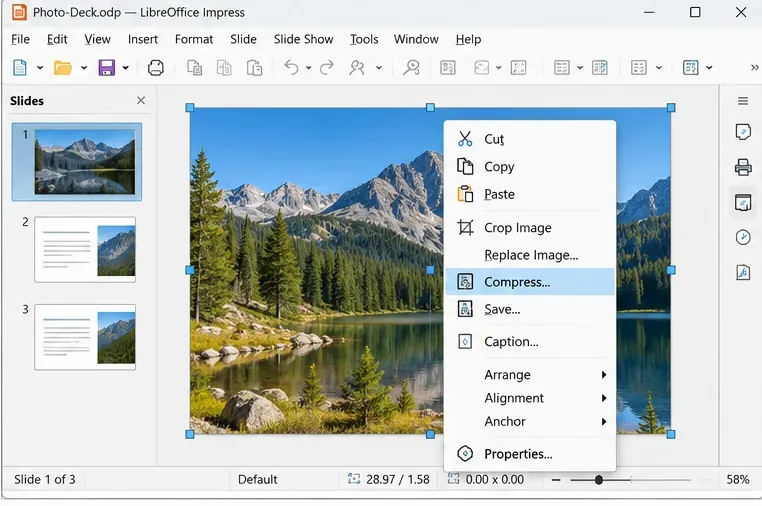
Reduce oversized LibreOffice presentation files by compressing embedded photos, choosing sensible image settings, and checking slide quality before sharing.
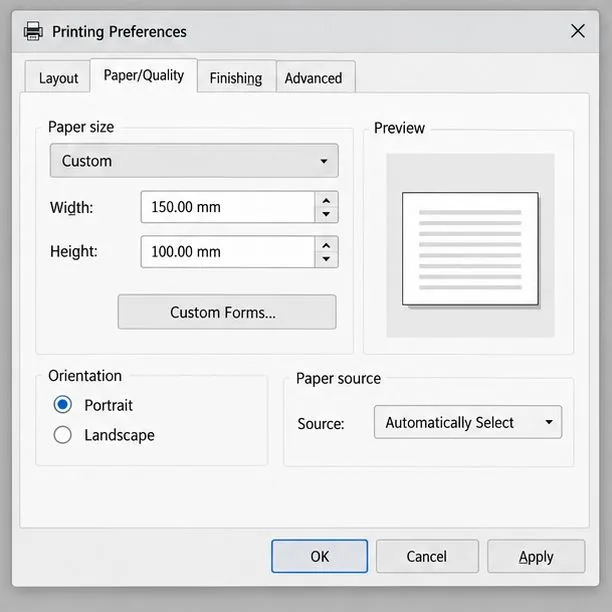
Match LibreOffice’s page dimensions to your printer, check printable margins, and correct scaling before printing a custom-size document.
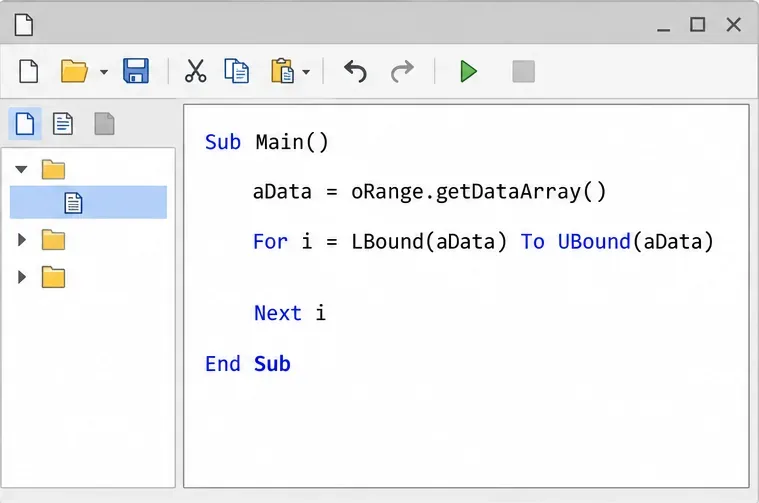
Replace repeated cell access with bulk range reads and writes, then benchmark the result and protect formulas in large Calc workbooks.
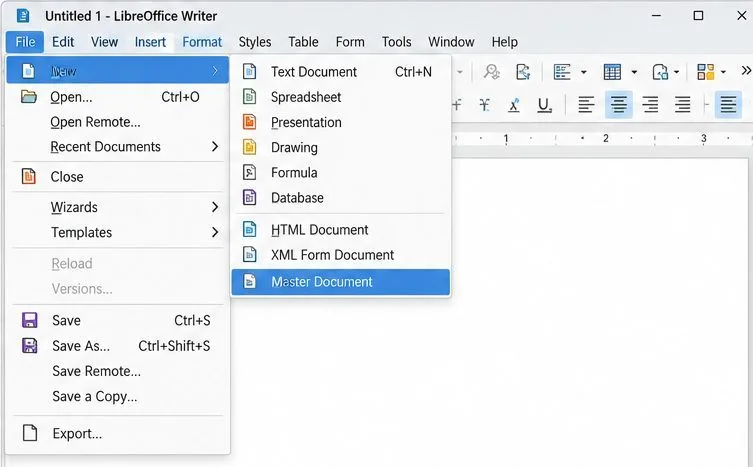
Split a long manuscript into chapters, assemble them in Writer, and keep styles, contents, and export checks consistent.
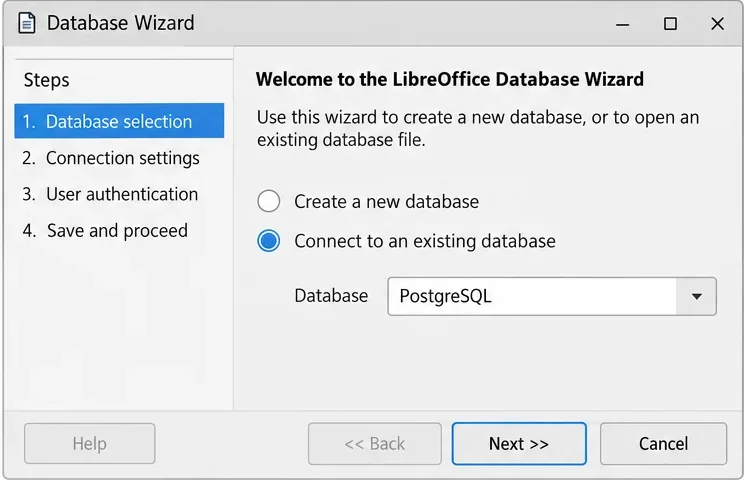
Use Base’s direct PostgreSQL option to enter your server details, sign in, save an ODB connection file, and troubleshoot common access errors.
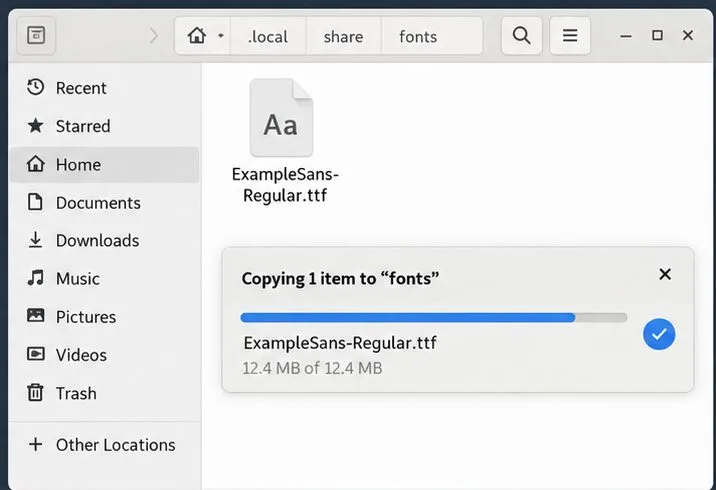
Install a font in your Linux user font folder, restart LibreOffice Flatpak, and confirm it appears in Writer without weakening the app sandbox.
Protect your work and isolate network-drive save crashes in LibreOffice on macOS Sonoma with a local-first workflow, permission checks, and targeted tests.