Keep Debian 12 Security Updates Running on a Headless Server
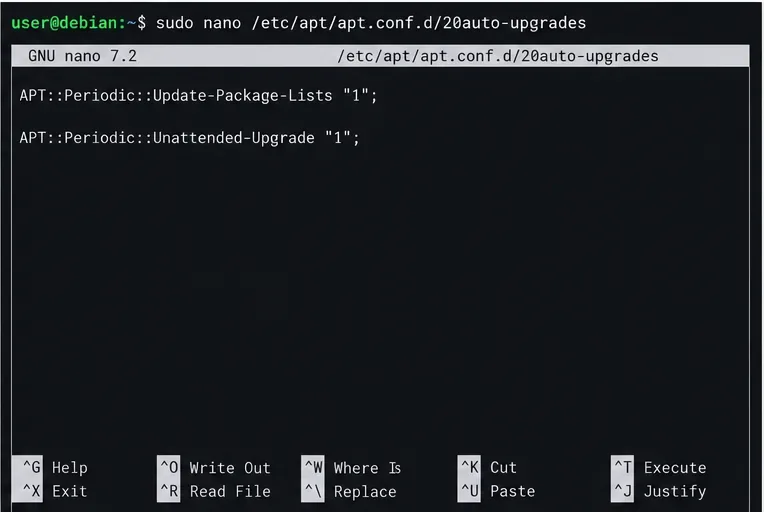
Enable Debian’s unattended security updates over SSH, keep the default package sources, and verify scheduled runs through systemd and APT logs.
ChatGPT continues with the trend of creating a dollhouse model, next to the recently emerging AI toy box model. The dollhouse model is quite similar to the AI toy box , also creating a model with the subject's profession, the details displayed in the house are related to the profession. Below are the instructions and prompts for creating a dollhouse on ChatGPT
How to create a dollhouse on ChatGPT
First, click on the plus icon to upload your personal image . Then enter the prompt below to create a dollhouse using ChatGPT .
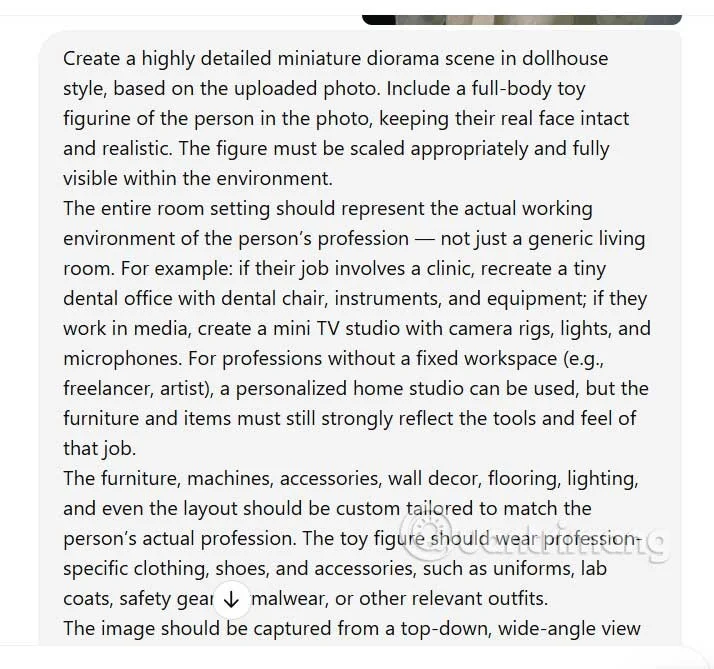
Prompt to create an English dollhouse
Create a highly detailed miniature diorama scene in dollhouse style, based on the uploaded photo. Include a full-body toy figurine of the person in the photo, keeping their real face intact and realistic. The figure must be scaled appropriately and fully visible within the environment.
The entire room setting should represent the actual working environment of the person's profession — not just a generic living room. For example: if their job involves a clinic, recreate a tiny dental office with dental chair, instruments, and equipment; if they work in media, create a mini TV studio with camera rigs, lights, and microphones. For professions without a fixed workspace (eg, freelancer, artist), a personalized home studio can be used, but the furniture and items must still strongly reflect the tools and feel of that job.
The furniture, machines, accessories, wall decor, flooring, lighting, and even the layout should be custom tailored to match the person's actual profession. The toy figure should wear profession-specific clothing, shoes, and accessories, such as uniforms, lab coats, safety gear, formalwear, or other relevant outfits.
The image should be captured from a top-down, wide-angle view showing the entire dollhouse clearly placed on a real wooden table or floor — making it unmistakably a handcrafted toy model.
Include a miniature nameplate on the floor or wall that fits the theme — styled in a way that suits the profession (eg, a hospital name badge style for medical fields, microphone name tag for media, etc.). The nameplate should read:
Name
Job
Use warm lighting, miniature proportions, and handcrafted textures to emphasize the cozy, playful, and collectible nature of the scene. The result should feel like a small, themed, personalized workspace in dollhouse form — charming and visually clear in representing the person's profession.
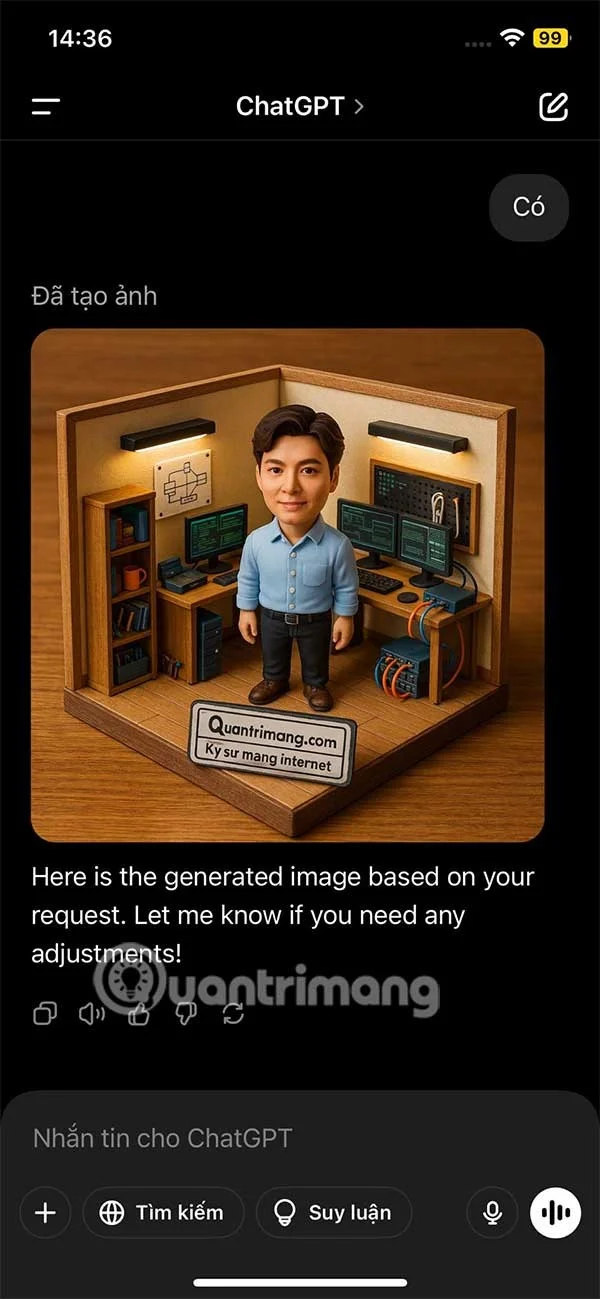
You wait a moment for ChatGPT to analyze the content and create an image for you, and the result is a dollhouse as shown.
Enable Debian’s unattended security updates over SSH, keep the default package sources, and verify scheduled runs through systemd and APT logs.
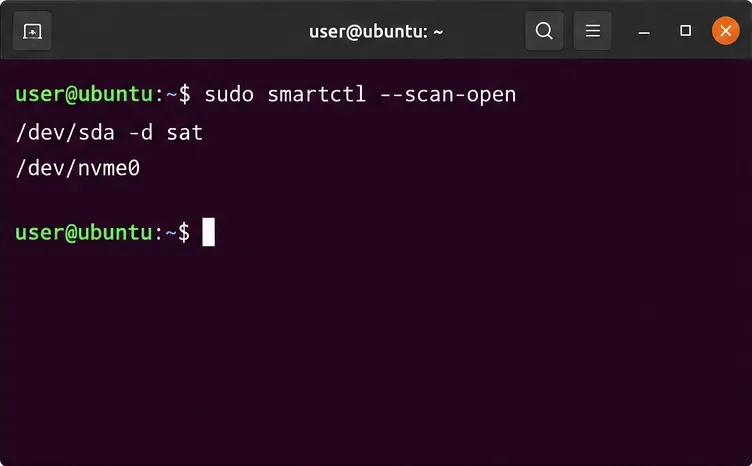
Compare mail delivery options, configure smartd on Ubuntu, and verify that disk-health warnings reach your inbox.
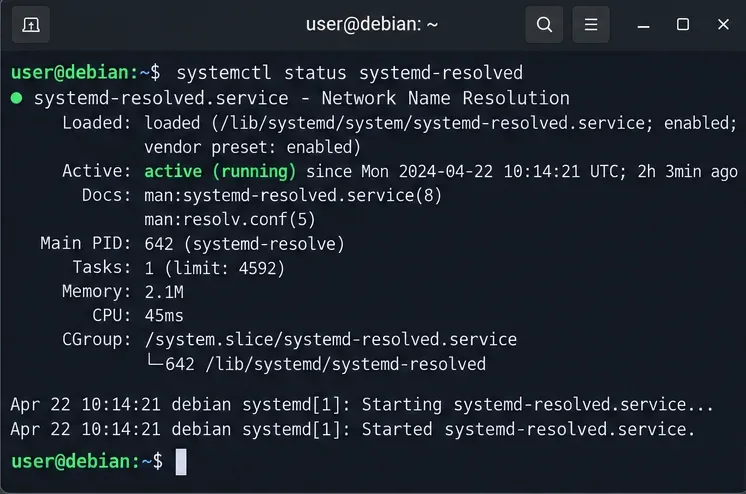
Restore DNS lookups on Debian 12 by checking systemd-resolved, repairing resolv.conf when needed, and verifying upstream DNS and application resolution.
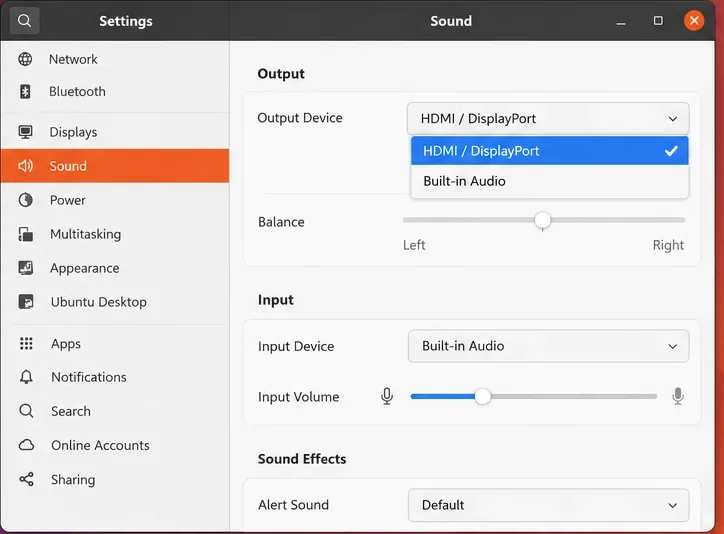
Get Ubuntu to detect your monitor or TV as an audio output, select it in Sound settings, and check the connection or PipeWire device list if HDMI is missing.
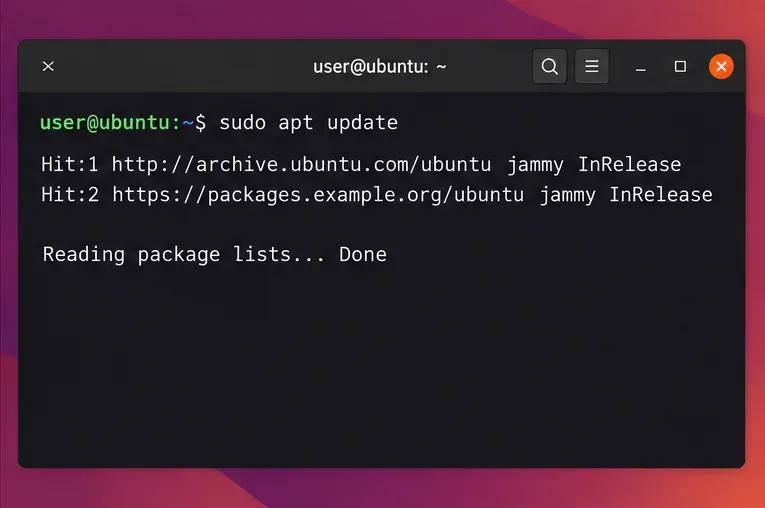
Resolve Ubuntu APT signature warnings safely by identifying the failing source, refreshing its verified key, and checking the result without disabling security.
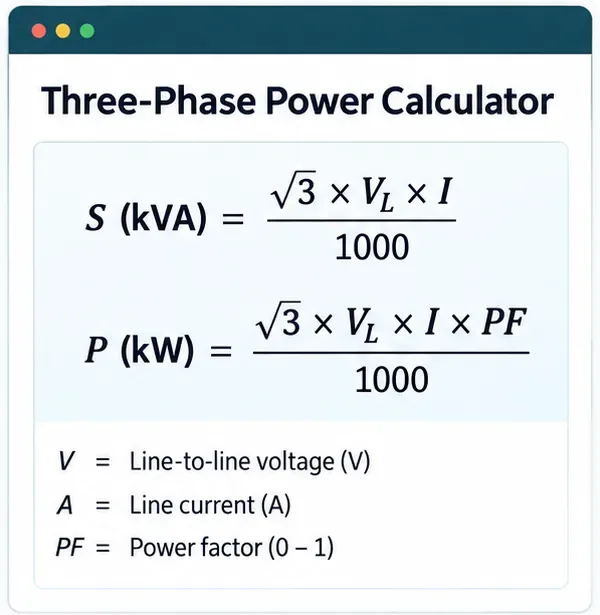
Learn the balanced three-phase formulas and convert line voltage, current, kW, kVA, and power factor step by step, with a worked example and limits to check.
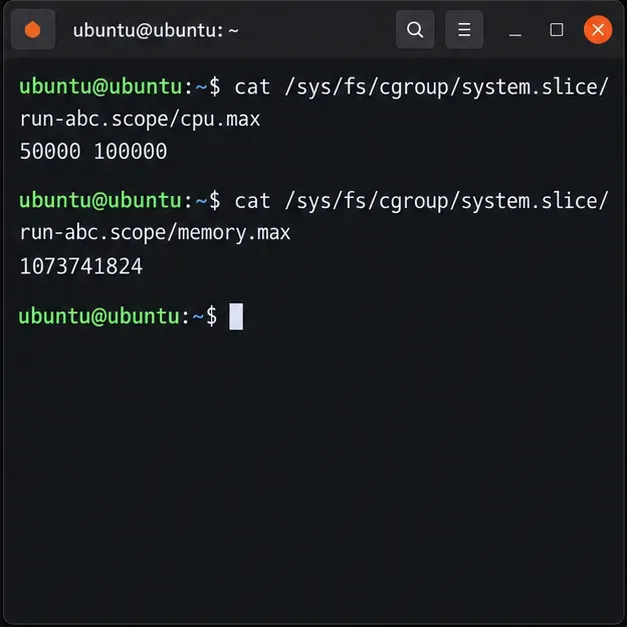
Run a workload inside a systemd scope with CPUQuota and MemoryMax, then verify the limits through cgroup v2.
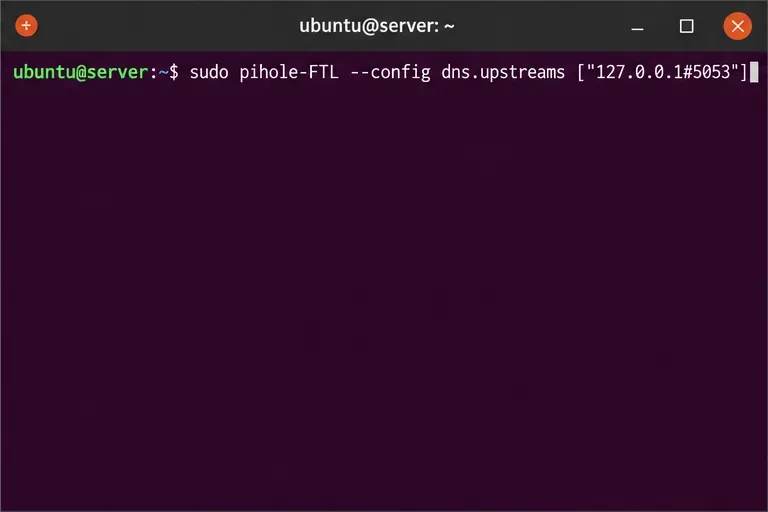
Set up dnscrypt-proxy as Pi-hole’s local DoH bridge on Ubuntu 24.04, with a localhost-only listener, resolver selection, and checks before switching DNS.
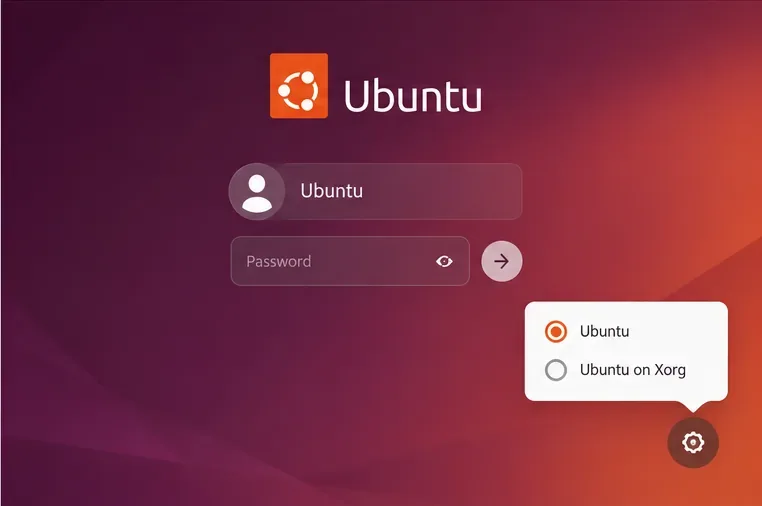
Check Ubuntu’s touchpad settings, confirm Wayland, and test GNOME’s built-in swipes before troubleshooting apps or hardware.
Create and verify a two-disk Debian 12 RAID 1 data array, format it safely, and configure it to assemble and mount after reboot.