SLES 15 KVM Setup: Make Selected VMs Start at Boot

Install the SLES 15 KVM and libvirt tools, enable the right host service, and configure selected virtual machines to start after a reboot.
Claude AI is a popular AI chatbot today similar to ChatGPT or Google Gemini. Users will also exchange and chat with Claude AI through the issues they are interested in. You can upload images or files to Claude AI to analyze or get the content you need from those files. And for easier use, users can now install Claude AI on their computers. Below are instructions for installing Claude AI on your computer.
How to install Claude AI on computer
Step 1:
You access the link below to go to the homepage of Claude AI.
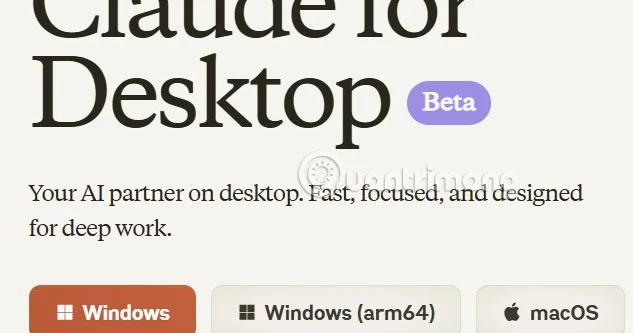
Now you will see 3 versions of Claude AI file downloaded to your computer . You choose the Claude AI version suitable for the computer you are using and download.
Step 2:
After downloading the file, click on the exe file to install Claude AI on your computer.
Step 3:
Then the Claude AI installation process is done and you will see the Claude AI interface displayed as shown below.

We log in to our Claude AI account, or we can register a new Claude AI account if we don't have one to use the Claude AI chatbot service.
Install the SLES 15 KVM and libvirt tools, enable the right host service, and configure selected virtual machines to start after a reboot.
Use systemd jobs and the previous boot journal to locate a slow service, mount, or storage dependency, then correct it without masking the cause.
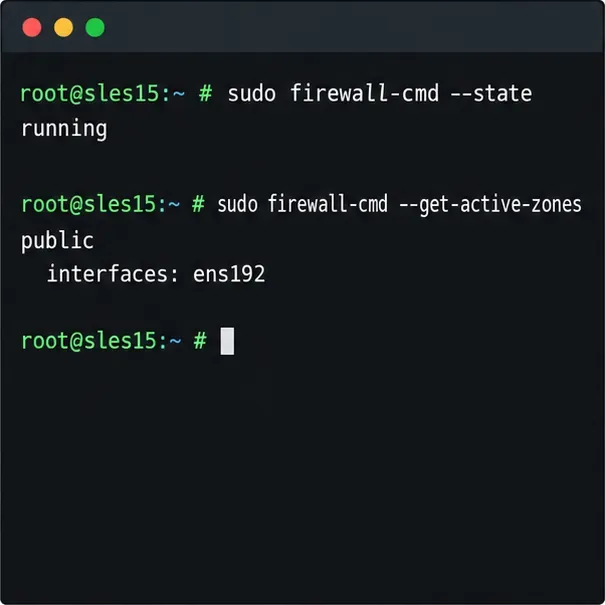
Use firewall-cmd to inspect the active zone, allow HTTP safely, preserve SSH access, and verify that the rule survives a reload on SLES 15.
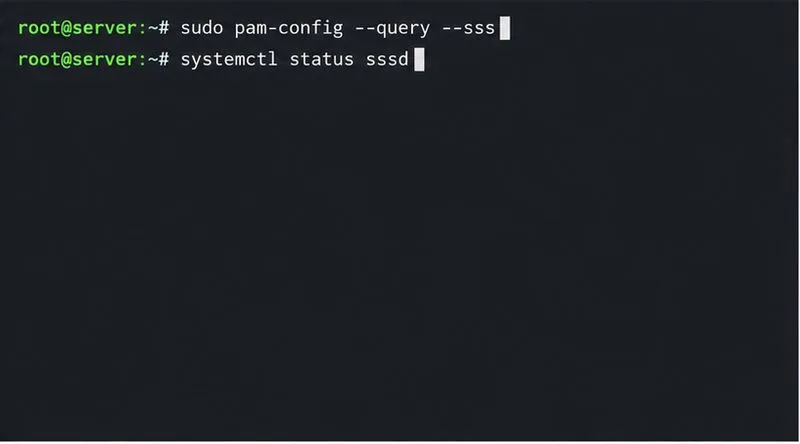
Trace a PAM failure to its service, account policy, or identity provider, then repair the right SLES configuration while preserving a working admin session.
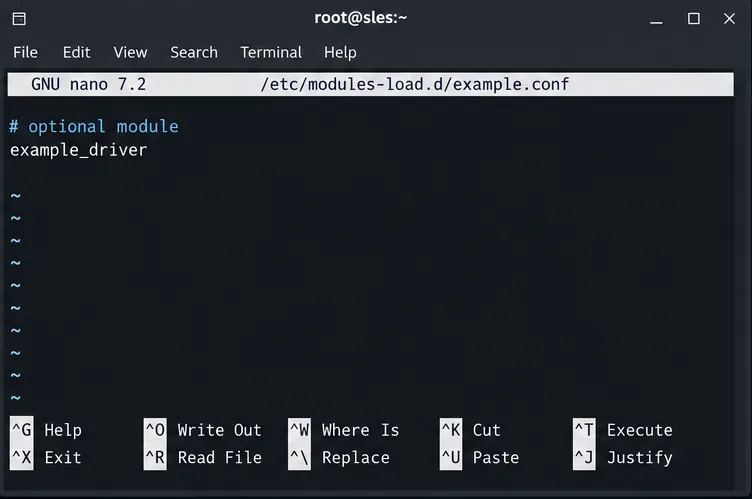
Trace a failed kernel module at SLES startup, correct an obsolete boot entry or repair the required driver, and verify the next boot.
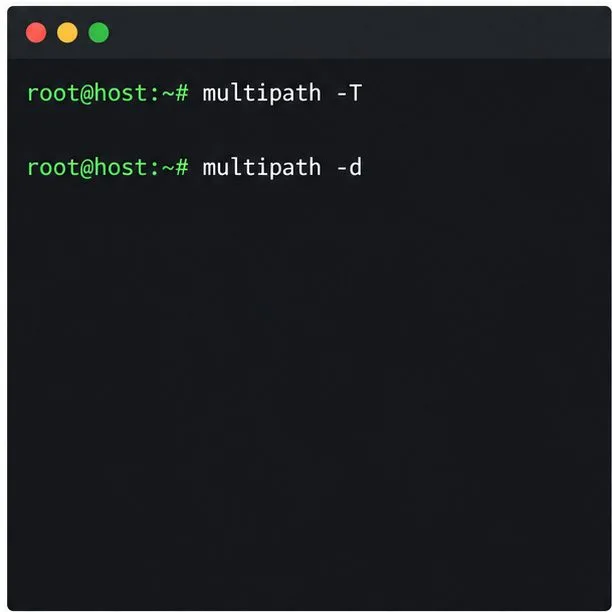
Prepare SCSI SAN paths, enable multipathd, inspect SUSE’s hardware defaults, and verify stable device maps without guessing array settings.
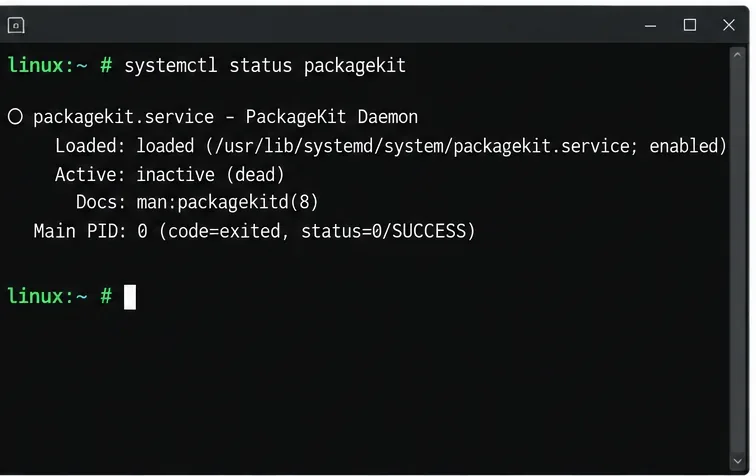
Find the process holding Zypper’s package lock, distinguish process conflicts from package locks, and retry updates without deleting lock files blindly.
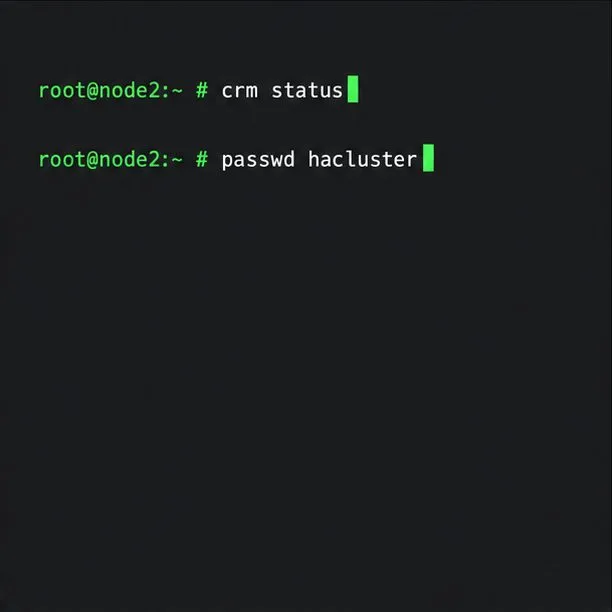
Register SLE HA, bootstrap SLES 15 nodes, then add fencing, quorum, and tested service resources before relying on failover.
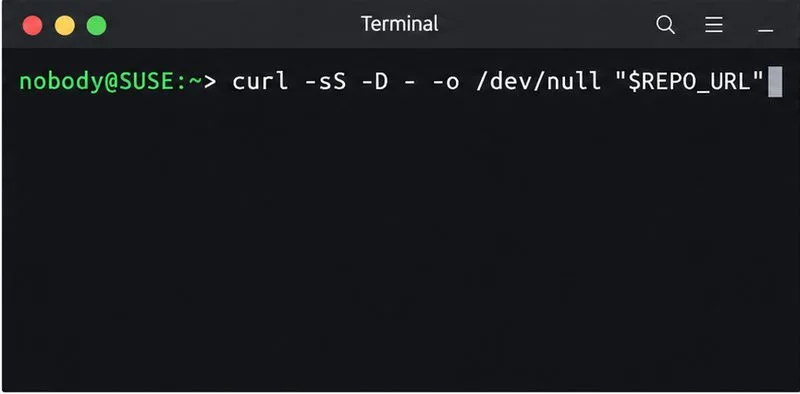
Trace a Zypper refresh error to SUSE, RMT, or a third-party endpoint, then apply the right server-side or cache fix without disabling essential updates.
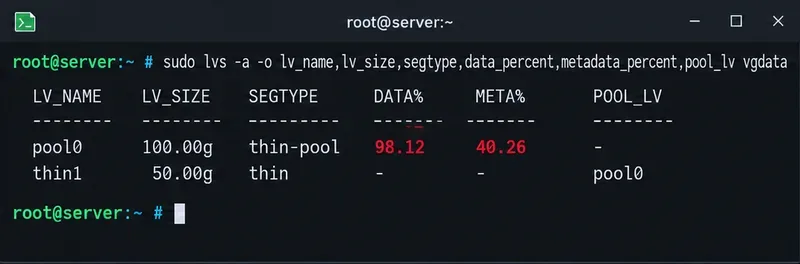
Resolve SUSE LVM thin-pool space errors by checking data and metadata usage, expanding the pool safely, and preventing repeat outages.