Configure Reliable Ethernet Failover with SLES 15 Bonding
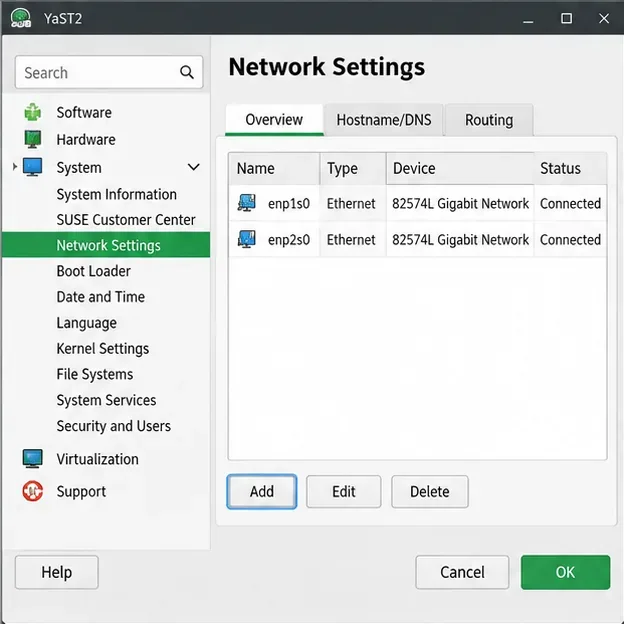
Create a redundant Ethernet connection on SLES 15 with YaST and Wicked, configure active-backup bonding, and verify both ports and failover.
The famous convenience store chain 7-Eleven also has an app installed on the phone to make it easier for customers to choose items and have them delivered to your location. Basically, the 7-Eleven app is similar to the Circle K app , synthesizing offers, promotions and accumulating points to redeem gifts. Below are instructions for shopping on the 7-Eleven app.
How to register for a 7-Eleven account
Step 1:
First, download the 7-Eleven app for your phone using the link below and install it as usual.
Step 2:
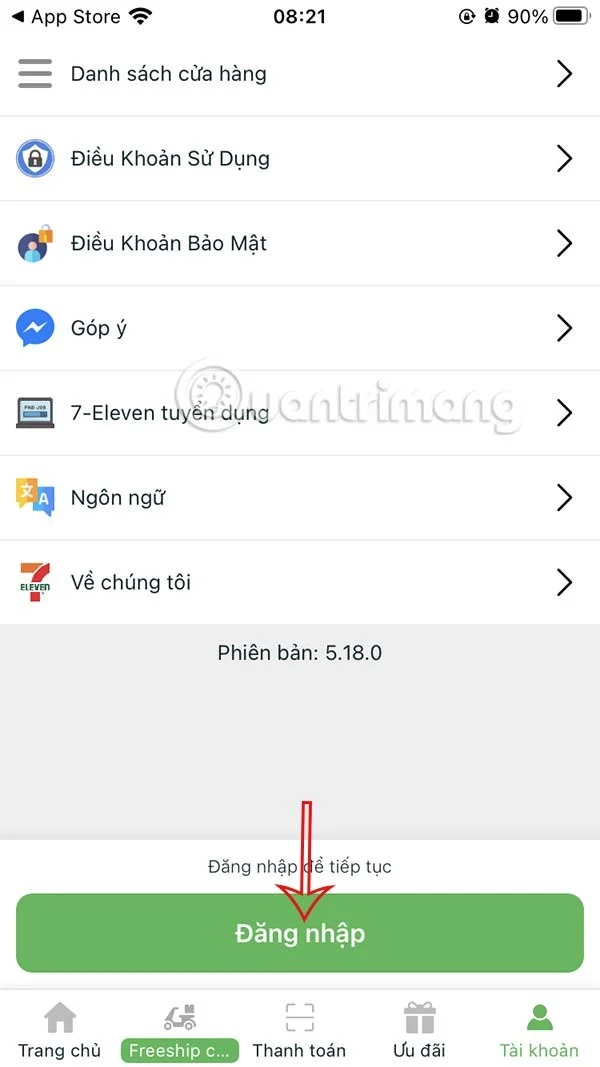
At the application interface, click on the Account section below. Go to the next interface, click Login to continue.
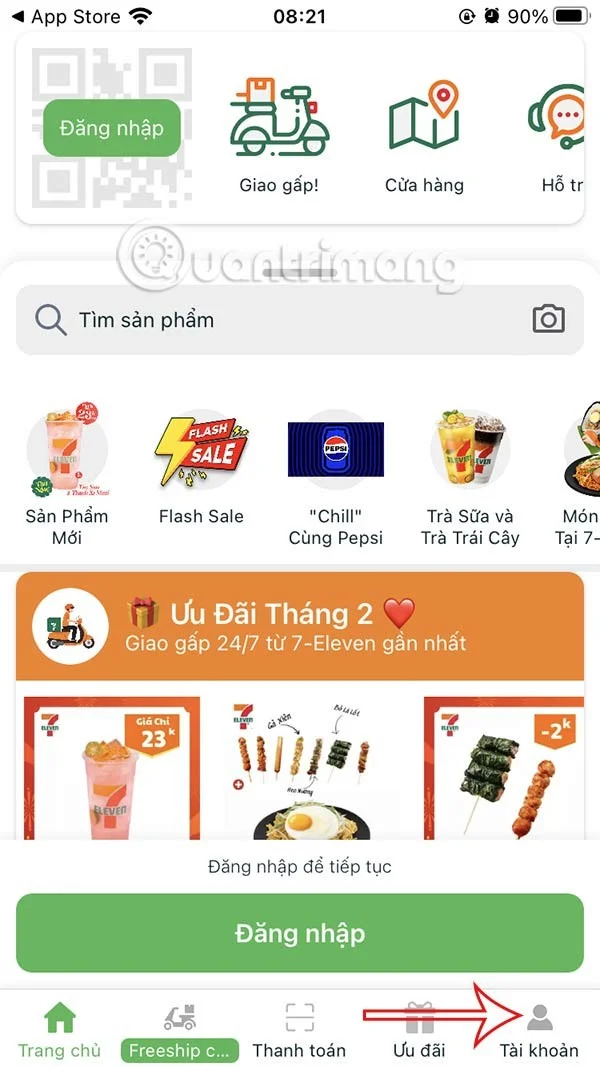
Step 3:
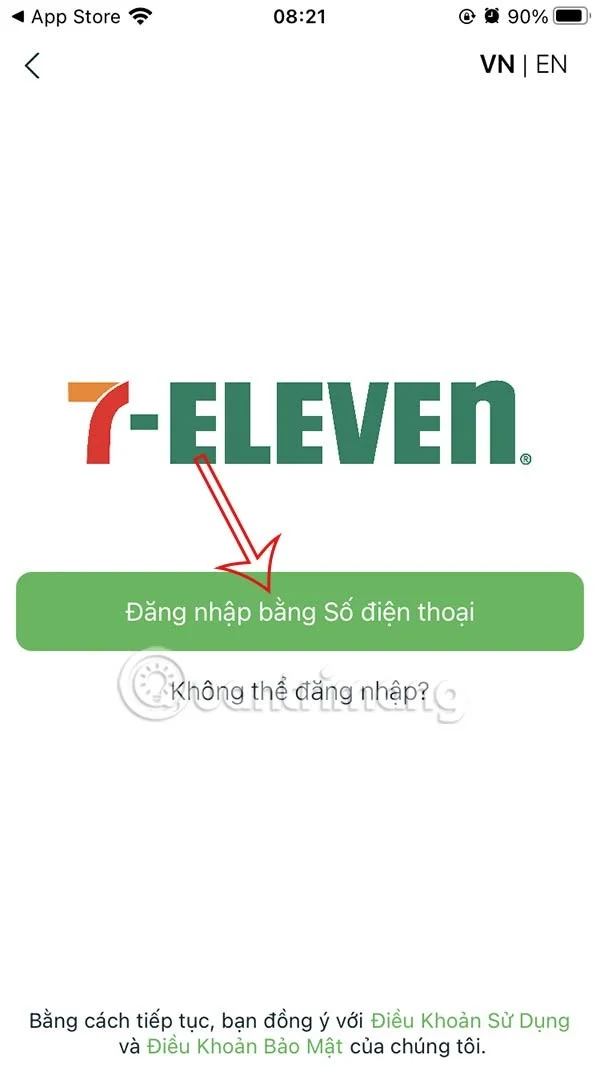
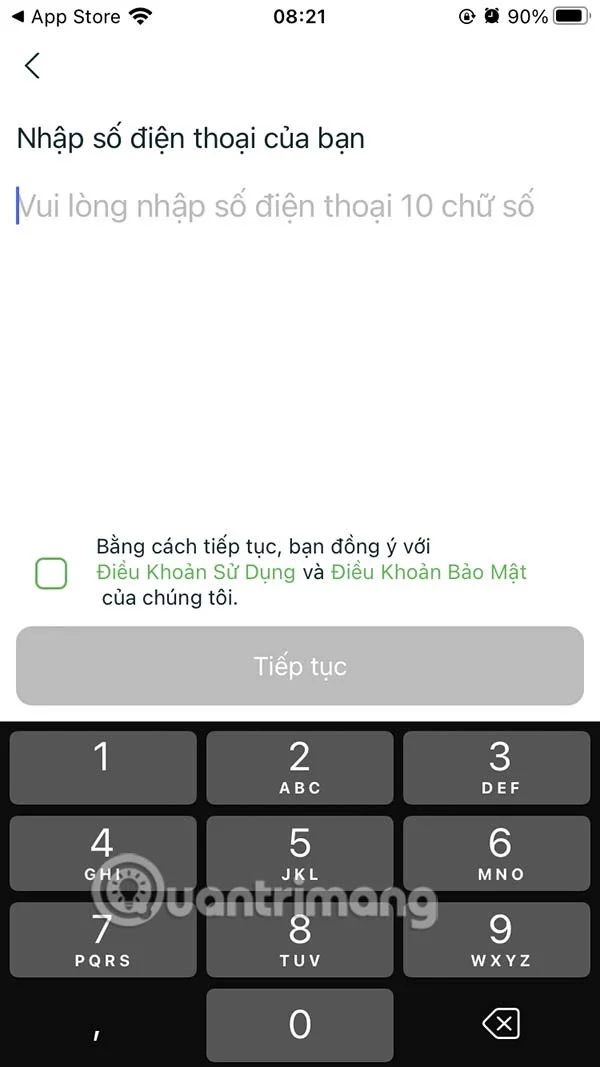
Next, click on Login with phone number and enter your phone number .
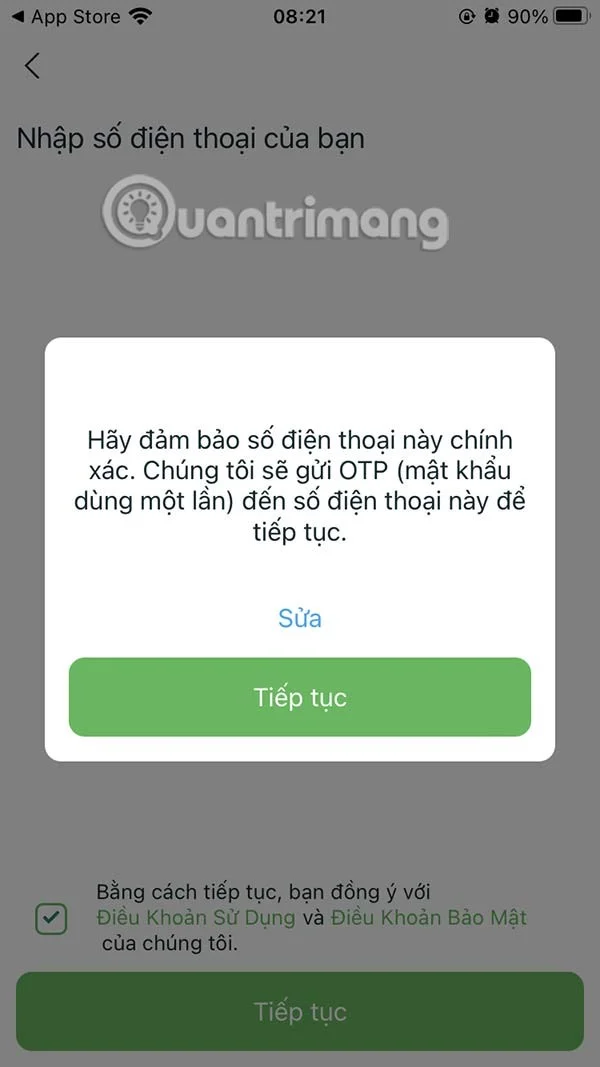
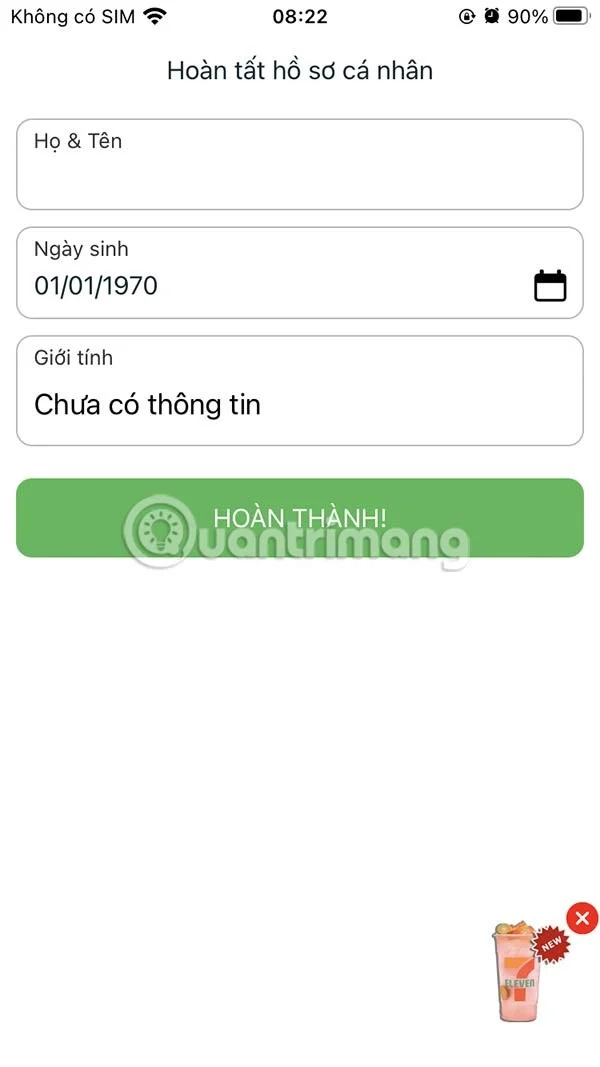
At this time, you will receive an OTP code notification sent to the phone number registered with the 7-Eleven app. Enter that OTP code into the interface to log in to the application. Finally, enter your personal information and click Complete below.
Instructions for shopping on the 7-Eleven app
Step 1:
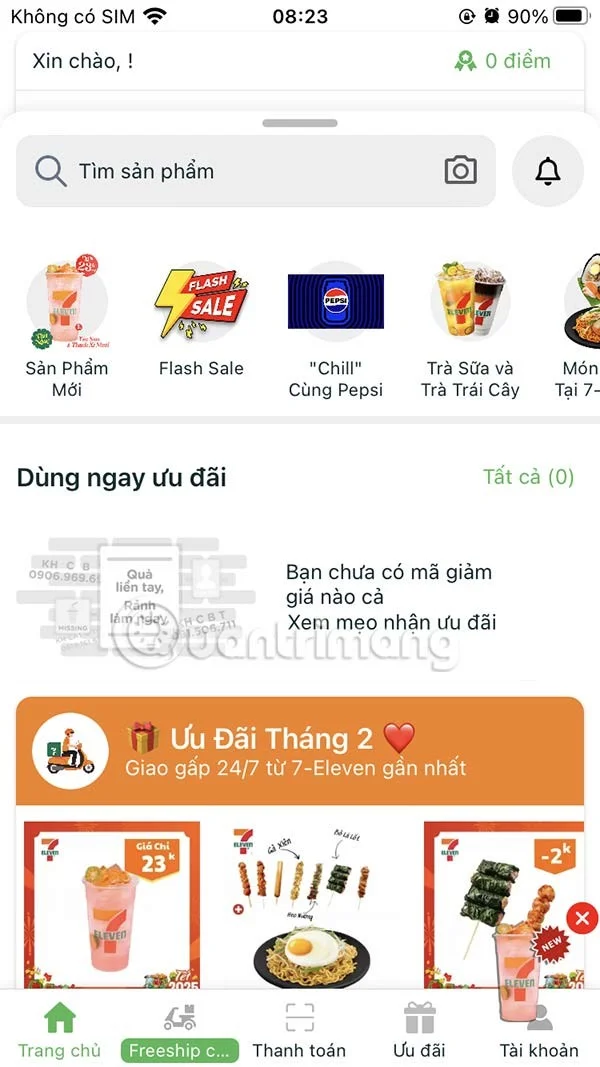
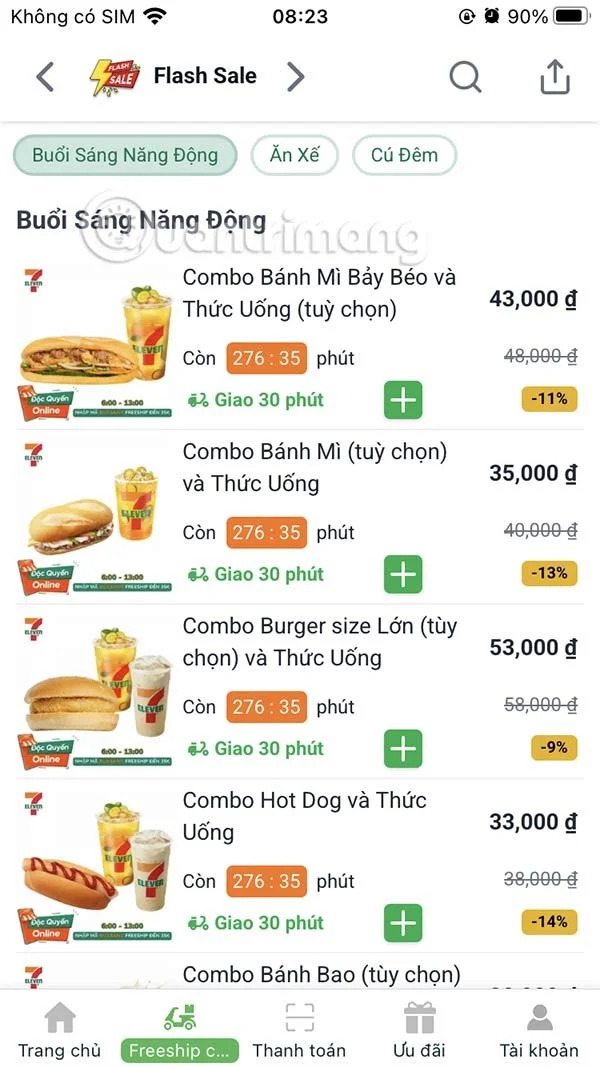
In the 7-Eleven interface, you will see the offers and promotions currently being implemented at 7-Eleven stores. Flash Sale is a discount program with a limited time.
Step 2:
Click on Other Promotions to see information currently running on 7-Eleven.
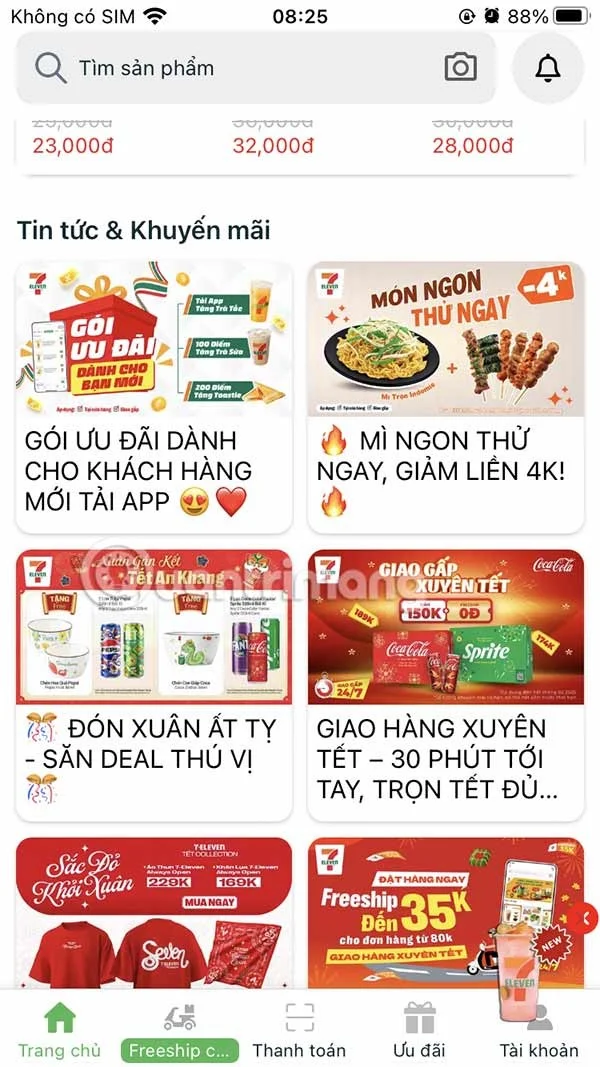
Step 3:
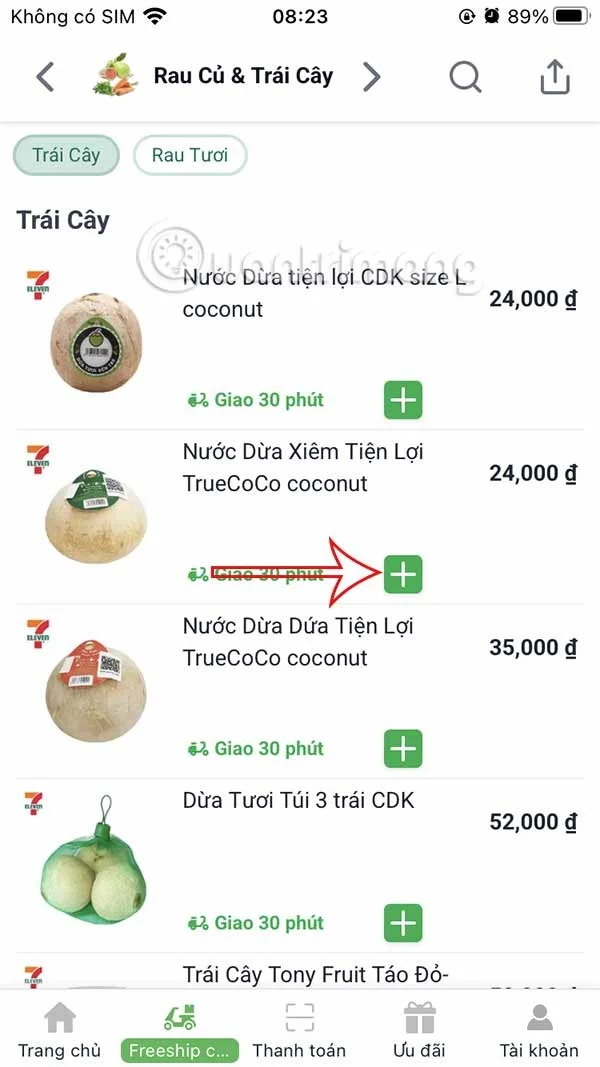
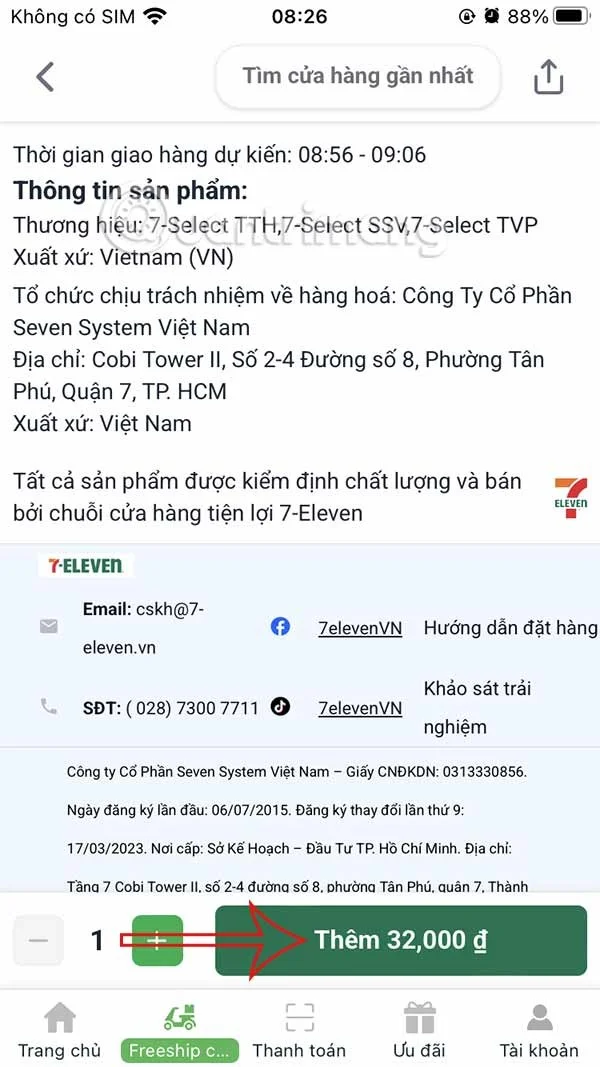
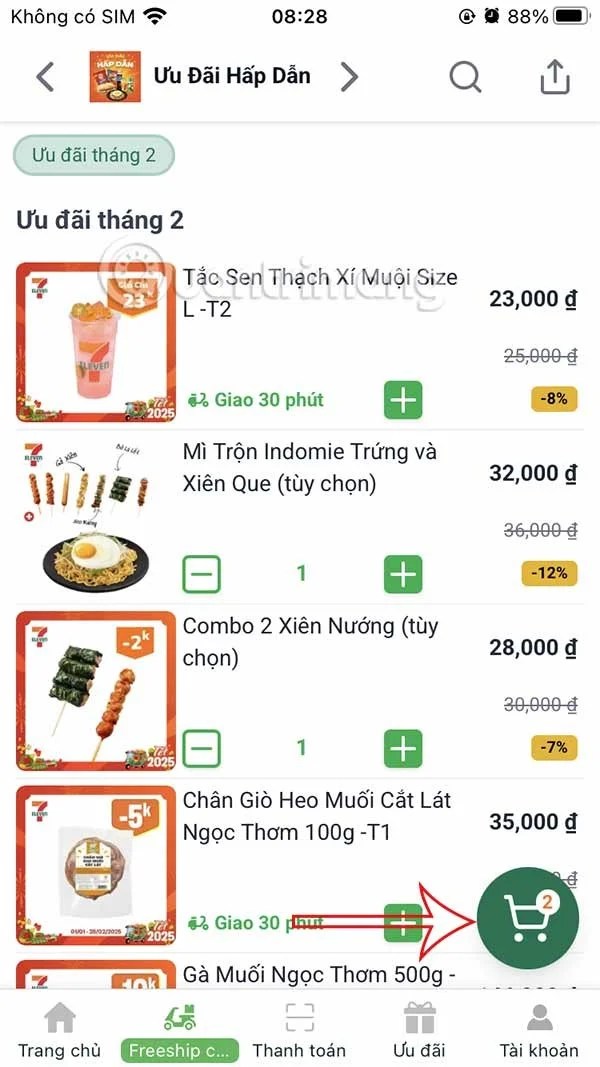
To buy products on 7-Eleven , click on the plus icon . Now select the requirements in the order and click Add below. Continue adding other products to the cart and click on the cart icon in the lower right corner.
Step 4:
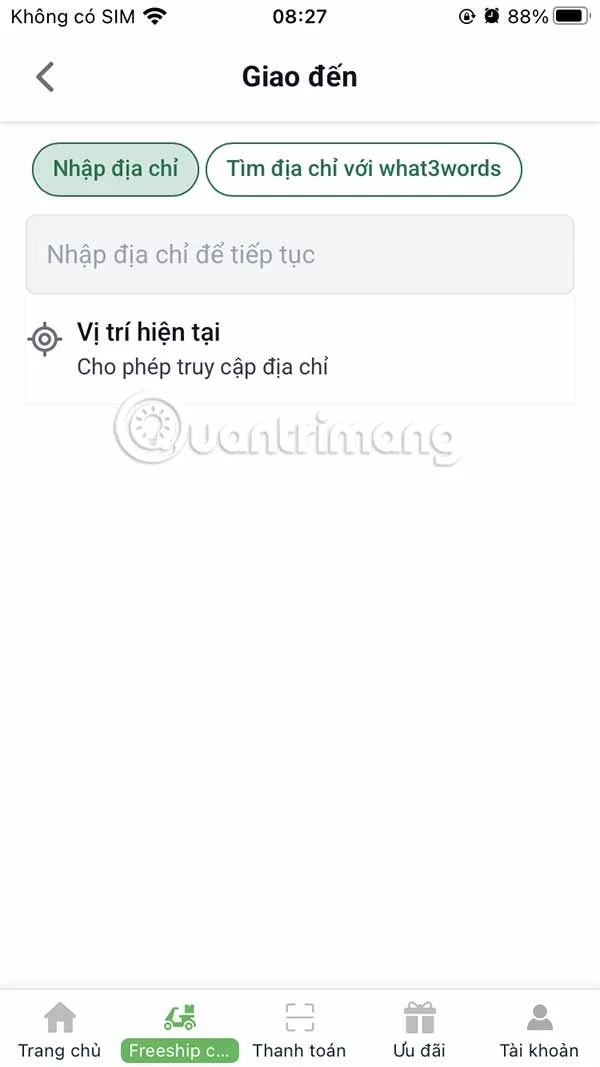
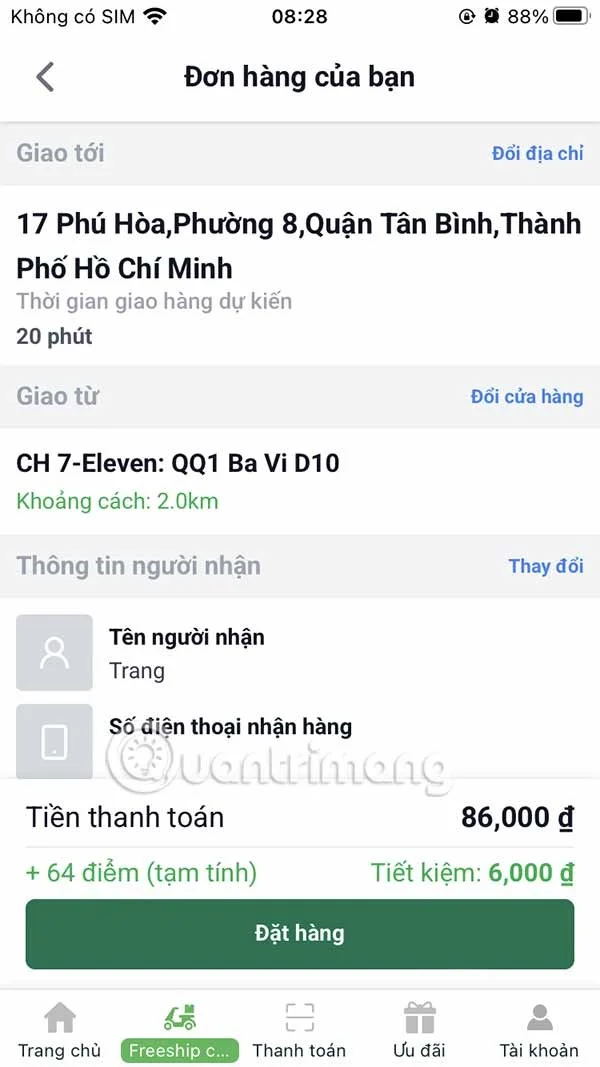
Users need to enter the delivery address and 7-Eleven automatically searches for the nearest store address to deliver to your address. The app then calculates how much you need to pay.
Step 5:
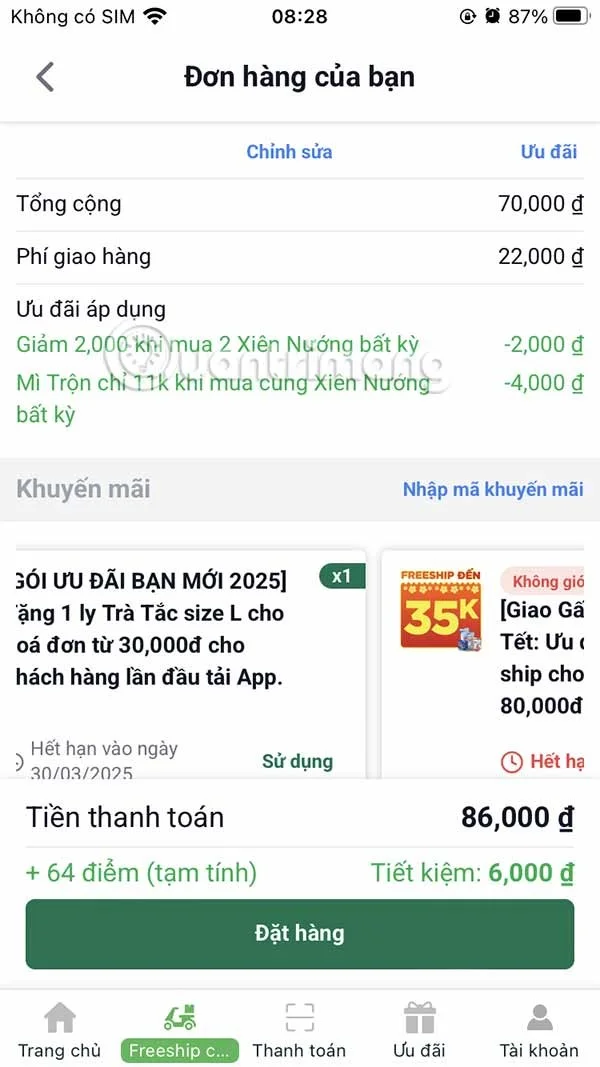
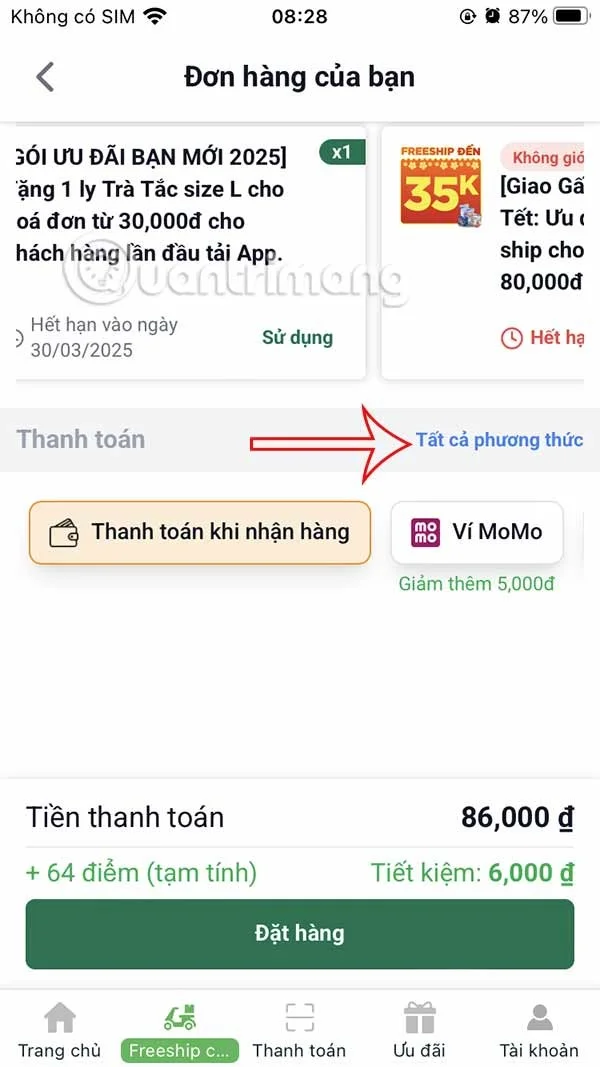
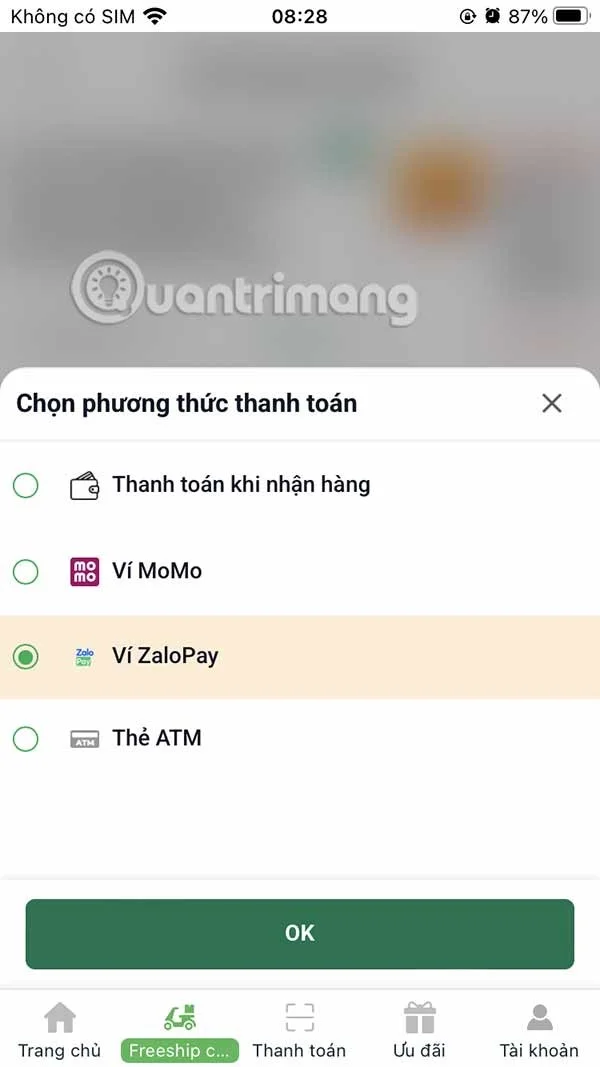
Scroll down below you can select the code to apply to the order . To change the payment method scroll down at Payment , select All methods .
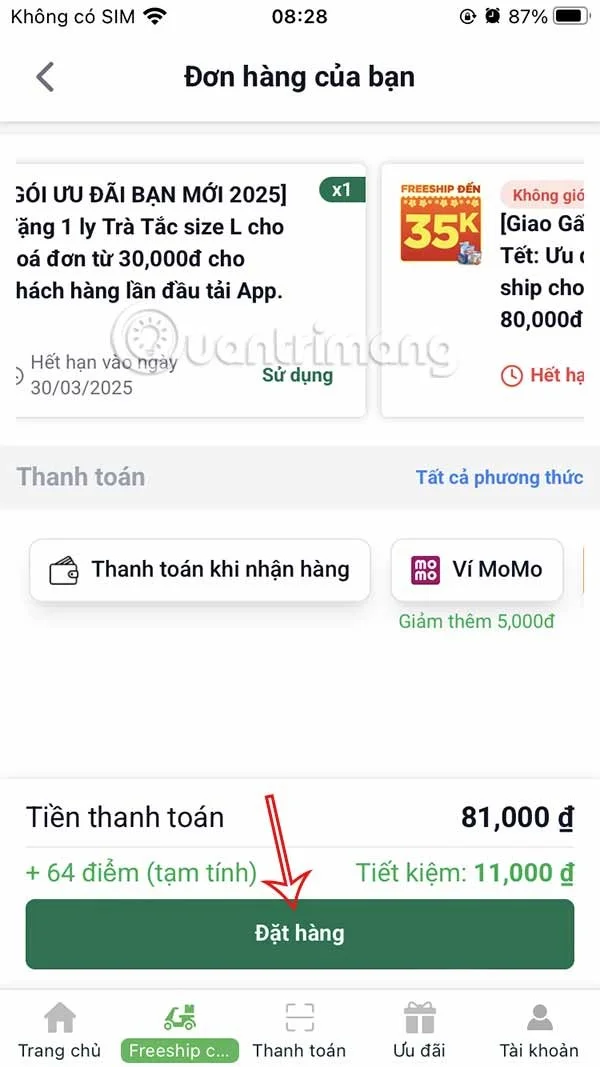
With some payment methods, 7-Eleven will have additional discounts. Finally, click Order below.
Step 6:
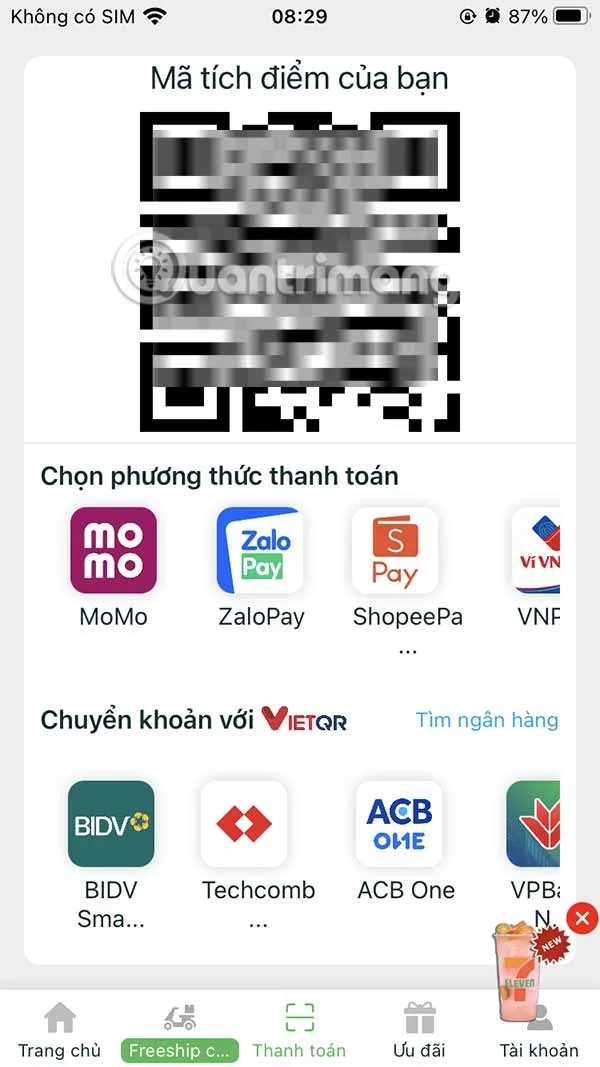
When shopping at 7-Eleven, you can present the QR code to receive a discount when you have the required number of points.
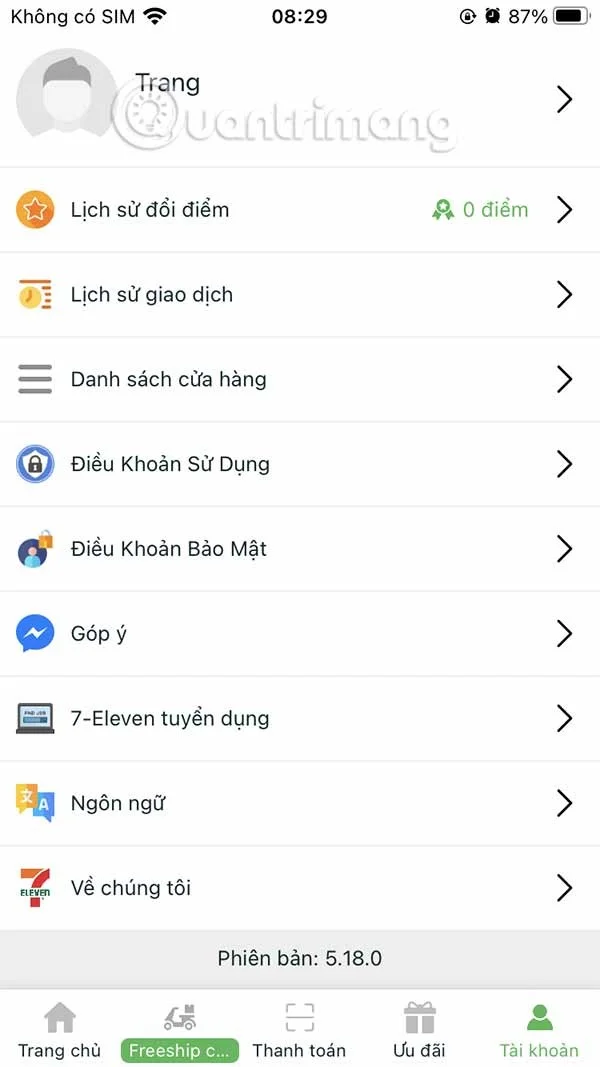
When you access Account you will see some account management items as well as the points you have to redeem.
Create a redundant Ethernet connection on SLES 15 with YaST and Wicked, configure active-backup bonding, and verify both ports and failover.
Turn an existing SLES 15 system into a reviewed AutoYaST profile, validate it, and use it to deploy a test server with fewer manual steps.
Install the SLES 15 KVM and libvirt tools, enable the right host service, and configure selected virtual machines to start after a reboot.
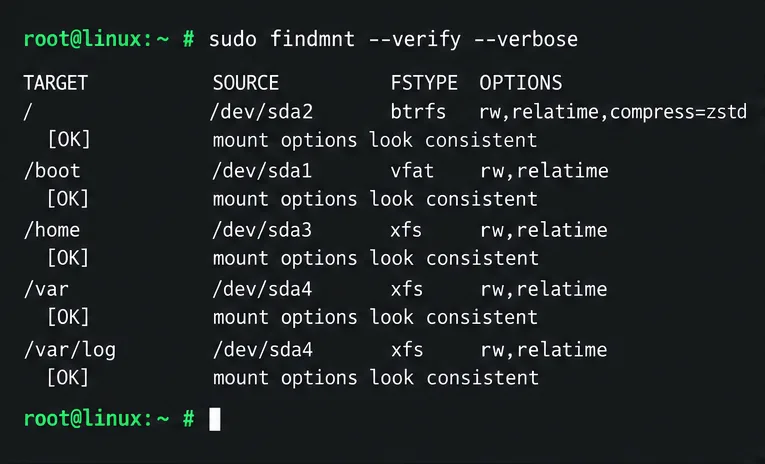
Use systemd jobs and the previous boot journal to locate a slow service, mount, or storage dependency, then correct it without masking the cause.
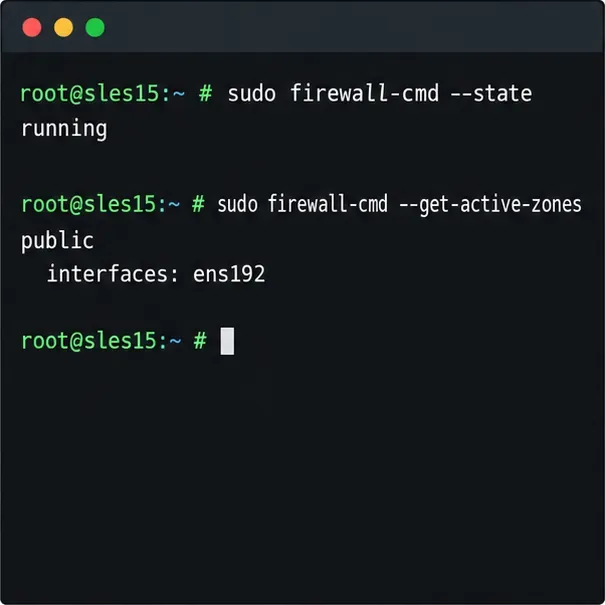
Use firewall-cmd to inspect the active zone, allow HTTP safely, preserve SSH access, and verify that the rule survives a reload on SLES 15.
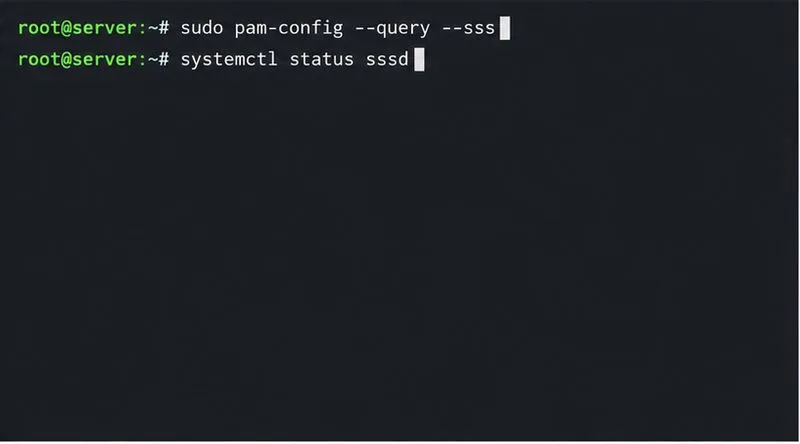
Trace a PAM failure to its service, account policy, or identity provider, then repair the right SLES configuration while preserving a working admin session.
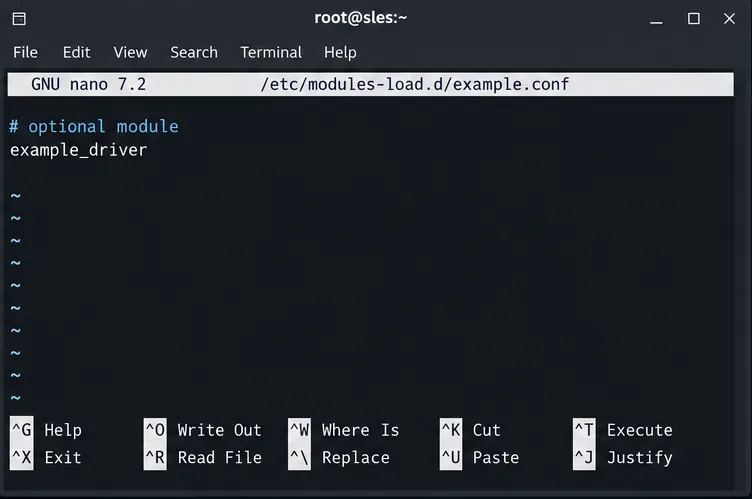
Trace a failed kernel module at SLES startup, correct an obsolete boot entry or repair the required driver, and verify the next boot.
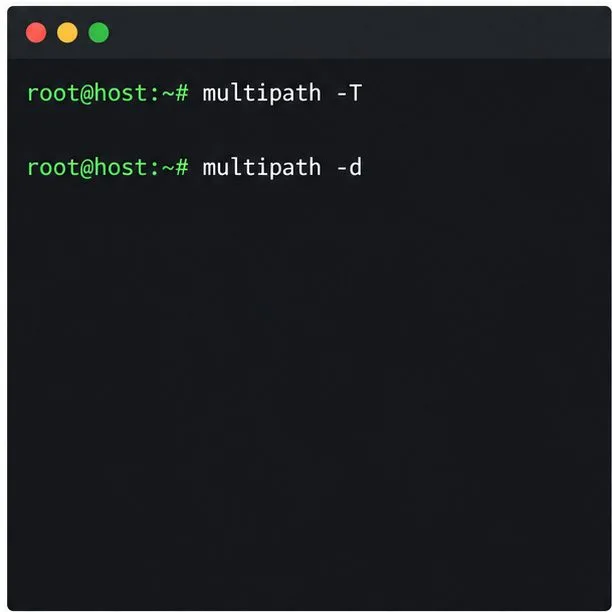
Prepare SCSI SAN paths, enable multipathd, inspect SUSE’s hardware defaults, and verify stable device maps without guessing array settings.
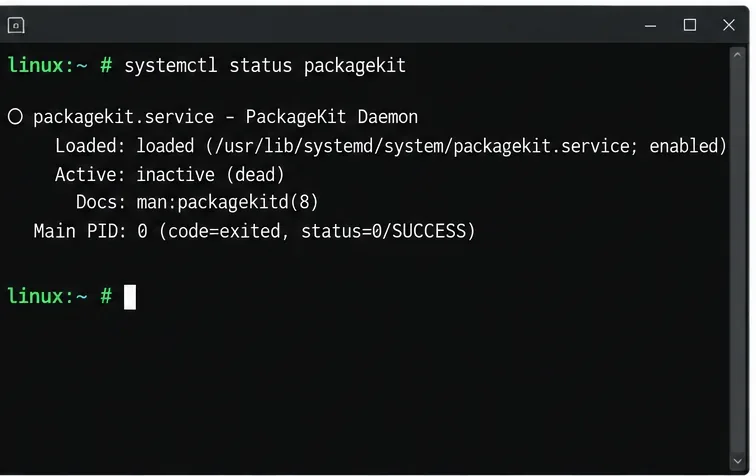
Find the process holding Zypper’s package lock, distinguish process conflicts from package locks, and retry updates without deleting lock files blindly.
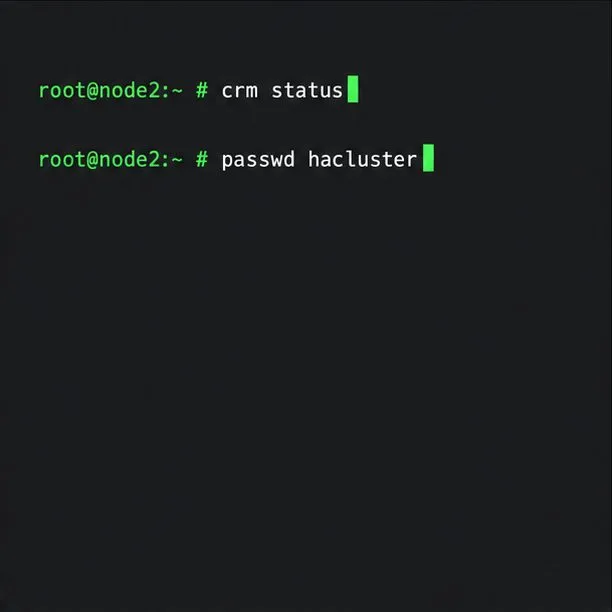
Register SLE HA, bootstrap SLES 15 nodes, then add fencing, quorum, and tested service resources before relying on failover.