How to Boil Broccoli
Master how to boil broccoli perfectly every time with this step-by-step guide. Learn exact timing and techniques for tender, vibrant, nutrient-rich results.
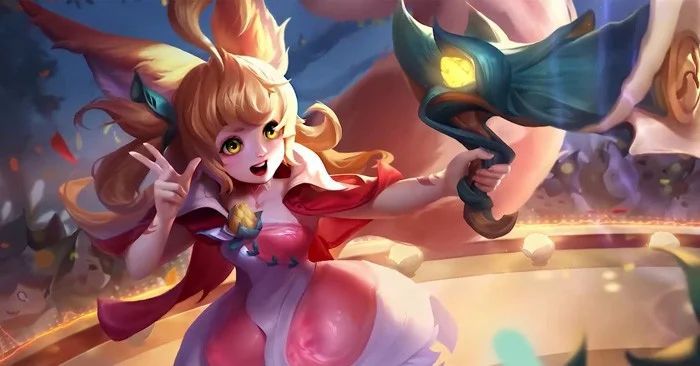
Aya is a support champion with a rather annoying playstyle and is often banned in ranked matches. However, if you have the opportunity to bring Aya into ranked matches , this article will help you grasp the formula for playing Aya effectively.
Table of Contents
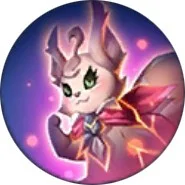 |
Passive: Little Squirrel Soul When health is below 40%, Aya turns into a squirrel for 5 seconds and becomes untargetable while gaining a new set of skills. |
 |
Move 1: Light Note Aya fires a light sphere that deals magic damage and slows enemies while revealing them. |
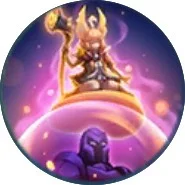 |
Move 2: Deep Forest Protection Aya flies to transform into a protective armor to protect the target teammate (increases virtual armor when jumping on mages, marksmen, assassins). If already in a virtual armor state, Aya instantly creates a shield for teammates. Pulling the skill will jump away from teammates. |
 |
Move 3: Deep Forest Song Aya creates a magic circle around her teammates with a soul shield, giving them increased movement speed and dealing damage to enemies within range while causing them to transform. In addition, enemies hit by the move will not be able to attack and will be slowed. |
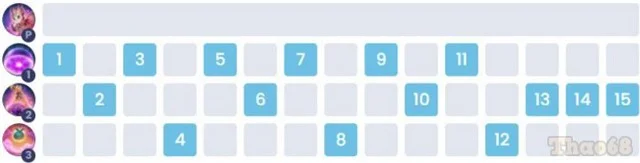
Players when using Aya can increase skills in the order as shown in the table below.
Aya is a support champion, so to maximize her ability to protect teammates, the Emergency spell is the most suitable.
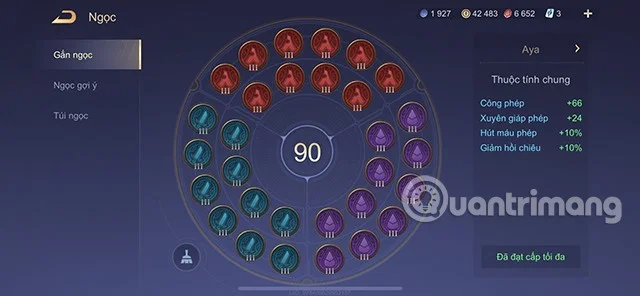
Below are suggested gems for Aya in season S1 2023 that readers can refer to.
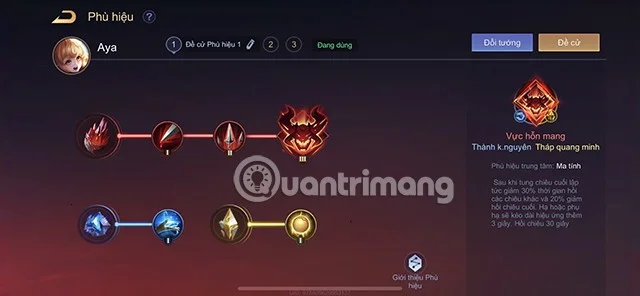
For Aya, players can arrange the badge system as follows:
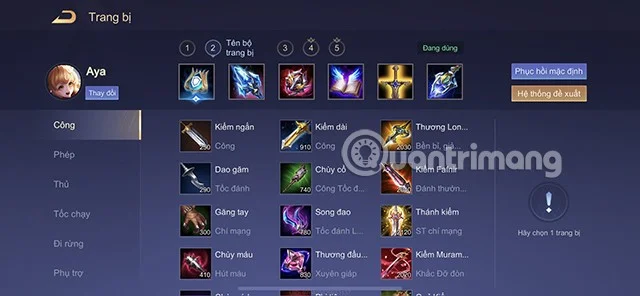
When playing Aya, players need to equip support items first, then add passive equipment to increase the annoyance and damage potential of this champion.
You can build as follows:
In the early game, you should move to the mid lane to support your team in clearing the first wave of minions, while putting pressure on the enemy and gaining vision of the river area.
Then you move down to the dragon lane to support your marksman in clearing minions and take advantage of the scout bird to gain vision.
At this stage, Aya's ability to withstand damage is extremely poor, so you need to limit going high and try to keep a safe distance from your opponent to support your main force to be able to eat soldiers comfortably and swing at teammates to help create a shield to absorb damage when something happens.
Team up with other teammates to control and capture major objectives on the map as they appear to increase your advantage in the early game.
In the mid-game, if there is no fighting, you can split up to move to another lane to help your teammates push the minions and gain an advantage when exchanging moves with the opponent.
While merging with teammates, Aya can still use her skills. Try to use the most accurate directional skills to create advantages for the team and open up opportunities to control large targets or take away enemy structures.
Try to stick with your teammates to support each other in time when fighting, avoid going alone if you lose track of the enemy on the mini-map to avoid being caught by the enemy.
In the late game, Aya can choose to protect her main force with a strong shield and control ability from skill 1 and ultimate, or she can choose to rush in with the champions who initiate the fight to harass and unleash annoying effects on the opponent with skill 2.
Overall, Aya's playstyle is extremely diverse and you need to consider each match situation. But make sure that even though you are incarnated, you are still part of the match. Don't let your marksman 1vs2 and your team play like it's a 4vs5.
Work with your teammates to control major objectives, participate in taking or contesting key major objectives of the game to increase the advantage of buffs, increasing the possibility of ending the match with a final victory.
You can do the Aya combo as follows:
Use skill 2 to swing at teammates > use skill 1 and ultimate to coordinate with teammates to fight and destroy enemies.
Above is the Guide on how to play and equip Aya season S1 2023 that Quantrimang wants to send to you. Hope you can apply it successfully and climb the ranks effectively.
Master how to boil broccoli perfectly every time with this step-by-step guide. Learn exact timing and techniques for tender, vibrant, nutrient-rich results.
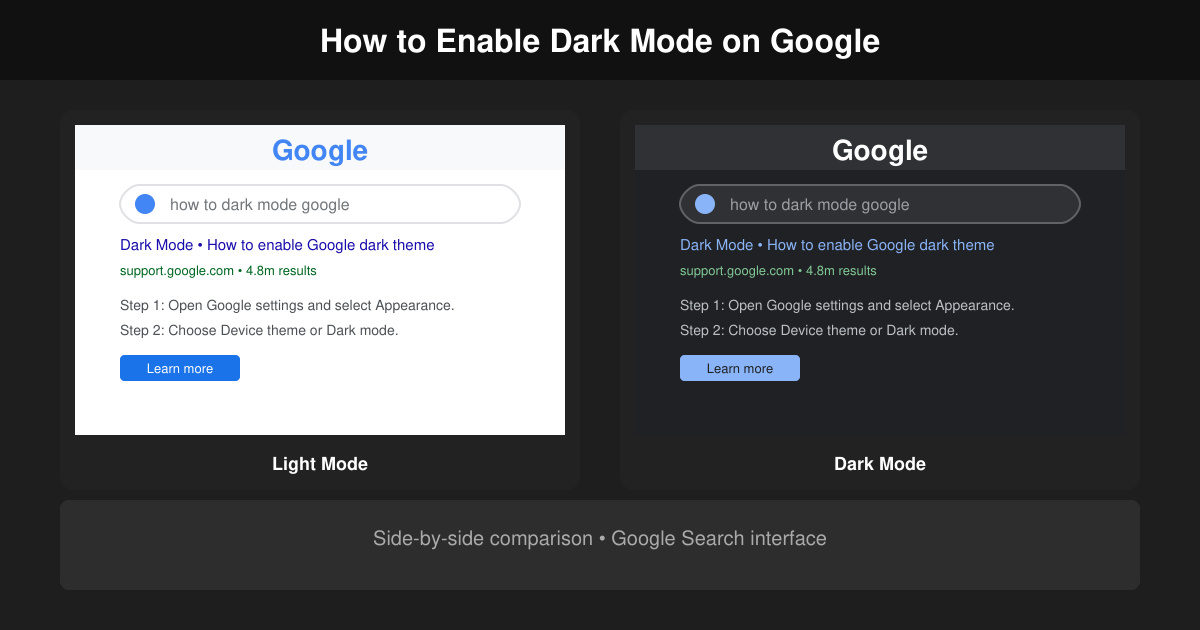
Learn how to dark mode on Google across Search, Chrome and apps to cut eye strain at night. This guide shows the exact settings to enable Google dark theme in under a minute.
Learn exactly how to add font to Canva with this step-by-step guide. Upload custom fonts through Brand Kit to use them across all your designs in minutes.
How to Use Skype for free video calls, messaging, and screen sharing. Follow this complete guide to install the app, set up your account, and start communicating in minutes.
Learn how to clear Google history quickly to protect your privacy. This step-by-step guide shows you how to delete search activity from your Google account on any device.
Learn exactly how to delete history on Chromebook to protect your privacy. Follow these precise steps to clear browsing data, cookies, and cached files on your device.
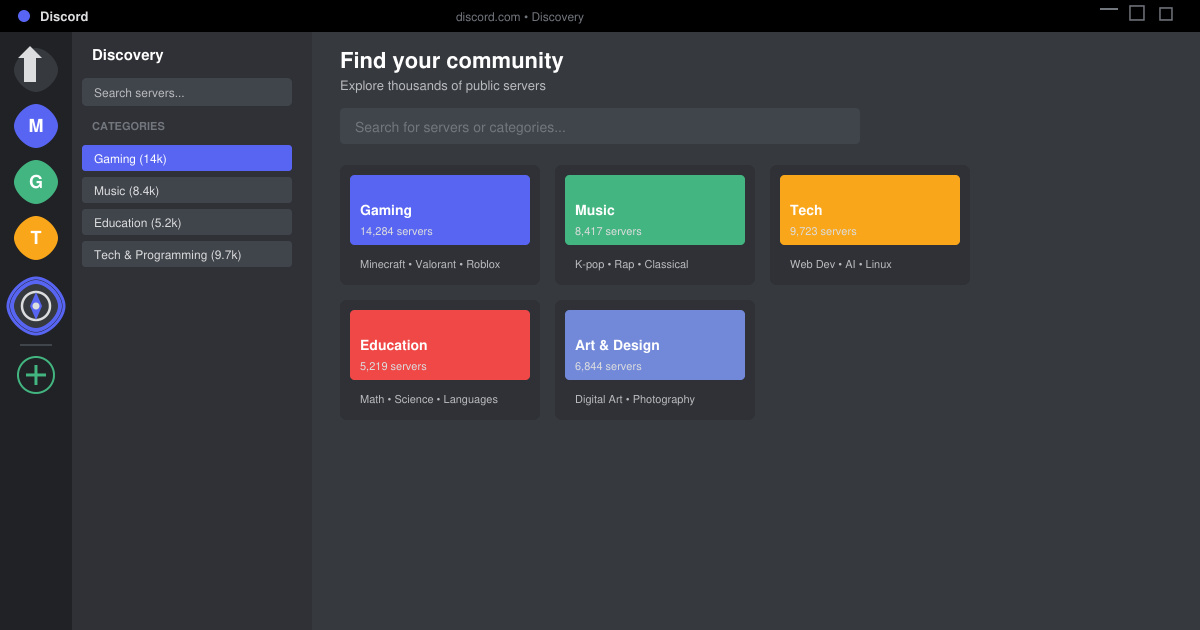
Learn how to find a server on Discord with this clear walkthrough of the built-in Discovery tool and other reliable methods. Join active communities fast.
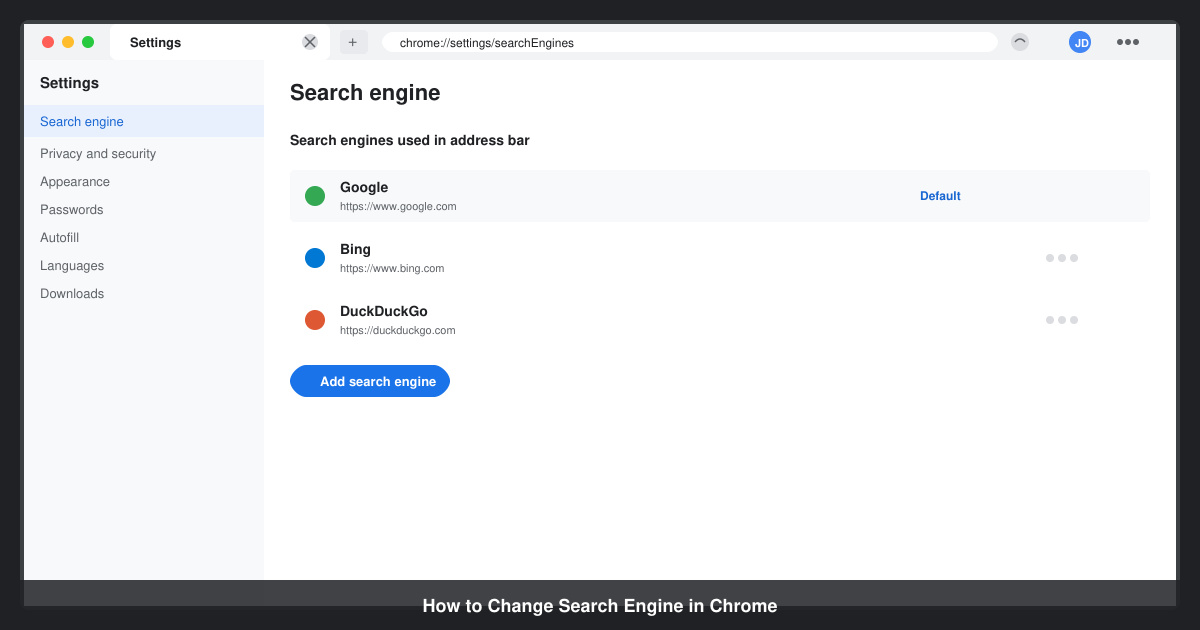
How to Change Search Engine in Chrome takes just a few clicks in Settings. Switch your default provider to Google, Bing, DuckDuckGo or another option and improve search results instantly.
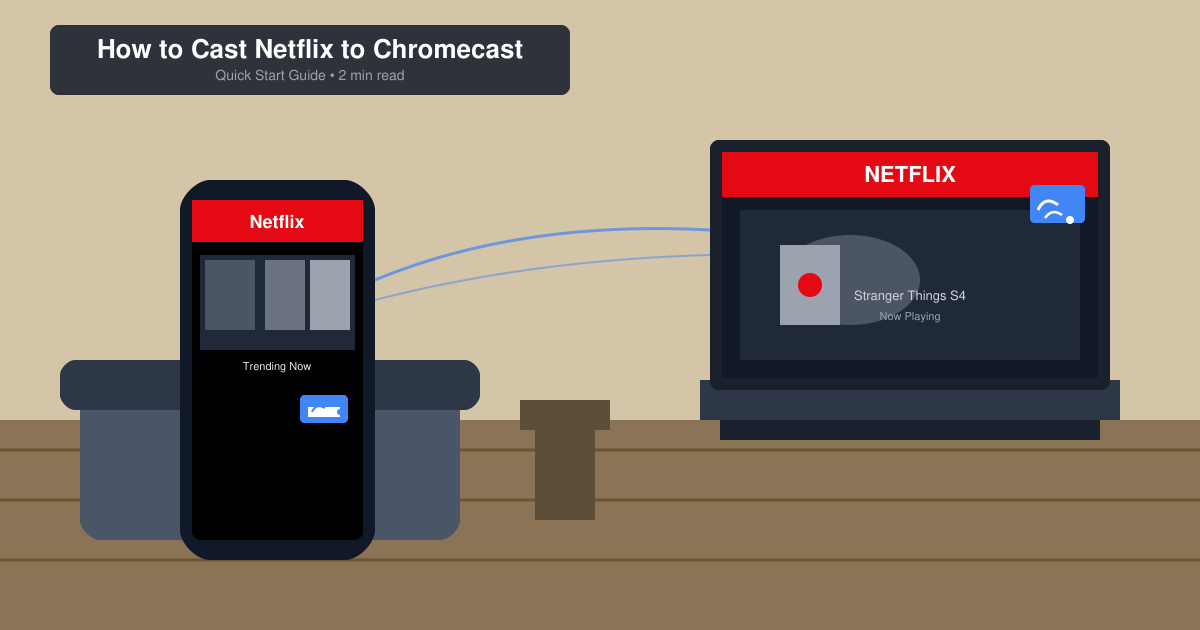
Learn exactly how to cast Netflix to Chromecast from your phone or computer. Follow these steps to stream movies and shows to your TV in minutes.
Learn exactly how to set Google as your homepage on Chrome in under a minute. Follow the precise steps in Chrome Settings to make google.com load when you click the home button.