Get LibreOffice to Recognize Your Java Runtime

Install a compatible Java runtime, enable it in LibreOffice, and troubleshoot an empty JRE list without changing unrelated settings.
If Microsoft Outlook Problems Today are disrupting your workflow with failed syncs or repeated login prompts, quick targeted steps usually resolve them. This guide focuses on the issues users encounter most often right now and delivers exact actions to fix them without unnecessary detours.
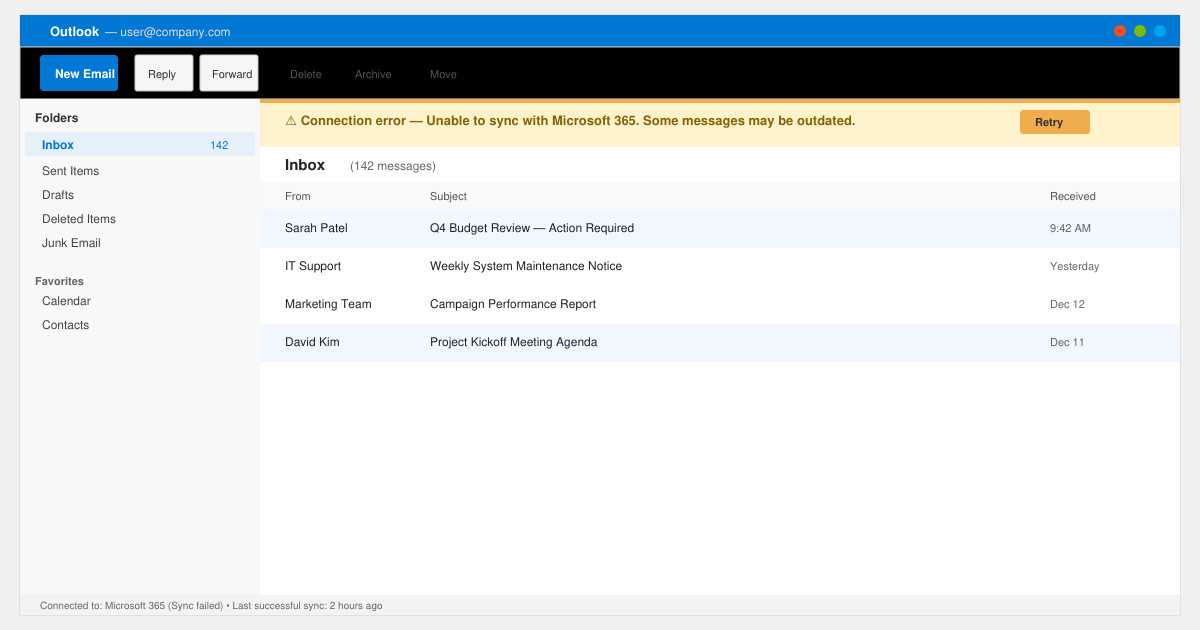
Users report connection timeouts after recent Windows updates, repeated password requests even with correct credentials, and the desktop app freezing during large folder syncs. These problems often stem from cached credentials, corrupted data files, or temporary server-side authentication hiccups on Microsoft 365 accounts. Checking the official Microsoft 365 service health dashboard first rules out widespread outages before you start local fixes.
Another frequent complaint involves the mobile app showing “Cannot connect to server” while the desktop version works, pointing to device-specific certificate or proxy settings. Identifying whether the issue appears across all devices or only one narrows the troubleshooting path immediately.
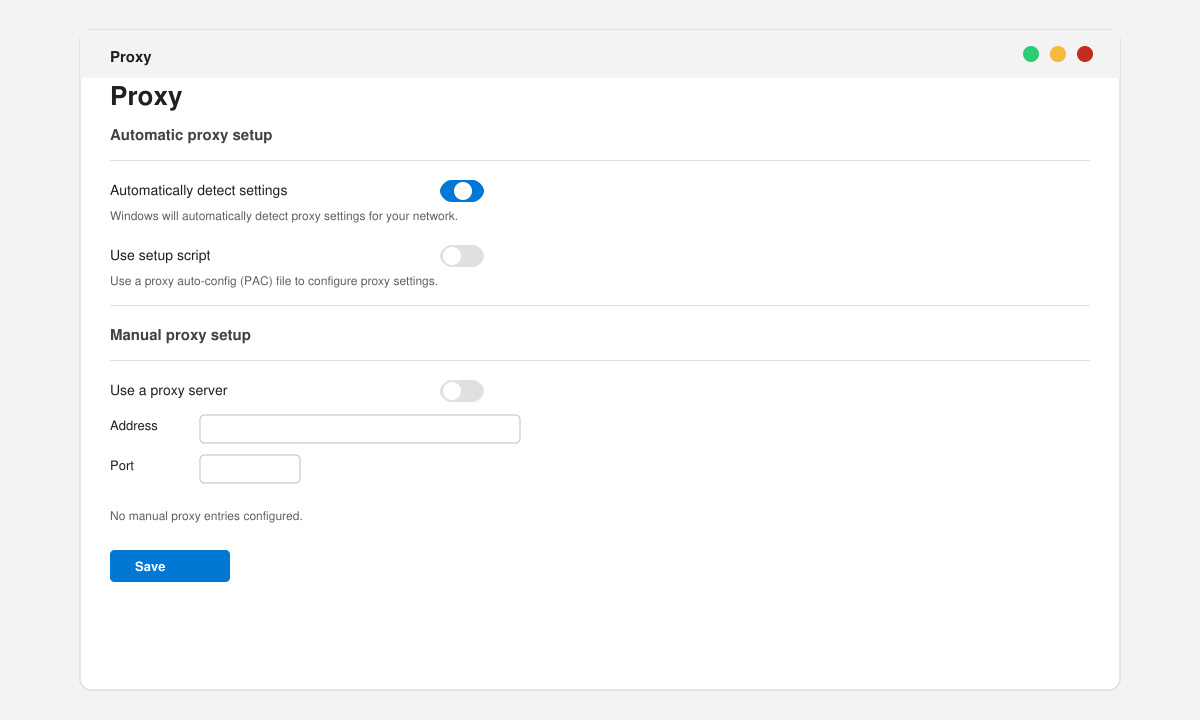
Open Settings > Network & Internet > Proxy on Windows and confirm “Automatically detect settings” is enabled while any manual proxy entries are cleared. On macOS, go to System Settings > Network > Advanced > Proxies and disable all active proxies. Test Outlook again after saving changes.
Close Outlook completely. Press Windows key + R, type “control keymgr.dll” and hit Enter. Locate any entries named “MicrosoftOffice” or “Outlook,” select them, and click Remove. Restart Outlook and enter your credentials when prompted.
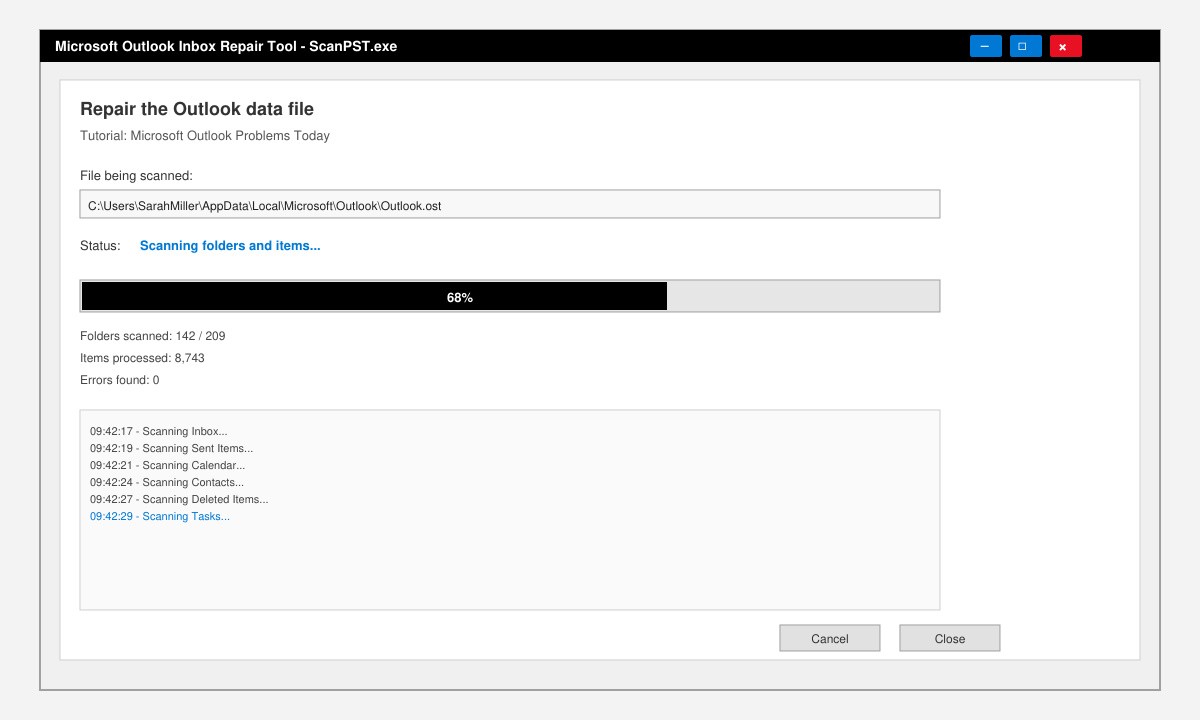
Search for “ScanPST.exe” in File Explorer, usually located in C:\Program Files\Microsoft Office\root\Office16\. Run the tool, browse to your .pst or .ost file (default path: %localappdata%\Microsoft\Outlook\), and click Start to repair detected errors. Create a backup copy first.
Hold the Ctrl key while clicking the Outlook icon. Confirm Safe Mode launch. If the problem disappears, go to File > Options > Add-ins, select COM Add-ins from the Manage dropdown, and uncheck third-party entries one by one before restarting normally.
Modern authentication tokens often expire after server-side changes; clearing cached credentials and confirming the account uses OAuth usually stops the loop.
Yes. The repair steps above resolve the majority of cases. A full reinstall is only needed when the Office Click-to-Run cache itself is corrupted.
Yes. Force-close the app, toggle airplane mode, then re-enable data or Wi-Fi. On Android, also clear the app cache via Settings > Apps > Outlook > Storage.
Following the ordered steps above eliminates most Microsoft Outlook Problems Today within minutes and restores reliable email access.
Install a compatible Java runtime, enable it in LibreOffice, and troubleshoot an empty JRE list without changing unrelated settings.
Build a small LibreOffice container, convert office documents without a GUI, and verify PDF output while limiting host-file access.
Reduce oversized LibreOffice presentation files by compressing embedded photos, choosing sensible image settings, and checking slide quality before sharing.
Match LibreOffice’s page dimensions to your printer, check printable margins, and correct scaling before printing a custom-size document.
Replace repeated cell access with bulk range reads and writes, then benchmark the result and protect formulas in large Calc workbooks.
Split a long manuscript into chapters, assemble them in Writer, and keep styles, contents, and export checks consistent.
Use Base’s direct PostgreSQL option to enter your server details, sign in, save an ODB connection file, and troubleshoot common access errors.
Install a font in your Linux user font folder, restart LibreOffice Flatpak, and confirm it appears in Writer without weakening the app sandbox.
Protect your work and isolate network-drive save crashes in LibreOffice on macOS Sonoma with a local-first workflow, permission checks, and targeted tests.
Preserve leading zeros in Calc by setting ID columns to Text during CSV import, checking the preview, and verifying the saved data.








