Get LibreOffice to Recognize Your Java Runtime

Install a compatible Java runtime, enable it in LibreOffice, and troubleshoot an empty JRE list without changing unrelated settings.
When Outlook search is not working, finding emails, attachments, or calendar items becomes frustrating and time-consuming. The good news is that most search failures stem from indexing problems, corrupted files, or simple settings that you can correct yourself. This guide walks through the exact steps to diagnose and repair Outlook search so you regain full functionality.
Outlook relies on Windows Search indexing to deliver fast results. When the index becomes corrupted, stops updating, or excludes Outlook data files, searches return no results or incomplete matches. Other frequent causes include outdated Outlook versions, add-ins interfering with the search service, or the search index location being moved to a slow drive. Understanding these root issues helps you choose the right repair sequence instead of guessing.
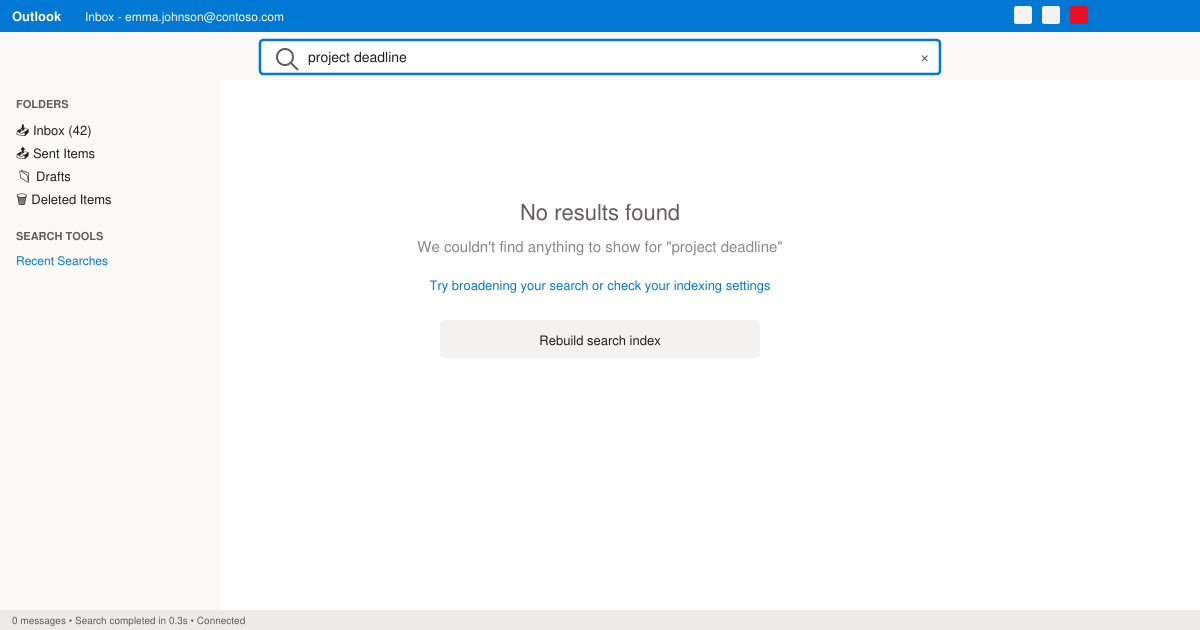
Close Outlook completely using Task Manager. Press Windows key + R, type services.msc, and hit Enter. Locate Windows Search in the list, right-click it, and choose Restart. Then reopen Outlook and test a basic search such as a sender name you know exists.
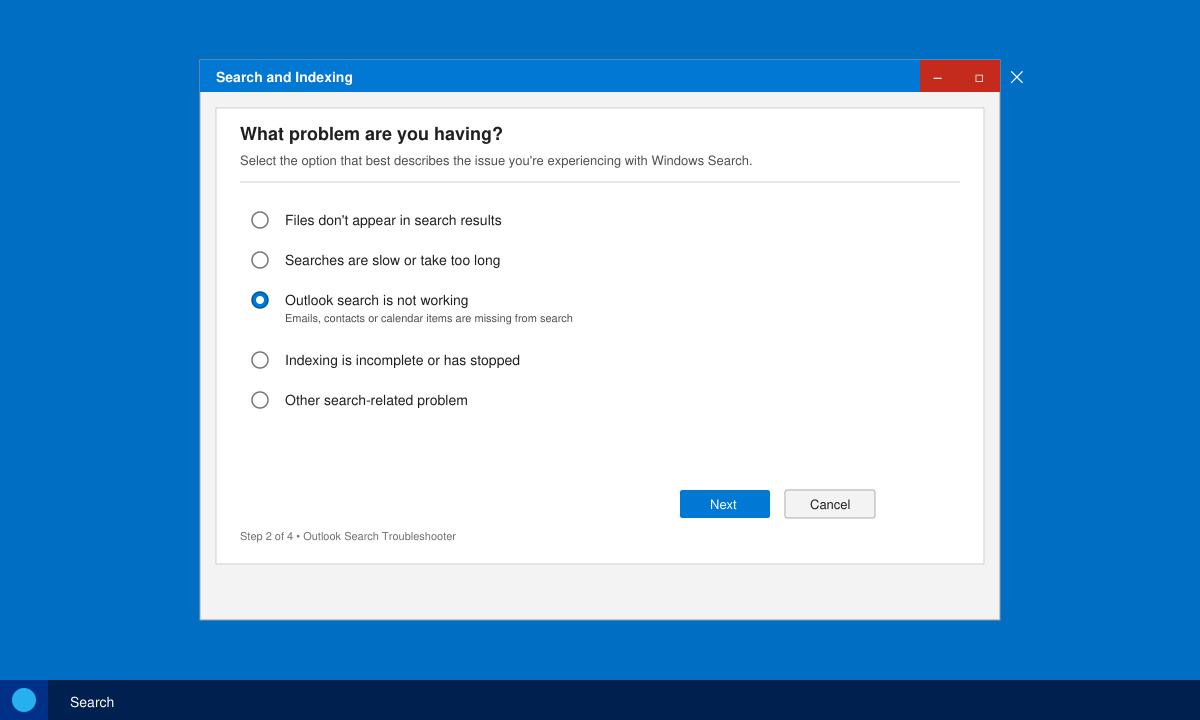
Go to Settings > Update & Security > Troubleshoot > Other troubleshooters. Scroll to Search and Indexing, click Run, and follow the prompts. Select the option for “Files don’t appear in search results” when asked. Restart your PC after the troubleshooter finishes.
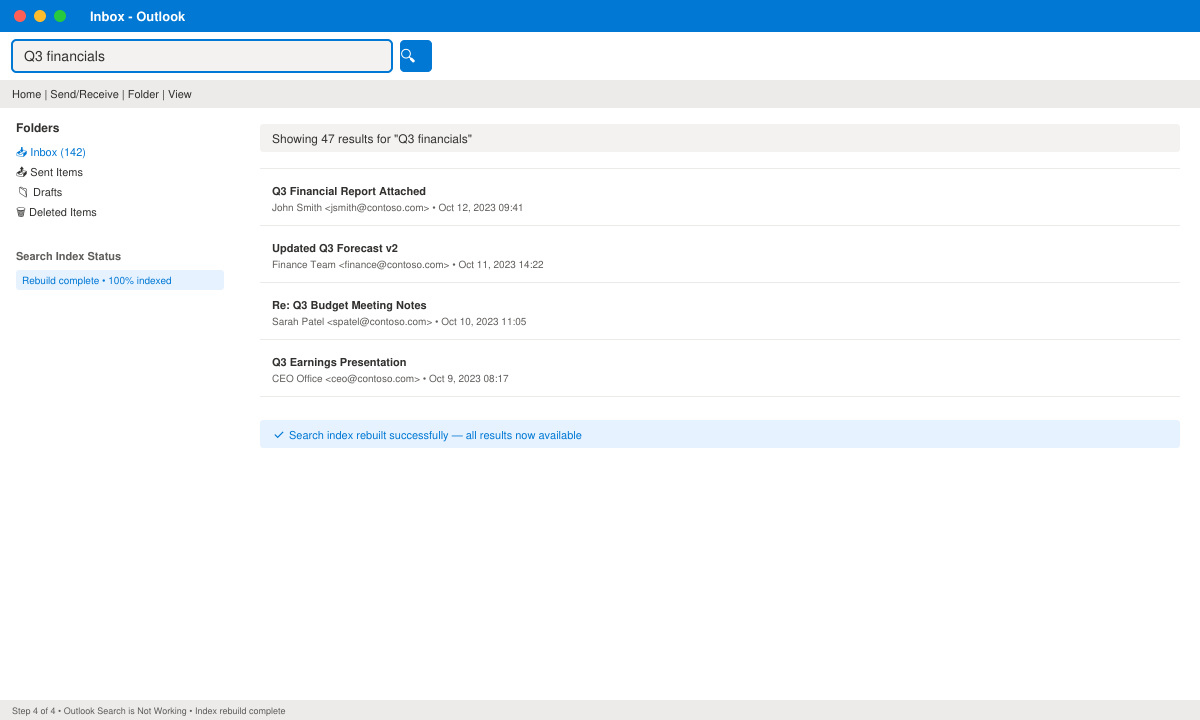
In Outlook, click File > Options > Search > Indexing Options > Advanced > Rebuild. Confirm the action. The process can take 30 minutes to several hours depending on mailbox size; leave your computer running and avoid heavy use until it completes. Test search again once the status shows “Indexing complete.”
Close Outlook. Open Control Panel > Programs > Programs and Features. Select your Microsoft 365 or Office installation, choose Change > Quick Repair > Repair. If the issue persists, run the Online Repair option. This replaces corrupted .ost or .pst files that often block search indexing.
If searches still fail after the steps above, disable all add-ins via File > Options > Add-ins > Manage COM Add-ins > Go, then uncheck every item and restart Outlook. Also verify that your mailbox is set to use Cached Exchange Mode: File > Account Settings > Account Settings > Change > Use Cached Exchange Mode. For very large mailboxes, create a new Outlook profile through Control Panel > Mail > Show Profiles and migrate your accounts to it.
No. Rebuilding only recreates the search catalog; your messages and attachments remain untouched in the original data files.
Outlook on the web uses a separate cloud index and usually continues working even when the desktop app search fails. Test your query at outlook.office.com to confirm.
For mailboxes under 10 GB the rebuild usually finishes in under an hour. Larger archives or multiple accounts can require overnight indexing.
Following the sequence above resolves Outlook search is not working for the vast majority of users. Once the index is healthy again, search performance returns to normal and stays reliable with routine Windows updates.
Install a compatible Java runtime, enable it in LibreOffice, and troubleshoot an empty JRE list without changing unrelated settings.
Build a small LibreOffice container, convert office documents without a GUI, and verify PDF output while limiting host-file access.
Reduce oversized LibreOffice presentation files by compressing embedded photos, choosing sensible image settings, and checking slide quality before sharing.
Match LibreOffice’s page dimensions to your printer, check printable margins, and correct scaling before printing a custom-size document.
Replace repeated cell access with bulk range reads and writes, then benchmark the result and protect formulas in large Calc workbooks.
Split a long manuscript into chapters, assemble them in Writer, and keep styles, contents, and export checks consistent.
Use Base’s direct PostgreSQL option to enter your server details, sign in, save an ODB connection file, and troubleshoot common access errors.
Install a font in your Linux user font folder, restart LibreOffice Flatpak, and confirm it appears in Writer without weakening the app sandbox.
Protect your work and isolate network-drive save crashes in LibreOffice on macOS Sonoma with a local-first workflow, permission checks, and targeted tests.
Preserve leading zeros in Calc by setting ID columns to Text during CSV import, checking the preview, and verifying the saved data.








