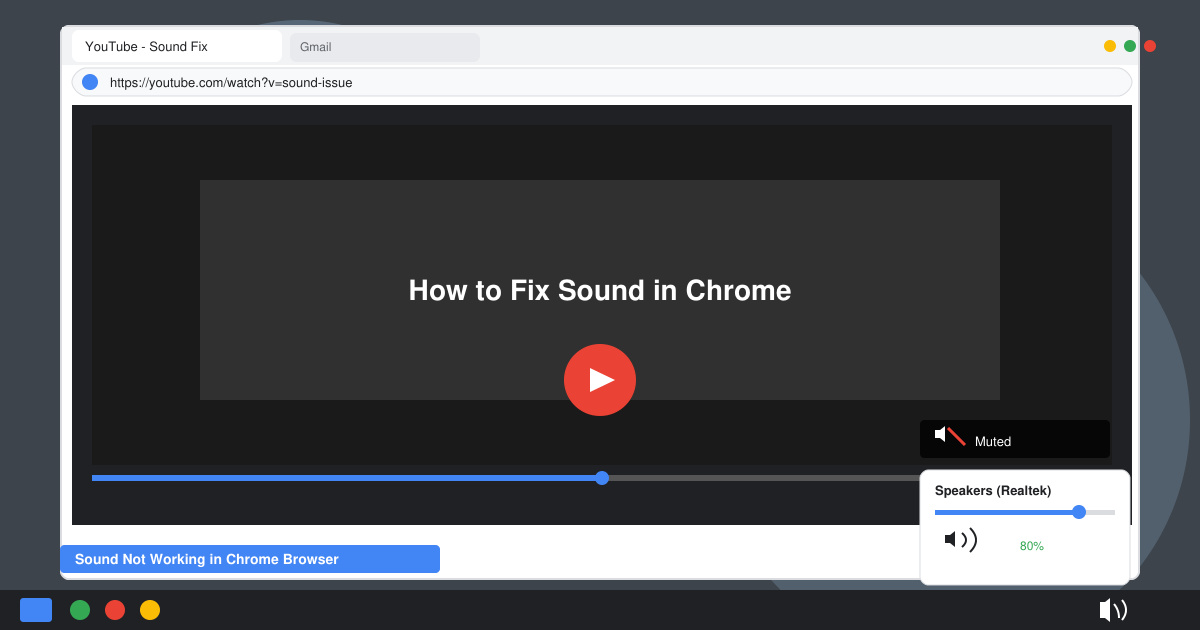
Sound not working in Chrome browser disrupts videos, calls, and media playback. This guide walks through precise fixes to restore audio without guessing. Follow the steps below to identify and resolve the issue fast.
Common Causes of Sound Not Working in Chrome Browser
Chrome sound failures often stem from muted tabs, outdated software, or conflicting extensions. System-level audio settings can also block playback even when other apps work normally. Checking these areas first narrows down the root cause before deeper troubleshooting begins.
Verify your operating system volume is not muted and that Chrome appears in the volume mixer. Hardware acceleration conflicts or corrupted cache files frequently trigger sound not working in Chrome browser as well.
Step-by-Step Fixes for Sound Not Working in Chrome Browser
-
Check tab and site sound settings
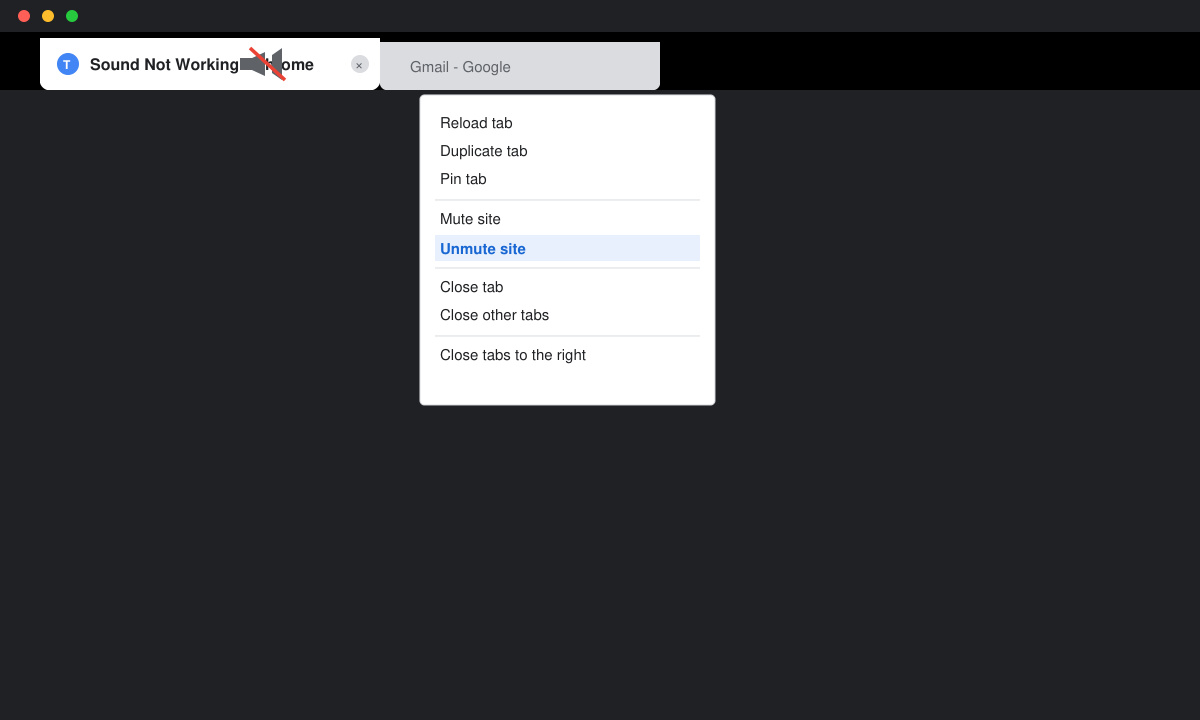
Open Chrome and locate the tab playing media. Click the speaker icon that appears in the tab title if it shows a slash through it. Right-click the tab and select Unmute site if the option is available. Visit the specific website, click the lock icon in the address bar, and ensure Sound is set to Allow.
![Close-up of Chrome tab with speaker icon and right-click context menu showing Unmute site option]()
-
Clear browsing data and cache
Click the three-dot menu, select More tools, then Clear browsing data. Switch to the Advanced tab, choose Cookies and other site data plus Cached images and files, set time range to All time, and click Clear data. Restart Chrome afterward.
-
Disable hardware acceleration
Go to chrome://settings/system in the address bar. Toggle off Use hardware acceleration when available. Click Relaunch to apply the change and test audio playback again.
-
Update Chrome to the latest version
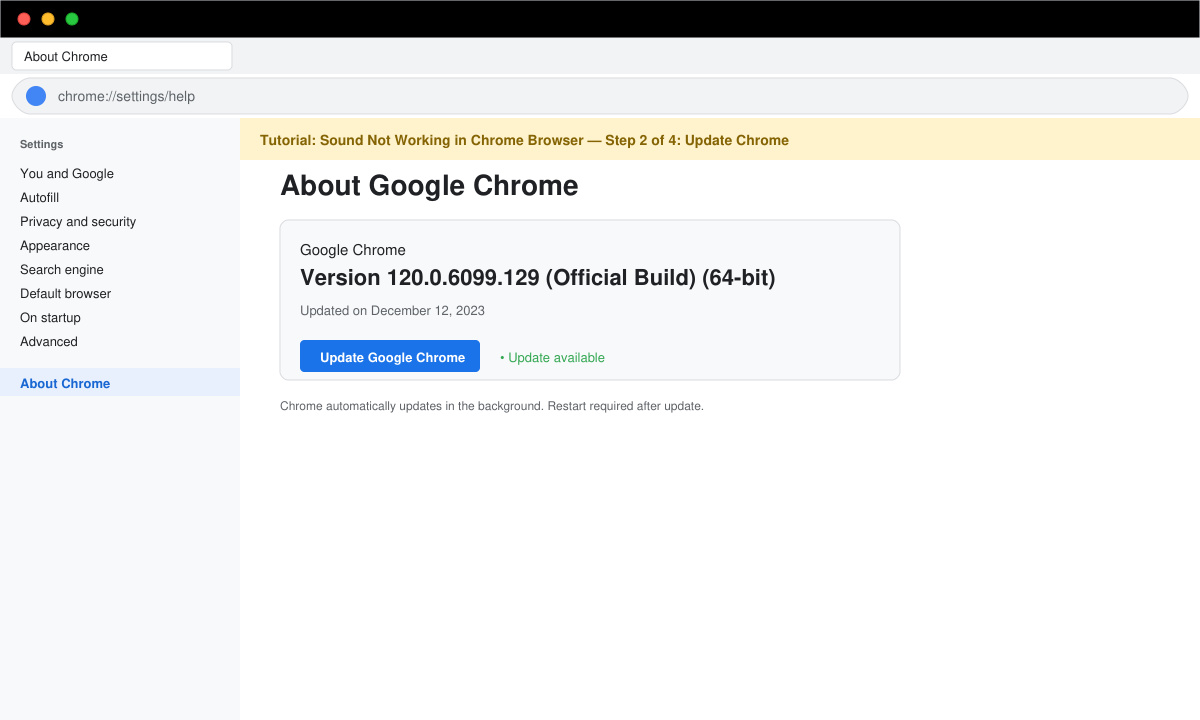
Click the three-dot menu, hover over Help, and select About Google Chrome. Chrome automatically checks for updates. Install any available version, then relaunch the browser to see if sound returns.
![Chrome About page displaying current version number and update status button]()
-
Reset Chrome settings
Navigate to chrome://settings/reset. Click Restore settings to their original defaults, confirm the action, and test media playback once Chrome restarts.
Troubleshooting Tips When Sound Not Working in Chrome Browser
- Test audio in another browser to confirm whether the problem is isolated to Chrome.
- Remove recently added extensions via chrome://extensions and retest sound.
- Ensure your sound drivers are current through Device Manager on Windows or System Preferences on macOS.
- Try launching Chrome in Incognito mode to rule out profile-specific conflicts.
Frequently Asked Questions
Why does only Chrome lose sound while other apps work?
Chrome-specific settings like hardware acceleration, site permissions, or corrupted cache commonly cause isolated audio loss.
Can extensions block sound in Chrome?
Yes. Ad blockers, volume managers, and privacy tools often interfere with media playback and should be disabled during testing.
Does resetting Chrome delete my passwords and bookmarks?
No. The reset option only restores settings and removes extensions while keeping saved passwords and bookmarks intact.
Conclusion
Applying these targeted steps resolves sound not working in Chrome browser in most cases. Restart the browser after each change and test playback to confirm the fix.