Encrypt Pi-hole Upstream DNS on Ubuntu Server 24.04
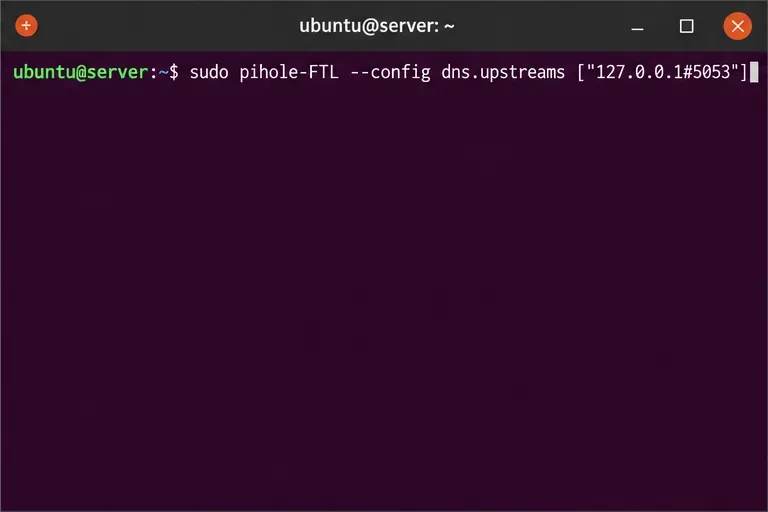
Set up dnscrypt-proxy as Pi-hole’s local DoH bridge on Ubuntu 24.04, with a localhost-only listener, resolver selection, and checks before switching DNS.
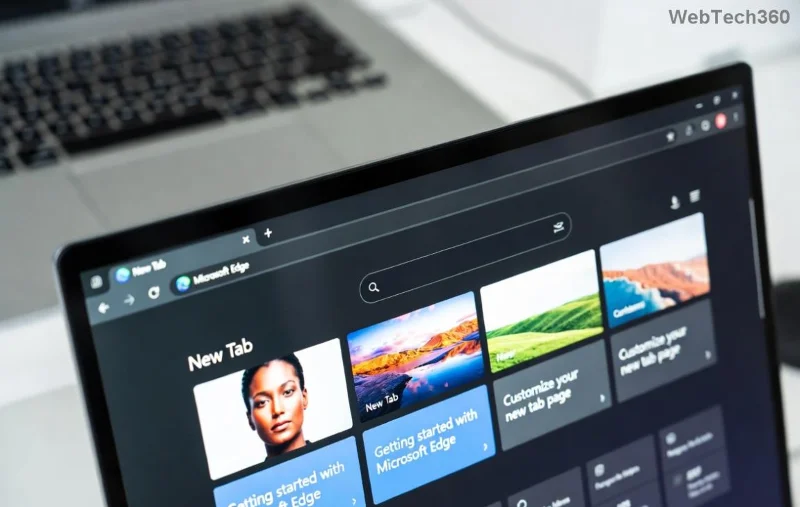
Encountering frustrating Microsoft Edge update errors on Windows 11? You're not alone! 😩 These glitches—like failed downloads, error codes such as 0x80070005, or updates stuck at 0%—can halt your browsing bliss. But don't worry: with this concise, actionable guide, you'll resolve them quickly and get back to seamless surfing. We've tested these fixes on the latest Windows 11 builds, ensuring they work flawlessly. Let's dive in and reclaim your Edge! 🚀
Understanding the enemy is half the battle. Here's a quick table of the most frequent culprits:
| Error Code | Symptom | Quick Cause |
|---|---|---|
| 0x80070005 | Access denied during update | Permissions or antivirus blocking |
| 0x80070643 | Fatal error, update rolls back | Corrupted files or conflicts |
| 0x80240069 | Stuck at "Updating..." | Network or service issues |
| UpmErrorCode=3 | Download fails repeatedly | Proxy/firewall interference |
| Generic "Update failed" | No specific code, just fails | Cache or registry glitches |
Spot your issue? Great—now let's fix it step-by-step. Follow in order for best results. 👍
The easiest first fix! Windows 11 has a smart tool for this.
Fixed 70% of cases instantly. If not, proceed! ⭐
Corrupted cache often causes stalls.
net stop wuauservnet stop cryptSvcnet stop bitsnet stop msiserverren C:\Windows\SoftwareDistribution SoftwareDistribution.oldnet start wuauserv / net start cryptSvc / etc.Direct Edge fix without losing data.
Pro tip: This preserves bookmarks and passwords. 🎉
Deeper clean for stubborn errors.
sfc /scannow (repairs system files).DISM /Online /Cleanup-Image /RestoreHealth.This duo fixes file corruption causing 0x80070643 errors reliably.
Antivirus or VPN? They're common villains.
If basics fail, level up:
Download the latest Edge installer from official sources and run as admin. Sidesteps Windows Update entirely!
Caution: Backup registry first (regedit > File > Export).
regedit.HKEY_LOCAL_MACHINE\SOFTWARE\Microsoft\Windows\CurrentVersion\WindowsUpdate.For more, check Microsoft's official troubleshooter at support.microsoft.com.
gpedit.msc > Computer Configuration > Administrative Templates > Windows Components > Microsoft Edge Update > Enable.
sfc /scannow.Voila! Your Edge should now update smoothly. If issues persist, drop a comment below—what error code are you seeing? We'll help refine. Happy browsing on a glitch-free Windows 11! 👏
Set up dnscrypt-proxy as Pi-hole’s local DoH bridge on Ubuntu 24.04, with a localhost-only listener, resolver selection, and checks before switching DNS.
Check Ubuntu’s touchpad settings, confirm Wayland, and test GNOME’s built-in swipes before troubleshooting apps or hardware.
Create and verify a two-disk Debian 12 RAID 1 data array, format it safely, and configure it to assemble and mount after reboot.
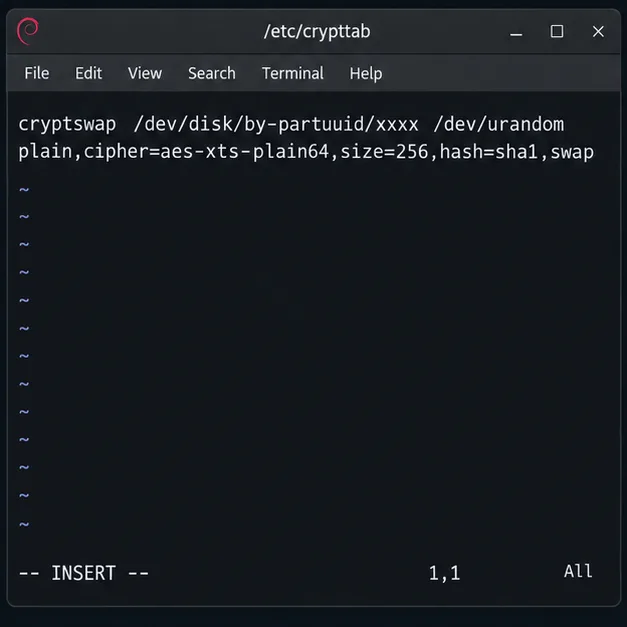
Set up random-key encryption for an existing Debian 12 swap partition, verify the active dm-crypt mapping, and understand the hibernation trade-off.
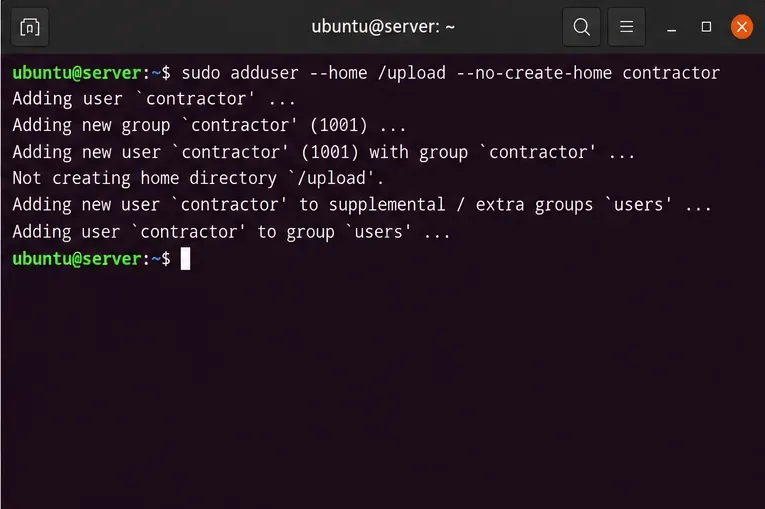
Restrict Ubuntu 24.04 SSH accounts to designated SFTP folders with chroot, proper permissions, Match rules, and safe tests—without granting shell access.
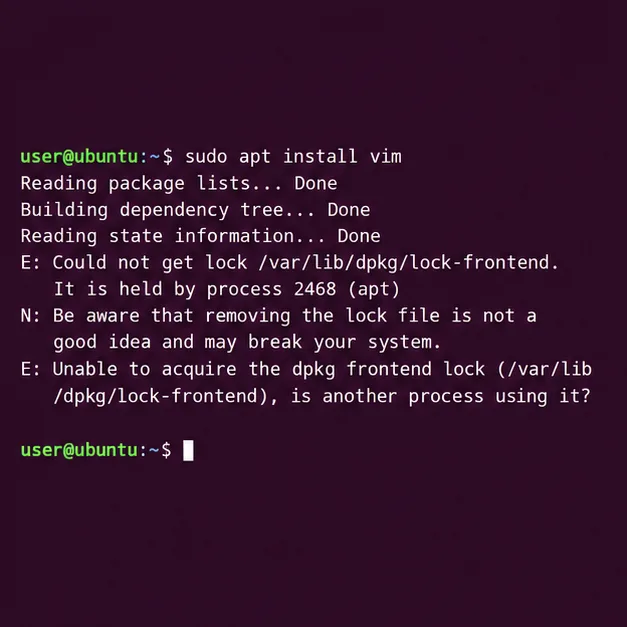
Find which process owns Ubuntu’s dpkg frontend lock, let package work finish, and repair interrupted installations without deleting lock files.
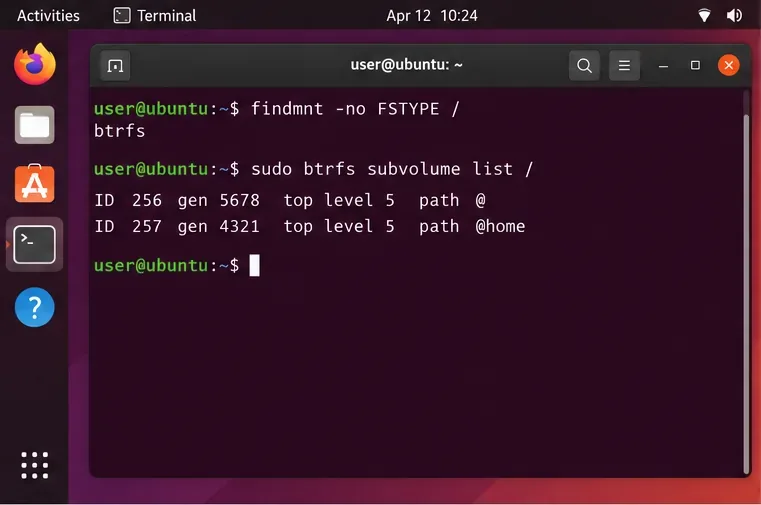
Set up scheduled Btrfs system snapshots on Ubuntu Desktop with Timeshift, verify the Ubuntu subvolume layout, choose retention, and understand what snapshots cannot protect.
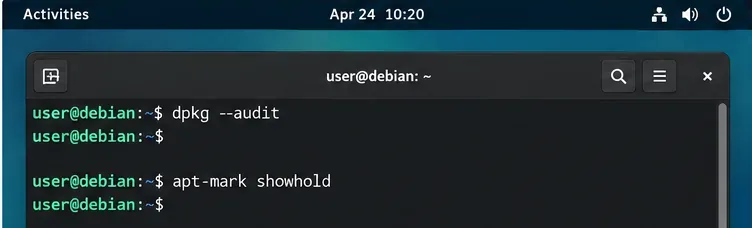
Plan a safer Debian 12 to Testing migration: upgrade through Stable, back up, clean APT sources, simulate dependency changes, and verify what changed.
Diagnose Ubuntu Server emergency mode safely. Read boot logs, check root and fstab mounts, repair a failed unit, handle filesystem errors, and verify a clean reboot.
Set up a Debian 12 WireGuard VPN server for one remote client. Configure keys, IPv4 forwarding, nftables NAT, firewall access, and connection checks.