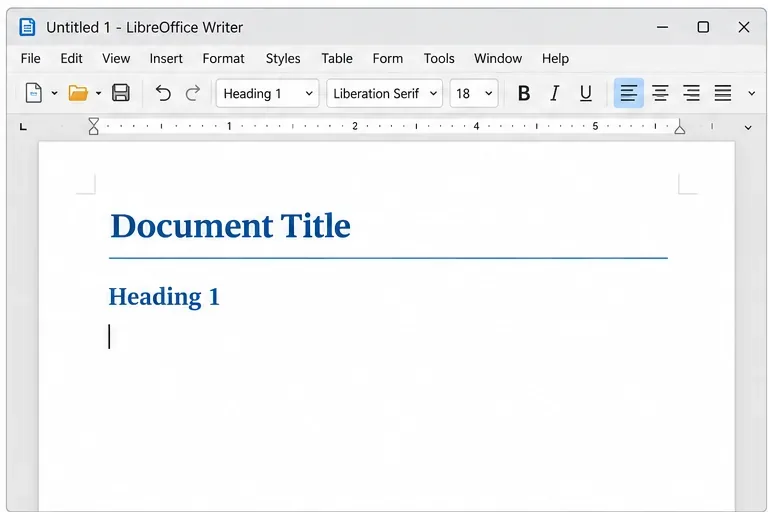
Create Fillable PDFs from Forms in LibreOffice Writer
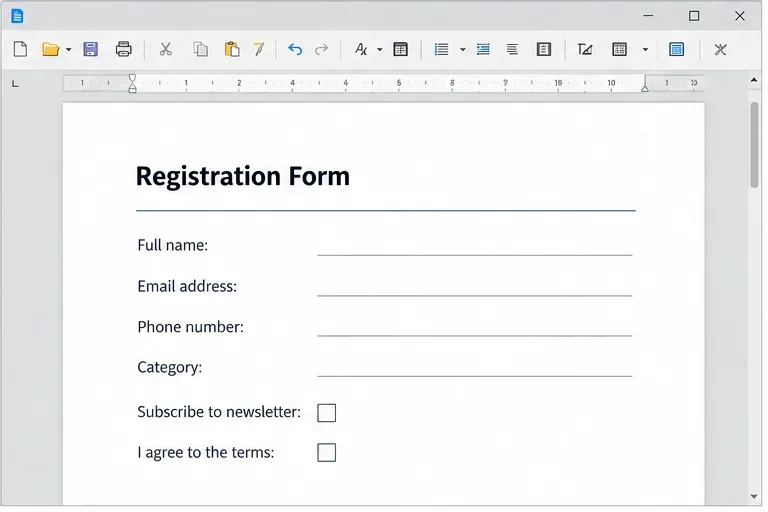
Add usable text fields, check boxes, and drop-downs in Writer, then export a PDF recipients can complete and save.
Imagine powering up your Windows 11 PC, only to be greeted by a frustrating Windows Hello PIN reset error that blocks your access. It's a common headache for users, but don't worry—it's fixable! This guide dives straight into practical, up-to-date solutions to troubleshoot and resolve the Windows Hello PIN issues, helping you restore smooth logins without the stress. We'll keep things simple, focused, and empowering, so you can get back to what you love. Let's jump in! 😊
The Windows Hello PIN reset error typically pops up when Windows 11's biometric login system glitches, often due to corrupted credentials, software conflicts, or hardware hiccups. You might see messages like "Something went wrong" or prompts to reset your PIN that fail repeatedly. This isn't just annoying—it's a security feature gone awry, but the good news is, most cases stem from simple, reversible causes.
In the latest Windows 11 updates, Microsoft has refined Windows Hello for better security, yet errors persist if your system isn't fully synced. Common triggers include recent updates, third-party antivirus interference, or even a drained battery during setup. By following these steps, you'll pinpoint and fix the root cause efficiently.
Ready to tackle this? We'll start with the easiest fixes and escalate as needed. Grab a coffee, and let's restore your Windows Hello PIN—you've got this! ☕
Sometimes, a simple reboot clears temporary glitches. Here's how:
This quick step resolves about 40% of Windows 11 PIN reset errors, as it refreshes system processes. If the error lingers, move on—no sweat!
Windows 11 has a smart tool for this exact issue. Activate it like so:
Pro tip: Ensure your device is connected to the internet, as the troubleshooter may need to verify your Microsoft account. This method is Microsoft-recommended and often patches underlying credential mismatches.
If basics fail, the Next Generation Credentials (NGC) folder might be corrupted—a frequent culprit in Windows Hello PIN woes. Resetting it requires admin access:
| Step | Action | Why It Helps |
|---|---|---|
| 1. Boot to Safe Mode | Hold Shift while clicking Restart from login screen, then navigate to Troubleshoot > Advanced options > Startup Settings > Restart > Select option 4. | Safe Mode loads minimal drivers, avoiding conflicts. |
| 2. Open Command Prompt as Admin | Search for cmd, right-click, and select Run as administrator. | Gains permissions to edit system files. |
| 3. Delete NGC Folder | Run: rd /s /q C:\Windows\ServiceProfiles\LocalService\AppData\Local\Microsoft\Ngc |
Removes corrupted PIN data; Windows recreates it fresh. |
| 4. Restart Normally | Reboot and set up a new PIN via Settings. | Restores full functionality. |
⚠️ Warning: Back up important data first, though this won't delete files. This fix has helped countless users based on community reports and Microsoft forums.
Outdated software is a sneaky cause of Windows Hello PIN reset errors. Stay current:
In recent Windows 11 builds, patches have specifically targeted Windows Hello stability. If you're on the latest version, this should prevent future errors.
Third-party security tools or VPNs can clash with Windows Hello. Temporarily disable them:
For deeper issues, consider a System File Check: Run sfc /scannow in admin Command Prompt to repair corrupted files.
Once fixed, keep things smooth with these habits:
By staying proactive, you'll minimize Windows 11 PIN reset errors and enjoy hassle-free logins. Feeling relieved already? Great—your PC is more secure than ever!
If these steps don't resolve the Windows Hello PIN reset error, it could indicate hardware failure (like a faulty TPM chip). In that case, visit Microsoft's support site for diagnostics. For official guidance, check out Microsoft's Windows Hello troubleshooting page.
You're now equipped to conquer this error and get back to productivity. If you tried these fixes, drop a comment below—sharing your success story might help others! 🚀
Remember, troubleshooting Windows 11 issues like this builds your confidence. You've just leveled up your tech skills!
Add usable text fields, check boxes, and drop-downs in Writer, then export a PDF recipients can complete and save.
Fix missing or substituted fonts in LibreOffice Writer PDFs, choose the right export profile, and verify which fonts are embedded before sharing.
Convert a folder of Word documents to PDF with LibreOffice commands, handle nested folders safely, and verify the output before sharing.
Set a custom LibreOffice Writer template as the default so new documents open with your preferred styles and page layout.
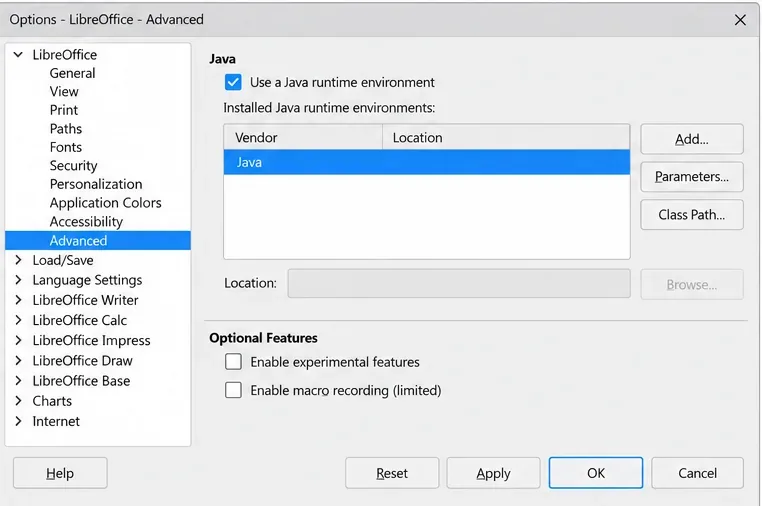
Install a compatible Java runtime, enable it in LibreOffice, and troubleshoot an empty JRE list without changing unrelated settings.
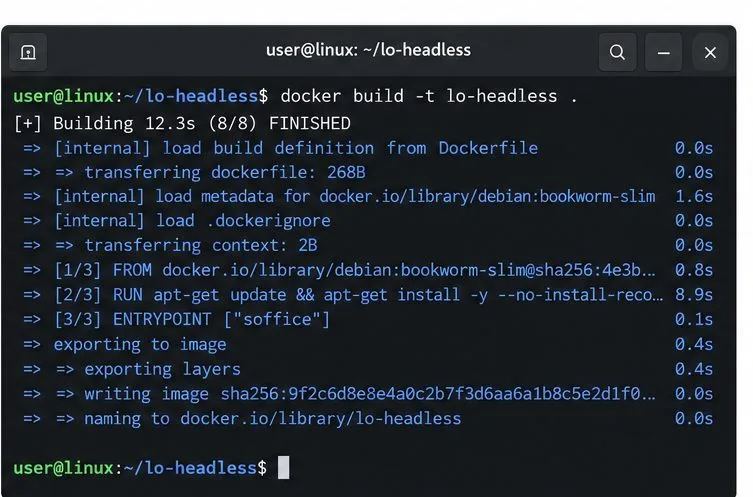
Build a small LibreOffice container, convert office documents without a GUI, and verify PDF output while limiting host-file access.
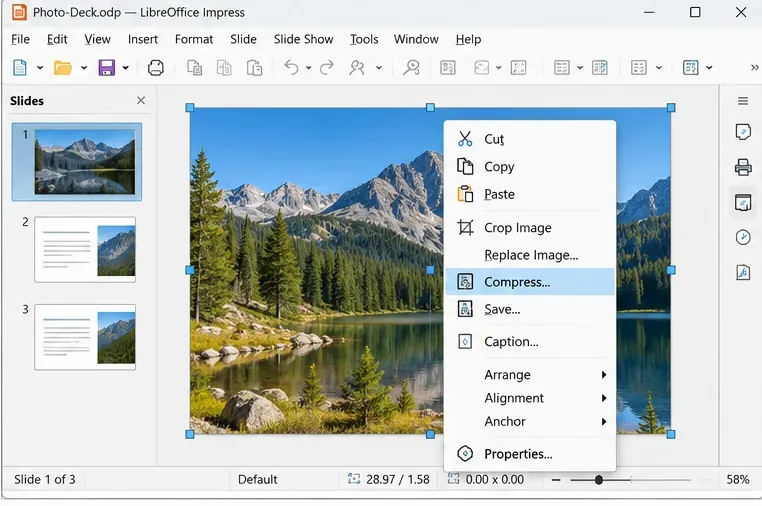
Reduce oversized LibreOffice presentation files by compressing embedded photos, choosing sensible image settings, and checking slide quality before sharing.
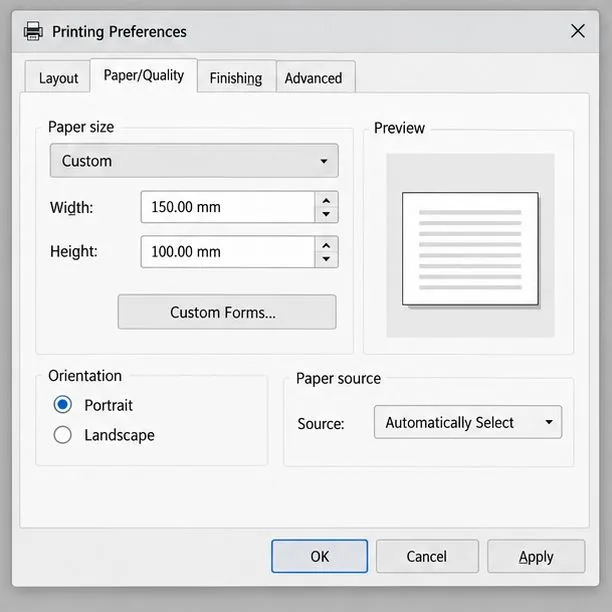
Match LibreOffice’s page dimensions to your printer, check printable margins, and correct scaling before printing a custom-size document.
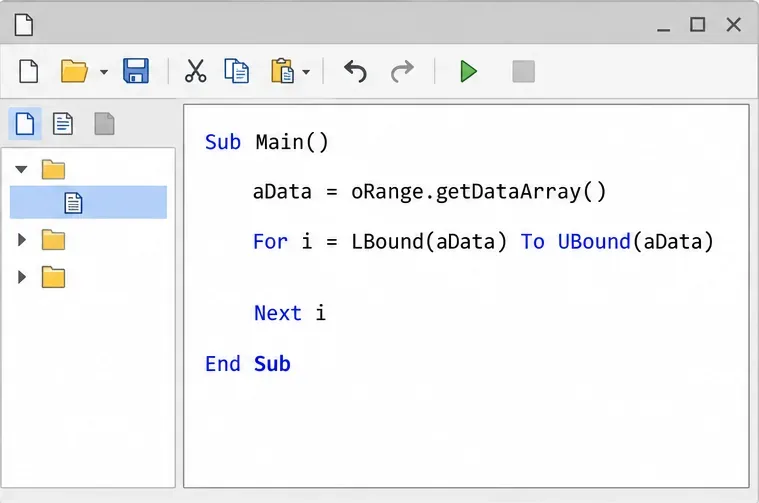
Replace repeated cell access with bulk range reads and writes, then benchmark the result and protect formulas in large Calc workbooks.
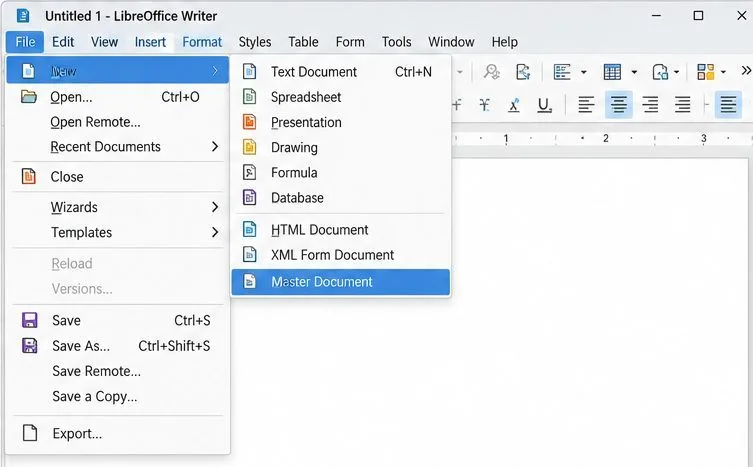
Split a long manuscript into chapters, assemble them in Writer, and keep styles, contents, and export checks consistent.