Get LibreOffice to Recognize Your Java Runtime

Install a compatible Java runtime, enable it in LibreOffice, and troubleshoot an empty JRE list without changing unrelated settings.
VLC Media for Windows 10 delivers reliable playback for virtually every video and audio format without requiring additional codecs. Users on Windows 10 can install this free player in minutes and immediately open files that other apps reject. This guide walks through the exact download, installation, and configuration steps needed for smooth operation.
VLC Media for Windows 10 stands out because it supports formats like MKV, MP4, AVI, FLAC, and many others right out of the box. The player handles subtitles, network streams, and DVD menus without extra software. Windows 10 users benefit from native integration with the file explorer and hardware acceleration that reduces CPU load during 4K playback.
Before starting, confirm your Windows 10 version is 64-bit or 32-bit by checking System Information. Close any running media applications to avoid conflicts during installation. A stable internet connection is required only for the initial download.
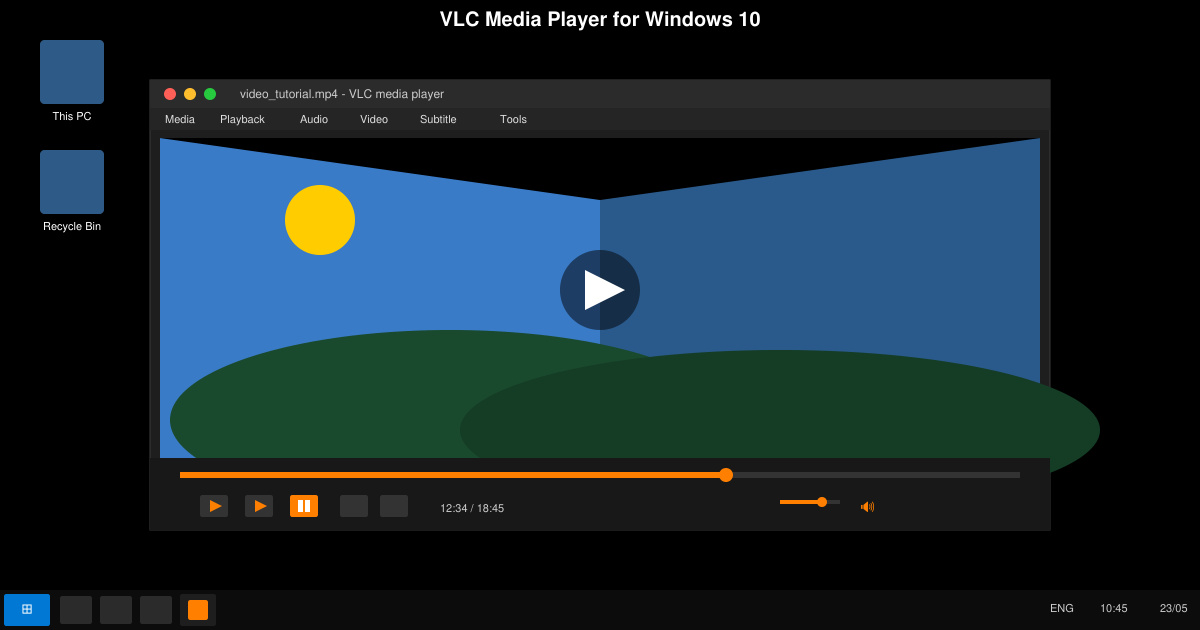
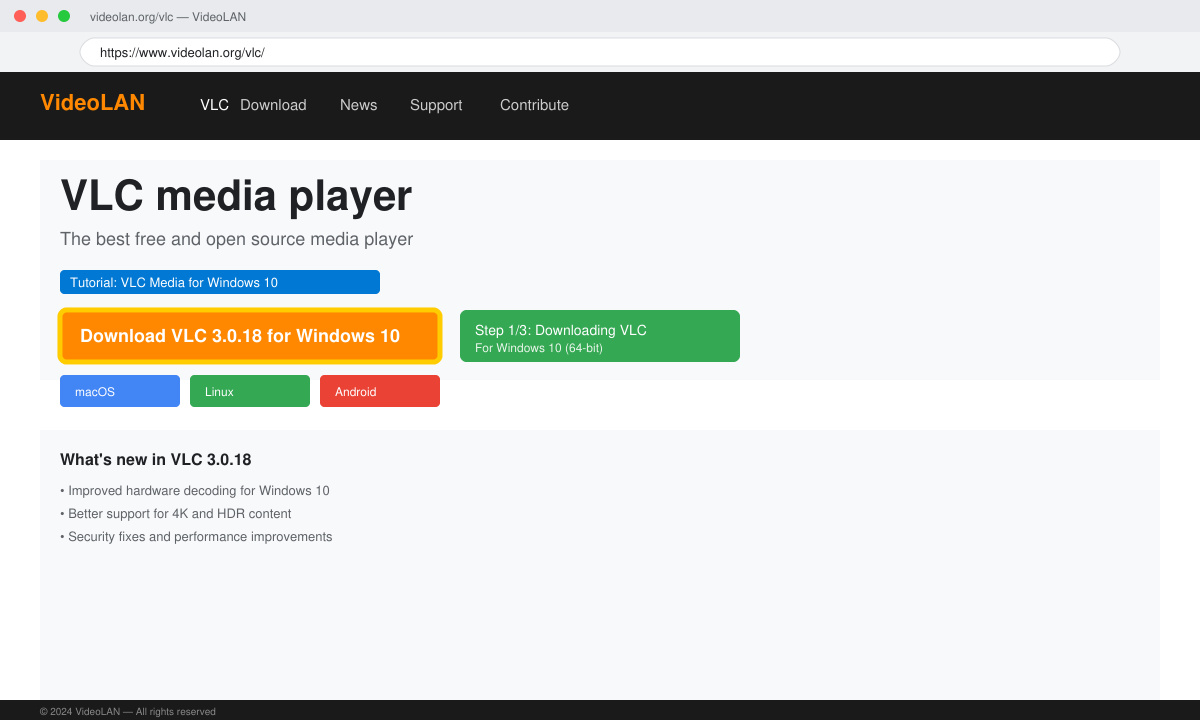
Open your browser and go to videolan.org/vlc. Click the large Download VLC button. The site automatically detects Windows 10 and offers the correct 64-bit or 32-bit installer. Save the file to your Downloads folder.
Locate the downloaded file named vlc-3.x.x-win64.exe (or win32). Double-click it and grant administrator permission when prompted by User Account Control. The setup wizard launches immediately.
Accept the license agreement. On the Choose Components screen, leave all boxes checked unless you want to exclude specific features like browser extensions. Select your preferred language and click Next. Choose the destination folder, usually C:\Program Files\VideoLAN\VLC, then click Install.
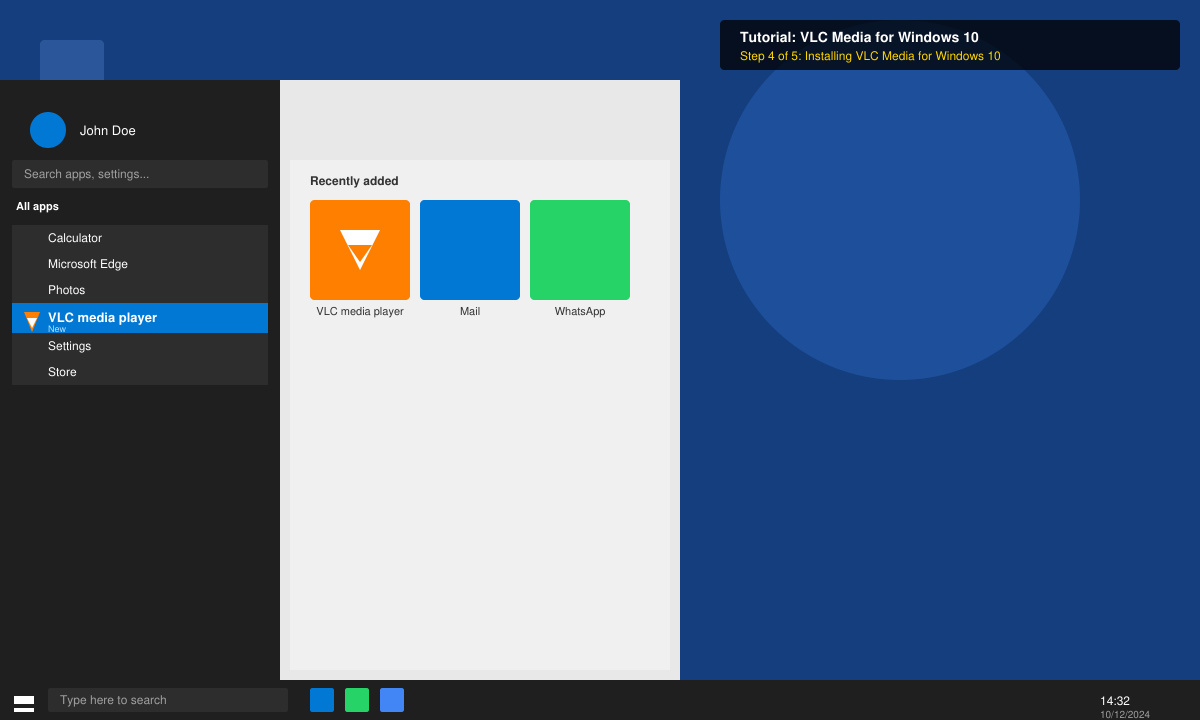
Wait for the progress bar to finish. Uncheck the option to run VLC immediately if you want to adjust settings first. Click Finish. VLC Media for Windows 10 now appears in the Start menu.
If VLC fails to open certain files after installation, right-click the file, choose Open with, and select VLC as the default player. For playback stuttering on Windows 10, open Tools > Preferences > Input/Codecs and set Hardware-accelerated decoding to Automatic. Restart the player after changing this setting.
Users sometimes see a black screen during video playback. Go to Tools > Preferences > Video and switch Output to DirectX (DirectDraw) video output, then save and restart VLC. If the installer refuses to run, temporarily disable third-party antivirus software and try again.
Keep VLC updated by opening Help > Check for Updates. New versions fix compatibility problems with recent Windows 10 builds and add support for emerging formats.
No. VLC Media for Windows 10 is completely free and open-source with no ads or subscriptions required at any point.
Yes, but you must install additional AACS and BD+ libraries separately because of licensing restrictions. VLC itself handles the playback once the libraries are present.
Right-click any video or audio file, select Properties, click Change next to Opens with, and choose VLC Media Player. Check the box to apply the change to all files of that type.
Following these steps gives you a fully functional VLC Media for Windows 10 installation capable of handling nearly any media file on your system.
Install a compatible Java runtime, enable it in LibreOffice, and troubleshoot an empty JRE list without changing unrelated settings.
Build a small LibreOffice container, convert office documents without a GUI, and verify PDF output while limiting host-file access.
Reduce oversized LibreOffice presentation files by compressing embedded photos, choosing sensible image settings, and checking slide quality before sharing.
Match LibreOffice’s page dimensions to your printer, check printable margins, and correct scaling before printing a custom-size document.
Replace repeated cell access with bulk range reads and writes, then benchmark the result and protect formulas in large Calc workbooks.
Split a long manuscript into chapters, assemble them in Writer, and keep styles, contents, and export checks consistent.
Use Base’s direct PostgreSQL option to enter your server details, sign in, save an ODB connection file, and troubleshoot common access errors.
Install a font in your Linux user font folder, restart LibreOffice Flatpak, and confirm it appears in Writer without weakening the app sandbox.
Protect your work and isolate network-drive save crashes in LibreOffice on macOS Sonoma with a local-first workflow, permission checks, and targeted tests.
Preserve leading zeros in Calc by setting ID columns to Text during CSV import, checking the preview, and verifying the saved data.








