Will HamoniKR 8.0 Run on an Older Laptop? Check These Specs
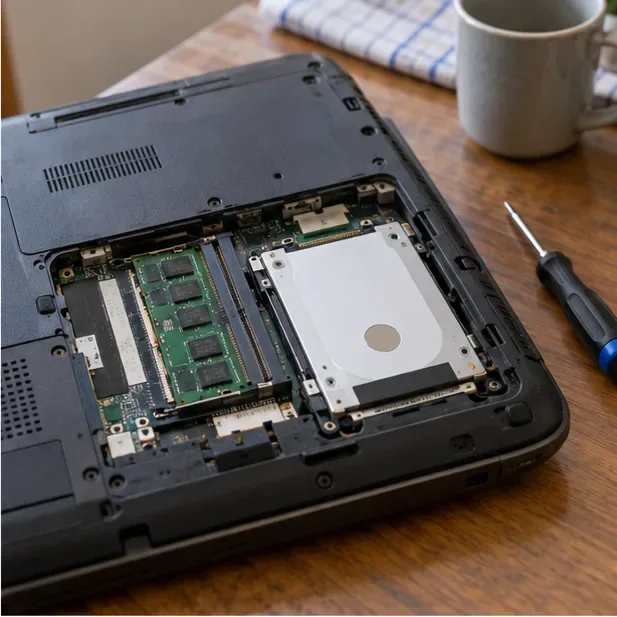
Compare HamoniKR 8.0 LTS and Lite requirements, then test Wi-Fi, graphics, and laptop controls from a live USB before installing.
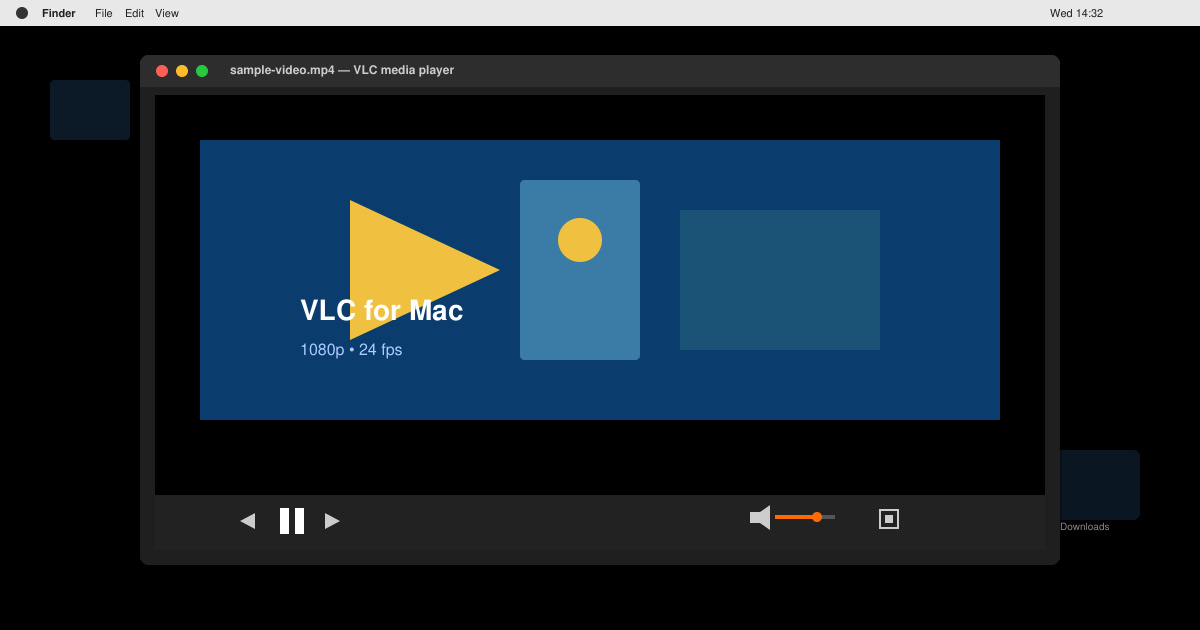
VLC Media Player runs smoothly on both Intel and Apple Silicon Macs. It supports formats like MKV, MP4, AVI, MOV, and many others without requiring additional codecs. The app also plays DVDs, network streams, and subtitles automatically. Before starting the VLC Video Player Download for Mac, make sure your macOS version is 10.7 or newer for full compatibility.
The installation file is lightweight and does not include bundled adware when downloaded from the official source. Once installed, VLC appears in your Applications folder and can be set as the default player for supported files through macOS Finder settings.
Open Safari or your preferred browser and enter the address videolan.org/vlc. Scroll to the download section and confirm the site detects your Mac automatically. If the wrong platform shows, click the macOS button to select the correct version.
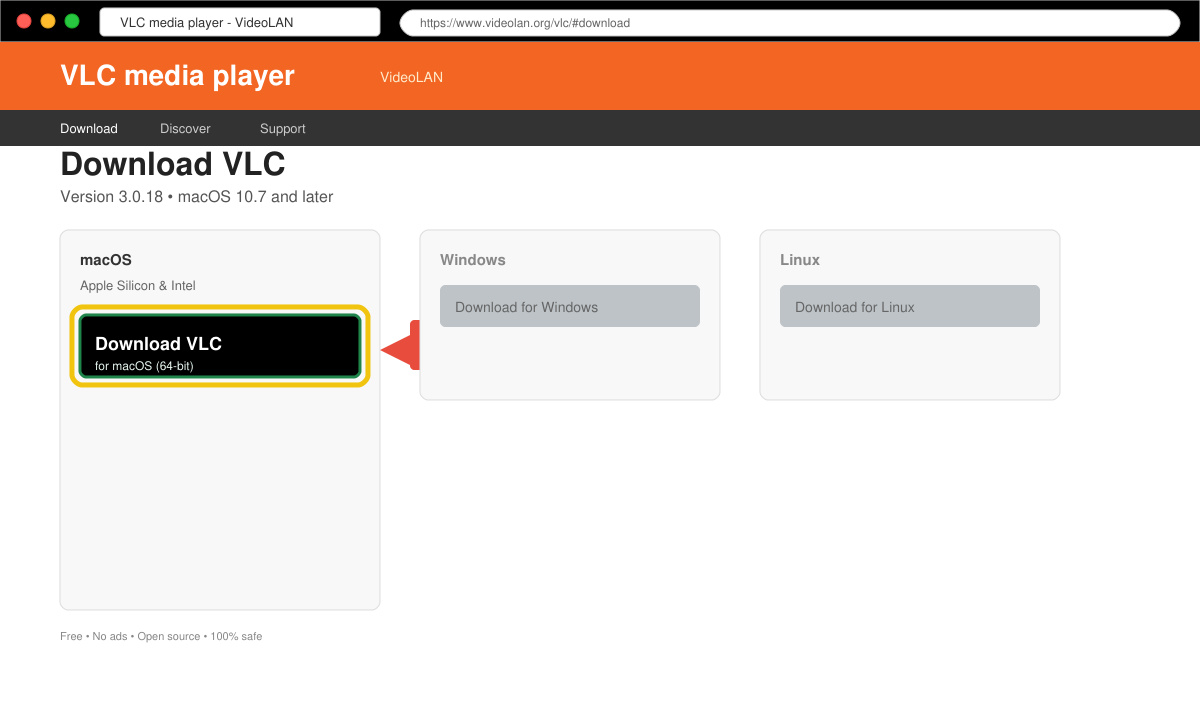
Click the download button to save the .dmg file. The file name typically follows the pattern VLC-3.x.x.dmg. Wait for the download to finish in your browser’s downloads folder before proceeding.
Double-click the downloaded .dmg file. Drag the VLC icon into your Applications folder when the window appears. Eject the disk image afterward by right-clicking it in Finder and selecting Eject.
Open VLC from Launchpad or the Applications folder. On first launch, macOS may ask for permission to access your Downloads or Documents folders. Approve these requests so VLC can open local video files.
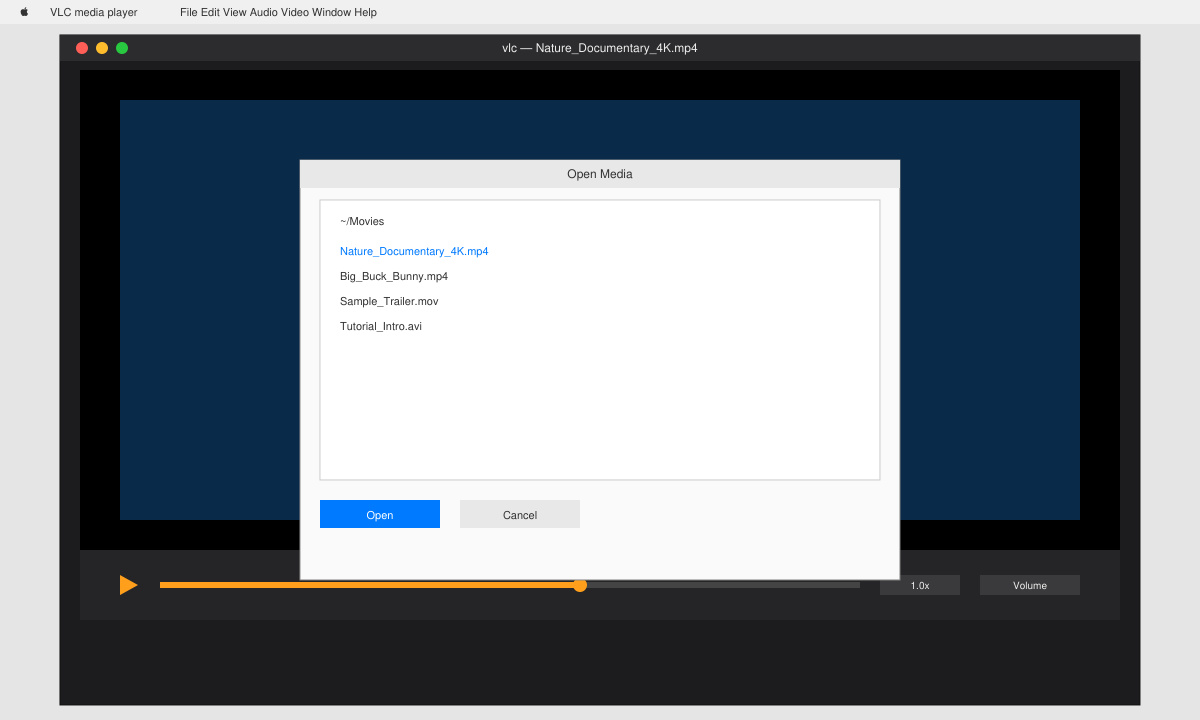
Right-click any video file in Finder, choose Get Info, then select VLC from the Open With menu and click Change All. This ensures double-clicking video files opens them in VLC automatically.
If the download does not start, temporarily disable any VPN or ad blocker. Some users see a warning that the app is from an unidentified developer; open System Settings, go to Privacy & Security, and click Open Anyway next to the VLC entry.
Older Macs running macOS versions before 10.13 may need the legacy VLC 3.0.18 build available on the same site. For playback problems with 4K or HDR files, update to the newest release and ensure your Mac has sufficient GPU resources.
Should VLC fail to play a specific file, try converting subtitles to UTF-8 encoding or clearing the cache through VLC’s Preferences under the Input/Codecs tab.
Yes. VLC Media Player is open-source software released under the GPL license with no paid tiers or subscriptions required.
Yes. The same .dmg file works on any compatible Mac. Simply copy the file or repeat the download process on each machine.
Current versions include native Apple Silicon support and run without Rosetta translation for better performance.
Completing the VLC Video Player Download for Mac gives you a powerful, free media player that handles almost any file type reliably on your Apple computer.
Compare HamoniKR 8.0 LTS and Lite requirements, then test Wi-Fi, graphics, and laptop controls from a live USB before installing.
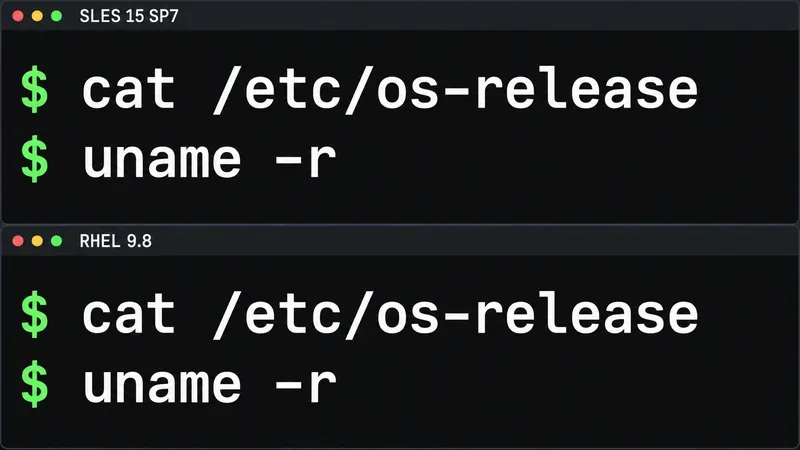
Compare the current SLES and RHEL baselines, understand why kernel numbers do not predict speed, and build a fair test around your real server workload.
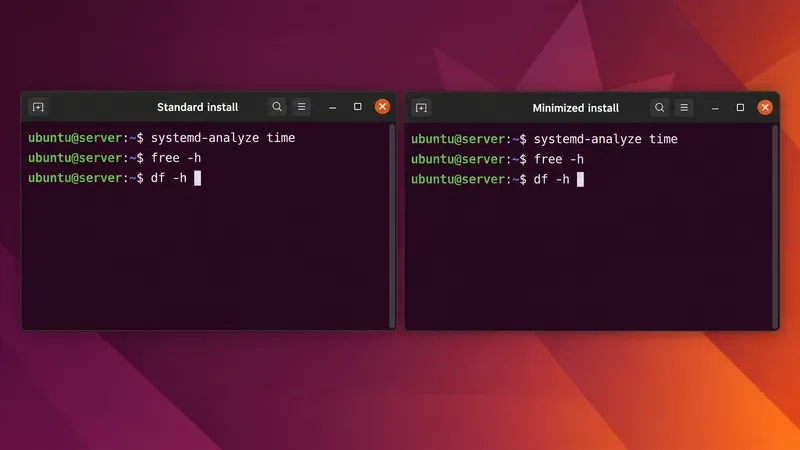
Compare Ubuntu Server 24.04 minimized and standard installs across RAM, disk space, boot time, CPU, and real workloads—without misleading benchmark claims.
A practical 2026 guide to AI, smart-home sensors, remote monitoring, fall safety, privacy, and how technology can support aging in place without replacing care.
Learn how cities can turn mobility, land-use, climate, and community data into safer, greener, more walkable neighborhoods without putting technology before people.
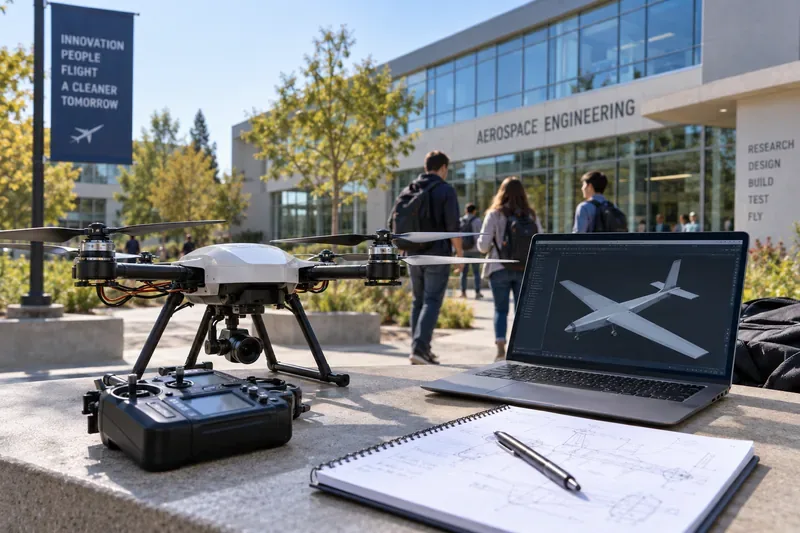
Compare leading UAV and aerospace engineering programs for drones, autonomy, controls, UAS operations, and graduate research, with verified 2026 updates.
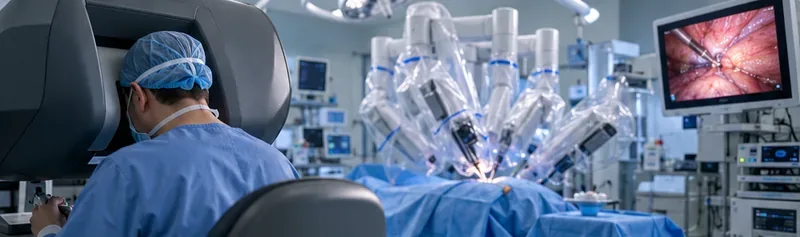
A practical guide to AI-powered surgical robotics: current capabilities, levels of autonomy, precision benefits, limits, regulation, and evaluation criteria.
CCUS investment is rising, but can carbon capture reverse global emissions? See where it works, what limits scale, and what evidence matters.
Compare seven global programs for digital supply chains, logistics, analytics, global trade, and operations, with practical guidance on choosing the right fit.
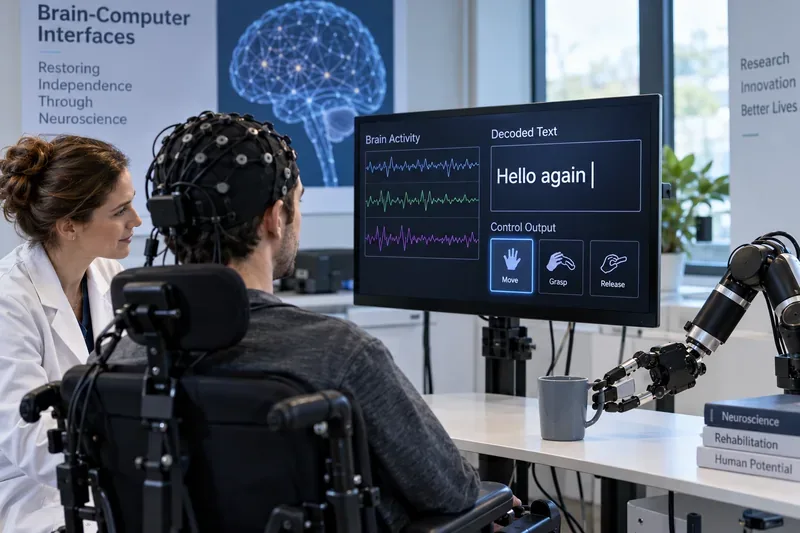
Learn how brain-computer interfaces decode neural signals to restore communication and movement, what recent studies achieved, and what still limits BCI use.