Get LibreOffice to Recognize Your Java Runtime

Install a compatible Java runtime, enable it in LibreOffice, and troubleshoot an empty JRE list without changing unrelated settings.
Windows 11 Update Issues typically occur when the update cache becomes corrupted, required services stop running, or the system lacks enough free space. Other frequent triggers include third-party antivirus interference and incomplete previous update attempts. Understanding these causes helps you choose the right repair sequence instead of guessing.
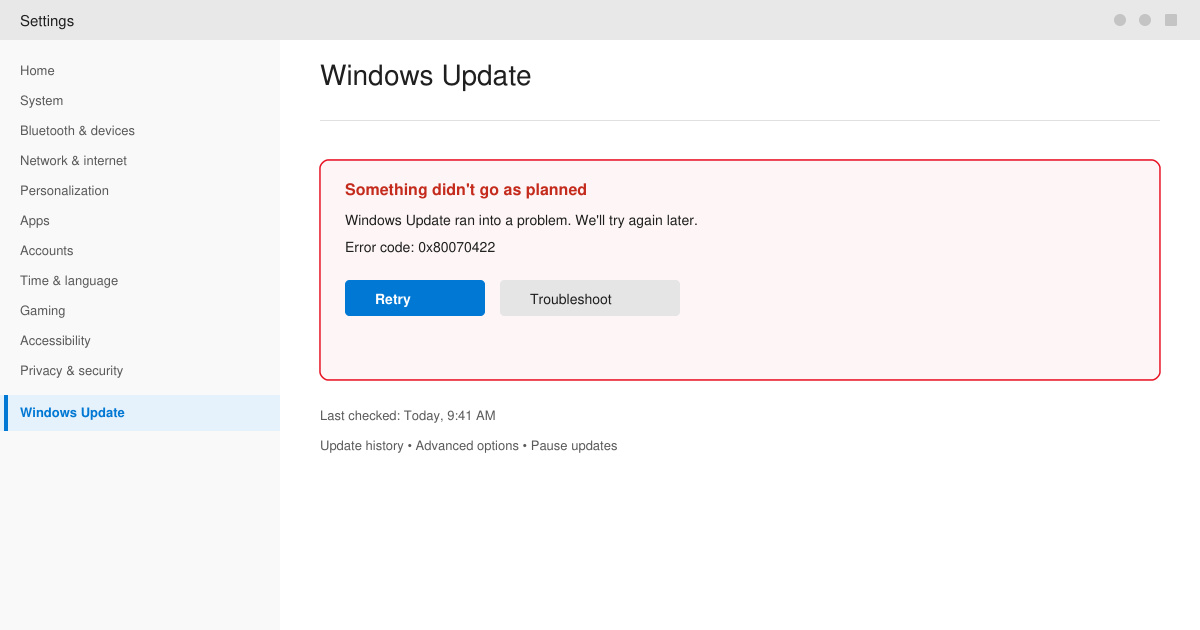
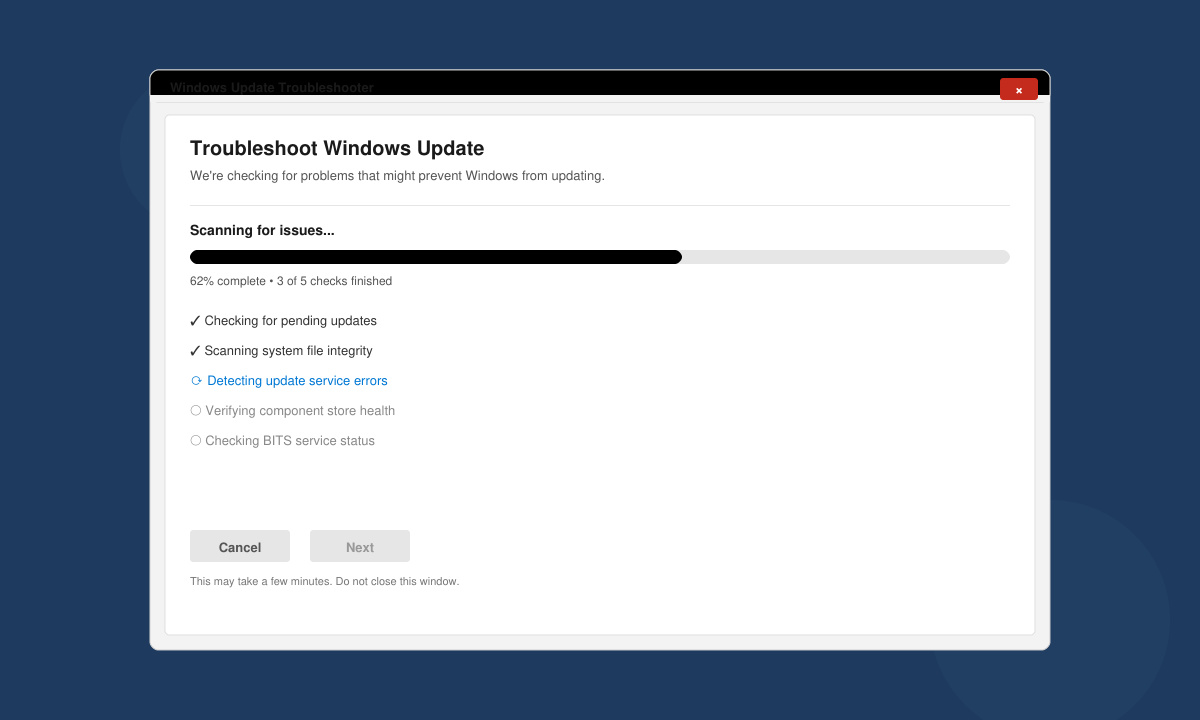
Open Settings by pressing Windows key + I. Navigate to System then Troubleshoot. Click Other troubleshooters and locate the Windows Update entry. Click Run next to it and allow the tool to scan and apply fixes automatically.
Press Windows key + X and select Windows Terminal (Admin). Stop the update services with these commands in order: net stop wuauserv, net stop cryptSvc, net stop bits, net stop msiserver. Rename the folder using ren C:\Windows\SoftwareDistribution SoftwareDistribution.old then restart the services with net start commands in reverse order.
Open Settings, go to System then Storage. Ensure at least 20 GB remains on the system drive. Use the Cleanup recommendations tool to remove temporary files and old Windows installations that block updates.
In an elevated Windows Terminal run DISM /Online /Cleanup-Image /RestoreHealth followed by sfc /scannow. Restart the PC after both commands finish, then attempt the update again through Settings > Windows Update.
Visit the Microsoft Update Catalog website in your browser. Search for the specific KB number shown in your failed update error. Download the matching .msu file for your Windows 11 version and architecture, then double-click it to install.
Disable third-party antivirus temporarily during the update process. Pause Windows Update for up to 35 days only as a last resort when testing other fixes. If errors persist after these steps, create a new local administrator account and test updates from that profile to rule out user profile corruption. Keep your drivers updated through Device Manager rather than third-party utilities.
Corrupted update cache, stopped Windows Update services, or insufficient disk space are the leading reasons. Running the built-in troubleshooter and clearing the SoftwareDistribution folder resolves most cases.
You can pause updates for a limited time in Settings > Windows Update, but security updates cannot be skipped indefinitely. Use the manual download method from the Microsoft Update Catalog to install specific patches.
Resetting services and folders fixes many but not all problems. If issues continue, run SFC and DISM scans or consider a repair install of Windows 11 while keeping files and apps intact.
Following the sequence above resolves the majority of Windows 11 Update Issues without data loss. Apply the steps in order and test updates after each major action.
Install a compatible Java runtime, enable it in LibreOffice, and troubleshoot an empty JRE list without changing unrelated settings.
Build a small LibreOffice container, convert office documents without a GUI, and verify PDF output while limiting host-file access.
Reduce oversized LibreOffice presentation files by compressing embedded photos, choosing sensible image settings, and checking slide quality before sharing.
Match LibreOffice’s page dimensions to your printer, check printable margins, and correct scaling before printing a custom-size document.
Replace repeated cell access with bulk range reads and writes, then benchmark the result and protect formulas in large Calc workbooks.
Split a long manuscript into chapters, assemble them in Writer, and keep styles, contents, and export checks consistent.
Use Base’s direct PostgreSQL option to enter your server details, sign in, save an ODB connection file, and troubleshoot common access errors.
Install a font in your Linux user font folder, restart LibreOffice Flatpak, and confirm it appears in Writer without weakening the app sandbox.
Protect your work and isolate network-drive save crashes in LibreOffice on macOS Sonoma with a local-first workflow, permission checks, and targeted tests.
Preserve leading zeros in Calc by setting ID columns to Text during CSV import, checking the preview, and verifying the saved data.








