How to Disable or Remove Hyper-V on Windows 11
Fortunately, you can disable Hyper-V in Windows 11 with the help of the classic Windows Features dialog, Command Prompt, and PowerShell.
Fortunately, you can disable Hyper-V in Windows 11 with the help of the classic Windows Features dialog, Command Prompt, and PowerShell.
Windows 11 activity history keeps a record of many tasks performed on your computer. If you want to delete or disable activity history on Windows 11, follow the instructions below.
You can easily customize the Start menu to make accessing the apps and files you use much simpler.
Accessing files from your system's local hard drive is one of the easiest things you can do on your computer. But what if you want to access files located on other systems' hard drives?
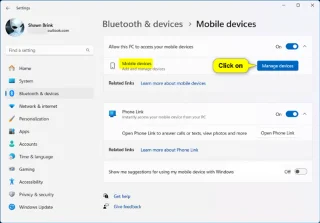
This guide will show you how to sign in or out of Manage Mobile Devices using your Microsoft account in Windows 11.
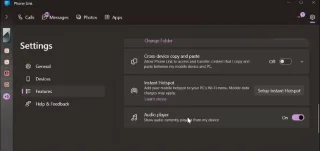
While Phone Link works with both Android and iOS devices, some of its standout features are exclusive to Samsung Galaxy phones, offering better integration and productivity improvements.
Upgrading to Windows 11 is a no-brainer, even if it's no longer exciting when it launches in 2021. But in 2024, its improvements far outweigh the initial quirks with the Start menu and taskbar.
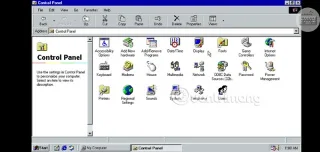
Win 98 Simulator application will bring the old Windows 98 space right on your Android phone so you can recall the memorable memories of this operating system.

The complete death of Windows 7 also means the end of support for popular browser platforms like Chrome, Edge, and Firefox.
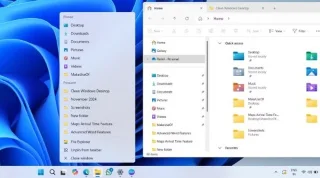
Does your Windows desktop look more like a chaotic battlefield than a peaceful workspace? A cluttered desktop can hinder productivity and make you stressed.
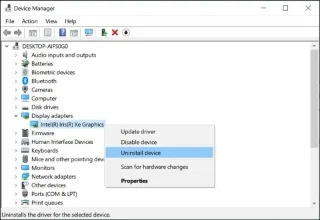
Is your screen flickering, going black, or displaying distorted images? Are you having performance issues when playing games or playing videos? If so, you may need to reset your graphics card drivers.
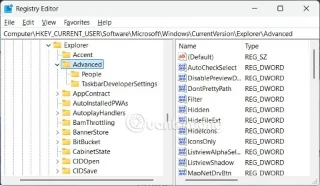
Adjusting the size of the Taskbar can free up screen space, making it easier to see icons.
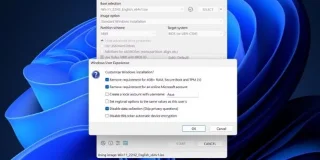
You can use registry hacks and modified ISO files to bypass Windows 11's TPM 2.0 and Secure Boot requirements. However, we recommend using Rufus instead.
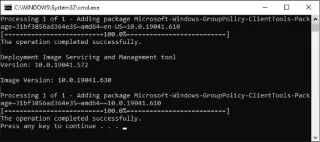
Group Policy Editor (gpedit.msc) is often reported as not found on Windows Home versions, however there are many system settings that users can perform on this tool, typically turning off Windows 10 updates.

Microsoft will end support for Windows 10 in October 2025 (not applicable to LTSC versions), which means the operating system will no longer receive security updates, bug fixes, and new features after that date.
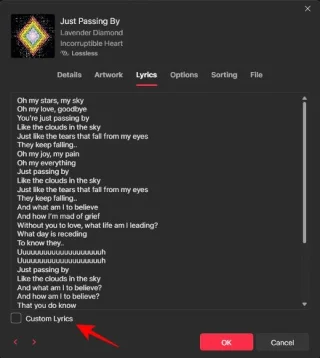
The Apple Music desktop app lets you add lyrics to any song, with songs in your library.
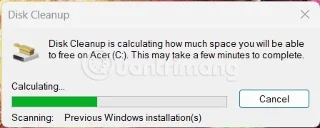
Most new computers are equipped with hard drives with a capacity of about 500GB or more. However, users' demand for high-resolution videos and images, and large-capacity games will cause the hard drive to fill up quickly.
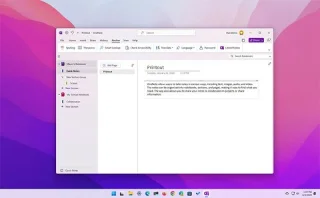
Windows 10 will end official support in less than 6 months, closing a decade-long journey and making way for Windows 11 with advanced AI features, a modern user interface, and many other improvements.
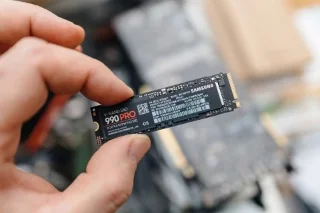
Some once-useful features in Windows have become obsolete due to hardware advancements. One of them is ReadyBoost — if you're still trying to use it in 2025, it could do more harm than good.
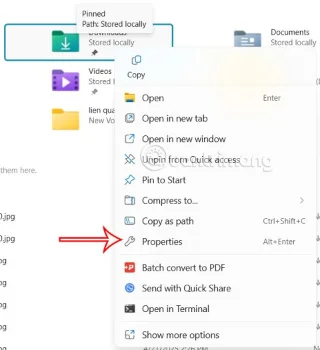
Maximizing storage space helps your Windows computer run more efficiently and smoothly. Here are some changes to increase storage space on Windows.
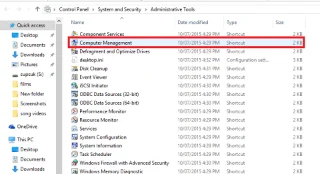
Basically, a Virtual Hard Disk (VHD) is a file format that contains structures that are “exactly” identical to the structure of a hard drive.
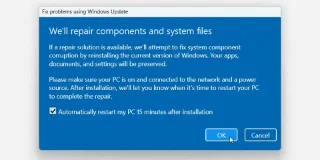
There are plenty of ways to perform a clean install of Windows, but what if you just want to fix a problem without having to start over? That's where Windows 11's new recovery tool comes in.
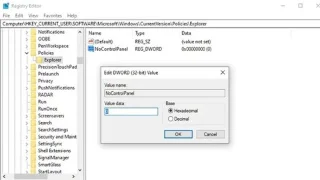
On Windows 10, users can access the Settings app via the Start menu, which is a more accessible version of the Control Panel. However, many users report that the app is not working due to a bug that causes it to not work when clicked (or redirects users to the Windows Store). Here are some fixes for this problem.
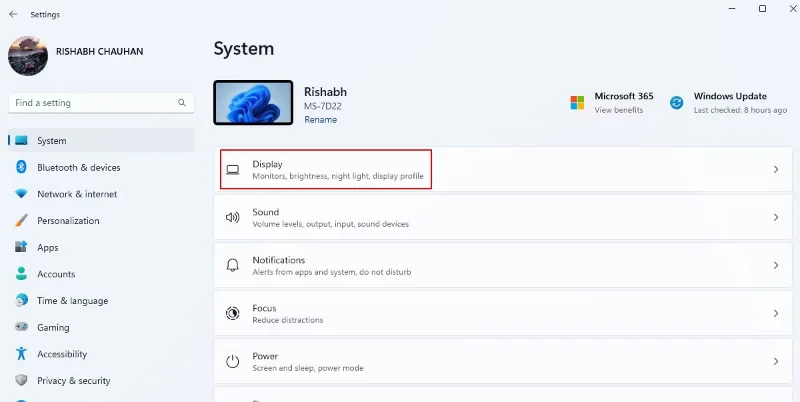
Are you bored with the default Windows desktop? Don't worry, WebTech360 will bring you a series of instructions to refresh and beautify your desktop.
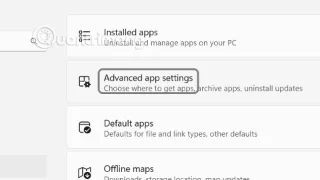
Cross-device sharing is a feature that allows Windows 11 users to experience applications easily on different devices. However, for privacy reasons, many people want to turn this feature off.
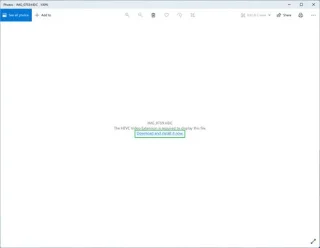
Apple's iPhones and iPads now take photos in the HEIF format, and these photos will end in .HEIC. Windows doesn't support HEIC files, but there is a way to view them or convert them to standard JPEG file formats.
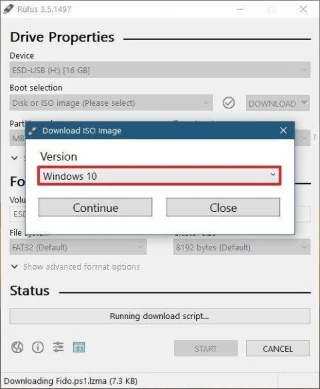
There are many ways to create a USB boot to install Windows. You can create a USB boot using Hirens Boot CD, Universal USB Installer,... But the fastest and easiest way is to create a USB boot using Rufus. Here are detailed instructions for creating a USB boot using Rufus for your reference.
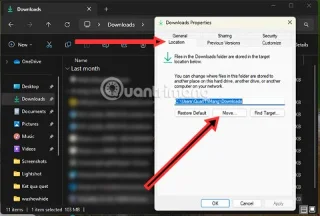
Moving the Download folder from drive C to another drive on Windows 11 will help you reduce the capacity of drive C and will help your computer run smoother.
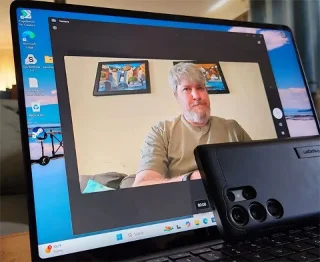
After announcing the Windows 11 Moment 5 update, Microsoft introduced a very important and long-awaited new feature.
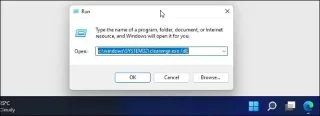
Windows has a number of built-in system cleanup utilities, including the Disk Cleanup tool. However, the Command Prompt is a lesser-known way to clean up your computer.