How to turn off location tracking on Windows 11
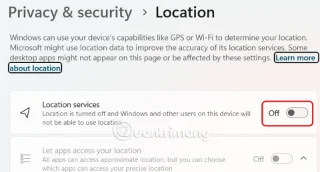
To prevent Microsoft and other apps from tracking your location on your computer, you should turn off location tracking on your Windows 11 computer.
To prevent Microsoft and other apps from tracking your location on your computer, you should turn off location tracking on your Windows 11 computer.
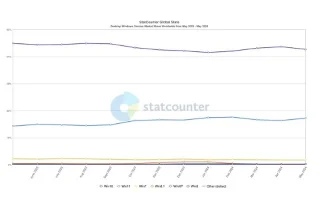
Despite the company's efforts to make Copilot the standard Generative AI for customer support, the average Windows user may not even know what Copilot is.
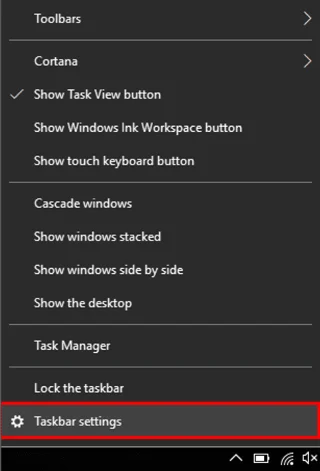
This article will guide you how to fix Windows 10 Taskbar not hiding when in full screen mode.
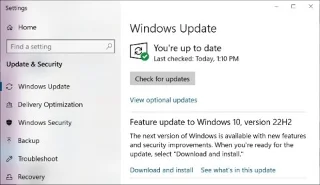
Windows 10 22H2 has been officially released to compatible devices.
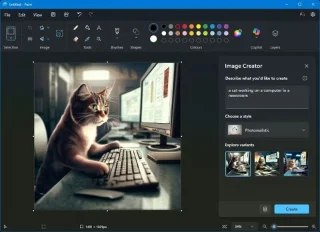
Recent advances in AI have transformed Paint from a basic drawing program into a surprisingly powerful and versatile image editing application.
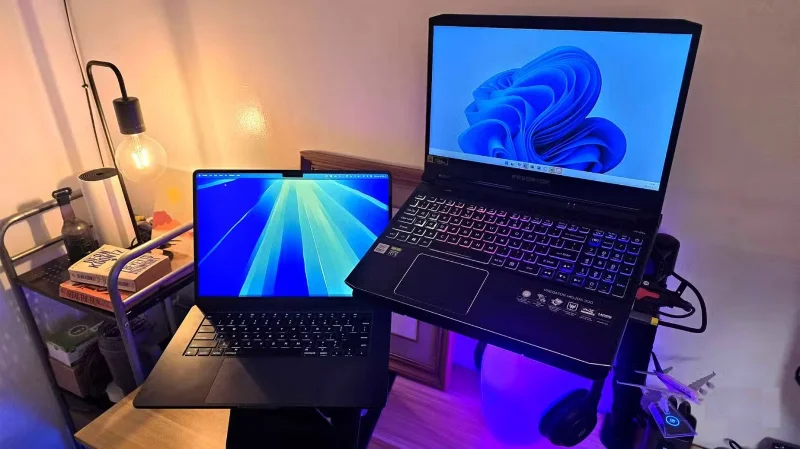
If you are using a Windows PC system with a multi-monitor setup, or an external monitor with your laptop and launch a game, sometimes the game may display on the screen you don't want it to.
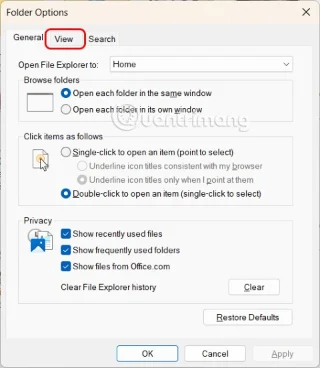
Microsoft allows Windows users to show empty hard drives, or change them as they wish. Here are instructions on how to hide or show empty hard drives in Windows 11.
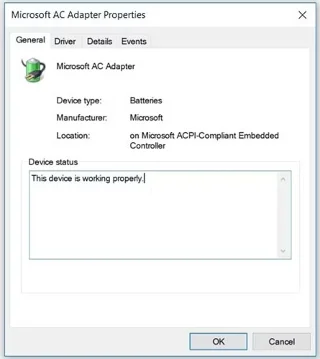
One day, you are happily using your Windows device when suddenly you get the dreaded “No battery is detected” error. Usually, this error message is caused by a faulty battery or other system issues.
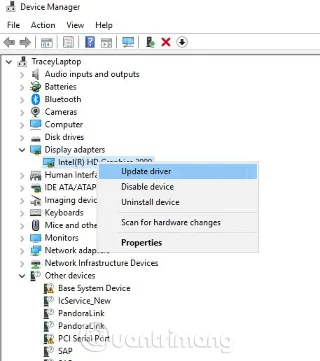
Screen flickering can be an annoying problem when working on a Windows computer. Here's how to fix a Windows 10 computer screen flickering problem.
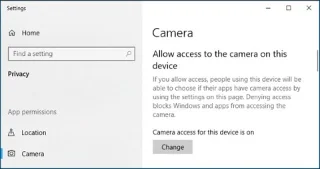
Your webcam may not work on Windows 10 for a variety of reasons.
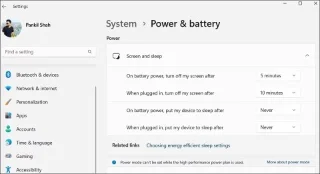
To prevent users from locking their Windows 10 computer, follow the steps below to disable the Lock Screen in Windows 10.
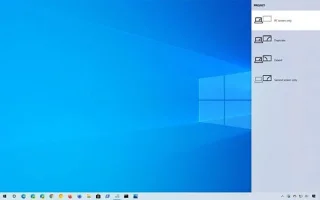
Windows 10 has proven to be a reliable operating system, but like other versions, users may face many problems while using Windows 10. One of the “worst” problems that users often encounter is the black screen error.
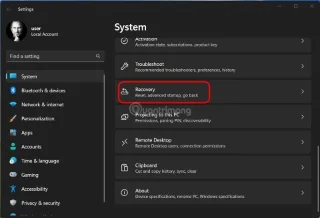
This article will guide you how to factory reset your Windows 11 computer.
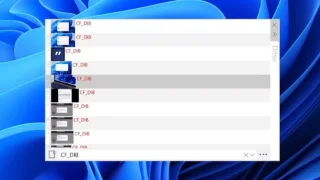
While the built-in Windows clipboard works as expected, many people have recently switched to Ditto and found it has completely changed the way they manage copied content.
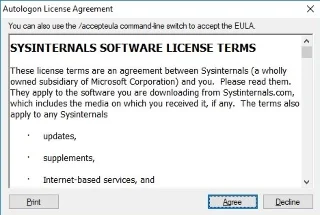
Turning off Windows 10 password helps you open your computer without entering a password, saving time when starting your computer. How to turn off Windows 10 password when logging in very quickly, please see.
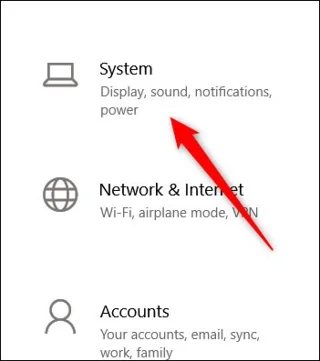
Microsoft added a feature called Ultimate Performance to the Windows 10 Update April 2018. This can be roughly understood as a feature that helps the system switch to high-performance working mode.

Microsoft also announced the release of Windows 11 IoT Enterprise LTSC 2024 earlier this week, along with a list of minimum system requirements as well as specific supported processor lines.
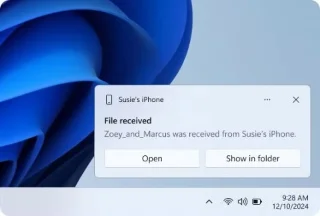
Phone Link is a Microsoft app for interacting with your mobile device from your Windows PC. It covers your everyday needs like viewing text messages, replying to notifications, managing photos, and making calls.
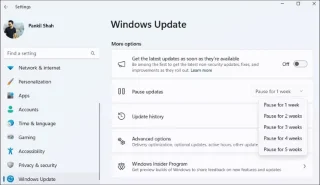
While Windows updates are essential for security and performance, you don't want them to interrupt your workflow with unexpected reboots.
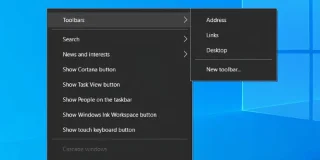
Windows 10 doesn't have the centered Taskbar icon layout like Windows 11. However, you can center all icons except Start and Search bar to get the same look.

When the keyboard on your Windows 10 computer does not work, cannot type, type but the menu appears. Even though you have applied all methods, you seem helpless. You can apply some of the solutions below to fix keyboard errors on Windows 10.
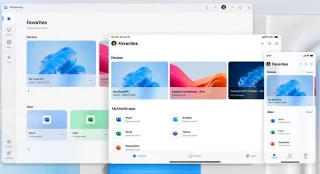
Microsoft today launched a new Windows app for macOS, iOS, iPadOS, web browsers
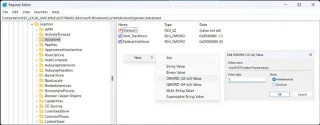
Like Windows 10, you can also use third-party software to make Windows 11 Taskbar transparent.
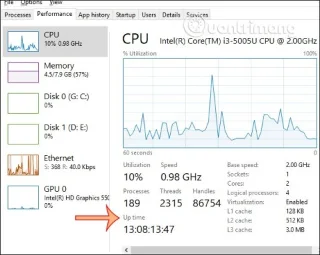
Do you know how long you have been using your computer since it was turned on? To know the time it took to turn on your computer or to be more precise, the time it took to use your computer, Windows has a time checker tool.
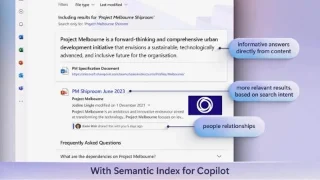
This is the discovery of technology blogger @XenoPanther in Windows 11 build 27695.
This is the information that Microsoft has just updated in the official documentation about the Windows 10 operating system.
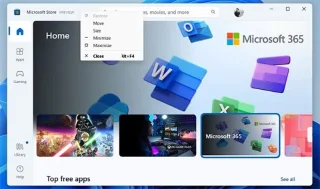
Both Windows 10 and Windows 11 provide several ways to close applications and programs. Let's find out the details through the following article!
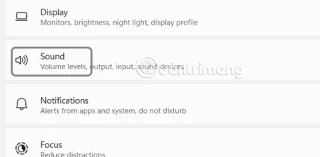
The phenomenon of the left and right speakers on Windows being out of tune, one loud and one soft is not uncommon. Below are some ways to adjust the sound balance in Windows 11.
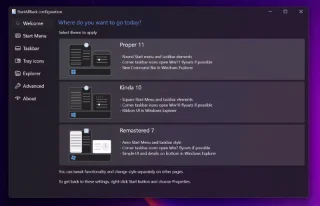
While Windows 11 is a solid operating system, many people find it almost impossible to use it without installing three apps that give this version better customization and features.
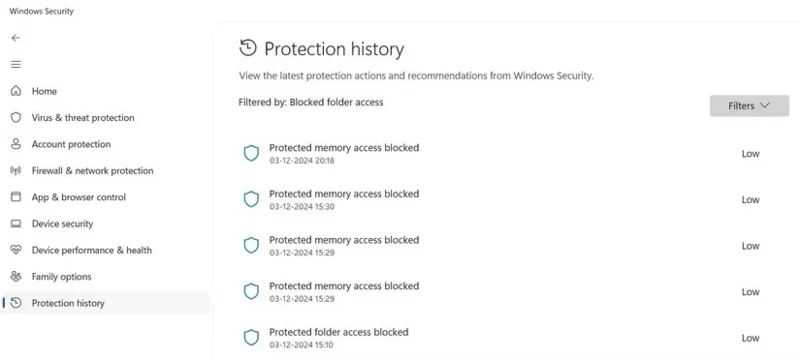
If users want to return to the old Task Manager interface on Windows 11, they just need to create a small command on the computer.