PC Tips - Page 47

What is the $WINDOWS.~BT folder? Can $WINDOWS.~BT be deleted?
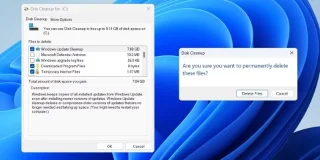
What is the $WINDOWS.~BT folder? Can $WINDOWS.~BT be deleted?

Deleting the hidden $Windows.~BT folder and reclaiming gigabytes of space on your hard drive is tempting. But what does this cryptically named folder do, and how important is it to your Windows installation?
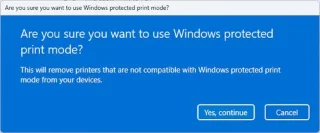
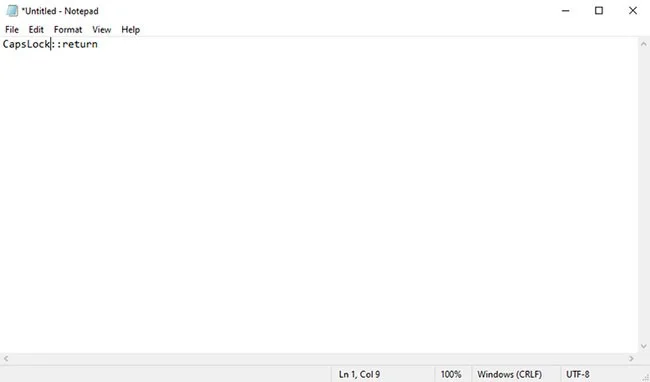
How to return to the old Task Manager interface on Windows 11

How to return to the old Task Manager interface on Windows 11

If users want to return to the old Task Manager interface on Windows 11, they just need to create a small command on the computer.

8 Ways to Fix Clipboard History Stopped Working in Windows 11

8 Ways to Fix Clipboard History Stopped Working in Windows 11

Sometimes it simply stops working, making it impossible to access copied data from Clipboard History. Additionally, there may be cases where it doesn't sync properly across multiple devices.

Windows updates constantly, why?

Windows updates constantly, why?

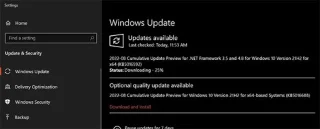
Updates usually happen automatically in the background, but most users have no idea what Windows installs, when it happens, and why it needs to be updated so often.

How to Turn Your Windows 11 PC Into a Bluetooth Audio Transmitter

How to Turn Your Windows 11 PC Into a Bluetooth Audio Transmitter

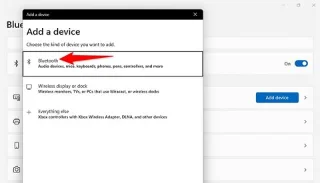
Did you know you can use your Windows 11 PC as a Bluetooth speaker?

Microsoft reveals how Windows 10 and Windows 11 block keyloggers

Microsoft reveals how Windows 10 and Windows 11 block keyloggers

In the early 2000s, Windows operating system security relied heavily on third-party antivirus software.

How to fix Windows 10 Search error cannot search, not working

How to fix Windows 10 Search error cannot search, not working

When the Search tool on Windows 10 fails, users cannot search for programs or any data they need.

How to disable lock screen widgets on Windows 11

How to disable lock screen widgets on Windows 11

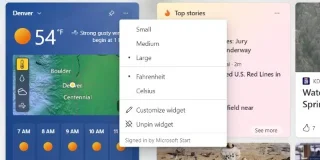
The recent Windows 11 update introduced widgets for the lock screen, with information about weather, news, sports, and more now showing up.

How to increase VRAM in Windows

How to increase VRAM in Windows

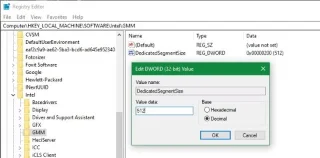
If you're having trouble running graphics-intensive games on your PC, you may need more video RAM (VRAM). And while you can't increase your VRAM yourself, it's good to understand your options.

How to Sync Clipboard Data Between Windows and Android

How to Sync Clipboard Data Between Windows and Android

You may not know it, but Windows 10 now supports the ability to sync its clipboard with other operating systems, such as Android.

How to Change DNS Server on Windows 11

How to Change DNS Server on Windows 11

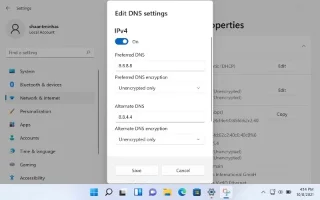
If the default DNS server provided by your ISP seems slow, insecure, or unreliable, you don't have to use it. Here's how you can change the DNS server settings on your Windows 11 computer.

How to set Windows 11 PIN expiration date

How to set Windows 11 PIN expiration date

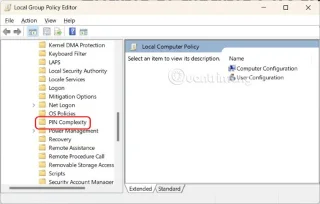
Setting a Windows 11 PIN expiration date helps increase the security of your computer. Here are instructions for setting a Windows 11 PIN expiration date.

How to Turn Off Application Diagnostics on Windows 11

How to Turn Off Application Diagnostics on Windows 11

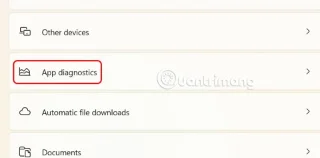
App Diagnostics on Windows 11 collects and sends diagnostic data about app performance and behavior. Here's how to turn off app diagnostics on Windows 11.

How to adjust All app view on Windows 11 Start menu

How to adjust All app view on Windows 11 Start menu

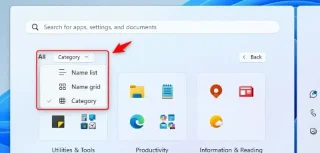
Windows now has an option to view All apps on the Windows 11 Start menu. Below are instructions on how to adjust the All apps view on the Windows 11 Start menu.

The 7 Most Important Differences Between Windows 11 Home and Pro

The 7 Most Important Differences Between Windows 11 Home and Pro

Windows 11 Home and Pro are designed to meet different user needs. While Windows 11 Home is more suitable for everyday users, 11 Pro offers advanced features for professionals.

Tips for faster file management on Windows

Tips for faster file management on Windows

Scattered files and inconsistent names can make managing files on Windows difficult. With these simple tips, you can better organize your files and improve your workflow.

Turn off Windows 10 screen brightness auto-adjustment feature

Turn off Windows 10 screen brightness auto-adjustment feature

Turning off the auto-brightness feature on Windows 10 will help you adjust the brightness as desired, without encountering the annoying flashing when changing from light background to dark background and vice versa.

Why You Probably Dont Need a Third-Party Firewall App on Windows

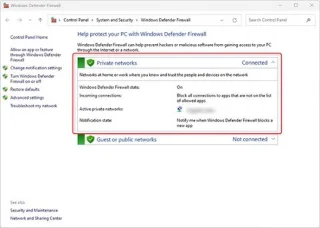
Why You Probably Dont Need a Third-Party Firewall App on Windows

Firewalls are your Windows system's first line of defense against online threats, but is Windows Defender Firewall up to the task?

How to fix Windows 11 File Explorer drop-down menu error

How to fix Windows 11 File Explorer drop-down menu error

There are many reasons that cause the drop-down menu error on File Explorer Windows 11. Below is a guide to fix the drop-down menu error on File Explorer Windows 11.

Microsoft adds a bunch of new Intel CPUs to the Windows 10 LTSC support list until 2027

Microsoft adds a bunch of new Intel CPUs to the Windows 10 LTSC support list until 2027

This week, Microsoft announced the general availability of Windows Server 2025 along with System Center 2025. At the same time, the company also announced the list of processors that have been confirmed to support Windows Server 2025.

How to Copy Partition to Another Drive in Windows 11/10/8/7

How to Copy Partition to Another Drive in Windows 11/10/8/7

In Windows 11, 10, 8, and 7, you can quickly copy a partition to a different drive using the flexible disk cloning tool AOMEI Partition Assistant.

How to set a computer password on Windows 11

How to set a computer password on Windows 11

Do you want to set a password to log in to your computer to limit other people from using your computer? This article will help you do that.

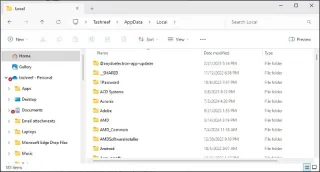
What is the AppData folder in Windows? When should you use it?

What is the AppData folder in Windows? When should you use it?

Have you ever stumbled upon the mysterious AppData folder while rummaging through files on your computer or trying to get a Minecraft mod to work?

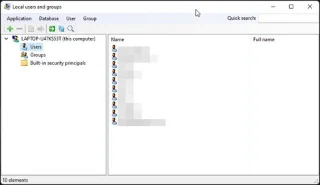
How to enable Local User and Group Management in Windows 11 and 10 Home

How to enable Local User and Group Management in Windows 11 and 10 Home

If you need to use Local Users and Groups Management (lusrmgr.msc) in Windows 11 Home, you'll have to rely on a third-party program.

7 Ways to Fix “Getting Windows Ready” Error on Windows 10

7 Ways to Fix “Getting Windows Ready” Error on Windows 10

Windows has come a long way over the years and has become the choice of millions of computer users around the world. However, Windows 10 computers are still prone to random crashes. A common problem is that Windows gets stuck in a “Getting Windows Ready” loop.

How to Share Wi-Fi Password Using QR Code in Windows 11

How to Share Wi-Fi Password Using QR Code in Windows 11

This guide will show you how to generate a QR code to easily share your Windows 11 PC's Wi-Fi connection with other devices.

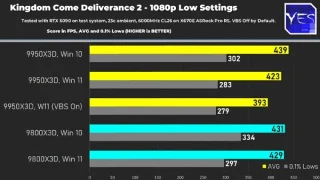
AMD Ryzen 9950X3D/9800X3D on Windows 10 outperforms Windows 11 at Microsoft recommended settings

AMD Ryzen 9950X3D/9800X3D on Windows 10 outperforms Windows 11 at Microsoft recommended settings

After a long wait, the Ryzen 9 9950X3D has finally been officially launched, serving as a strategic product in AMD's top-of-the-line X3D CPU line.

Microsoft Lists Why TPM, Secure Boot Are Mandatory on Windows 11

Microsoft Lists Why TPM, Secure Boot Are Mandatory on Windows 11

More than three years ago, when Microsoft announced Windows 11, the operating system immediately caused a lot of controversy.

3 ways to turn off Windows 11 firewall

3 ways to turn off Windows 11 firewall

In this article, WebTech360 will guide you how to turn off the firewall on Windows 11.

Lost Admin rights on Windows 10, heres how to fix it

Lost Admin rights on Windows 10, heres how to fix it

For some reason, your Windows 10 computer lost Admin rights, every time you open an application on the screen you receive an error message. So how to restore lost Admin rights, please refer to the article below of WebTech360.

< Newer Posts Older Posts >