Why You Probably Dont Need a Third-Party Firewall App on Windows
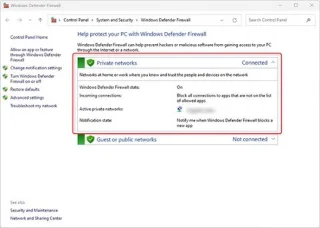
Firewalls are your Windows system's first line of defense against online threats, but is Windows Defender Firewall up to the task?
Firewalls are your Windows system's first line of defense against online threats, but is Windows Defender Firewall up to the task?
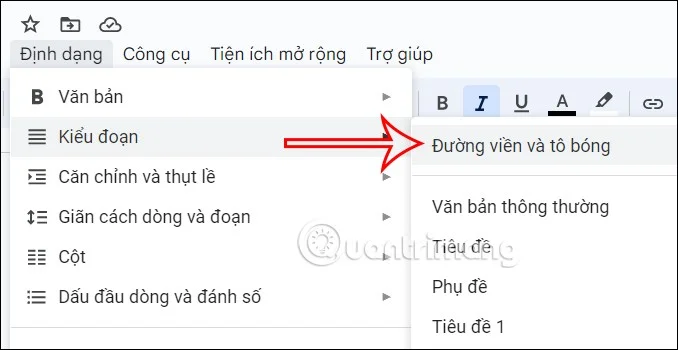
There are many reasons that cause the drop-down menu error on File Explorer Windows 11. Below is a guide to fix the drop-down menu error on File Explorer Windows 11.

This week, Microsoft announced the general availability of Windows Server 2025 along with System Center 2025. At the same time, the company also announced the list of processors that have been confirmed to support Windows Server 2025.

In Windows 11, 10, 8, and 7, you can quickly copy a partition to a different drive using the flexible disk cloning tool AOMEI Partition Assistant.
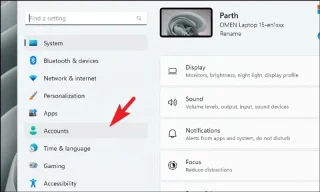
Do you want to set a password to log in to your computer to limit other people from using your computer? This article will help you do that.
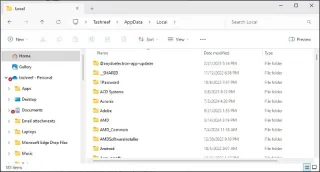
Have you ever stumbled upon the mysterious AppData folder while rummaging through files on your computer or trying to get a Minecraft mod to work?
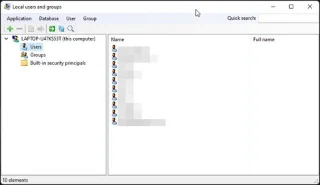
If you need to use Local Users and Groups Management (lusrmgr.msc) in Windows 11 Home, you'll have to rely on a third-party program.
Windows has come a long way over the years and has become the choice of millions of computer users around the world. However, Windows 10 computers are still prone to random crashes. A common problem is that Windows gets stuck in a “Getting Windows Ready” loop.
This guide will show you how to generate a QR code to easily share your Windows 11 PC's Wi-Fi connection with other devices.
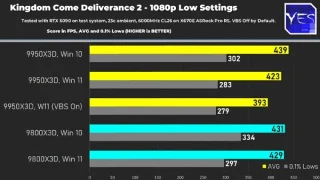
After a long wait, the Ryzen 9 9950X3D has finally been officially launched, serving as a strategic product in AMD's top-of-the-line X3D CPU line.
More than three years ago, when Microsoft announced Windows 11, the operating system immediately caused a lot of controversy.
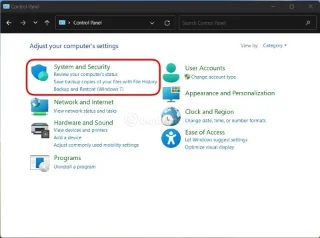
In this article, WebTech360 will guide you how to turn off the firewall on Windows 11.
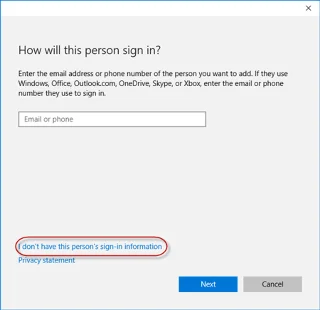
For some reason, your Windows 10 computer lost Admin rights, every time you open an application on the screen you receive an error message. So how to restore lost Admin rights, please refer to the article below of WebTech360.
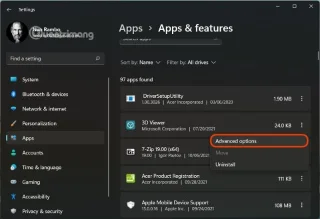
You can turn off Windows 11 background apps to optimize performance, save battery and reduce RAM consumption.
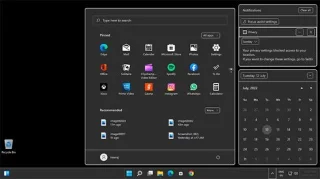
There are a lot of themes available for Windows 11, but dark themes have a special appeal, as they are truly unique.
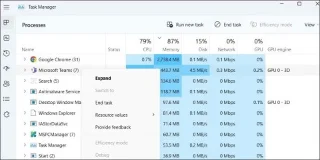
Does your GPU usage spike to 100% even when you run less resource-intensive processes on your device? Does your game lag, stutter, and sometimes freeze even though your hardware is top-notch?
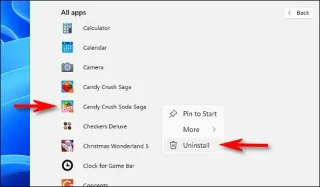
Besides installation, uninstalling applications is also one of the important tasks on any computer system.
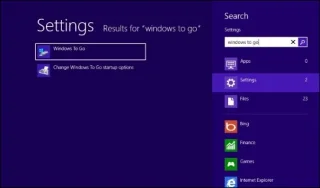
Windows To Go is a useful feature to install Windows 8, 10 on USB.
This tool will help you easily install Windows 11 on older computer models.
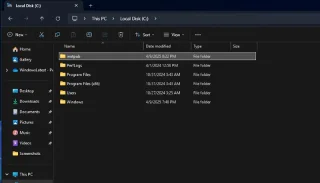
If you accidentally deleted the inetpub folder, don't worry too much as the error mainly comes from Microsoft not making it clear from the beginning.
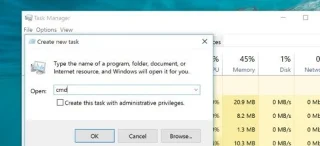
Opening the command line, opening Cmd or opening Command Prompt on Windows is not difficult, but do you know all the ways to open this command line interface? Please refer to the 12 ways to open CMD below.
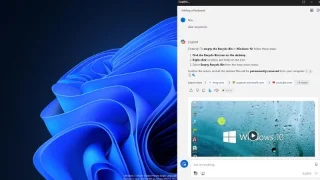
Despite being available on Windows, Copilot doesn't do anything spectacular beyond presenting web results in a summary format. But why doesn't it do more than that, and is that going to change soon?
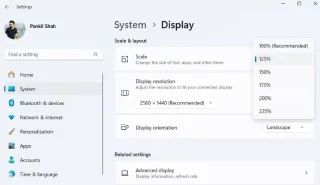
Over time, many people have discovered ways to optimize their Windows computers to make them more comfortable to use for long periods of time.
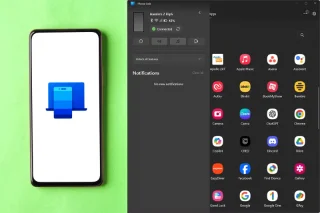
Some of these features can be useful—and even worth Windows invading your privacy a little.
Microsoft has finally announced the official support list for Windows 11 version 24H2.
Did you know that you can display seconds on the Taskbar? If not, read this article to learn how!
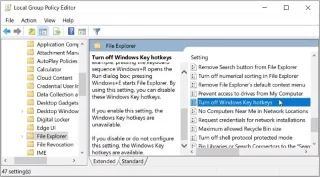
You are using your Windows PC and suddenly press some shortcut key which randomly opens a program or activates a strange feature. Even worse, you may have accidentally closed your software programs due to accidentally pressing the hotkey.
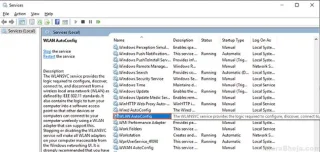
Some Windows 10 users are reporting that there is an issue with WiFi networks not showing up on Windows 10. Now, this error can occur due to a variety of reasons, starting from an old/incompatible WiFi driver to a corrupted registry.
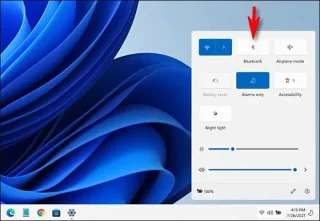
This article will guide you through the ways to enable Bluetooth on Windows 11 to connect to wireless accessories with just a few simple steps.
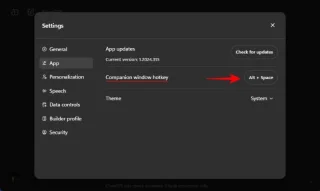
If the shortcut key to open ChatGPT on Windows does not suit your operation, you can change the shortcut key in ChatGPT to your liking through the instructions below.